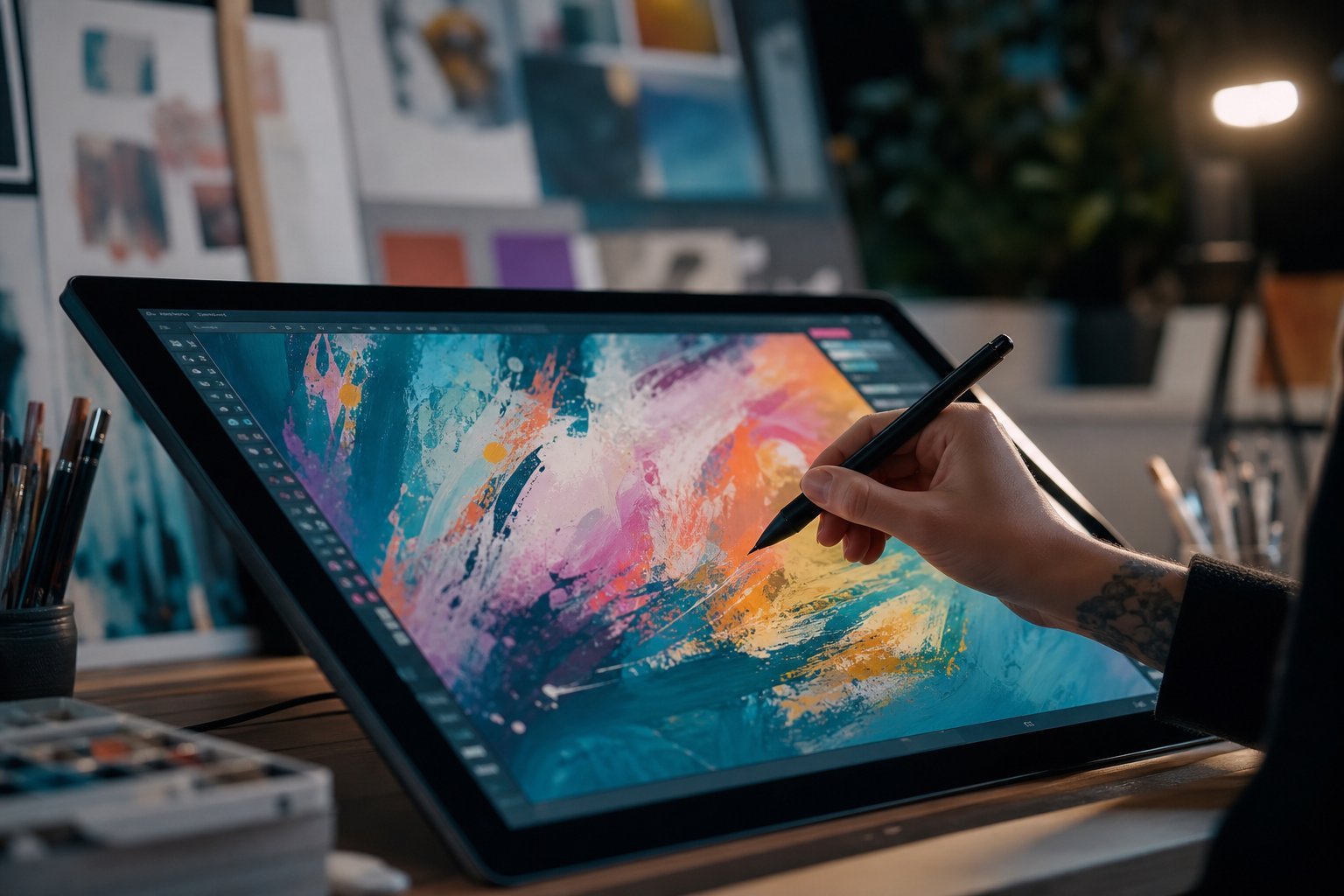
You've probably seen the images — a photo-realistic portrait of someone who doesn't exist, a painting in the style of a long-dead artist, a logo created in seconds from a sentence. AI art generators have gone from a curiosity to a creative tool that anyone can use, and they're changing how images get made.
If you're new to this, the whole thing can feel a bit magical and a bit confusing. So let's clear it up: this guide explains what AI art generators are, how they work in plain terms, what you can actually create with them, and the important things to know before you start.
What we'll cover
What AI art generators are How they work (simply) The popular tools Writing prompts that get great results Real uses: images, art, design & more Copyright, ethics & what to watch out forWhat AI art generators are
An AI art generator is a program that creates images from a written description called a prompt. You type something like "a red fox sitting in a snowy forest at sunrise, realistic" and within seconds it produces an image matching your description.
These tools are a type of generative AI — the same broad family as chatbots like ChatGPT, but instead of generating text, they generate images. They're built by training on enormous collections of images paired with text descriptions, learning the connection between words and visual features.
💡 The key idea
AI image generators translate your words into pictures. They've learned, from billions of examples, what things like "snowy forest," "sunrise" and "photorealistic" tend to look like — and they combine those concepts to create something new.
How they work (simply)
You don't need the technical details to use them, but a little understanding helps you get better results. Most modern AI image tools use a technique called a diffusion model. Here's the plain-English version:
That's why the process takes a few seconds and why small tweaks to your prompt can change the result significantly. The model is essentially "sculpting" an image out of noise, guided by your words.
The popular tools
Several AI image generators are available, with different strengths. Here are the ones you'll hear about most:
| Tool | Best known for | Access |
|---|---|---|
| DALL·E (via ChatGPT) | Good all-rounder, great prompt understanding | Web/mobile, easy |
| Midjourney | Stunning, artistic, stylized images | Discord-based |
| Stable Diffusion | Open-source, highly customizable | More technical |
| Google Imagen / Gemini | Photorealistic, integrates with Google | Web/app |
| Bing Image Creator | Free, uses DALL·E tech, easy | Free web |
For a beginner, a tool that runs in the browser (like Bing Image Creator or DALL·E through ChatGPT) is the easiest place to start. You can also start free on most of them, with a limited number of images per day.
Writing prompts that get great results
Just like with chatbots, the quality of your image depends on your prompt. Good image prompts are descriptive and include details about the subject, style, and look. Here's how to build one:
For example, instead of "a car," try: "a vintage red sports car parked on a coastal road at sunset, cinematic lighting, photorealistic, high detail, wide shot."
✨ Iterate, don't settle
Your first image won't always be perfect. That's normal. Change a word or two, add a detail, or re-roll, and you'll refine toward what you want. Experimentation is part of the fun.
Real uses: images, art, design & more
People use AI image generators for all kinds of practical purposes:
- Social media content — custom images and thumbnails for posts without stock-photo fees.
- Design mockups — visualizing ideas for logos, products, room decor or websites before committing.
- Personal art and gifts — creating custom artwork, wall art, or themed images for friends and family.
- Storytelling and presentations — illustrations for blog posts, school projects, or slideshows.
- Creative exploration — turning wild ideas into images just to see what they'd look like.
- Learning design — exploring color palettes, styles and compositions.
The practical value is huge: you can go from idea to visual in seconds, without design skills or expensive software.
Copyright, ethics & what to watch out for
This is the part you should know before diving in. AI image generation raises real questions, and being informed is important:
- Copyright of AI images varies by platform. Some tools give you broad rights to your images; others have restrictions on commercial use. Always check each tool's terms before using generated images in business or selling them.
- Don't generate images of real people without consent. Creating realistic fake images of real individuals is problematic, can be harmful, and in some cases illegal (especially deepfakes).
- Be careful with sensitive or copyrighted subjects. Generating a famous artist's style or a real celebrity can raise legal and ethical issues.
- Not everything is appropriate. Don't generate harmful, violent, hateful, or deceptive content.
⚠️ Check before you use commercially
Before using AI-generated images on a product, brand or business, read the tool's licensing terms and verify you have the rights. Rules differ between platforms, and what's fine for a personal project may not be for commercial use.
📌 Bottom line
AI art generators turn your words into images in seconds, and they're now easy enough for anyone to use. Start with a descriptive prompt — subject, setting, style, mood — and refine from there. They're fantastic for creative projects and design mockups. Just use them responsibly, check licensing for commercial use, and never create deceptive or harmful images. With those basics, you're ready to start creating.