
 Computing
A Laptop for Both Gaming and Work: Find the Right Balance
A Laptop for Both Gaming and Work: Find the Right Balance

Laptops, desktops, PC builds and speed-up solutions for work, study and everyday use.
Computing
A Laptop for Both Gaming and Work: Find the Right Balance
 Computing
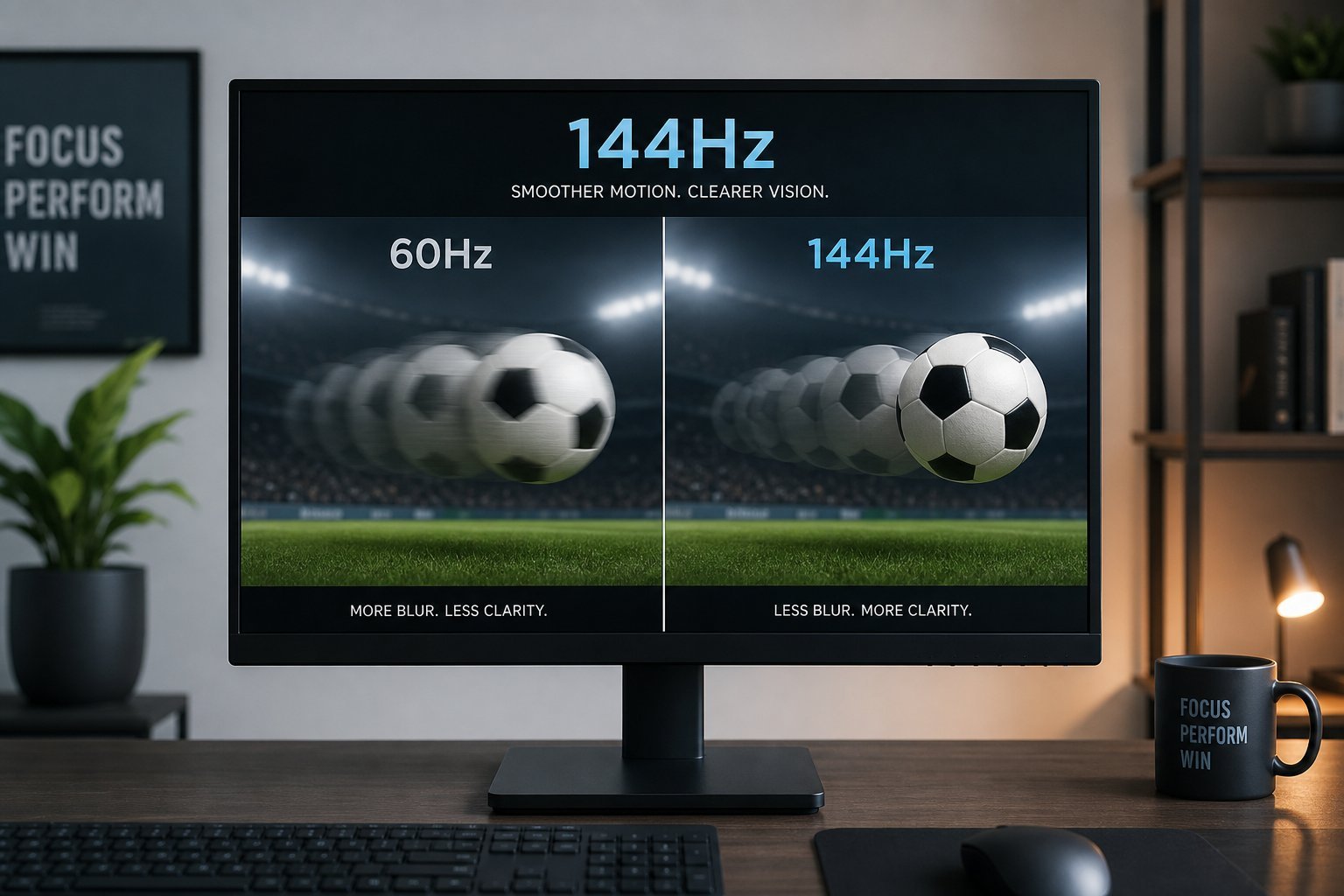
Refresh Rate Explained: What It Is & Why It Matters
 Computing
Choosing a Laptop for Travel: Portability, Battery & Durability
 Computing
Choosing a Laptop for Programming: Specs & OS That Matter
 Computing
How to Choose a Printer: Inkjet vs Laser & the Ink Trap
 Computing
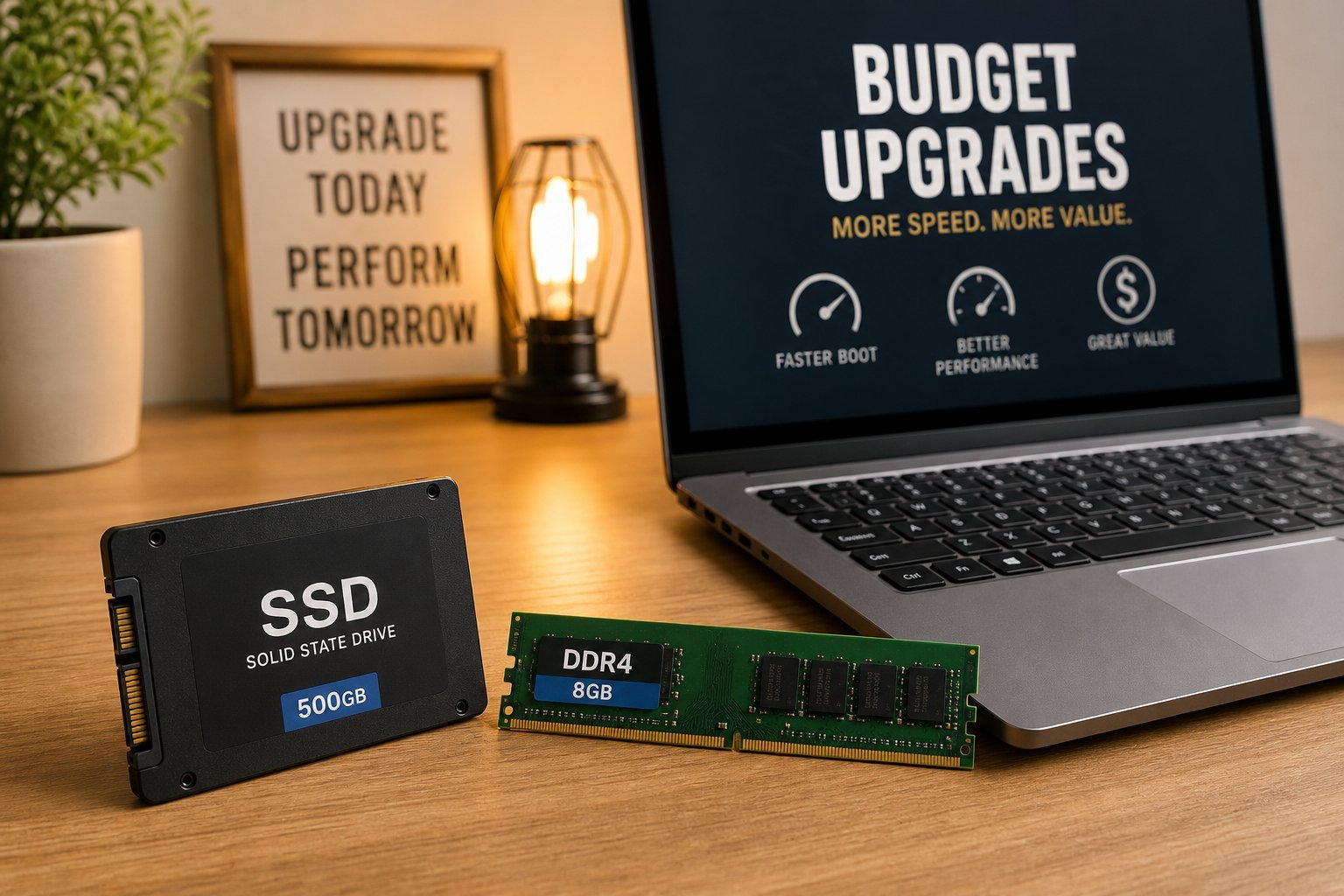
Budget-Friendly Tech Upgrades: Big Gains for Little Money
 Computing
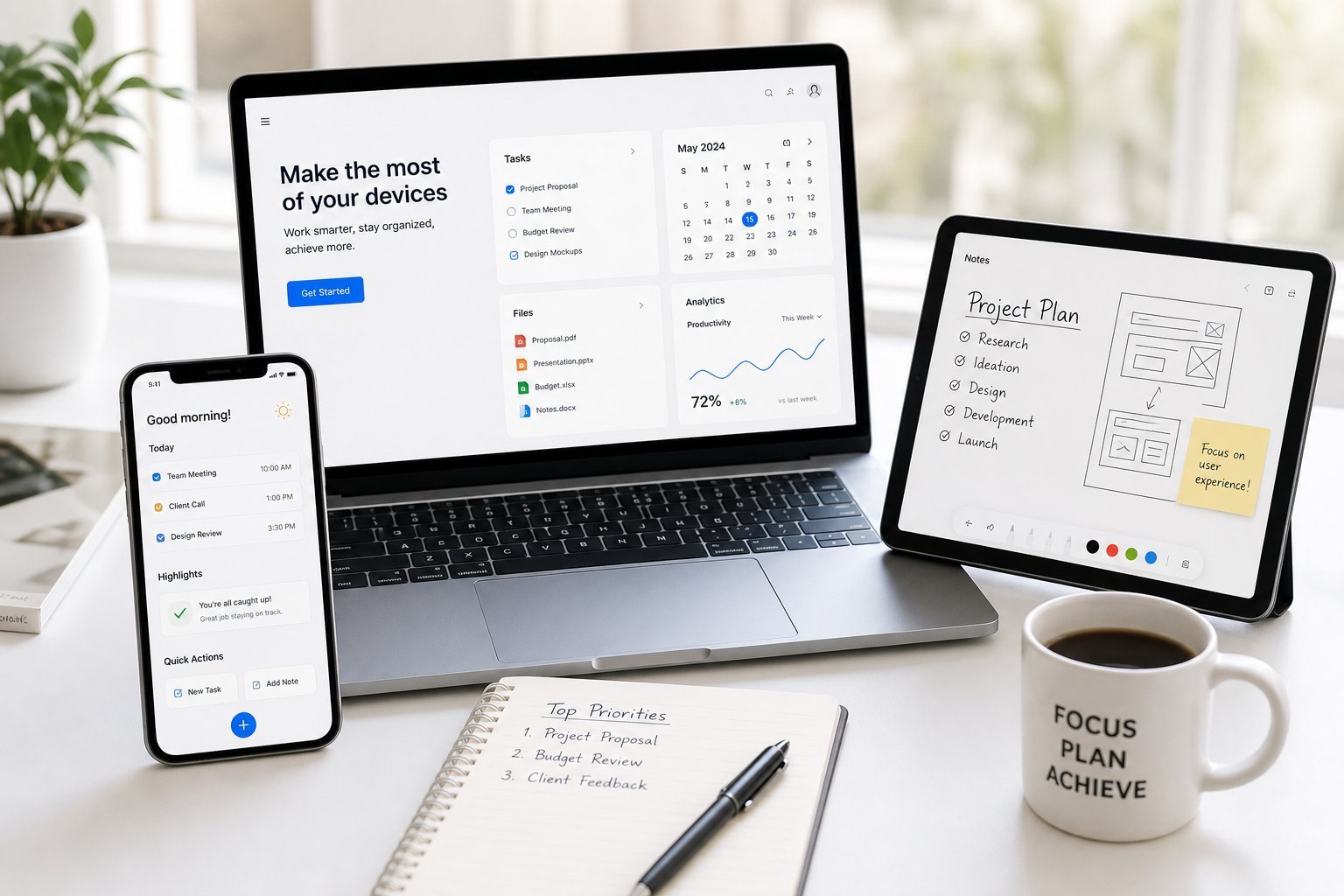
Get the Most From Your Devices: Learn, Use & Maintain
 Computing
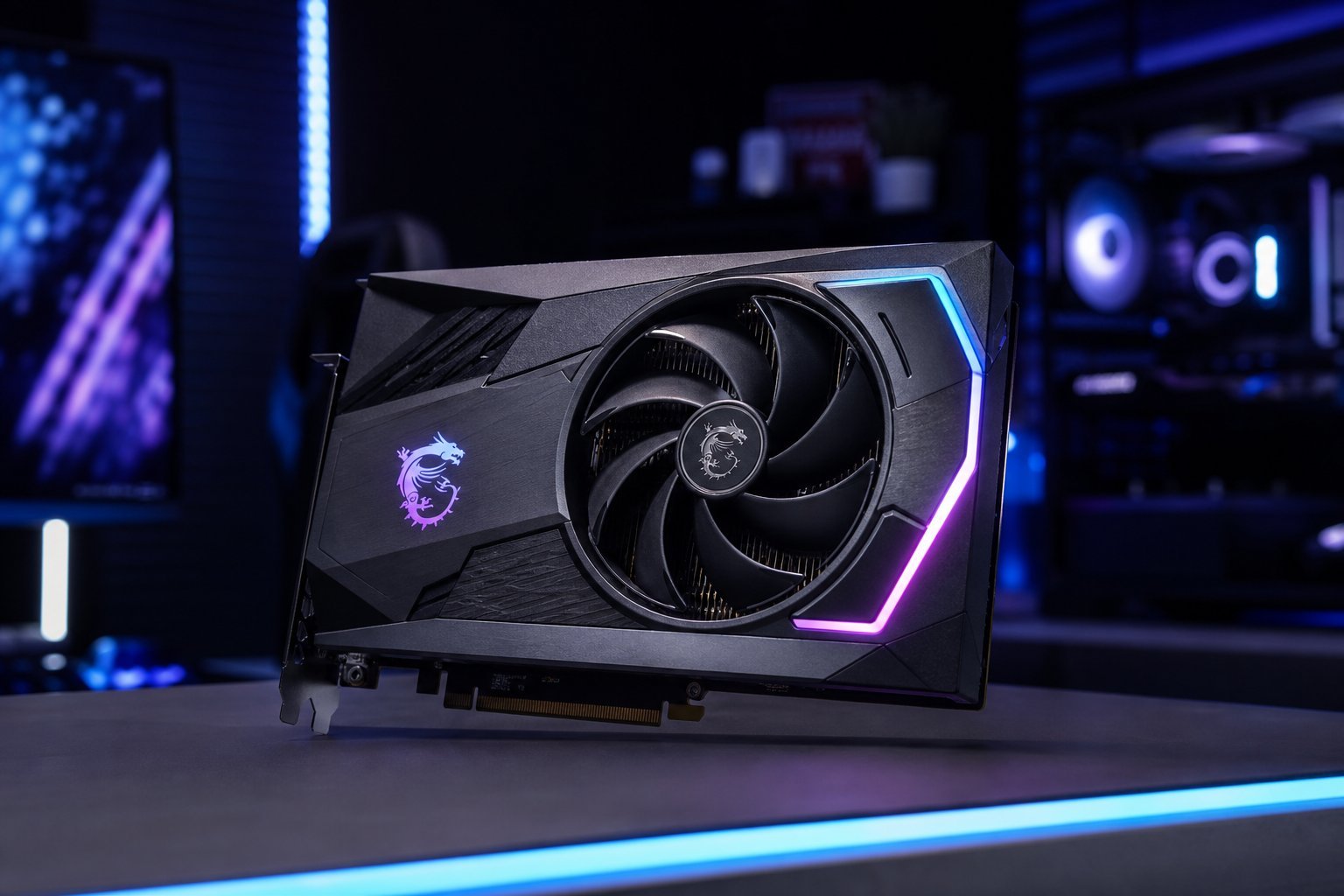
How to Choose a Graphics Card: Tiers, VRAM & Value
 Computing
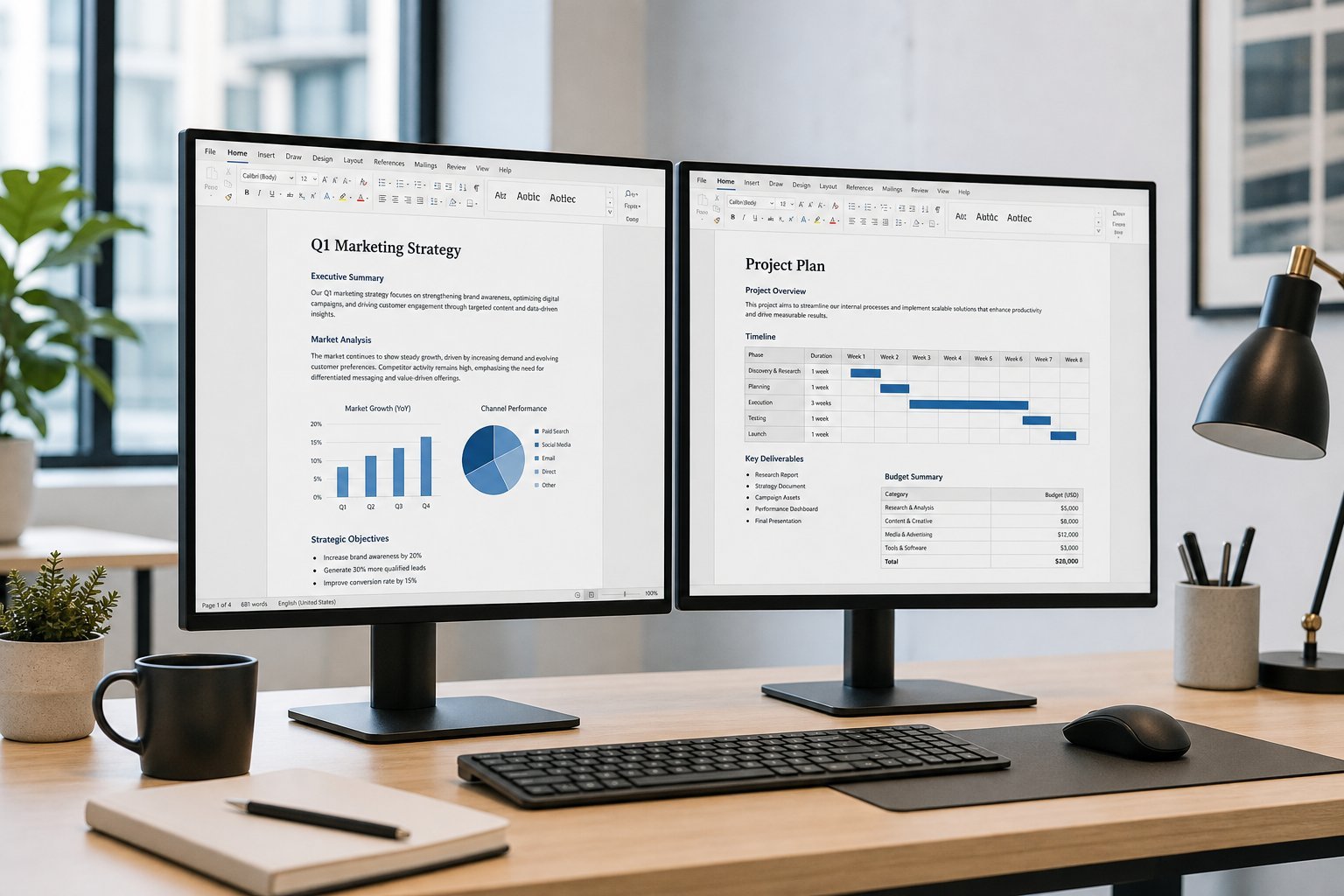
Set Up a Second Monitor: More Space for Productivity
 Computing
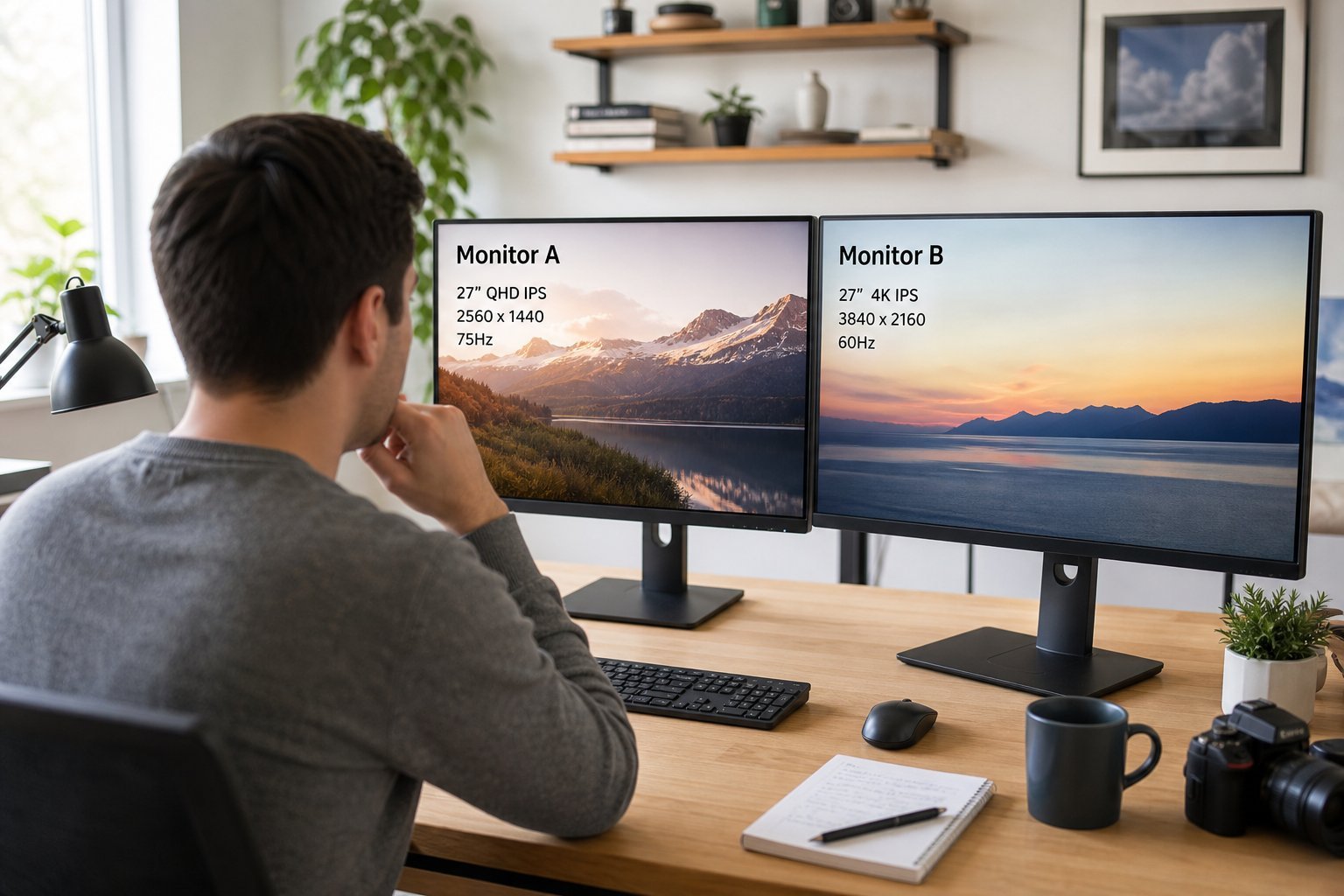
A Monitor for Both Gaming and Work: The Perfect Balance
 Computing
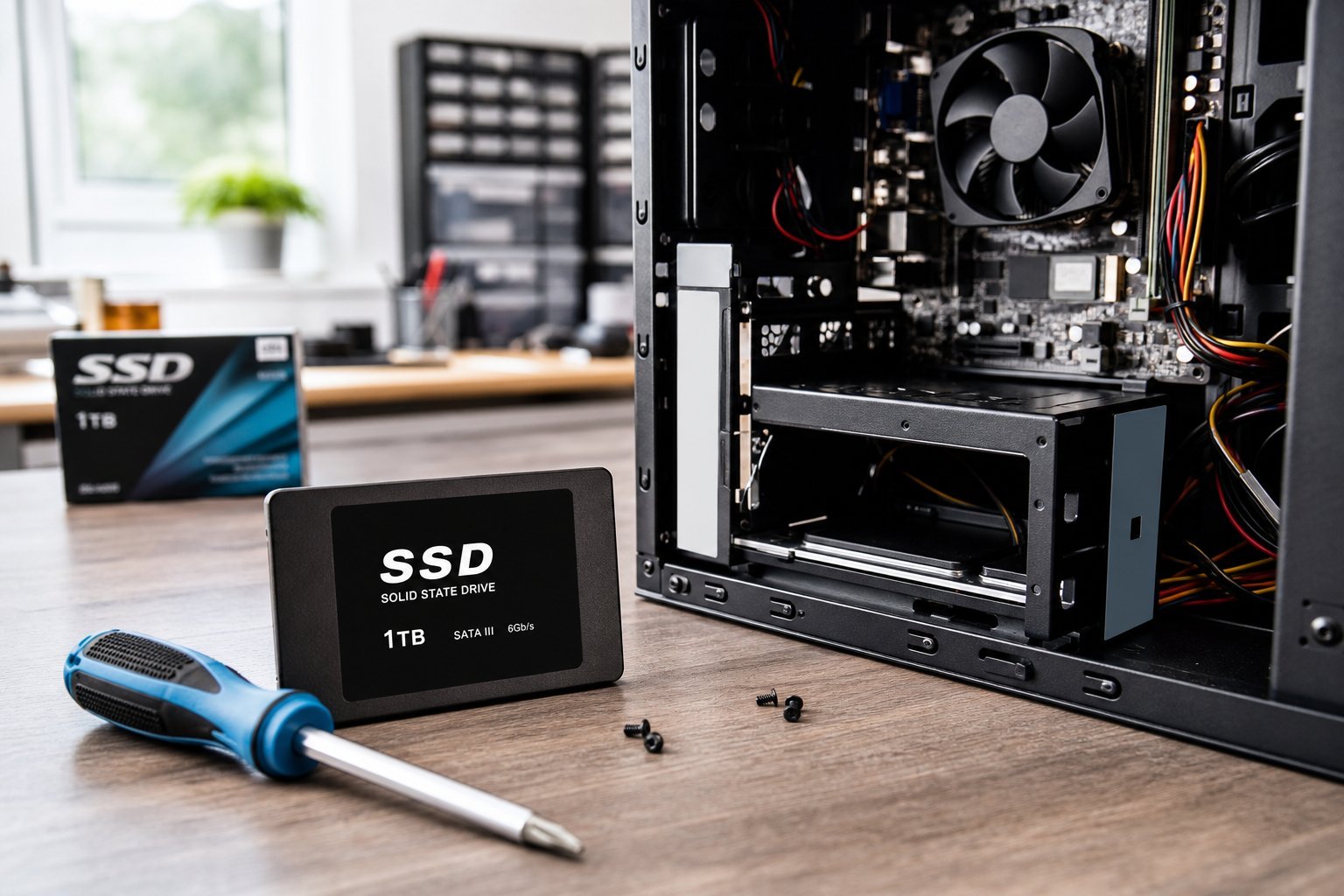
Upgrade Your Desktop's Storage: More Space or More Speed
 Computing
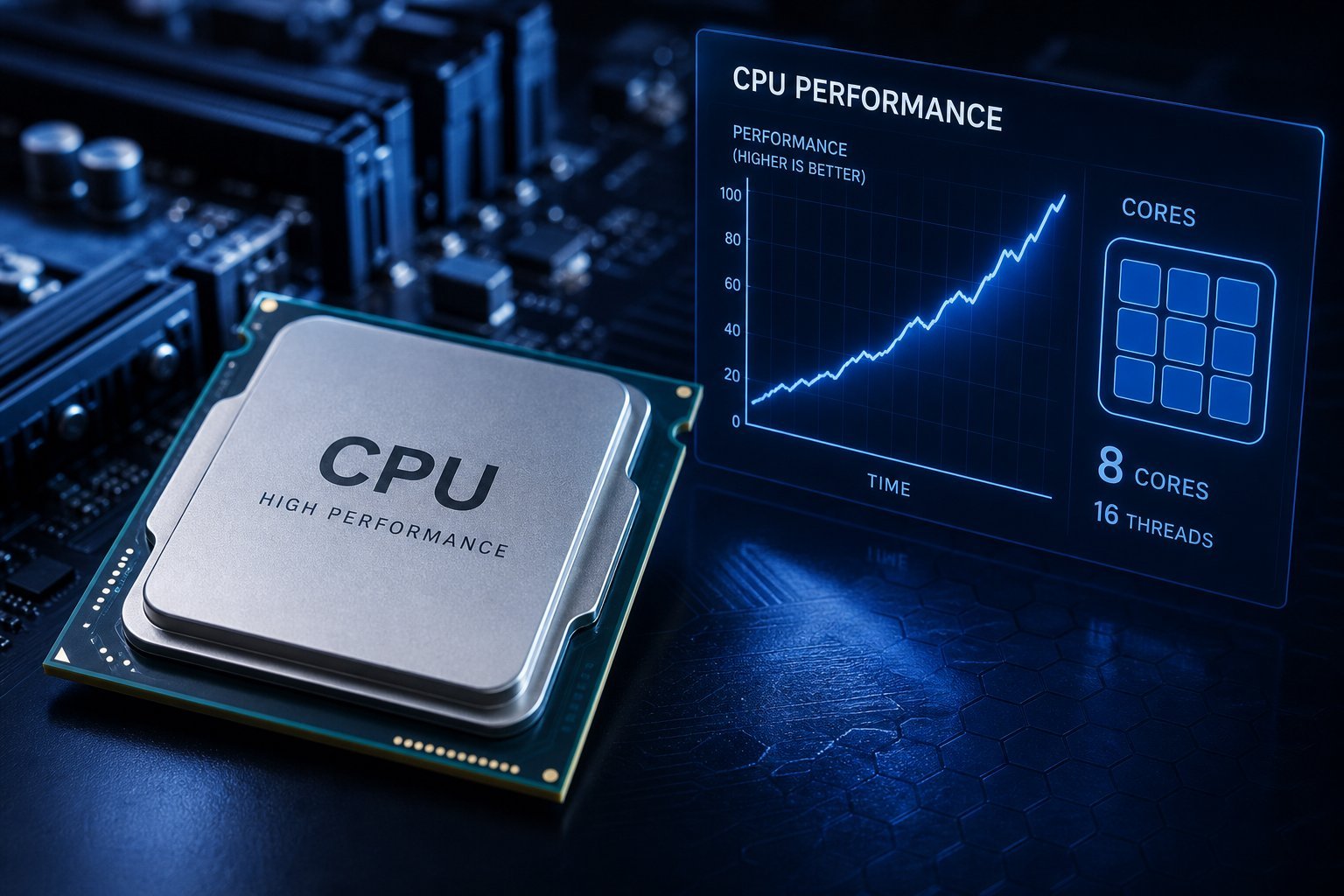
CPU Performance Explained: Cores, Clock Speed & More
 Computing
How to Choose a Laptop in 2026: A Stress-Free Buying Guide
 Computing
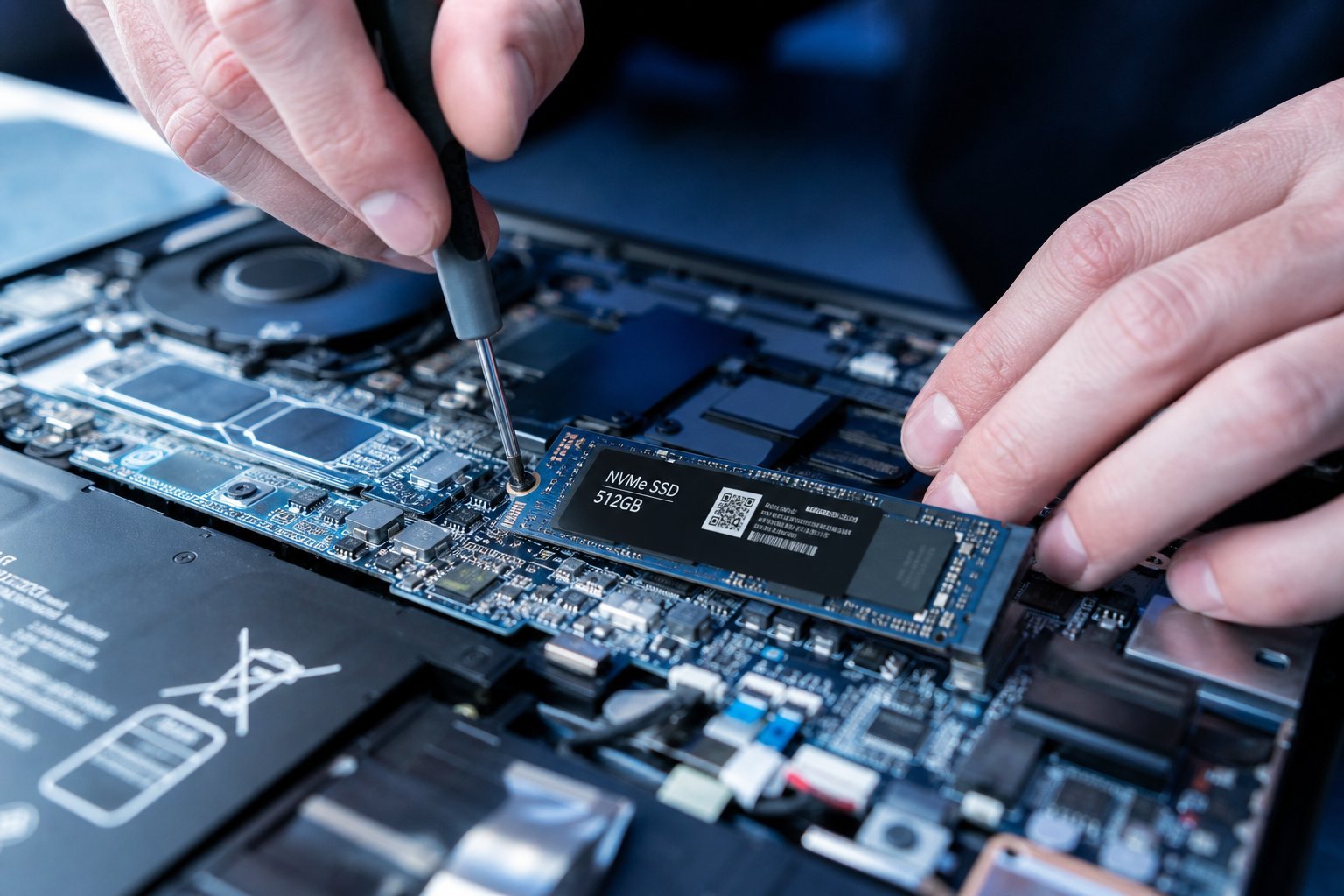
SSD Upgrade Guide: Give Your Old PC a Second Life
 Computing
Choosing an Office Computer: Specs That Matter & How to Pick
 Computing
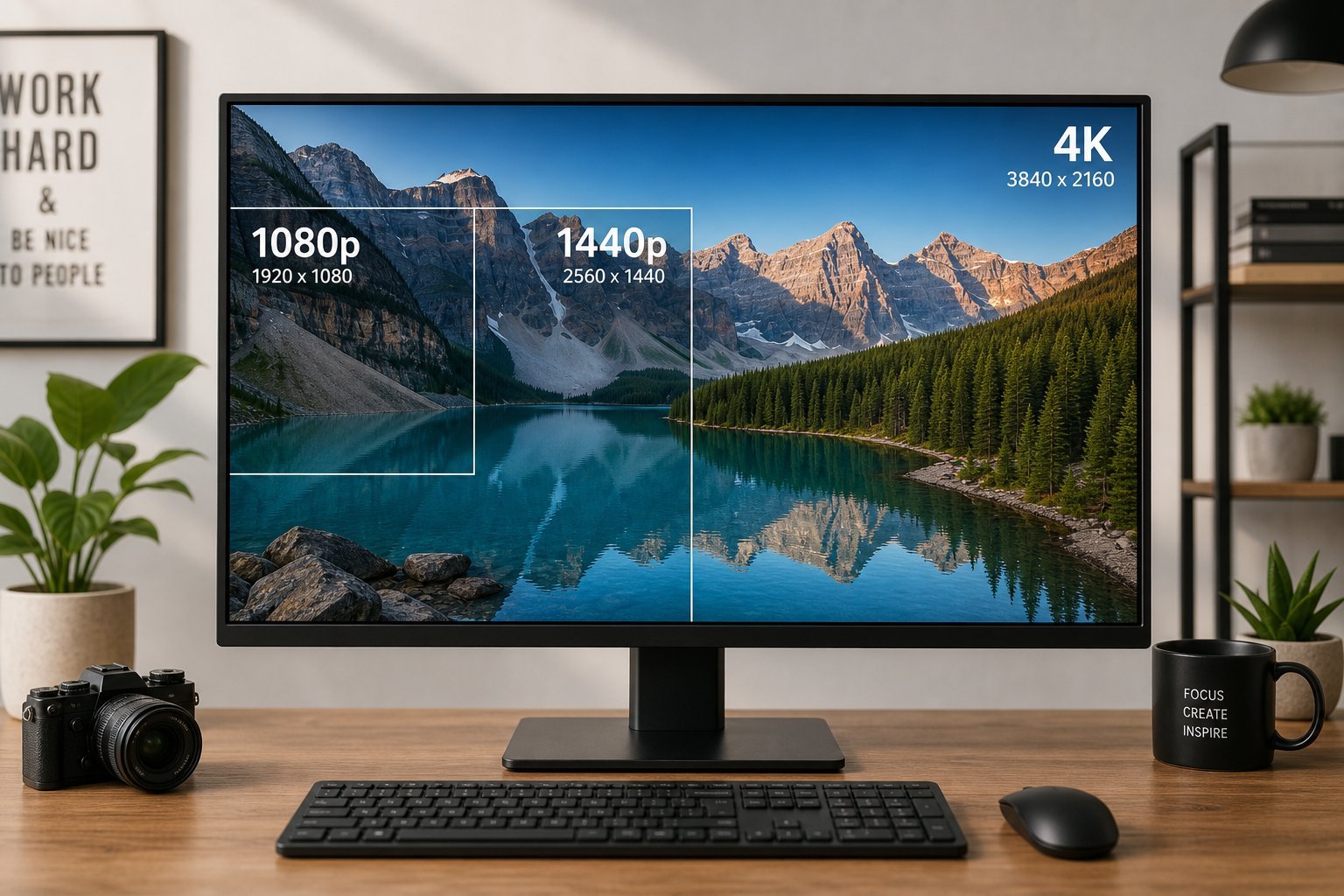
Screen Resolution Explained: 1080p, 1440p, 4K & What Matters
 Computing
How to Choose a Headset: Types, Features & What Matters
 Computing
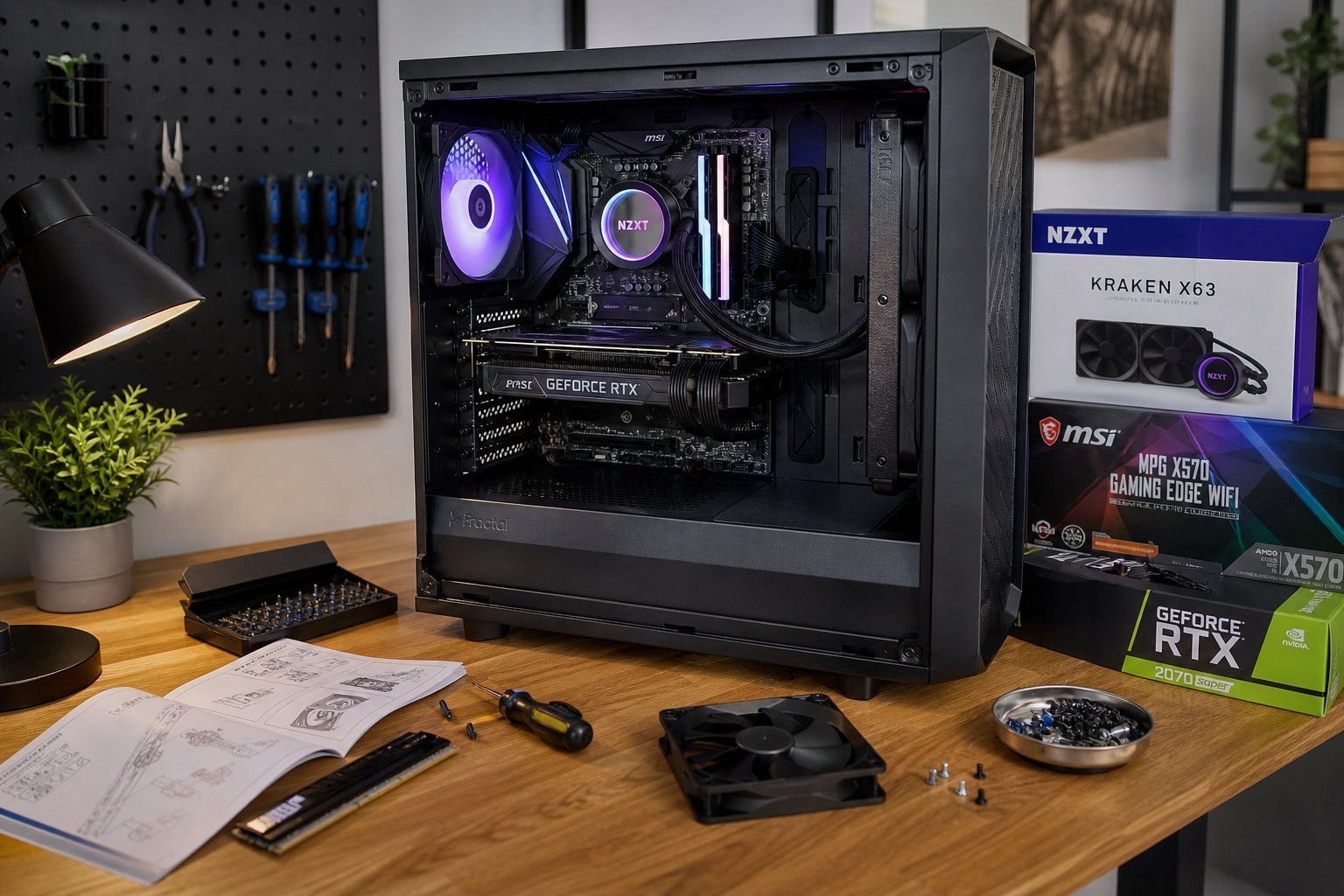
Build Your Own PC: The Complete First-Time Builder's Guide
 Computing
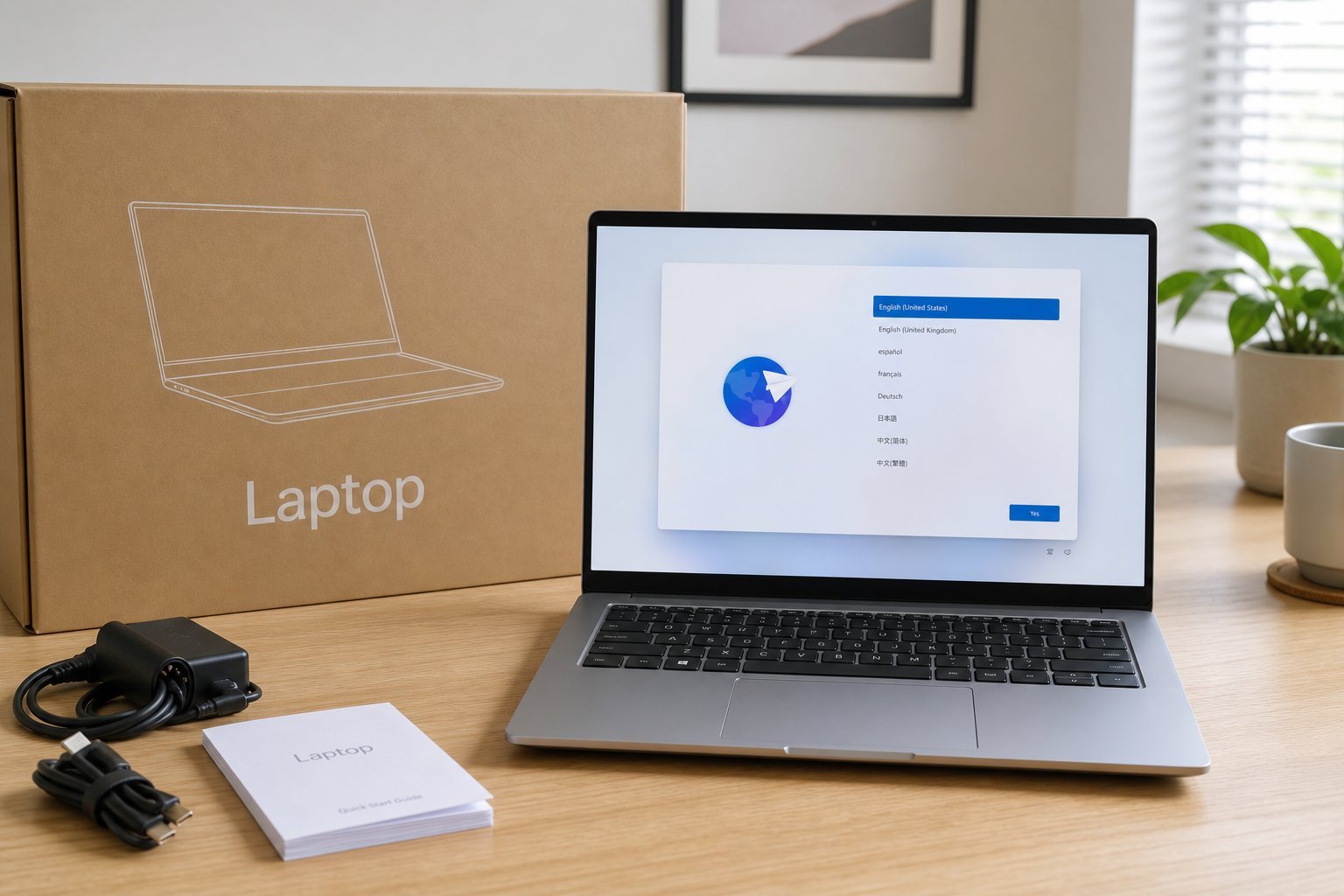
Set Up a New Computer the Right Way: A Step-by-Step Guide
 Computing
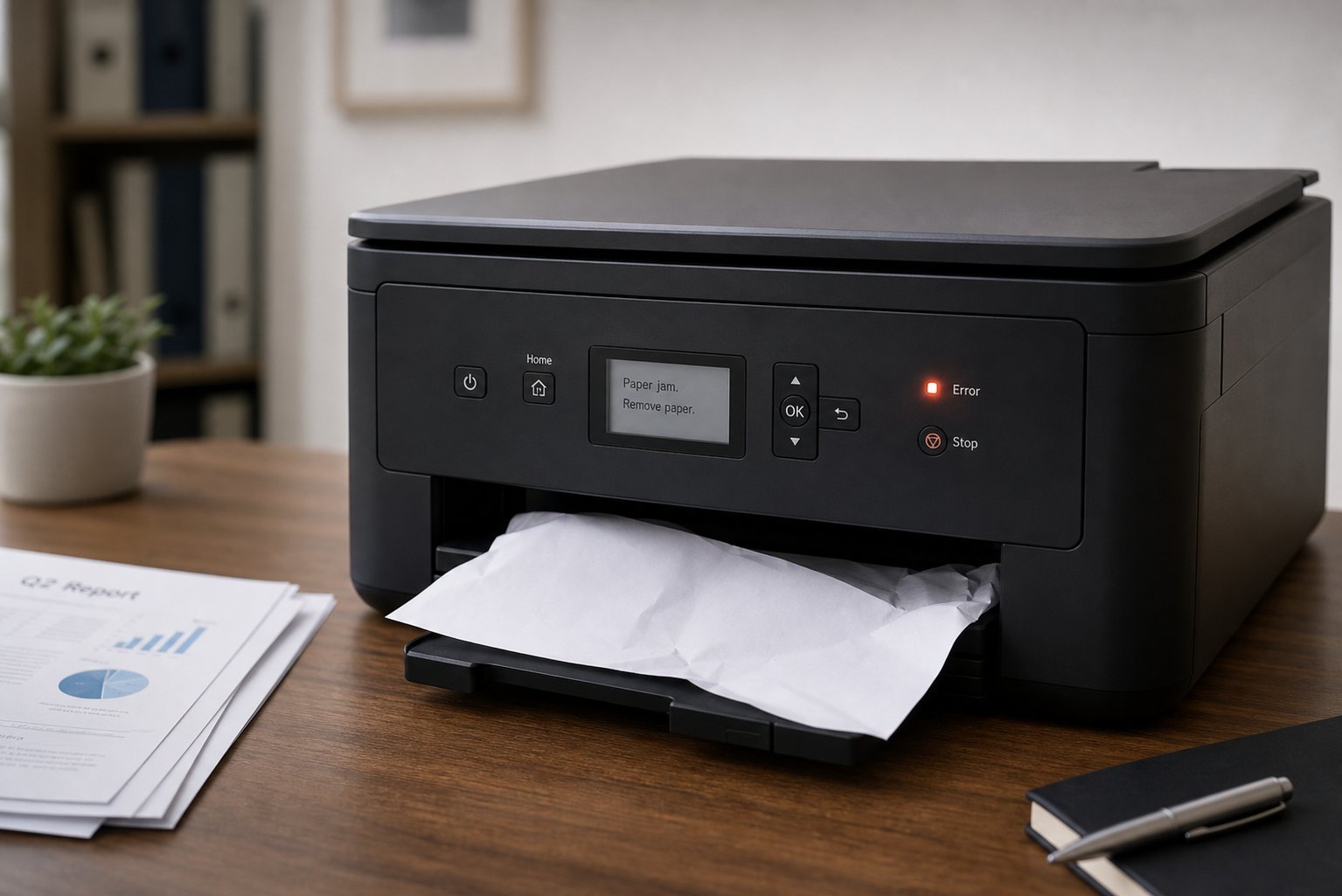
Printer Won't Print or Offline? Fix Common Printer Problems
 Computing
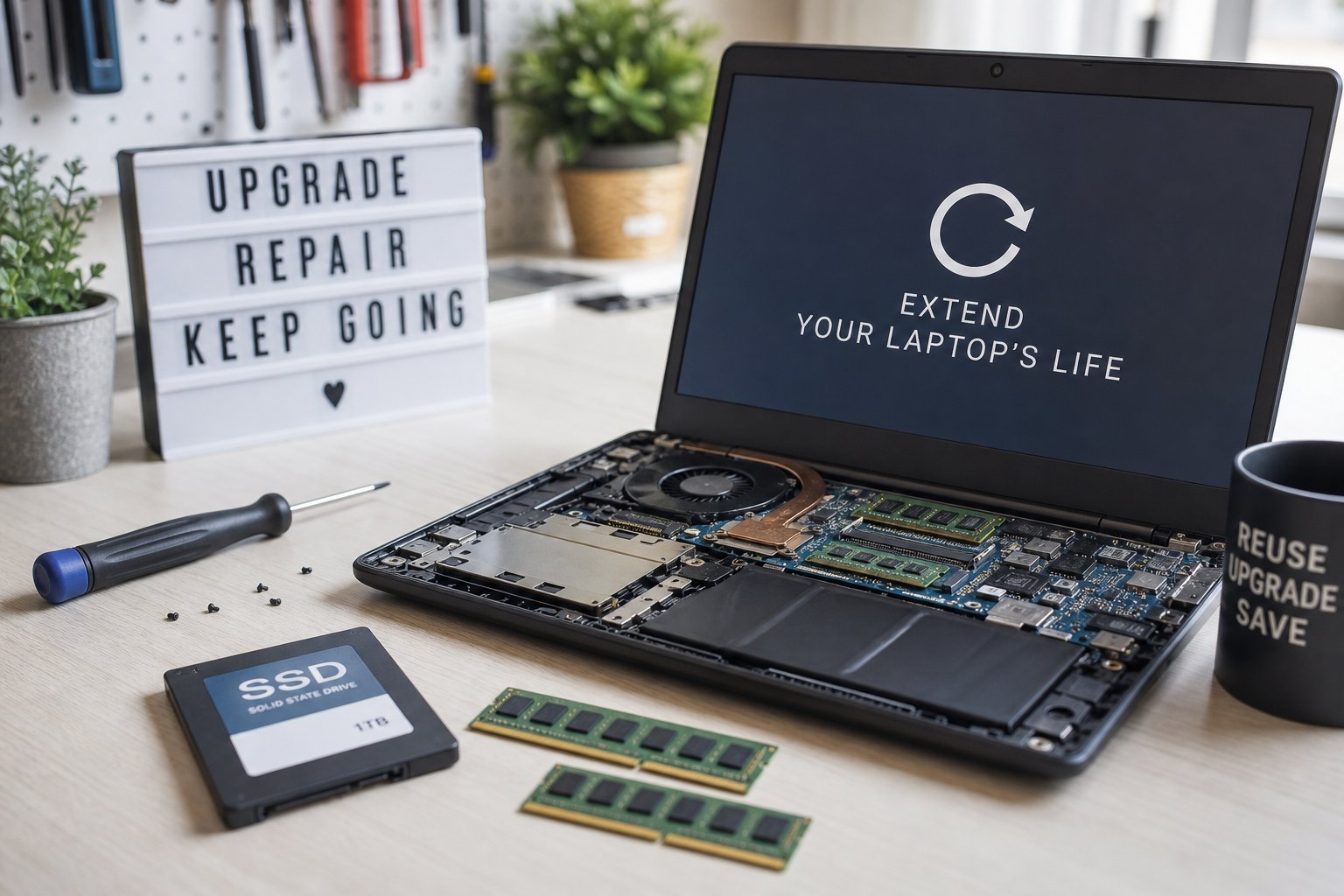
Extend Your Laptop's Life: Protect, Maintain & Upgrade
 Computing
E-Waste & Recycling: Dispose of Electronics Responsibly
 Computing
How to Learn a New Tech Skill: A Practical Framework
 Computing
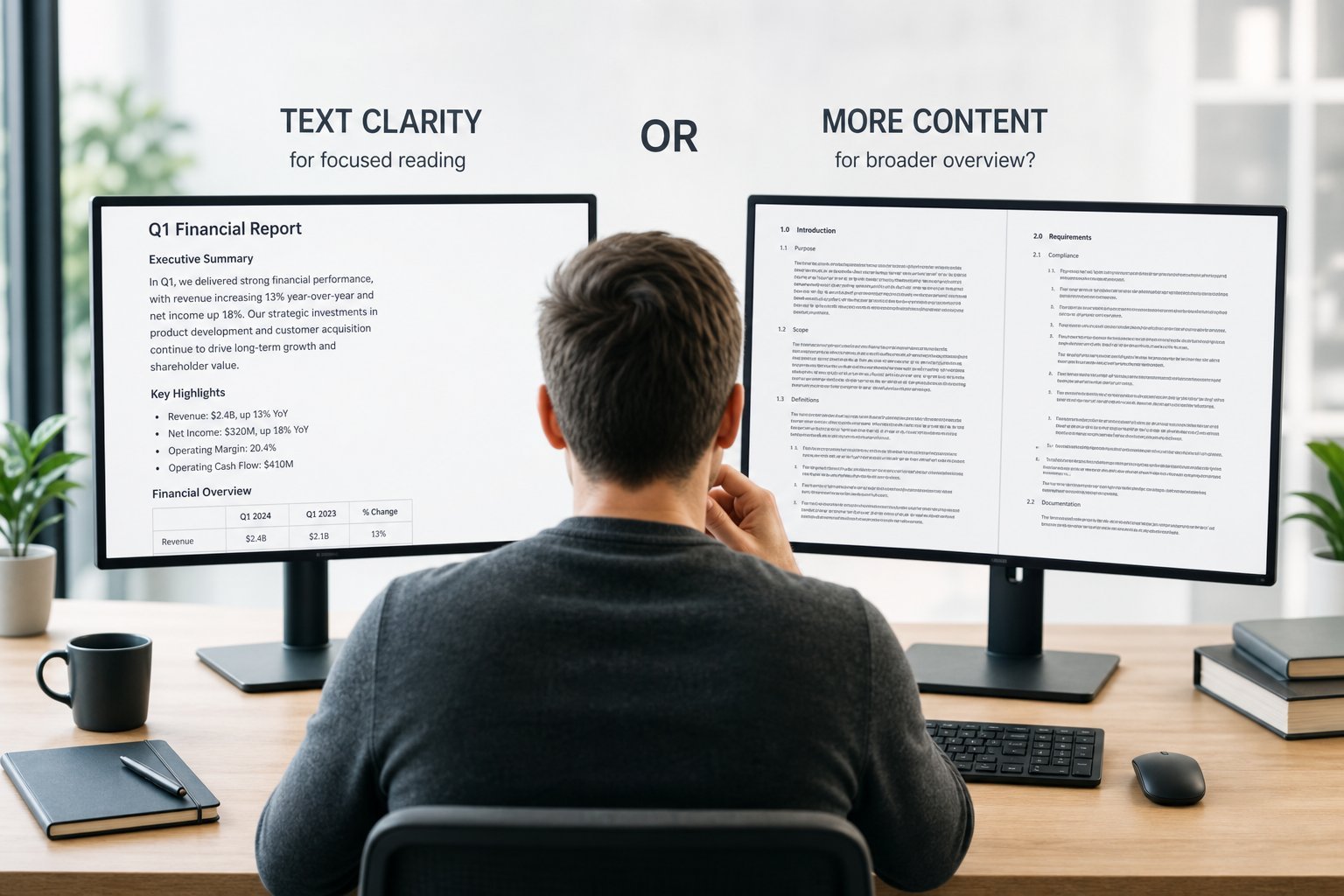
Choosing a Monitor for Work: Readability, Comfort & Space
 Computing
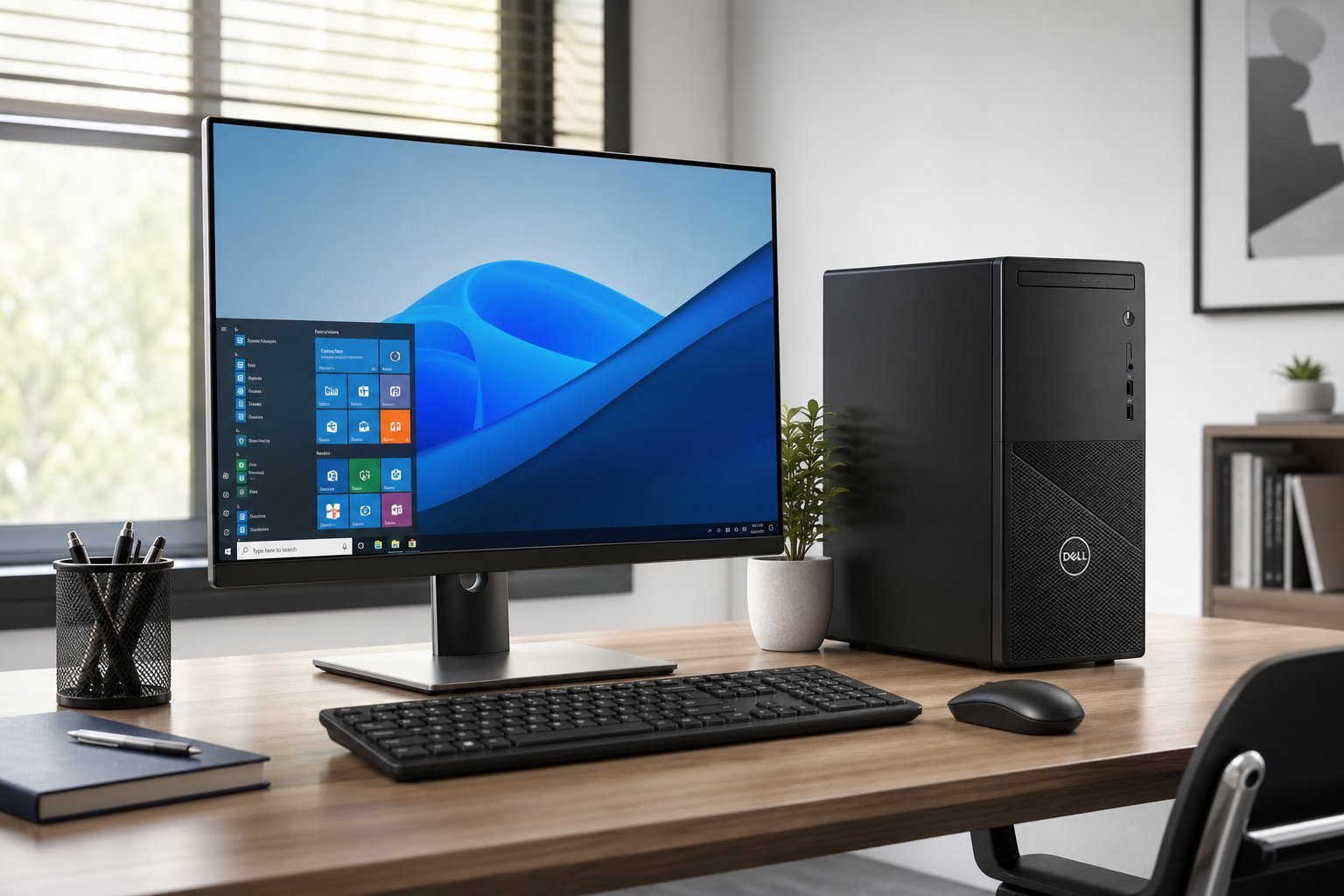
Buying a Desktop Computer: What Matters & How to Choose
 Computing
Tech for Students: The Essential Laptop, Apps & Habits
 Computing
Managing Family Tech: Shared Devices, Accounts & Rules
 Computing
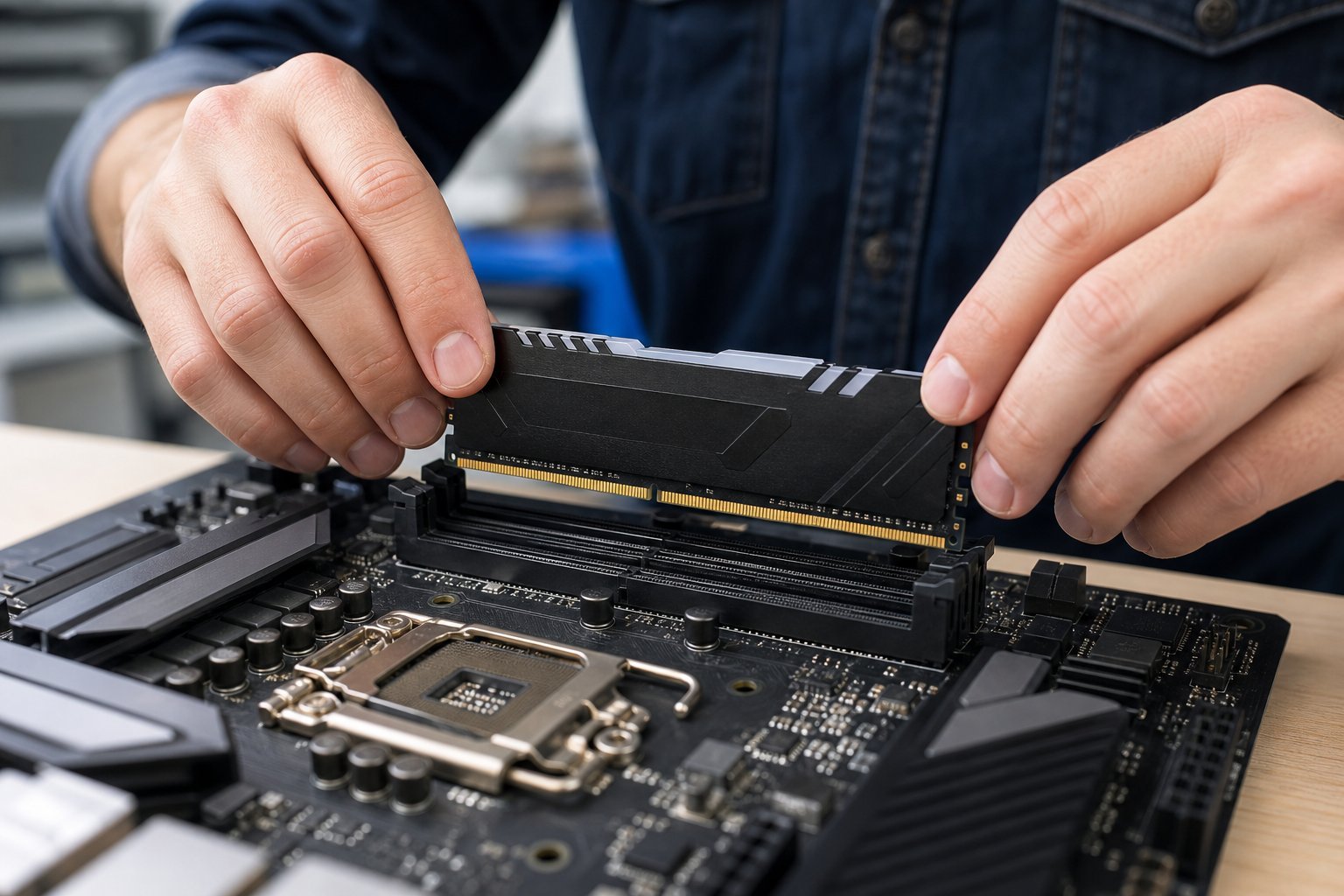
How to Upgrade Your PC's RAM: Check, Choose & Install
 Computing
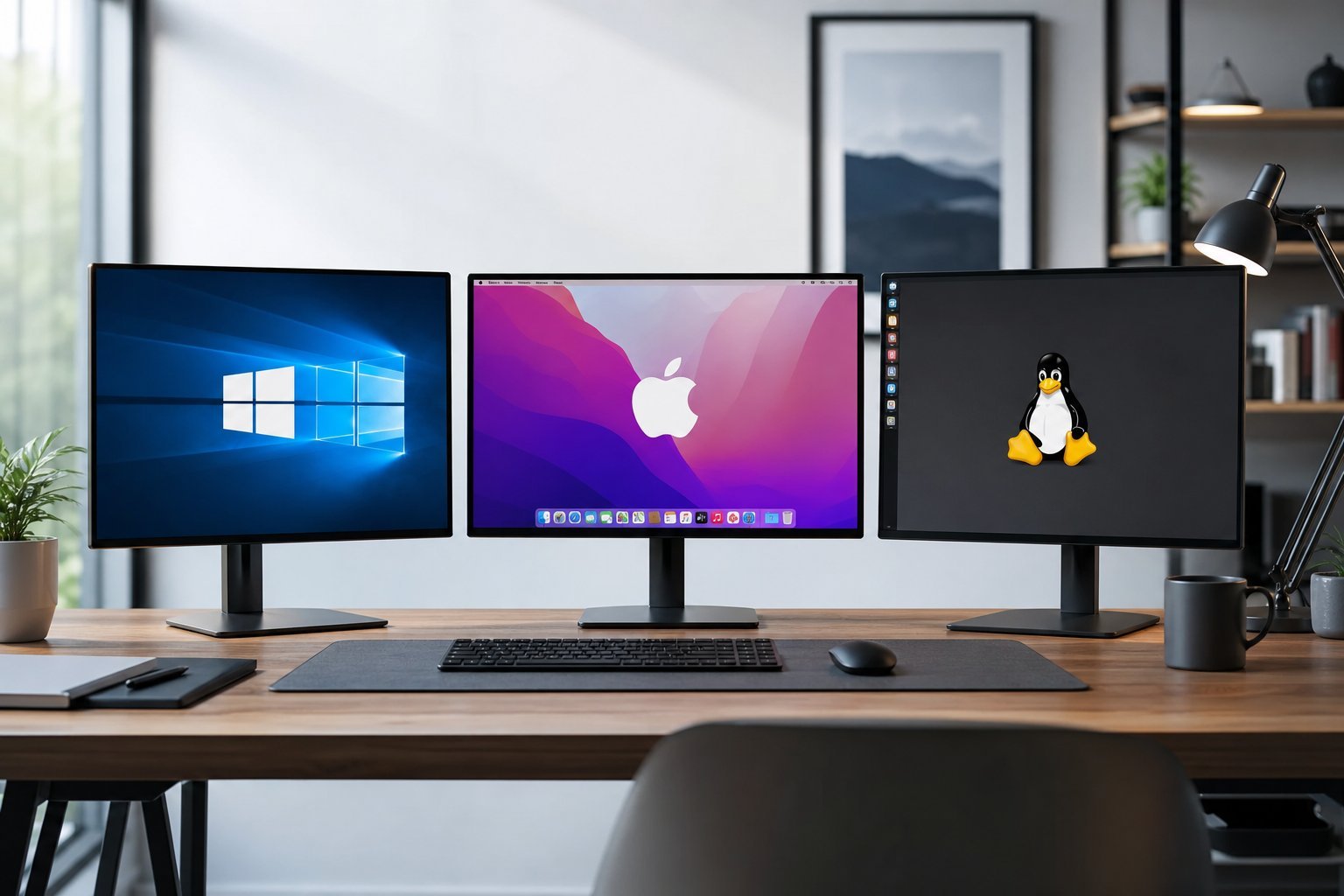
Choosing an Operating System: Windows, macOS, ChromeOS & Linux
 Computing
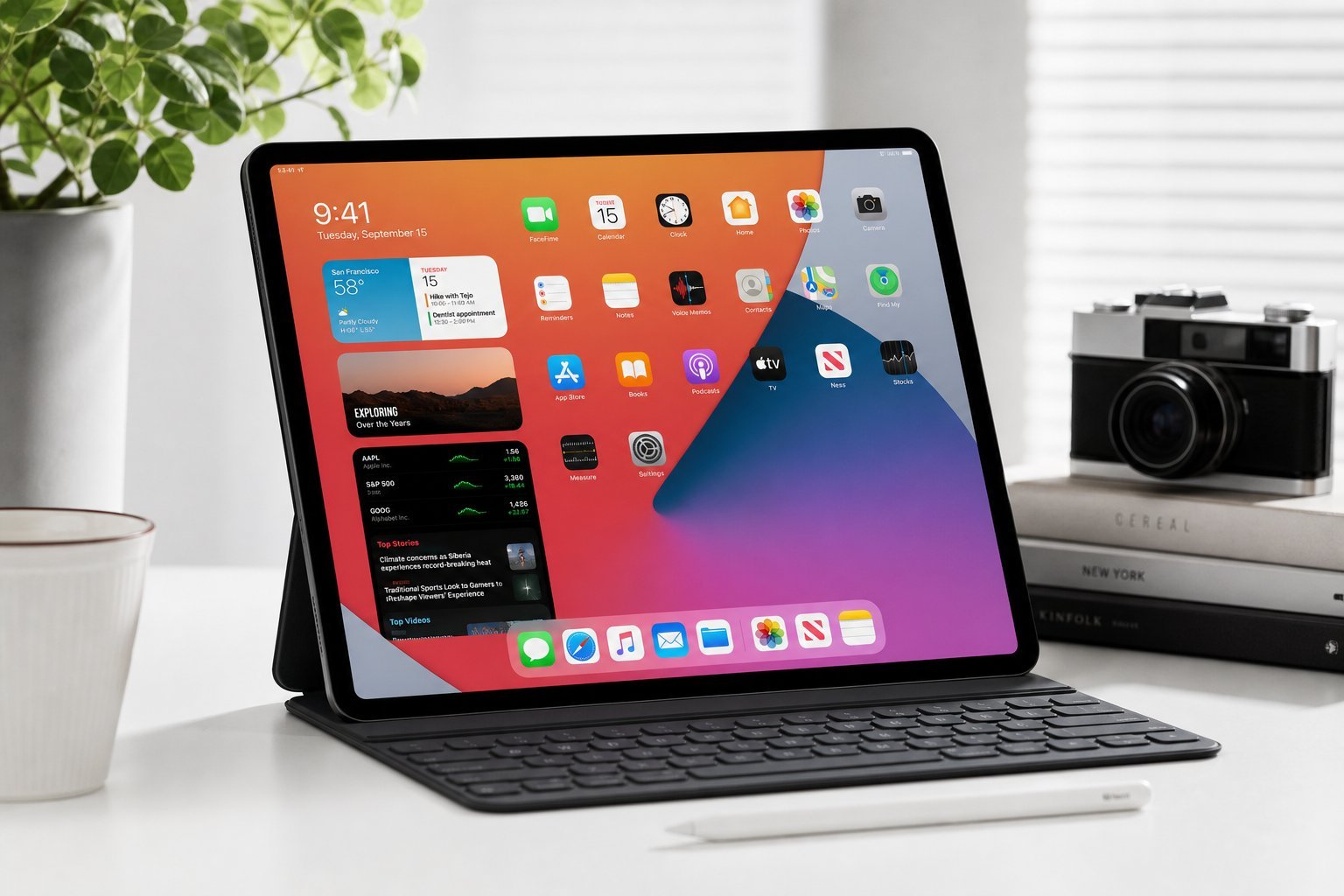
How to Choose a Tablet: iPad vs Android & What to Look For
 Computing
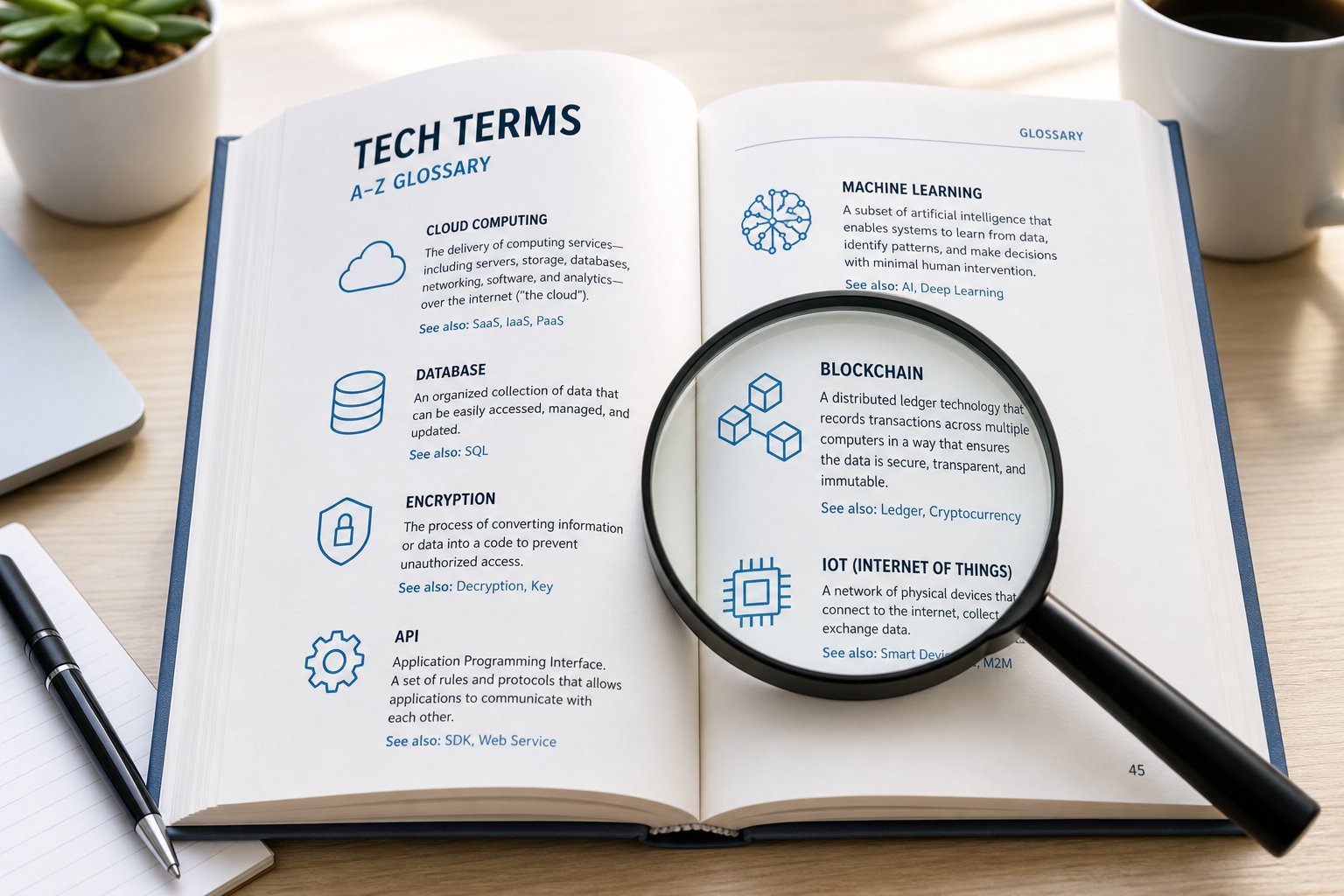
Tech Terms Explained: A Plain-English Glossary for Beginners
 Computing
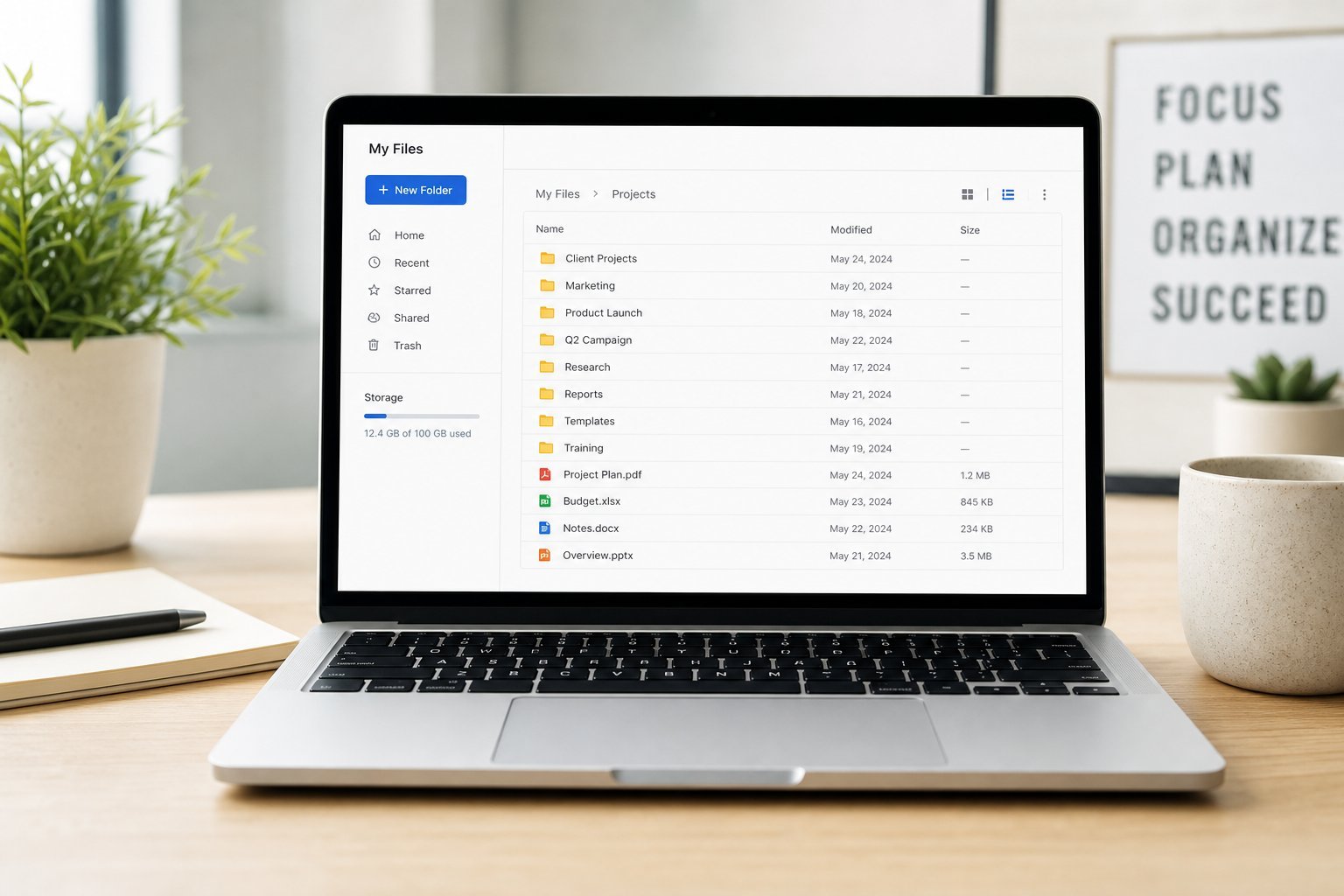
Organize Your Digital Files: A Simple, Sustainable System
 Computing
Which Laptop Brand? Judge the Model, Not Just the Name
 Computing
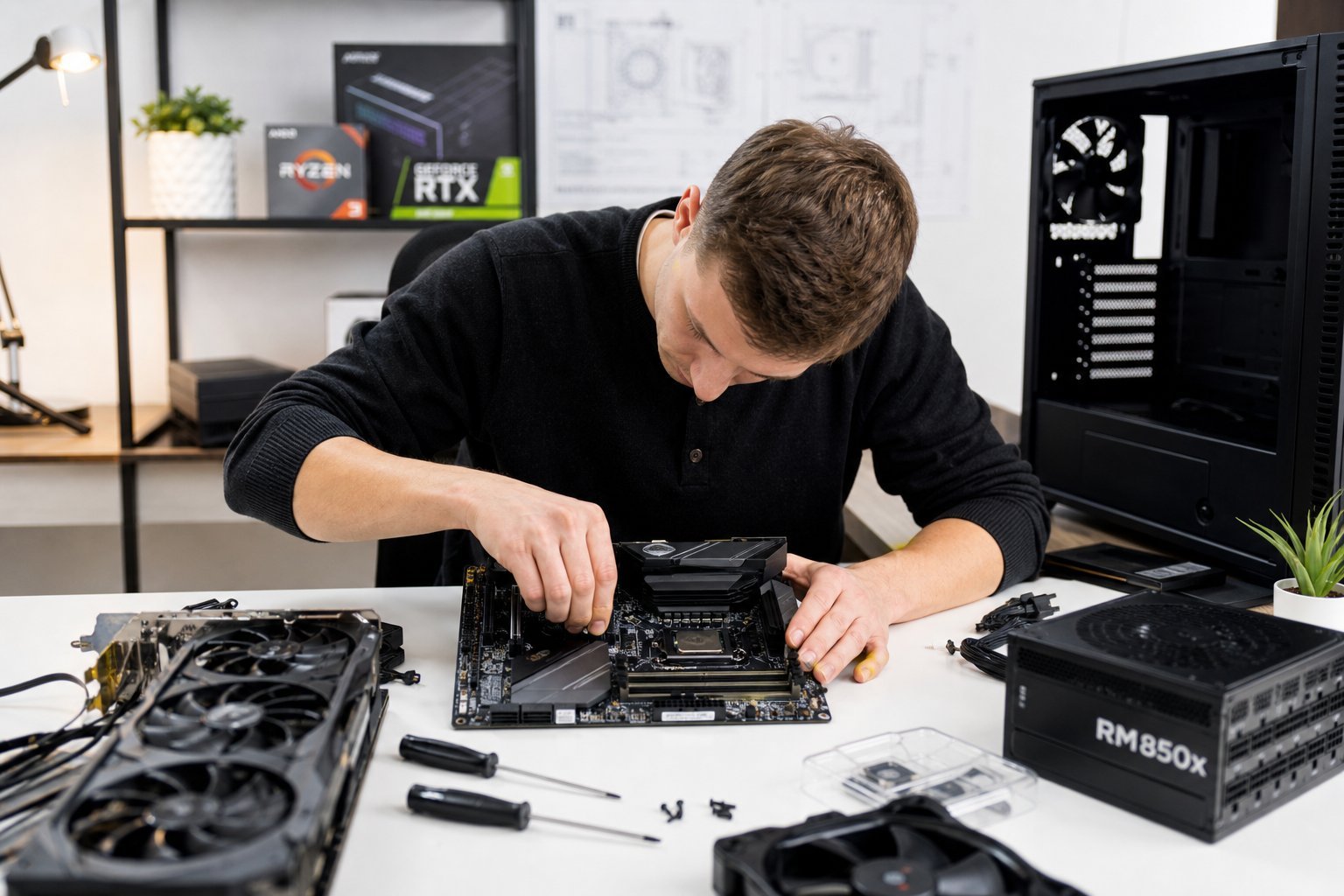
Custom PC Assembly: A Step-by-Step Build Guide
 Computing
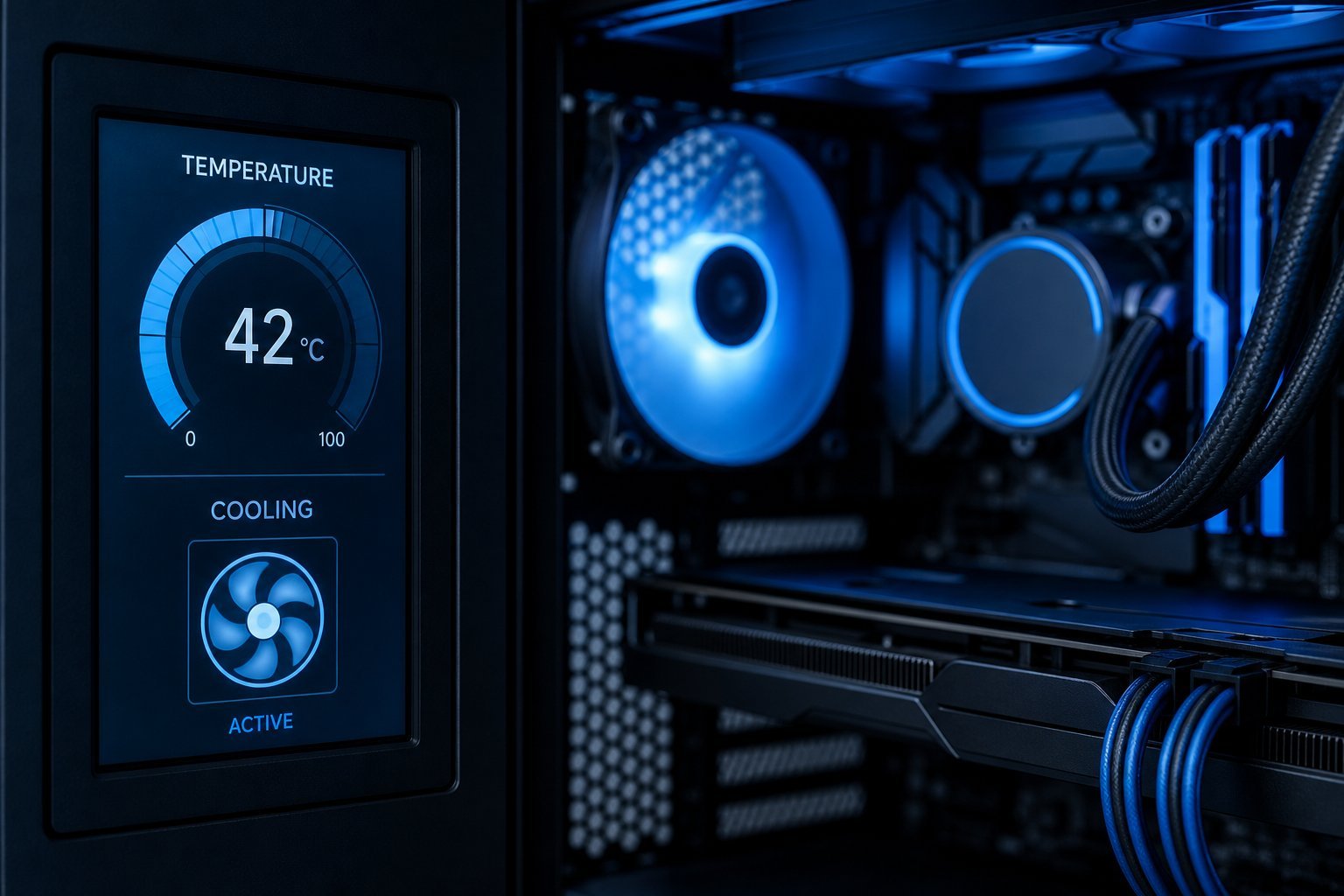
Computer Overheating? Why It Happens & How to Cool It Down
 Computing
Learning to Code: A Realistic Beginner's Roadmap
 Computing
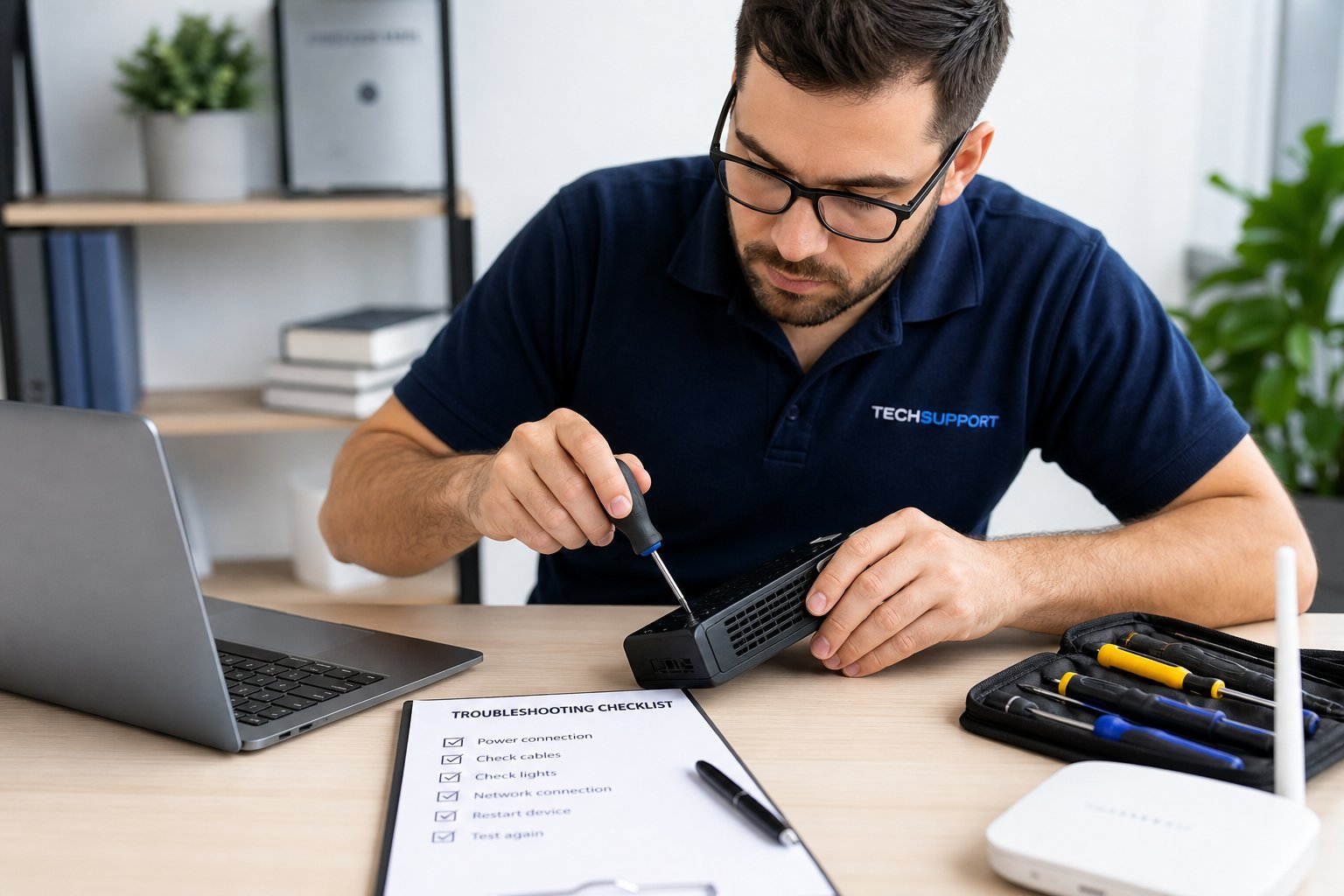
Troubleshoot Any Tech Problem: A Simple Step-by-Step Method
 Computing
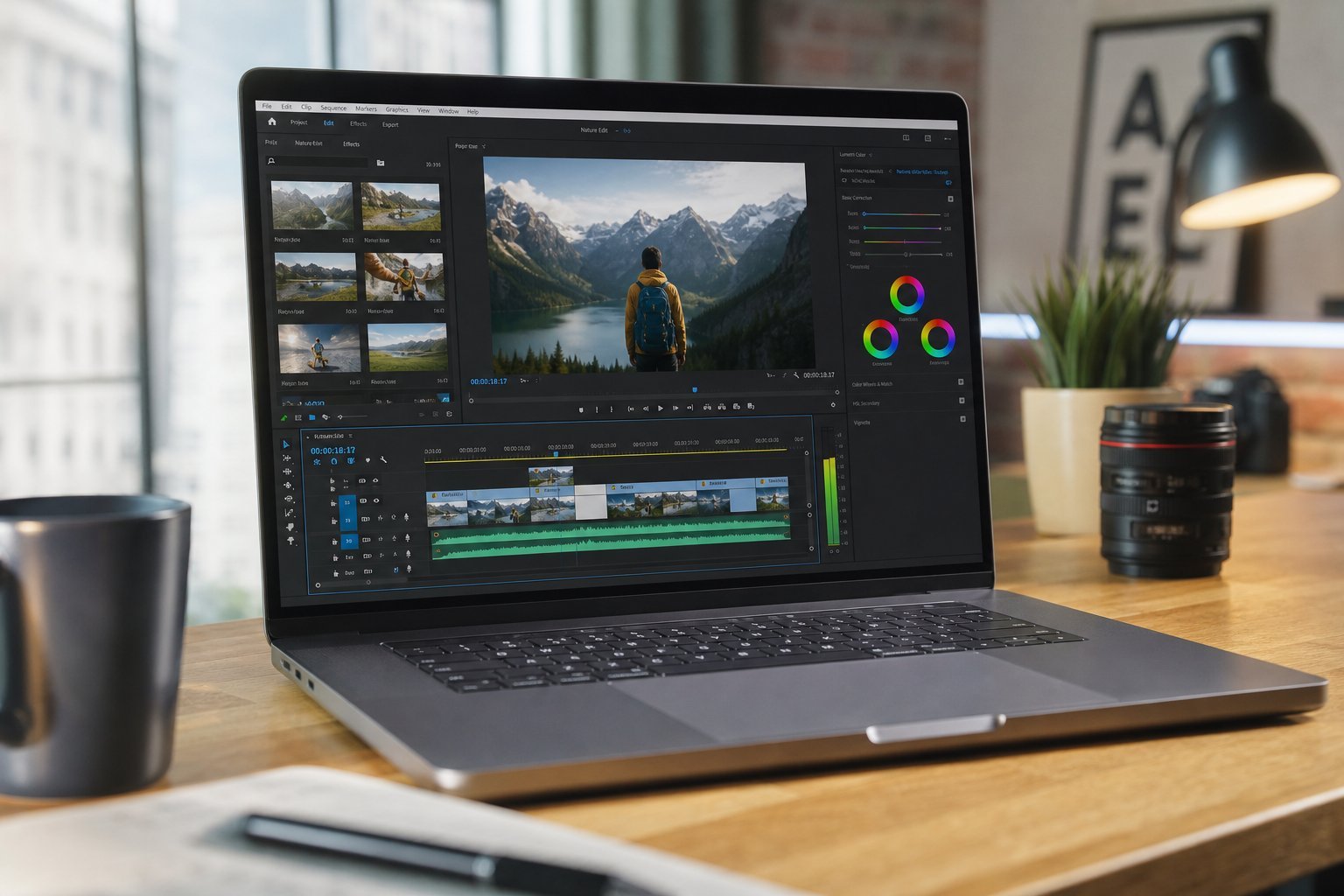
Choosing a PC for Video Editing: The Specs That Matter
 Computing
Shutdown vs Sleep vs Restart: When to Use Each
 Computing
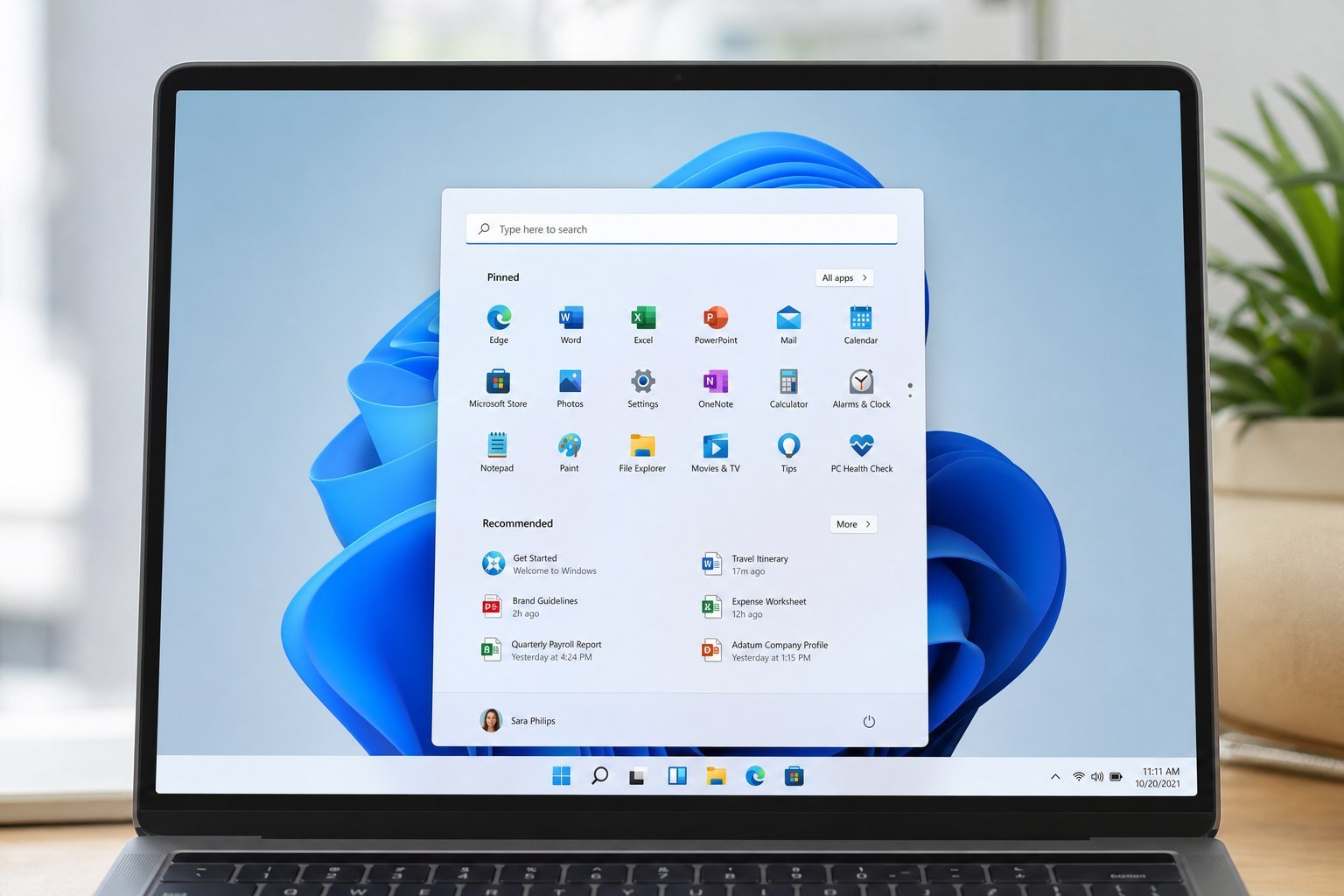
Windows 11 Guide: What's New & Should You Upgrade?
 Computing
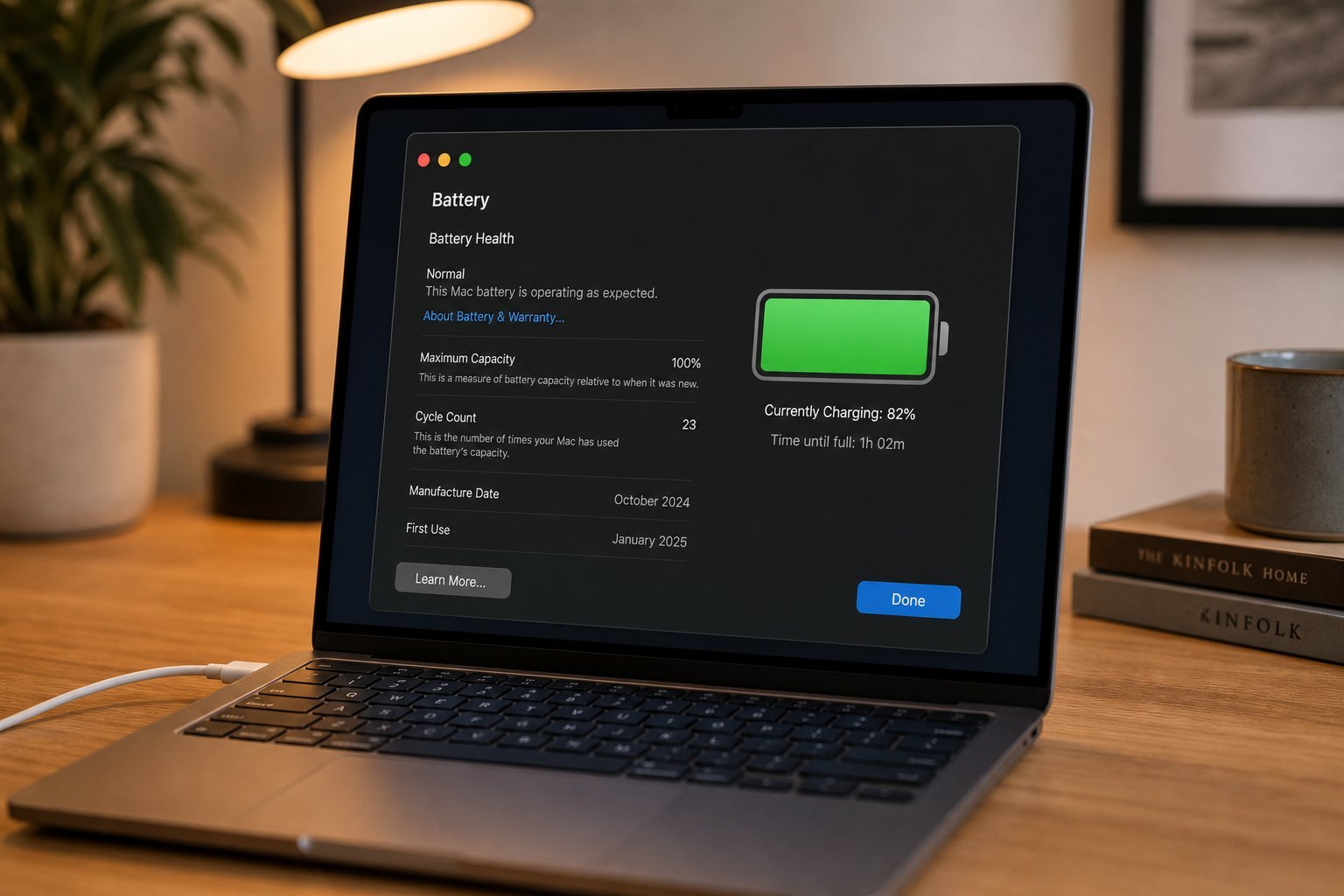
Laptop Battery Health: Myths Busted & Habits That Actually Help
 Computing
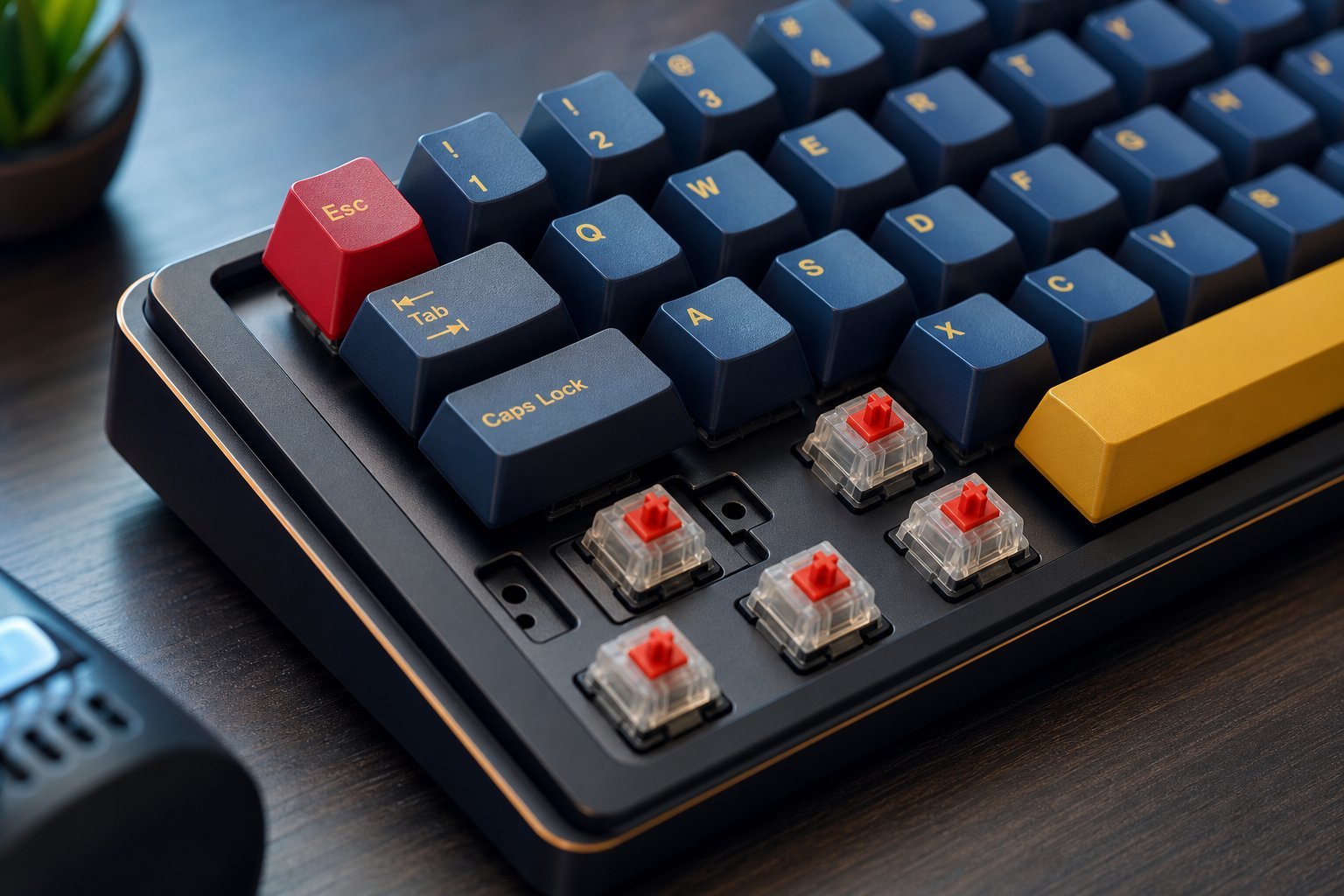
Mechanical Keyboards Guide: Switches, Sizes & How to Choose
 Computing
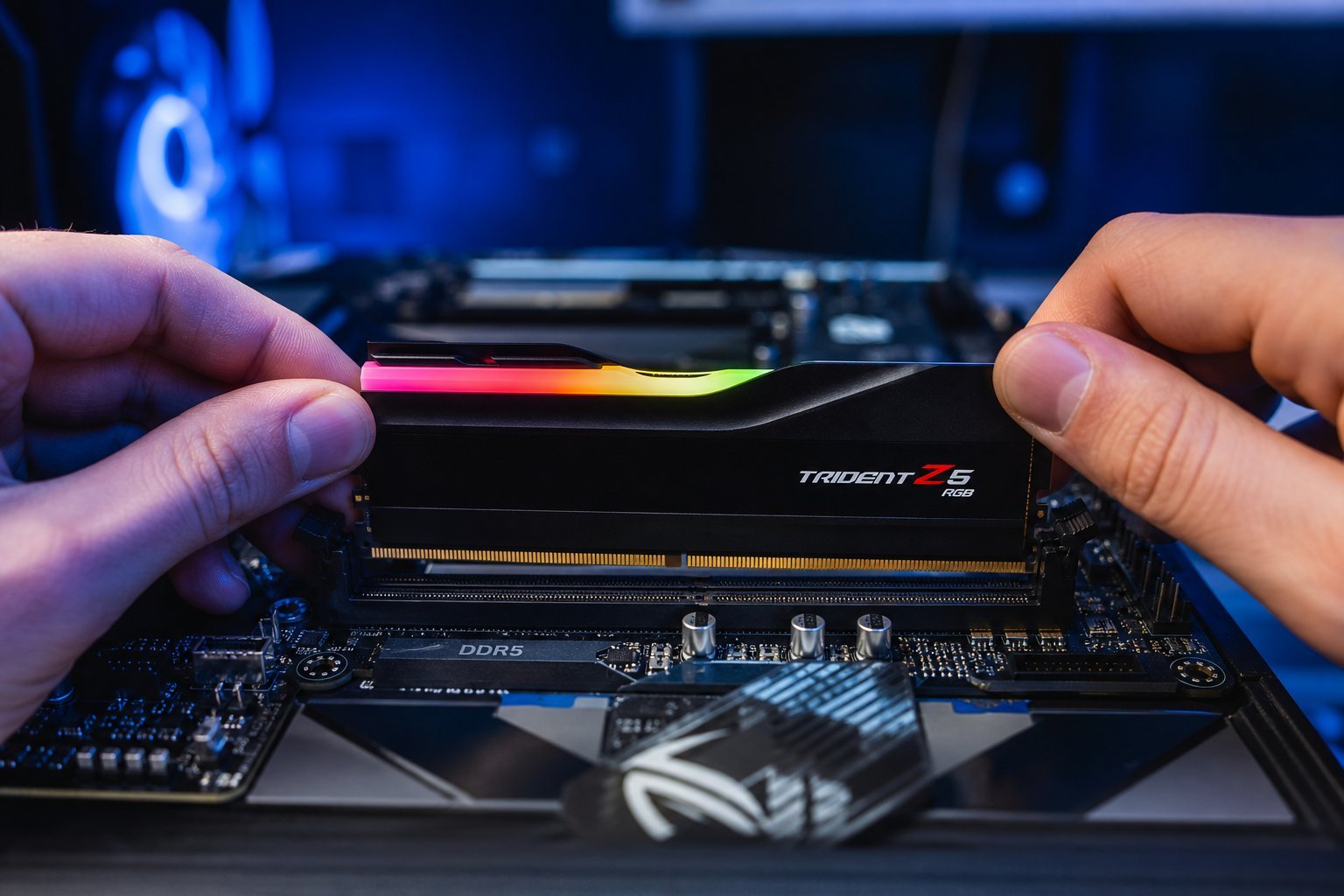
RAM Explained: What It Does & How Much You Really Need
 Computing
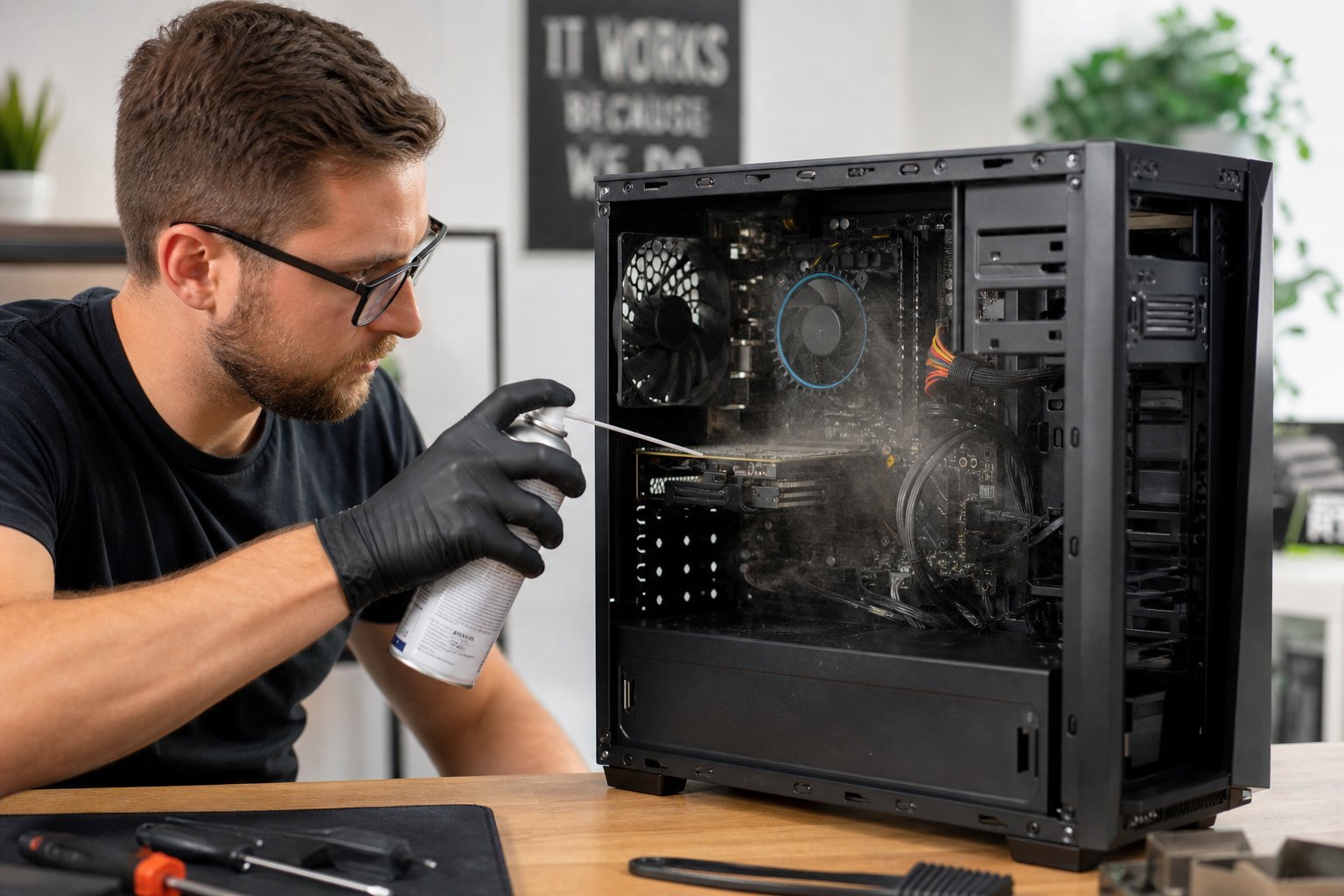
PC Cleaning & Maintenance: Keep Your Computer Fast for Years
 Computing
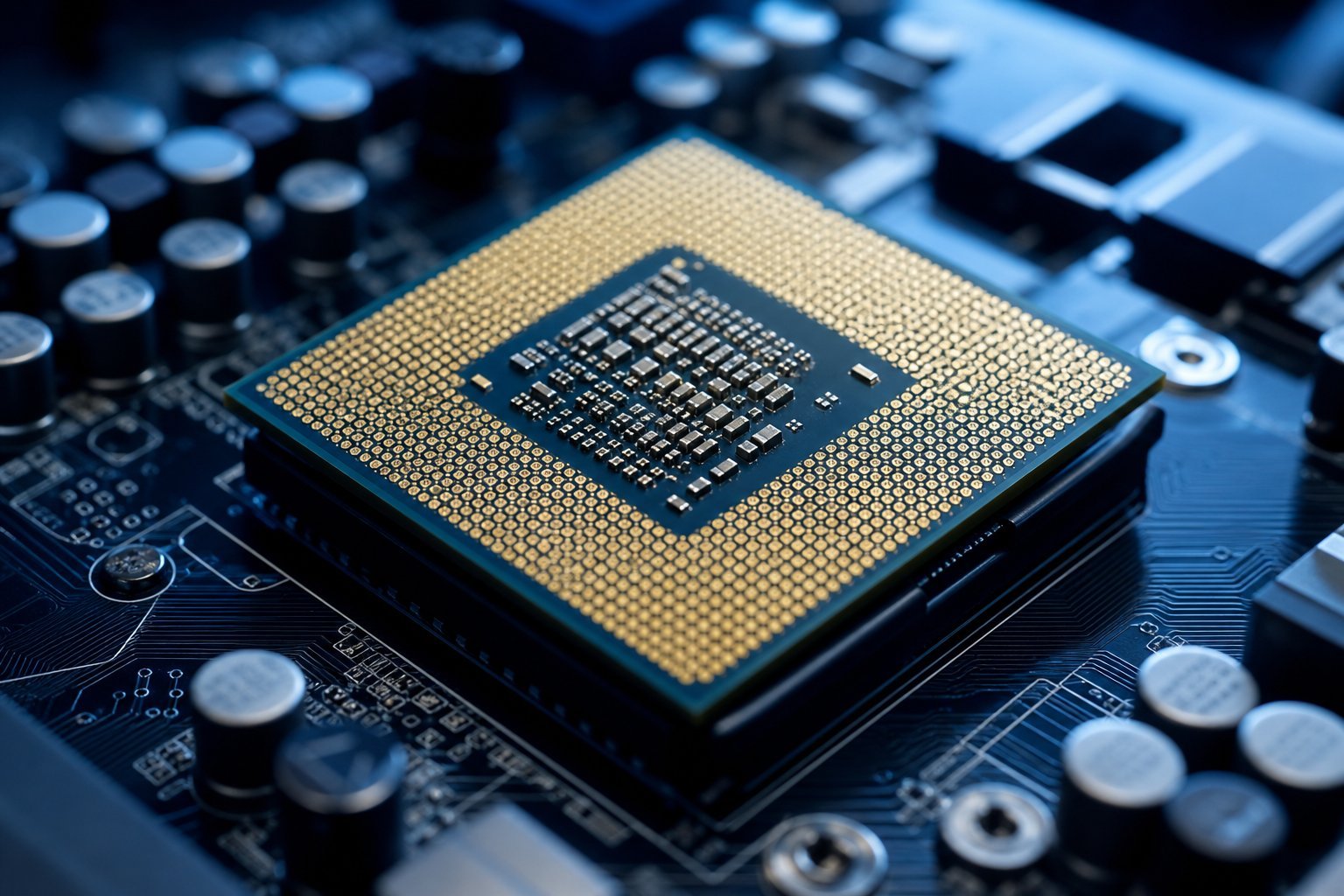
CPU Specs Explained: What a Processor Does & How to Choose
 Computing
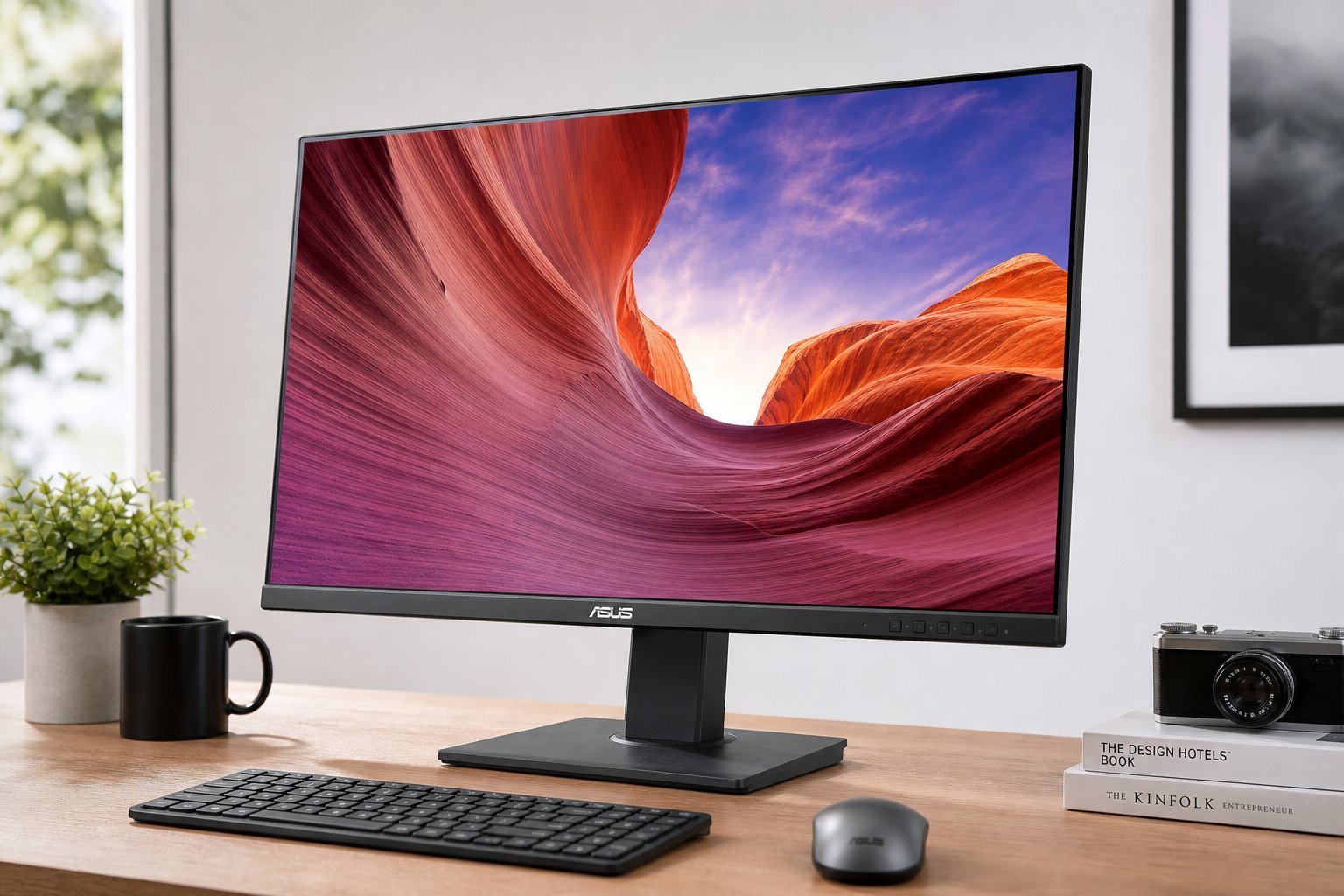
Monitor Buying Guide: Size, Resolution & Refresh Rate Explained
 Computing
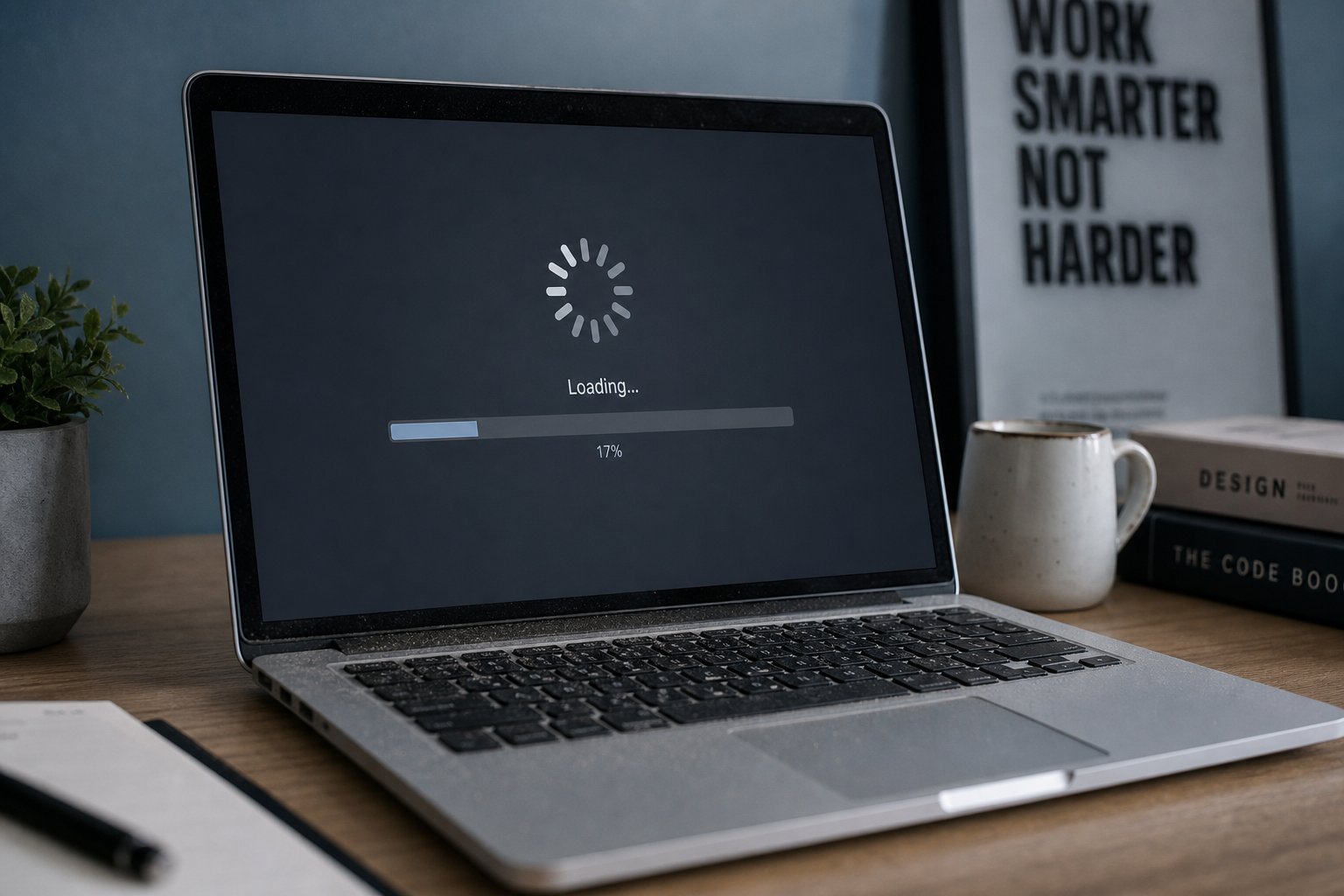
Laptop Sluggish? 12 Free Ways to Make It Feel Brand New
 Computing
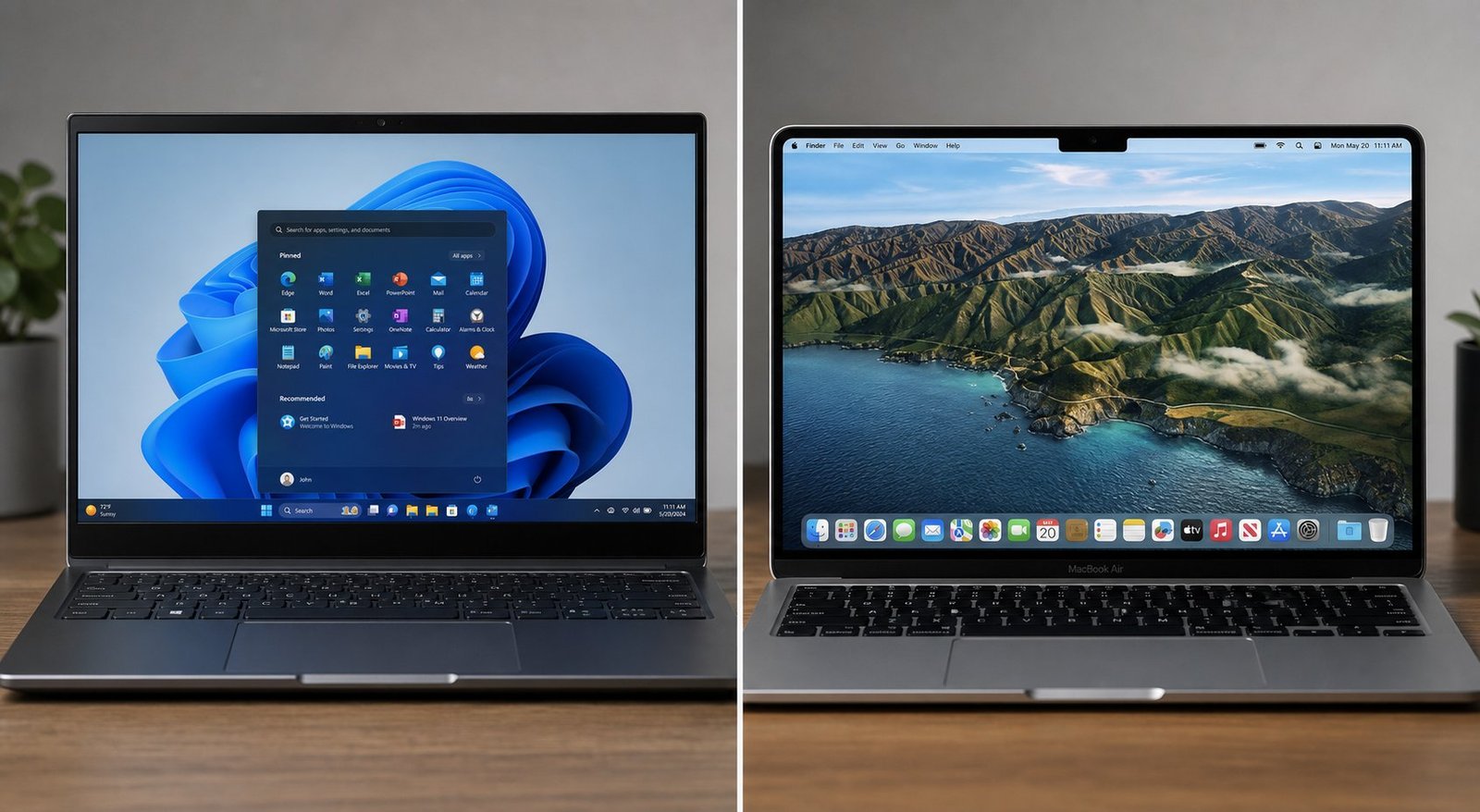
Windows vs macOS in 2026: An Honest Guide to Choosing
One practical tech tip in your inbox every week. No spam.