๐Ÿ HighTechBee โ€” practical tech help, in plain English.
โœ๏ธ Write for us ๐Ÿ“ฉ Contact โ˜€๏ธ โ— Updated daily

Budget-Friendly Tech Upgrades: Big Gains for Little Money

MT
Michael TorresPC performance writer ยท HighTechBee Editorial
Budget-Friendly Tech Upgrades: Big Gains for Little Money

You don't need to buy a new computer or phone to get more from your tech. A few budget-friendly upgrades can dramatically improve speed, comfort and usefulness for very little money. Many of the best upgrades are surprisingly affordable โ€” and some are free.

This guide covers the best budget-friendly tech upgrades, from free fixes to cheap additions that make a big difference.

Free upgrades

Some of the best "upgrades" cost nothing:

  • Restart and clean up. A restart, storage cleanup and uninstalling unused apps make a computer feel faster (see our speed-up guide).
  • Update software. Updates bring performance and security fixes (see our updates guide).
  • Clean the dust. Clearing vents and fans prevents overheating and recovers speed (see our cleaning guide).
  • Optimize your phone. Free up storage and restart to speed it up (see our guide).
  • Restarting, cleaning up, updating and clearing dust are free upgrades that often make a noticeable difference. Start here โ€” they cost nothing.

    Cheap upgrades

    These affordable additions make a big difference:

  • A large mousepad. Cheap, and improves mouse comfort and accuracy (see our peripherals guide).
  • A smart plug. Turns a regular device into a smart one for a few dollars (see our guide).
  • A power bank. Portable charging for your devices.
  • A phone stand or mount. Improves ergonomics for calls and viewing.
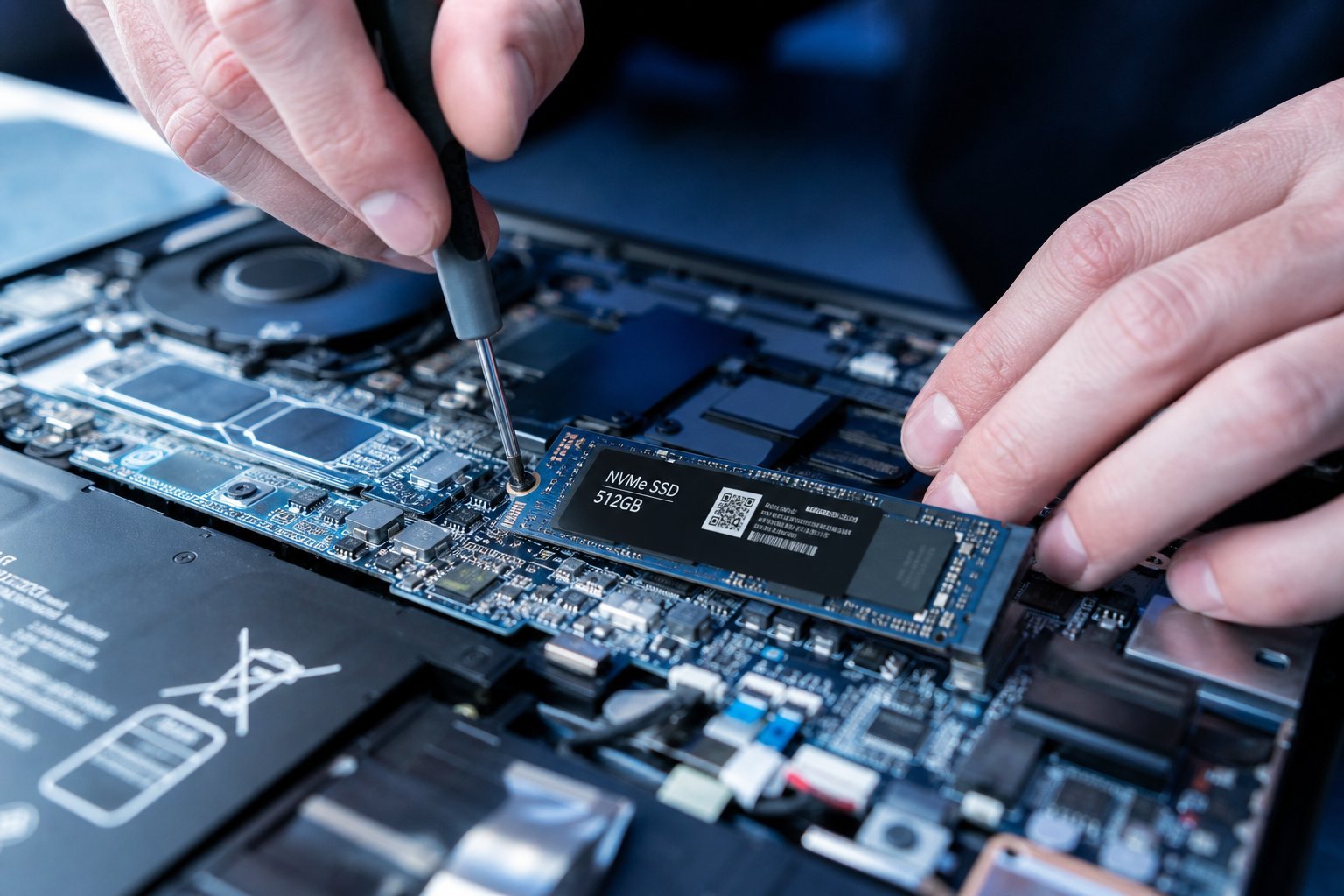
  • An SSD (for HDD computers). The most impactful upgrade โ€” transformative for an old computer (see our SSD guide).
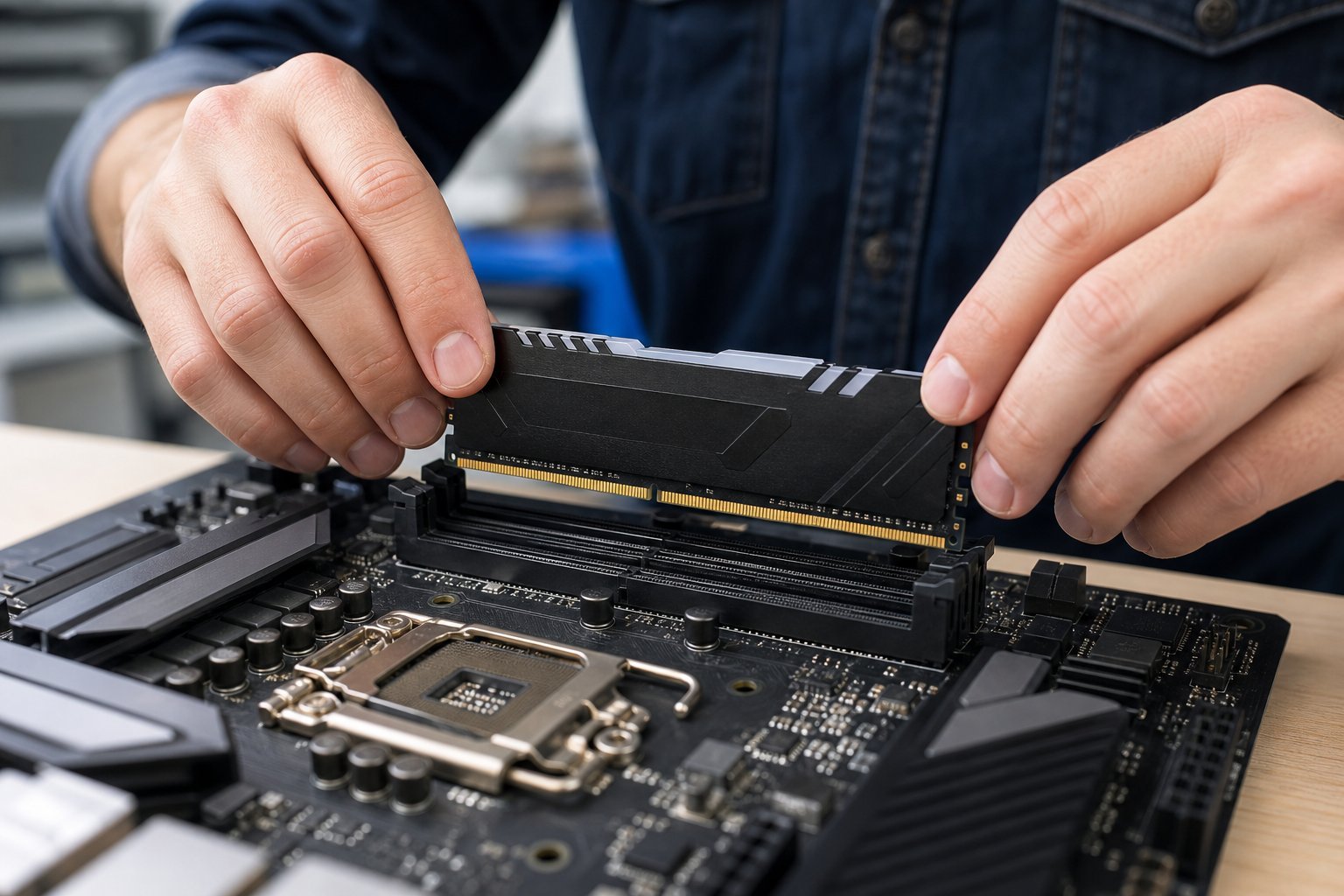
  • More RAM. Affordable if upgradeable, boosts multitasking (see our RAM guide).
  • Affordable additions โ€” a mousepad, smart plug, power bank, phone stand, or an SSD/RAM upgrade for a computer โ€” deliver real value for little money.

    The best value

    If you're going to spend a little, here's where it delivers the most value:

  • An SSD upgrade for an old computer is the best value of all โ€” it transforms performance for a modest cost (see our SSD guide).
  • More RAM is a close second for multitasking-heavy use (see our RAM guide).
  • A comfortable mouse/chair improves daily comfort (see our mouse guide).
  • Ergonomic setup โ€” a monitor stand, better lighting โ€” improves your experience daily (see our setup guide).
  • ๐Ÿ’ก The best budget upgrade

    The single best budget-friendly upgrade is an SSD for a computer still on a hard drive โ€” it transforms performance for a modest cost, often making an old computer feel new (see our SSD guide). Pair it with a RAM upgrade and free cleanup, and you've dramatically improved your tech for very little.

    โœจ Upgrade what you use most

    Spend your upgrade budget where you'll feel it most. If you use your computer daily, an SSD or RAM is worth it. If comfort is your issue, a mouse or chair. If it's your phone, a case and storage cleanup. Match the upgrade to what you use and what bothers you most โ€” you get the best value that way.

    ๐Ÿ“Œ Bottom line

    You can get more from your tech without spending much. Start with free upgrades โ€” restart, clean up, update and clear dust. Add cheap upgrades โ€” a mousepad, smart plug, power bank, or phone stand. For the best value, invest in an SSD for an old computer (transformative), more RAM, or comfort items. Upgrade what you use most and what bothers you most. Budget-friendly upgrades deliver surprising value.
    #budget#upgrades#ssd#ram#value
    MT

    Michael Torres

    PC performance writer

    Part of the HighTechBee editorial team. Michael Torres writes practical, beginner-friendly tech guides that solve real everyday problems.