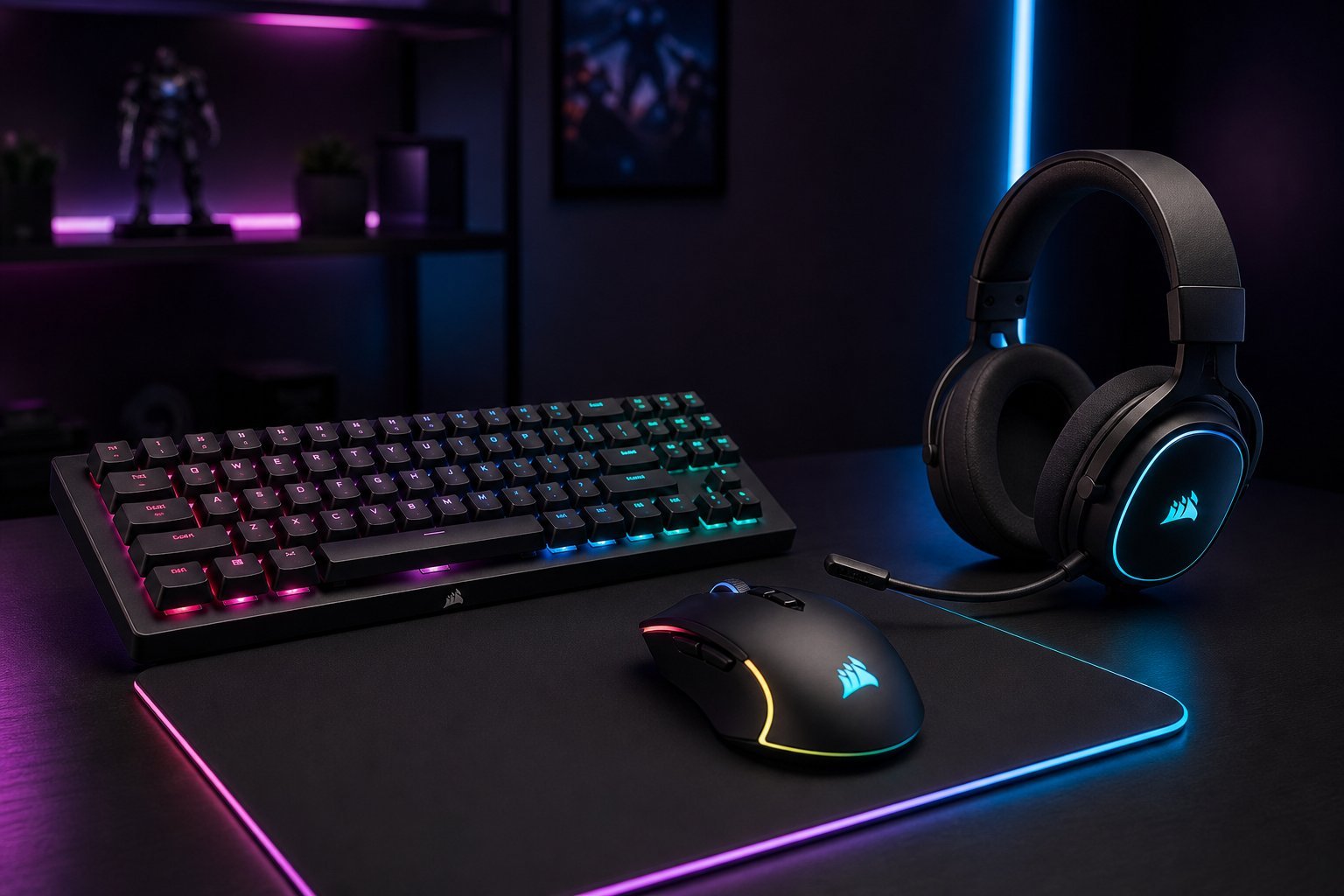
You've got the gaming PC, the monitor and the chair. But there are a few more pieces that shape how your games feel and how well you play: the mouse, keyboard and headset. These "peripherals" are where a lot of the competitive and comfortable gaming experience comes from — and they're easy to get wrong by buying the wrong type or overpaying.
This guide covers the essential gaming peripherals and how to choose them without blowing your budget.
The gaming mouse
A good gaming mouse matters more than most people think — it's your main tool for aiming and interacting. Here's what to look for:
Don't overthink specs like DPI. Focus on fit, weight and comfort — a comfortable, accurate mouse you like beats one with impressive numbers you'll never use.
The gaming headset
Sound matters hugely in gaming — hearing footsteps or teammates can be the difference between winning and losing. Here's what to look for in a headset:
- Comfort for long sessions. This is the most important factor. Try to choose a comfortable, not-too-heavy headset.
- Good sound quality. Decent audio helps you hear game details. Reviews are your best guide.
- A clear microphone. If you play multiplayer, teammates need to hear you. Look for a decent mic (or use a separate one).
- Wired vs wireless. Wireless is convenient (and good headsets have low latency); wired is cheaper and never needs charging.
- Surround sound. Software "virtual surround" is common but not essential — good stereo is often enough.
Prioritize comfort and a clear mic. A headset that's uncomfortable after an hour won't get used, no matter how good it sounds.
Keyboards & mousepads (briefly)
A few quick notes on the rest of your setup:
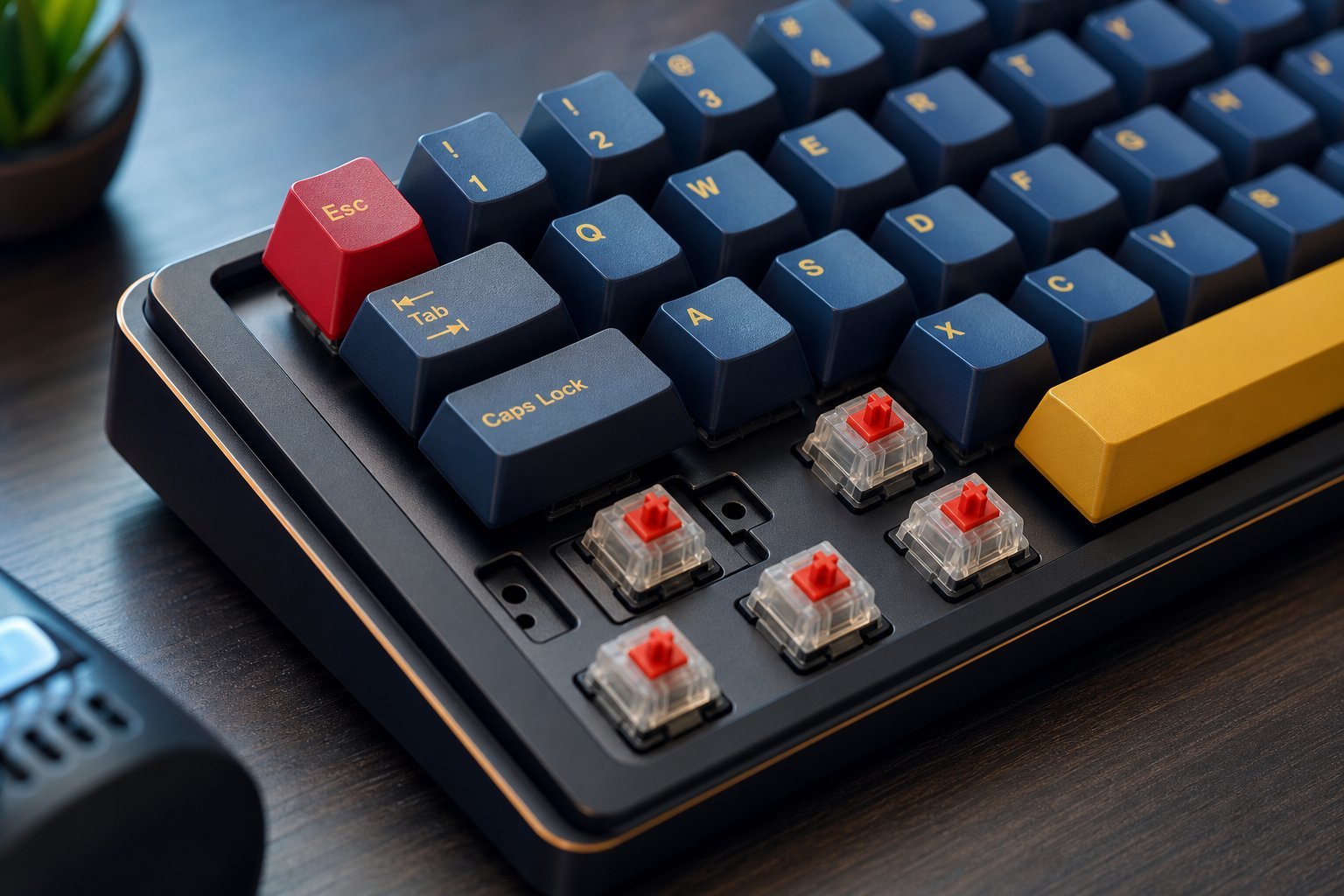
- Keyboard. For gaming, a mechanical keyboard (see our keyboard guide) with linear or tactile switches is popular. A good membrane keyboard also works fine.
- Mousepad. A large mousepad gives you room to move your mouse and a consistent surface — a cheap, worthwhile upgrade. Hard vs cloth is personal preference.
- Controller. Some games (racing, platformers, sports) are better with a controller. A standard console controller works on PC.
You don't need the most expensive versions of any of these. Start with the essentials — a comfortable mouse, a decent headset, a large mousepad — and upgrade as you find needs.
Spend wisely
Here's how to spend your peripheral budget sensibly:
✨ The order of priority
If you're on a budget, spend on these in order: a comfortable mouse first (your main tool), then a decent headset (for sound and communication), then a large mousepad (cheap win), then the keyboard. Each improves the experience, so prioritize the ones you use most.
📌 Bottom line
Gaming peripherals — the mouse, keyboard, headset and mousepad — shape how your games feel and how well you play. For the mouse, prioritize fit and comfort over marketing specs. For the headset, prioritize comfort and a clear mic. A large mousepad is a cheap win, and a good keyboard helps. Start mid-range, read reviews, and upgrade gradually. Comfort and quality beat fancy numbers every time, and you don't need to overspend to game well.