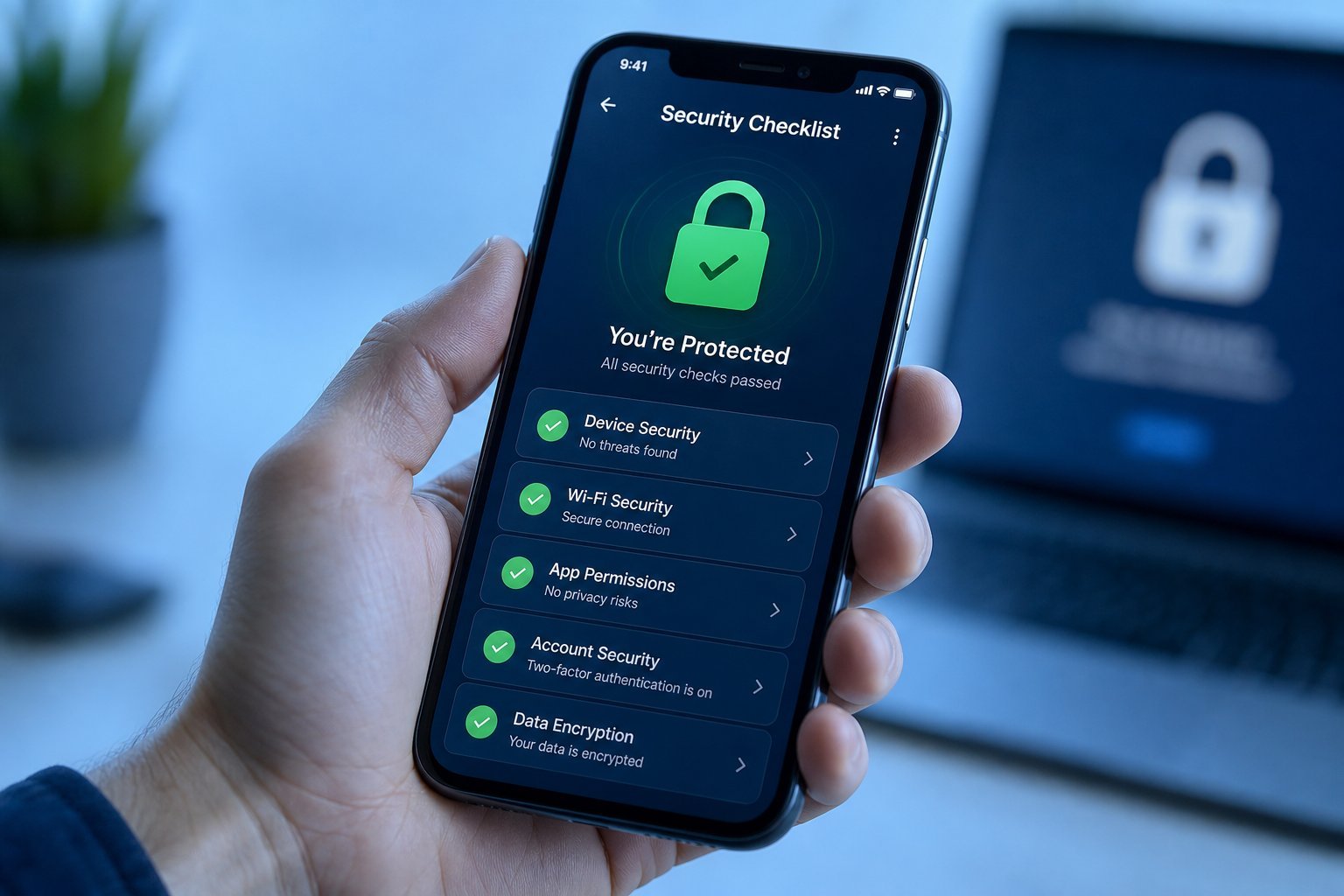
Here's the truth about online safety that security experts agree on: you don't need to be a cybersecurity expert to be dramatically safer online. A handful of simple habits protect you against the vast majority of threats. The problem isn't that protection is hard — it's that most people never do the basics.
That's why I've turned it into a checklist. Set aside 15 minutes today, work through it, and you'll be safer than most internet users — without any technical skill. Tick each item off as you go.
The checklist
1. Secure your passwords 2. Turn on two-factor authentication 3. Back up your important files 4. Update your software 5. Review your privacy settings 6. Secure your home network 7. Do a quick review1. Secure your passwords
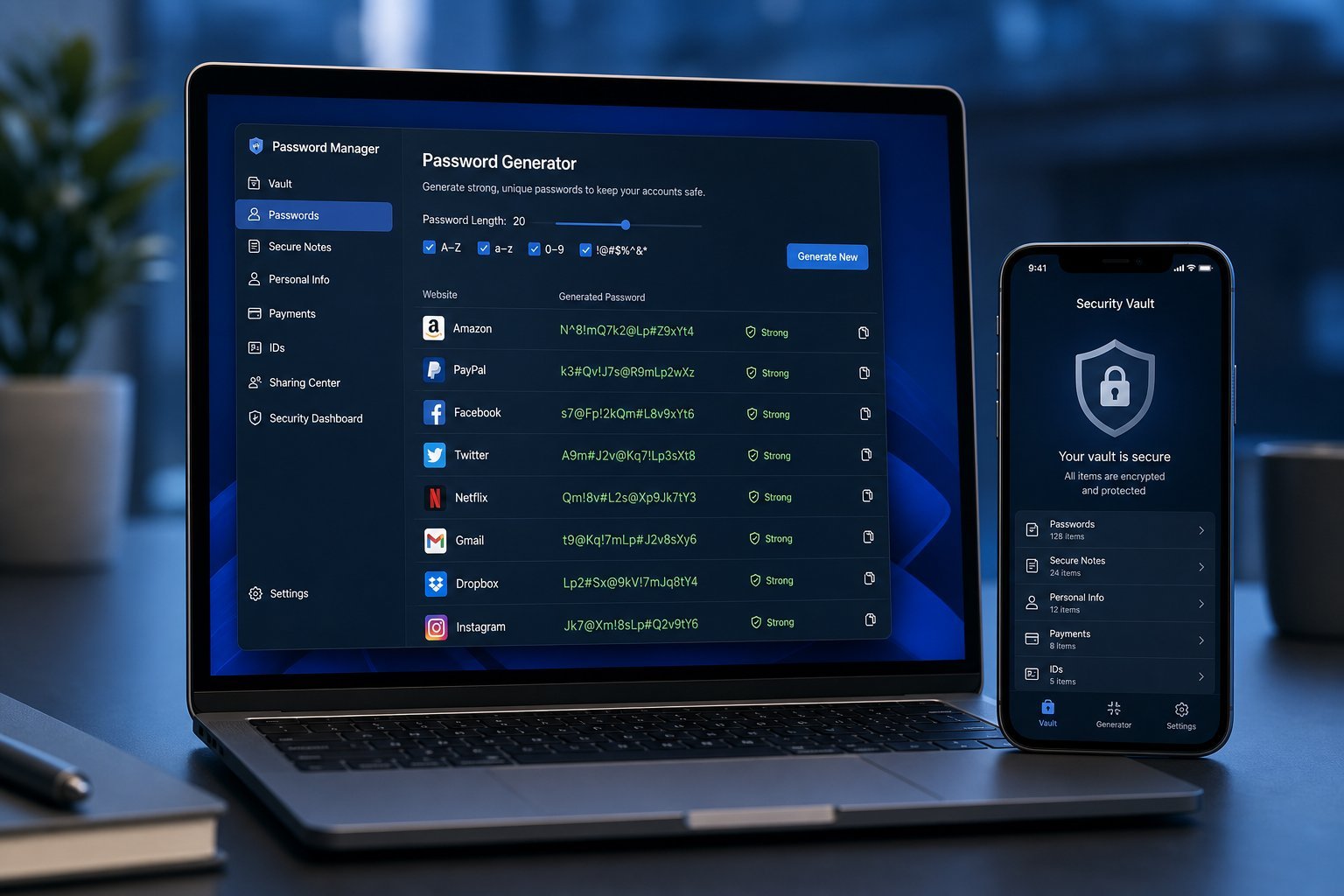
The #1 online security mistake is reusing the same password across multiple sites. When one site gets breached (and they do, constantly), hackers get your email and password — and then they try it on every other site you use. One breach can expose everything.
Here's the fix:
If a password manager feels like too much right now, at minimum: make sure your email password is unique and strong. Your email is the master key to everything else, because it's how you reset other passwords.
💡 The most important account
Your email is the master key to your digital life. If your email password is weak or reused, protect it first — it can reset every other account you own.
2. Turn on two-factor authentication
Two-factor authentication (2FA) is one of the most powerful security measures available, and it's astonishing how few people use it. Here's how it works: after you enter your password, you also enter a code sent to your phone or generated by an app. So even if someone steals your password, they can't get in without your phone.
Turn on 2FA for your most important accounts:
- Email (your master key)
- Banking and financial apps
- Social media
- Cloud storage and shopping
Where available, use an authenticator app (like Google Authenticator) rather than SMS codes — SMS codes can be intercepted. But here's the key point: 2FA via SMS is still far better than no 2FA. Don't let perfectionism stop you from enabling it at all.
3. Back up your important files
Ransomware — malware that locks your files and demands payment — is one of the most common and destructive threats today. But here's the thing: if you have a backup, ransomware loses its power. You can just restore your files and ignore the demand.
Set up a backup today using the "3-2-1" rule:
The simplest version: enable automatic cloud backup (Google Drive, iCloud, OneDrive) for your documents and photos, and occasionally back up to an external drive. Automatic is key — manual backups get forgotten.
4. Update your software
Software updates aren't just about new features. They're mostly security patches — fixing vulnerabilities that attackers exploit. Outdated software is one of the most common ways people get hacked.
Make it painless:
- Turn on automatic updates for your operating system (Windows, macOS, Android, iOS).
- Enable automatic updates for your browser.
- Update your apps regularly (or enable auto-update).
- Pay special attention to your router's firmware — it's easy to forget and important.
✨ Set it and forget it
Nearly every modern device can update automatically. Spend 10 minutes today enabling auto-updates everywhere, and you've removed the "I forgot to update" risk for good.
5. Review your privacy settings
A quick privacy sweep limits how much of your data is exposed and reduces what attackers can learn about you. Spend a few minutes on these:
- Check what's public on social media. Your birth date, location and contacts shouldn't be public if you can help it.
- Review app permissions on your phone. Does that flashlight app really need your location and contacts? Probably not. Revoke unnecessary permissions.
- Remove yourself from data brokers if possible. There are services that can help, though it's an ongoing fight.
- Use a private window or privacy-focused browser for sensitive searches if it makes you comfortable.
6. Secure your home network
Your home Wi-Fi is the gateway to everything on it. Securing it takes minutes:
A secure network protects everyone in your home — including kids and guests who use your Wi-Fi.
7. Do a quick review
Finally, take stock. Run through these questions once:
- Do I use a unique, strong password for my email and other important accounts? ☐
- Is two-factor authentication on for my email, banking and social media? ☐
- Are my important files backed up automatically? ☐
- Are my devices set to update automatically? ☐
- Is my home Wi-Fi password strong and encrypted? ☐
If you checked most of these, you're in the top tier of online safety. And remember: security isn't a one-time event. Revisit this checklist a couple of times a year to keep things fresh.
📌 Bottom line
Real online safety comes from a handful of simple habits, not technical expertise. Unique passwords (via a manager), two-factor authentication, automatic backups, regular updates, sensible privacy settings and a secure home network cover the vast majority of real-world risk. Fifteen minutes today protects you for years.