Pop-up ads are still telling you that your computer is infected and you must "activate now." Tech salespeople and well-meaning relatives still insist you need premium protection. But here's the honest truth in 2026: for most people, a free antivirus — or even none at all — is genuinely enough.
That might sound like dangerous advice from someone who should know better. So let me explain why, and more importantly, how to stay safe without spending money on software you don't need. This guide tells you what you actually need, what you can skip, and where your real defenses should be.
What we'll cover
The truth about antivirus in 2026 Windows and macOS already have built-in protection If you want a free antivirus, these are the good ones Avoid "scareware" and fake warnings Your real defense isn't the antivirus Free vs. paid: when paid makes senseThe truth about antivirus in 2026
Let's start with what's changed. For years, antivirus software was essential because malware spread widely and protection was genuinely lacking. Today, the landscape is different:
- Operating systems ship with strong built-in security (more on that below).
- Web browsers block dangerous downloads and warn about malicious sites.
- Modern threats are less about the sneaky viruses of the past and more about social engineering — tricking you into giving up information or clicking bad links.
This last point is the key insight. Most "viruses" people get today aren't clever code sneaking past their antivirus. They're phishing emails, fake downloads, and scam websites that convince people to take a harmful action. No antivirus can fully protect you from being tricked.
So the real question isn't "which antivirus should I pay for?" It's "how do I combine built-in protection with good habits?"
Windows and macOS already have built-in protection
This is the part most people don't know, and it changes everything. Both major operating systems now include robust, free, always-on security built right in.
- Windows: Microsoft Defender is built into Windows and, in independent tests, it consistently scores as good as or better than many paid antivirus products. It updates automatically and runs quietly in the background.
- macOS: XProtect and Gatekeeper provide built-in protection. macOS is designed with multiple layers of security, and Apple routinely patches vulnerabilities automatically.
The implication: if you're on a modern, up-to-date Windows or Mac, you already have a real antivirus — and it's free. Millions of people pay for software that adds little on top of what they already have.
💡 The eye-opener
Check that Microsoft Defender is enabled and updated, and you already have solid protection. Most people are paying for protection they already own.
If you want a free antivirus, these are the good ones
Maybe you're on Windows and want an extra layer, or you prefer the peace of mind of a dedicated tool. That's perfectly reasonable. If you're going to install a free antivirus, choose one with a solid reputation and no deceptive ads:
- Microsoft Defender — already built in; the most seamless choice on Windows.
- Avast or AVG Free — reputable and free, though they'll try to upsell you. Decline the premium trials.
- Bitdefender Free — a respected option with a simple free tier.
- Kaspersky Free — strong detection rates, if available in your region.
Whichever you choose, follow these rules:
⚠️ Only ONE antivirus
Never install two antivirus programs. They fight each other, slow down your system, and can block each other's updates, leaving you less protected, not more. Pick one and stick with it.
Avoid "scareware" and fake warnings
The biggest antivirus threat in 2026 isn't the virus — it's the fake antivirus, sometimes called scareware. Here's how it works: a website or pop-up claims your computer is infected, flashing alarming warnings, and urges you to "download protection immediately" or call a number. These are scams.
Red flags to recognize:
- Alarming pop-ups while you're browsing claiming "You have 3 viruses!" — real antivirus never does this.
- Warnings that force you to call a support number or pay a fee.
- Ads for "antivirus" on unofficial-looking sites.
What to do: close the browser tab or window (don't click the ad), and run a scan with your real, installed protection. Never call the number, never pay, and never let a stranger remotely access your computer.
✨ The rule
Real antivirus warns you about threats it finds. It does not randomly interrupt your browsing with scary pop-ups demanding money. If a warning appears in your browser demanding immediate action, it's a scam.
Your real defense isn't the antivirus
Here's the most important section, so read carefully. Your best protection is a combination of habits, not a piece of software. No antivirus saves you from being tricked into clicking a malicious link or entering your password on a fake site. These habits do:
- Keep your operating system updated. Security patches fix the holes malware exploits. Automatic updates are your friend.
- Keep your apps updated too. Outdated browsers and plugins are common entry points.
- Think before you click. Hover over links to see where they really go. Don't open unexpected attachments. Be suspicious of urgency ("your account will be closed!").
- Download only from official sources. No cracked software, no random download buttons on shady sites.
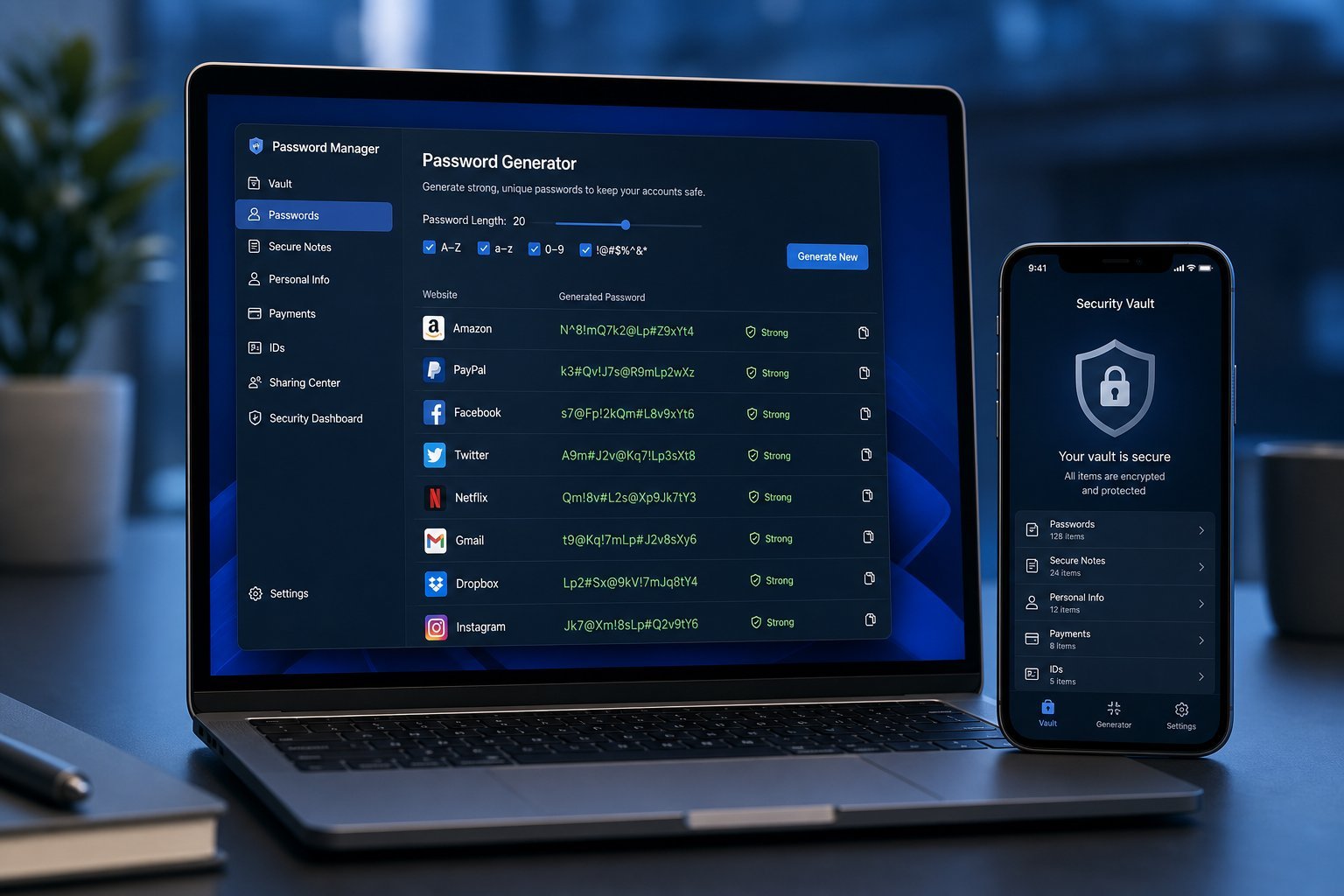
- Use a password manager (see our guide here) so you don't reuse passwords.
- Enable two-factor authentication on your important accounts.
- Back up your files regularly, so ransomware can't hold them hostage.
💡 The 80/20 rule
Roughly 80% of your security comes from habits — updates, thinking before clicking, unique passwords, backups. The antivirus is maybe 20%. Getting the habits right matters far more than which antivirus you run.
Free vs. paid: when paid makes sense
So when is a paid antivirus actually worth it? Honestly, for most individuals, rarely. But there are exceptions:
- Businesses — need centralized management, compliance and advanced protections.
- People managing others' devices — parents or caretakers may value remote management features.
- High-risk users — journalists, researchers or anyone facing targeted attacks may benefit from advanced tools.
For the average home user browsing, streaming, and working? The free built-in protection plus good habits is genuinely sufficient. Spending money on premium antivirus is often paying for reassurance rather than protection.
📌 Bottom line
In 2026, most people don't need to pay for antivirus. Windows and macOS already include solid free protection, and if you want a dedicated tool, good free options exist. Your real defense is updated software, cautious habits, unique passwords and regular backups. Skip the scareware, keep one good antivirus, and put your energy into the habits that actually keep you safe.