๐Ÿ HighTechBee โ€” practical tech help, in plain English.
โœ๏ธ Write for us ๐Ÿ“ฉ Contact โ˜€๏ธ โ— Updated daily

How to Choose a Gaming Mouse: Fit, Weight & What Matters

MR
Marcus ReedHardware specialist ยท HighTechBee Editorial
How to Choose a Gaming Mouse: Fit, Weight & What Matters

We've covered gaming peripherals broadly, but the mouse deserves a deeper look โ€” it's your primary tool for aiming and interacting in games, and it affects both your performance and your comfort. Yet gaming mice are loaded with specs that can mislead you: DPI numbers, sensor names, weights, buttons.

This guide helps you choose the right gaming mouse โ€” focusing on what actually matters, not the marketing numbers.

Fit & comfort first

The most important factor in a gaming mouse is fit and comfort โ€” because you'll use it for hours. A mouse that doesn't fit your hand is uncomfortable and hurts your aim.

  • Consider your grip. How do you hold your mouse? Palm (whole hand on it), claw (fingertips curved), or fingertip (just fingertips)? Different mice suit different grips.
  • Consider hand size. Mice come in different sizes โ€” a mouse too small or large for your hand is uncomfortable.
  • Shape matters. Some mice are symmetric, others ergonomic (shaped for right or left hand). Choose what fits.
  • Fit and comfort determine whether you'll actually enjoy and perform well with a mouse. Get this right before worrying about specs.

    Weight & sensor

    Two specs people obsess over โ€” but here's the honest take:

  • Weight. Lighter mice are generally easier to move for fast aiming, but some prefer a bit of weight for stability. It's personal. Modern mice range from ultralight to medium.
  • Sensor. Modern optical sensors are all excellent โ€” they track accurately and consistently. You don't need to obsess over sensor model numbers or DPI.
  • DPI myth. DPI (dots per inch) measures sensitivity, and high numbers are marketing. Most gamers use 800โ€“1600 DPI. Don't buy based on a huge DPI number.
  • ๐Ÿ’ก The mouse reality

    Modern gaming mice all have excellent sensors. Weight is personal preference (lighter is easier for fast aim, but it's up to you). And ignore DPI numbers โ€” they're marketing; most gamers use 800โ€“1600 DPI. Fit and comfort matter far more than sensor specs.

    Buttons & features

    Buttons and features can enhance gaming, but don't overdo it:

  • Side buttons. 2โ€“4 extra buttons are handy for games (and everyday shortcuts).
  • Programmable buttons. Let you map actions โ€” useful, but you don't need a dozen.
  • Wired vs wireless. Modern wireless gaming mice have excellent low-latency performance. Wired is cheaper and never needs charging.
  • Software. Most mice have software to remap buttons and adjust settings โ€” make sure it's not bloated.
  • Choose the buttons and features you'll actually use. A few programmable side buttons and a good wired/wireless option are plenty for most gamers.

    How to choose

    Here's how to pick a gaming mouse:

  • Prioritize fit. Match the mouse to your grip and hand size. If possible, try it or read reviews about fit.
  • Choose a comfortable weight. Lighter for fast aim, medium for stability โ€” your preference.
  • Don't chase DPI. Ignore the marketing numbers.
  • Get the buttons you need. A few side buttons are useful; you don't need many.
  • Decide wired vs wireless. Based on your preference and budget.
  • Read reviews. Real-world comfort and build quality matter (see our peripherals guide).
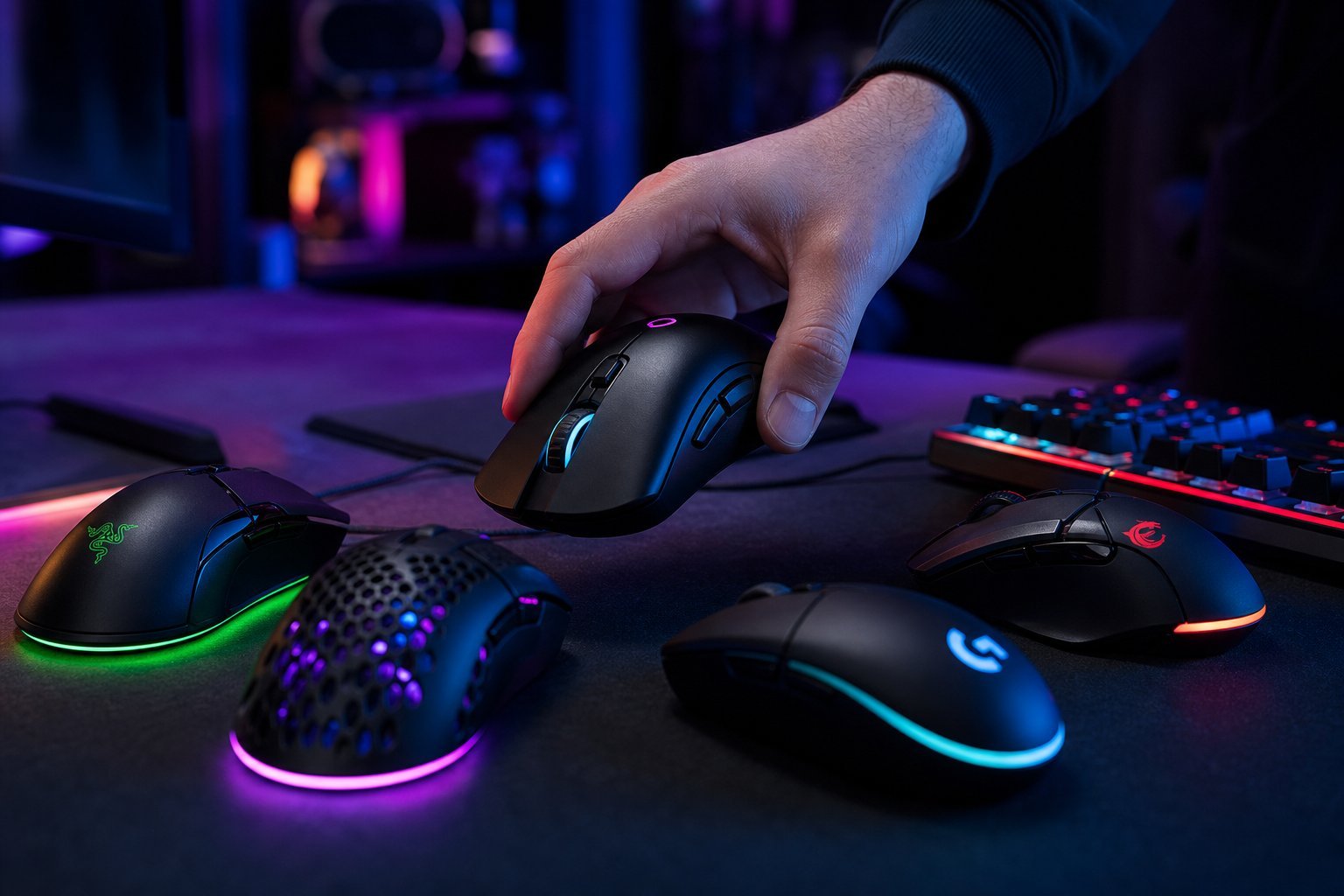
  • โœจ Try before you buy if possible

    If you can, try a mouse before buying โ€” at a store or a friend's. Fit is hard to judge from a spec sheet. If you can't try it, read reviews that mention fit and grip. A comfortable mouse you like beats an impressive-sounding one that doesn't fit.

    ๐Ÿ“Œ Bottom line

    Choose a gaming mouse by prioritizing fit and comfort โ€” match it to your grip and hand size. Weight is personal preference; modern sensors are all excellent; and ignore DPI marketing numbers. Get the buttons you'll actually use and decide wired vs wireless. Read reviews about fit and build quality, and try before you buy if you can. A comfortable mouse that fits your hand improves both your performance and your comfort.
    #gaming-mouse#fit#weight#dpi#sensor
    MR

    Marcus Reed

    Hardware specialist

    Part of the HighTechBee editorial team. Marcus Reed writes practical, beginner-friendly tech guides that solve real everyday problems.