๐Ÿ HighTechBee โ€” practical tech help, in plain English.
โœ๏ธ Write for us ๐Ÿ“ฉ Contact โ˜€๏ธ โ— Updated daily

Optimize Your Smartphone: Speed, Battery & Cleanliness

AJ
Amara JohnsonSmartphone expert ยท HighTechBee Editorial
Optimize Your Smartphone: Speed, Battery & Cleanliness

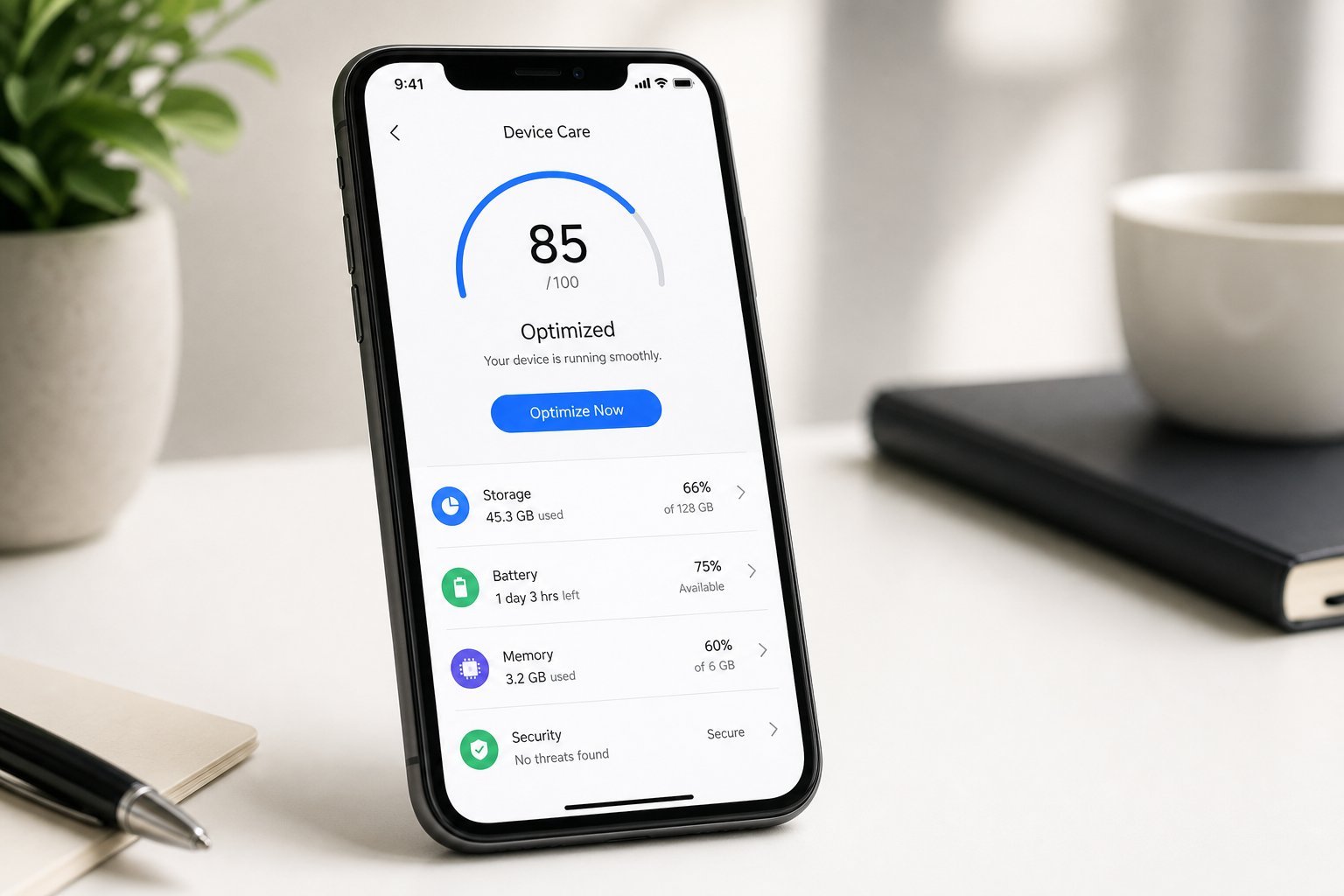
Your smartphone is the device you use most โ€” and over time, it can slow down, drain faster and feel cluttered. We've covered fixing a slow phone and battery drain; this guide brings together the full set of tweaks to optimize your phone for speed, battery and cleanliness.

Here's how to optimize your smartphone so it runs fast and lasts all day.

Speed it up

Here's how to make your phone feel faster:

  • Free up storage. A full phone is a slow phone (see our storage guide).
  • Restart regularly. A weekly restart clears background processes (see our guide).
  • Close background apps. Swipe away apps you're not using.
  • Update software. Updates include performance fixes (see our updates guide).
  • Limit background refresh. Restrict background activity for apps that don't need it.
  • Freeing storage, restarting weekly, managing background apps and updating keep your phone fast. Most slowness is fixable (see our guide).

    Extend battery life

    These tweaks make your battery last longer:

  • Reduce screen brightness and enable auto-brightness โ€” the screen is the biggest drain (see our battery guide).
  • Enable low power mode when you need to stretch battery.
  • Limit location services. Set to "while using" for most apps (see our guide).
  • Turn off unnecessary notifications. Each one wakes the screen.
  • Manage background app refresh. For battery, not just speed.
  • Brightness, low power mode, location and notifications are the biggest battery drains. Manage them for all-day battery (see our guide).

    Clean it up

    Decluttering makes your phone more pleasant and faster:

  • Delete unused apps. They use storage and can run background tasks (see our guide).
  • Clear caches. Free up space by clearing app caches (see our guide).
  • Organize your home screen. Folders and a clean layout reduce clutter.
  • Tidy your photos. Delete duplicates and junk (see our photo guide).
  • Manage notifications. Silence apps that don't matter.
  • Deleting unused apps, clearing caches, organizing your home screen and tidying photos keep your phone clean and fast.

    Maintain it

    Build habits that keep your phone optimized:

  • Restart weekly. Prevents slowdowns and glitches.
  • Free up storage monthly. Prevents "storage full" surprises.
  • Update regularly. Keeps it fast and secure (see our guide).
  • Review battery health. If battery health is low, a replacement helps (see our guide).
  • Protect it. A case and screen protector prevent damage (see our guide).
  • โœจ The monthly phone tune-up

    Once a month, spend 10 minutes on your phone: restart it, free up storage, delete unused apps, clear caches, and review battery and updates. This simple tune-up keeps your phone fast, clean and healthy โ€” and prevents the slow, cluttered feeling that builds up over time.

    ๐Ÿ“Œ Bottom line

    Optimize your smartphone by speeding it up (free storage, restart weekly, manage background apps, update), extending battery life (brightness, low power mode, location, notifications), and cleaning it up (delete unused apps, clear caches, organize, tidy photos). Build maintenance habits โ€” a monthly tune-up, regular updates and battery review. A little regular optimization keeps your phone fast, clean and lasting all day.
    #smartphone#optimize#speed#battery#clean
    AJ

    Amara Johnson

    Smartphone expert

    Part of the HighTechBee editorial team. Amara Johnson writes practical, beginner-friendly tech guides that solve real everyday problems.