Your phone is slower than it used to be. Apps take a moment to open, the screen lags when you scroll, and switching between apps feels sticky. Before you convince yourself you need a new phone, know this: most slowness is fixable, and it usually isn't the phone's fault.
Phones slow down for predictable, fixable reasons. This guide walks through the common culprits and the practical fixes — most of them free and taking just minutes.
What we'll cover
Storage is full Too many background apps Cached data piling up Outdated software Battery & performance When to try a factory resetStorage is full
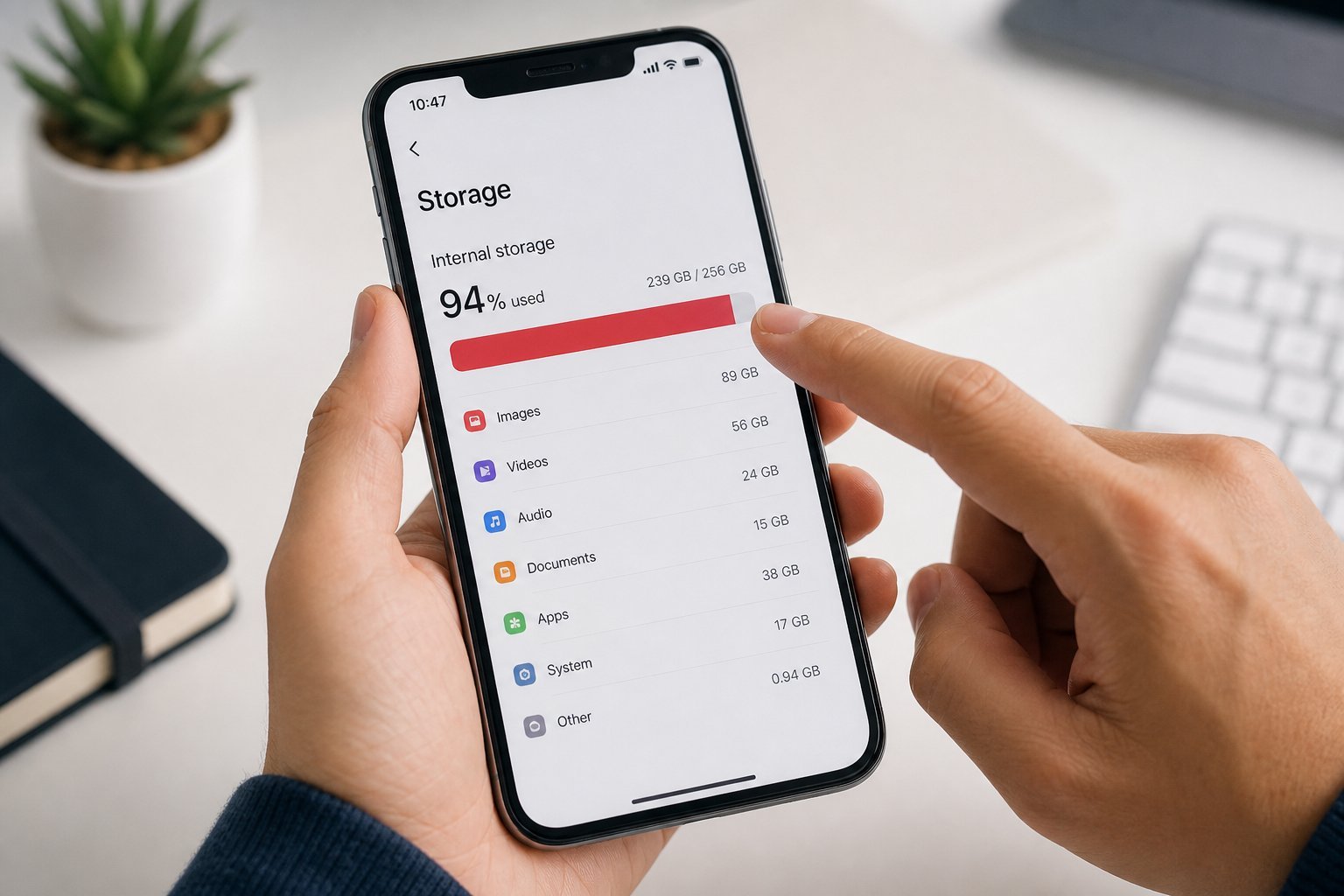
A nearly-full phone is a slow phone. When storage runs low, the phone struggles to create the temporary files it needs, and everything grinds. This is one of the most common causes of "sudden" slowness.
Check your storage: if it's more than 85–90% full, that's likely a big factor. The fix is straightforward — free up space. Photos, cached data, old messages and unused apps are the usual culprits. See our full guide to freeing up phone storage for the complete cleanup routine.
Just freeing up space alone often restores noticeable speed. It's the first thing to check.
Too many background apps
Apps you opened hours ago may still be running in the background, quietly using memory and processing power. When too many pile up, the phone slows down as it juggles them.
Here's how to manage it:
A simple restart is one of the most effective speed fixes there is. Most people who "fix" their slow phone with a restart are clearing out exactly this background clutter.
Cached data piling up
Apps store cached data — temporary files that help them load faster. Over time, this cache builds up and can slow things down or eat storage.
- On Android, you can clear an app's cache in Settings → Apps → [app] → Storage → Clear Cache.
- On iPhone, caches are usually managed automatically, but you can offload unused apps to clear their data.
- Your browser also accumulates cache — clearing it can help if browsing feels slow.
Clearing cache doesn't delete your data (like messages or account info) — it just clears the temporary files. It's safe and can free up space and speed things up.
Outdated software
Running an outdated operating system can slow your phone. Updates include performance fixes, bug patches and efficiency improvements — not just new features.
Check for and install OS updates in your settings. Also update your apps regularly, as apps are often optimized for newer OS versions. Keeping everything current prevents compatibility slowdowns.
There's a common trap here: people postpone updates because they're inconvenient, then wonder why their phone feels slower and more buggy than it should. Updates are a free performance and security improvement — don't skip them.
Battery & performance
Here's a link most people don't know about: your phone's battery health affects its speed. Many phones throttle (slow down) their performance to prevent a weak or aging battery from dying too fast or overheating.
If your battery health is low (below ~80% on iPhones, or a similar indicator on Android), your phone may be slowing itself down to protect the battery. In that case, a battery replacement can restore speed.
Check your battery health in settings (see our battery guide). If it's low, a battery replacement is often the real fix — both for battery life and for speed.
When to try a factory reset
If you've tried everything above and your phone is still slow, a factory reset can help. It restores the phone to its original, out-of-the-box state, clearing years of accumulated junk and glitches.
Before you reset:
⚠️ A reset wipes everything
A factory reset erases all your data. It's only safe if you've backed up everything you care about. If you're not sure you can restore it, get help or don't reset. A reset is the "last resort," not the first step.
A factory reset on an otherwise-healthy phone often makes it feel new again. If it's still slow after a reset, the hardware may genuinely be aging — and then it might be time for a new phone.
📌 Bottom line
Most slow phones are fixable without buying a new one. Free up storage, manage background apps (and restart weekly), clear cached data, keep software updated, and check your battery health — a worn battery can cause throttling. If all else fails, back up and try a factory reset. Work through these in order, and you'll often recover the speed you thought was gone forever.