You just spent good money on a new phone — and its screen is the most vulnerable, most expensive part to replace. One drop, one pocket-slip, one face-down landing, and you're looking at a cracked display. That's why screen protectors exist. But with glass vs. film, curved vs. flat, and a dozen marketing terms, choosing one is more confusing than it should be.
This guide clears it up: whether you need a screen protector, the differences between the types, and how to choose (and install) the right one.
What we'll cover
Do you need a screen protector? Tempered glass vs. film Features worth knowing Installing it properlyDo you need a screen protector?
The honest answer: it depends on how you treat your phone.
- Modern phone screens are already strong. They use tough glass and many have good scratch resistance. But "strong" doesn't mean "unbreakable" — drops can still crack them.
- A screen protector adds a sacrificial layer. Instead of your expensive screen cracking, the cheap protector cracks. It's much cheaper to replace.
- If you drop your phone often or use it in rough environments (work sites, outdoors, kids), a protector is wise insurance.
- If you're careful and use a case, you may be fine without one — but many people add a protector anyway for peace of mind.
A good rule: if a cracked screen would be a costly pain, a protector is cheap insurance. Most people find it worth it.
Tempered glass vs. film
The two main types of screen protector are very different:
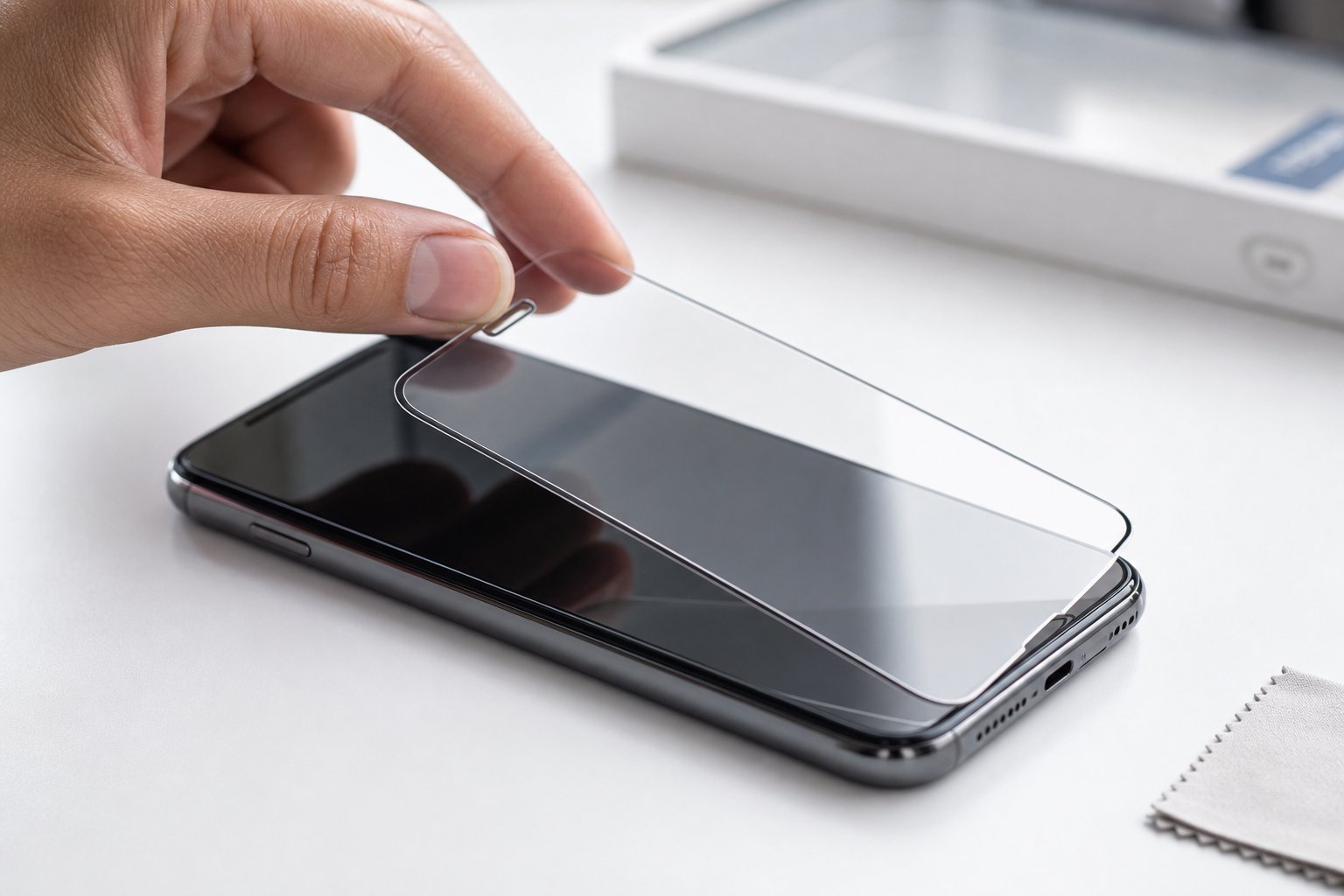
- Tempered glass. A thin layer of real glass that sits over your screen. It feels like your actual screen, protects well against drops and scratches, and can absorb impacts that would otherwise crack your display. This is the most popular and recommended choice.
- Film/PET protectors. Thin plastic layers that mainly protect against scratches, not drops. They're cheaper and thinner, but offer less impact protection and can feel less smooth or show wear.
💡 The recommendation
For most people, tempered glass is the better choice. It protects against both scratches and drops, feels like the real screen, and is affordable. Film protectors are fine if you only care about scratches, but glass gives you far more protection for a small price difference.
Features worth knowing
Screen protector listings come with jargon. Here's what matters:
- Hardness rating (e.g., 9H). A measure of scratch resistance. 9H means it resists most scratches. Just know that higher is better.
- Oleophobic coating. A coating that resists fingerprints and makes the glass feel smooth. Worth having — it keeps the screen cleaner.
- Edge-to-edge / full coverage. Covers the whole screen, sometimes including a colored border. Make sure it's compatible with your phone's case.
- Curved vs. flat. Phones with curved screens need curved protectors, which are harder to install. Flat screens are easier.
- Compatibility with fingerprint sensors. If your phone has an under-screen fingerprint reader, confirm the protector works with it.
Don't overthink the specs. Focus on tempered glass with an oleophobic coating, confirm it fits your phone and case, and that it works with your fingerprint sensor.
Installing it properly
A poorly installed protector is worse than none — bubbles and misalignment are frustrating. Here's how to install a tempered glass protector well:
✨ The "steam trick" for dust-free install
Dust is the enemy of a clean install. Running a hot shower for a minute settles airborne dust, making a steamy bathroom one of the best places to install a screen protector. Clean, align, and press out bubbles, and you'll get a flawless result.
If you're not confident installing it yourself, many phone shops and repair stores install screen protectors for a small fee — worth it to get a perfect, bubble-free fit.
📌 Bottom line
A screen protector is cheap insurance for your phone's expensive, fragile screen. Tempered glass is the best choice for most people — it protects against drops and scratches and feels like the real screen. Look for a 9H hardness and oleophobic coating, confirm it fits your phone and case, and check fingerprint-sensor compatibility. Install it carefully in a clean space (or have a shop do it). One cracked-screen repair easily costs more than a lifetime of protectors.