Your computer runs quietly in the corner, day after day — and slowly, invisibly, it accumulates dust, clutter and software gunk. Months later, it's louder, hotter and slower, and you can't quite figure out why. It's not dying. It just needs maintenance — the same way a car needs an occasional oil change.
Here's the good news: you don't need to be a technician. A few simple, regular habits keep a computer fast, cool and reliable for years. This guide covers both the physical cleaning and the software maintenance that keep your PC in top shape.
What we'll cover
Software maintenance (the monthly routine) Physical cleaning (the yearly deep-clean) A simple maintenance scheduleSoftware maintenance (the monthly routine)
A lot of "my computer is slow" is really accumulated software clutter. A monthly routine fixes the most common causes:
This monthly routine prevents the slow build-up that turns a healthy computer into a sluggish one. It takes about 15 minutes.
⚠️ Skip the "PC cleaner" apps
You don't need third-party "PC cleaner" or "optimizer" software. They often do little, slow your system, and some are ad-riddled or worse. Your operating system's built-in tools (and the steps above) are safer and just as effective.
Physical cleaning (the yearly deep-clean)
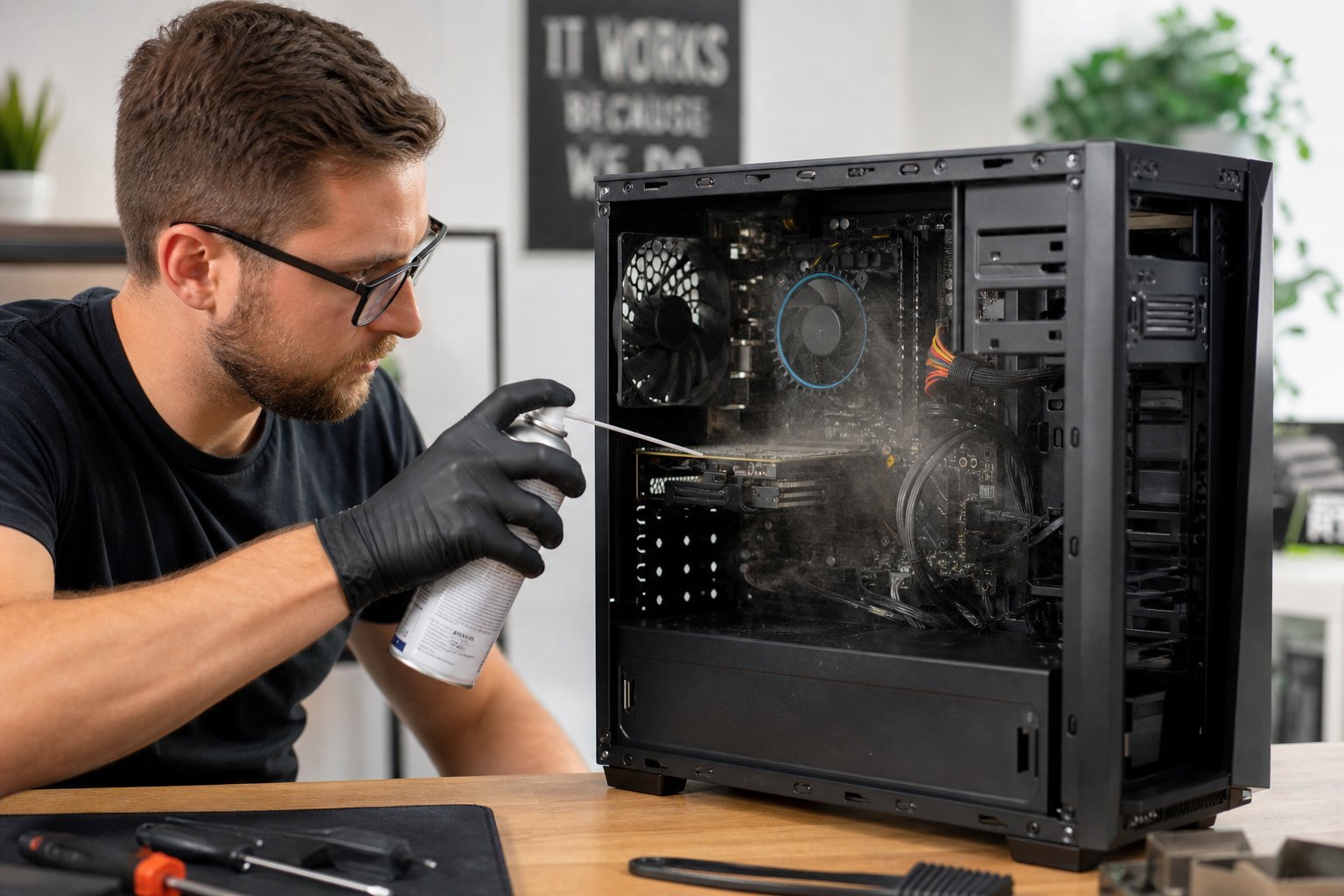
Dust is a silent killer of computer performance. It accumulates inside, clogs fans and vents, and traps heat. Since computers throttle (slow down) when hot to protect themselves, a dusty PC literally becomes slower over time.
Here's how to do a safe physical clean:
✨ The "loud fan" signal
If your computer's fans are constantly loud or working hard, that's often a sign of dust build-up or blocked airflow. Cleaning the vents and internals can make it run quieter and cooler — and recover performance lost to overheating.
A simple maintenance schedule
Here's the whole thing reduced to a schedule you can actually follow:
| When | What to do |
|---|---|
| Weekly | Restart, empty recycle bin, tidy desktop |
| Monthly | Free disk space, review startup items, run updates, uninstall unused apps |
| Every 6–12 months | Physical clean (blow out dust), check vents and airflow |
| Yearly | Review all software, clean out old files, consider a backup health check |
Set a reminder on your phone or calendar. Ten minutes a month plus a yearly deep-clean is all it takes to keep most computers running like new for years.
📌 Bottom line
Computers slow down from accumulated software clutter and dust — both fixable. Do a monthly software routine: restart, free disk space, review startup items, run updates, and uninstall unused apps. Do a yearly physical clean: blow out the dust, clear the vents, ensure airflow. Skip the "PC cleaner" apps — built-in tools are better. A little regular maintenance keeps your computer fast, cool and reliable for years, and prevents most "why is my PC slow?" problems before they start.