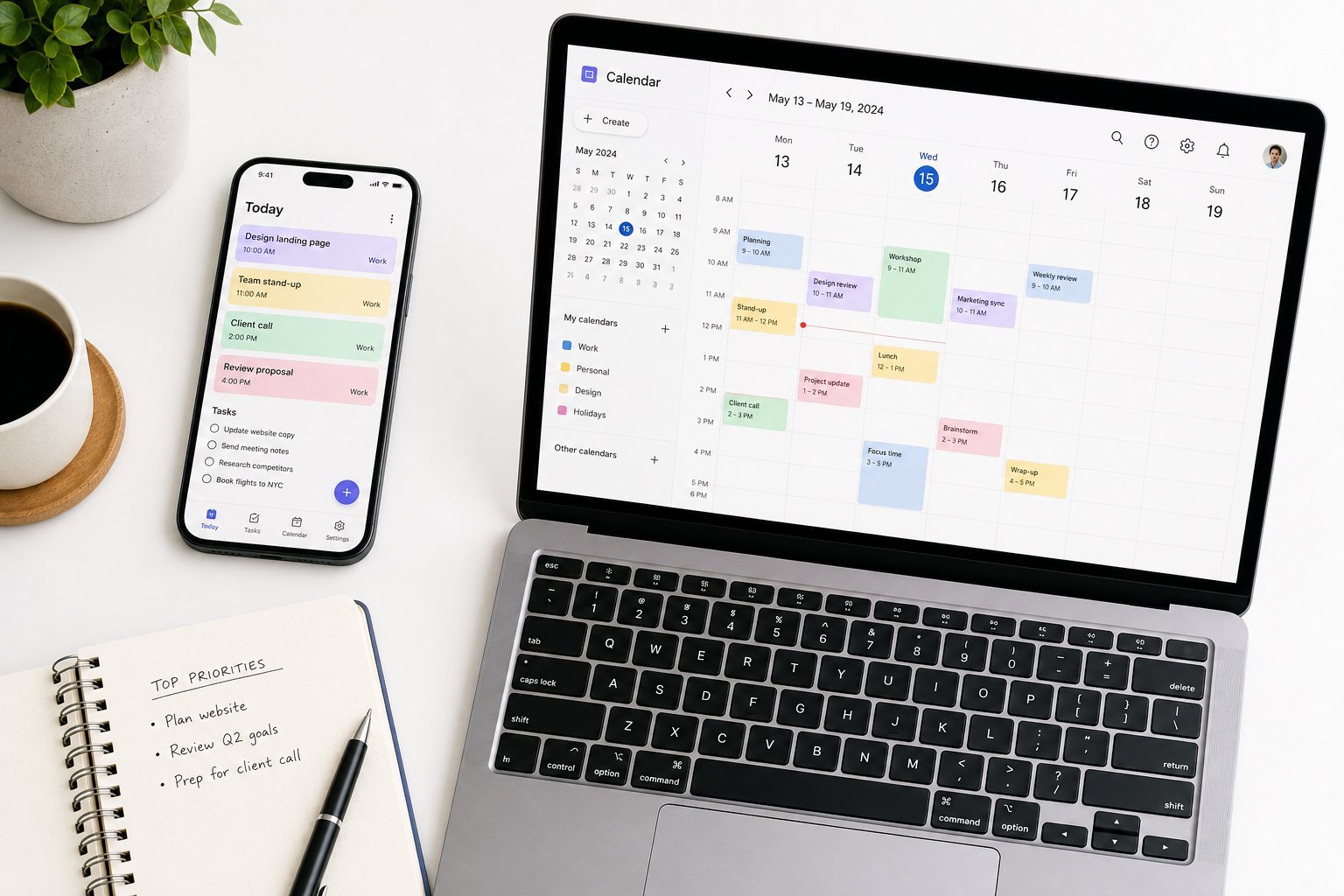
Being a student in the digital age means technology is central to your studies — lectures, notes, assignments, research, group work. But with limited budgets and endless options, it's easy to overspend or end up with the wrong tools. The good news: you don't need the most expensive gear to be a successful student.
This guide covers the essential technology students actually need — laptops, apps and habits — and how to get the best value on a student budget.
The essential laptop
A laptop is the most important tech purchase for most students. Here's what to prioritize:
Prioritize portability and battery life. You'll carry it to classes and use it all day — light weight and all-day battery matter (see our laptop guide).
Get enough RAM and storage. 16 GB RAM and an SSD (at least 256 GB) keep it fast for years (see our RAM guide).
Choose the OS that fits. Windows for flexibility, MacBook for Apple ecosystem, Chromebook for budget and simple use (see our OS guide).
Consider a tablet as a supplement if you like taking digital notes with a stylus (see our tablet guide).
A reliable, portable laptop with good battery life and enough specs is the foundation. Match it to your field and budget.
Essential student apps
These apps cover the core needs of student life:
Notes. A good note-taking app for lectures and study (see our guide).
Office suite. For documents, spreadsheets and presentations — Microsoft Office (free for most students) or Google Docs.
Cloud storage. To access your files everywhere and never lose them (see our guide).
Cloud backup. Protect your essays and assignments (see our backup guide).
A password manager. Keep your accounts safe (see our guide).
Task/time management. A simple to-do app for assignments and deadlines (see our productivity guide).
These cover notes, documents, storage, backup, security and planning — the essentials of academic tech.
Tech habits for study
How you use technology matters as much as what you use:
Back up your work. Essays and assignments should never be at risk — back them up (see our backup guide).
Organize your files. A simple folder system keeps assignments findable (see our organizing guide).
Limit distractions. Use focus modes to reduce phone/app distractions during study (see our screen time guide).
Use cloud for group work. Collaborative documents make group projects easier.
Protect your accounts. Use 2FA on your email and university accounts (see our 2FA guide).
Good habits — backup, organization, focus and security — make your tech work for you academically.
Save money as a student
Students can save a lot with a few smart moves:
Use student discounts. Many tech companies offer student pricing on hardware, software and subscriptions.
Use free software. Office suites and many apps are free for students.
Consider refurbished. A certified refurbished laptop saves money without sacrificing quality (see our refurbished guide).
Buy what you need, not the maximum. A mid-range laptop handles most student work (see our value guide).
Use the library. Free access to software, resources and sometimes devices.
✨ Always ask for student pricing
Before buying any tech or software, check for student discounts. Apple, Microsoft, and many others offer significant student pricing. Always ask or search for "student" pricing — it can save you a lot on a laptop and subscriptions.
📌 Bottom line
Student technology doesn't need to be expensive. Prioritize a portable laptop with good battery life and enough RAM/storage, and add the essential apps — notes, office, cloud storage, backup, a password manager and a to-do app. Build good habits (backup, organization, focus, security), and save money with student discounts, free software, refurbished gear and the library. Get the essentials right, and you'll have everything you need to study successfully.
#students#laptop#apps#study#budget
NP
Nina Patel
Productivity & apps writer
Part of the HighTechBee editorial team. Nina Patel writes practical, beginner-friendly tech guides that solve real everyday problems.