You've almost certainly used cloud storage without thinking about it. Your phone backs up photos to it. Your work documents live in it. Your email attachments are stored there. But if someone asked you to explain "the cloud," would you know what to say?
Here's the reassuring truth: the cloud is not mysterious. It's just a fancy name for storing your files on someone else's servers (over the internet) instead of on your own device. This guide explains how cloud storage works, the best services, and — most importantly — how to use it safely so your files stay both convenient and secure.
What we'll cover
What cloud storage actually is Why it's so useful The best cloud storage services How to choose one Staying safe with cloud storageWhat cloud storage actually is
Imagine a giant, secure locker facility where you rent space. You put your files in, you can get them back anytime from anywhere, and you're not responsible for keeping the building standing. That's cloud storage.
Technically, your files are stored on servers — powerful computers — owned by companies like Google, Apple, Microsoft and Dropbox, in data centers around the world. You access them over the internet from any device: your phone, laptop, tablet.
The key idea: your files are no longer tied to one device. If your phone is lost, your laptop breaks, or you just want to switch devices, your cloud files are safe and reachable.
Why it's so useful
Cloud storage solves real, everyday problems:
- Automatic backup. Your photos and documents are backed up without you thinking about it, so you're protected against device failure or loss.
- Access anywhere. Start a document on your laptop, continue it on your phone. Your files follow you.
- Sharing made easy. Send a file or folder to anyone with a link — no more emailing huge attachments.
- Collaboration. Multiple people can work on the same document in real time (Google Docs is a classic example).
- Frees up device space. Store large files in the cloud instead of filling up your phone or laptop.
Once you start using it, it's hard to imagine life without it — which is exactly why it's become so central to how we work and store memories.
The best cloud storage services
You have several excellent options, and the "best" one is usually the one that fits your existing devices:
| Service | Best if you use… | Free tier |
|---|---|---|
| Google Drive | Android, Gmail, Google apps | Generous free storage |
| iCloud | iPhone, iPad, Mac | Free tier for Apple devices |
| OneDrive | Windows, Microsoft Office | Free tier with Microsoft account |
| Dropbox | Simple file sync & sharing | Small free tier |
The practical guidance: choose the service that pairs with the devices and apps you already use. If you live in Google's world, use Google Drive. If you're all-Apple, iCloud is the natural fit. If you rely on Windows and Office, OneDrive. This keeps everything integrated and easy.
How to choose one
If you're deciding, here's a simple decision process:
The most important thing isn't which service — it's that you use one so your files are backed up and accessible.
Staying safe with cloud storage
Because your files live with a company, security is a fair concern. Here's how to use cloud storage safely:
- Use a strong, unique password for your cloud account (via a password manager — see our guide).
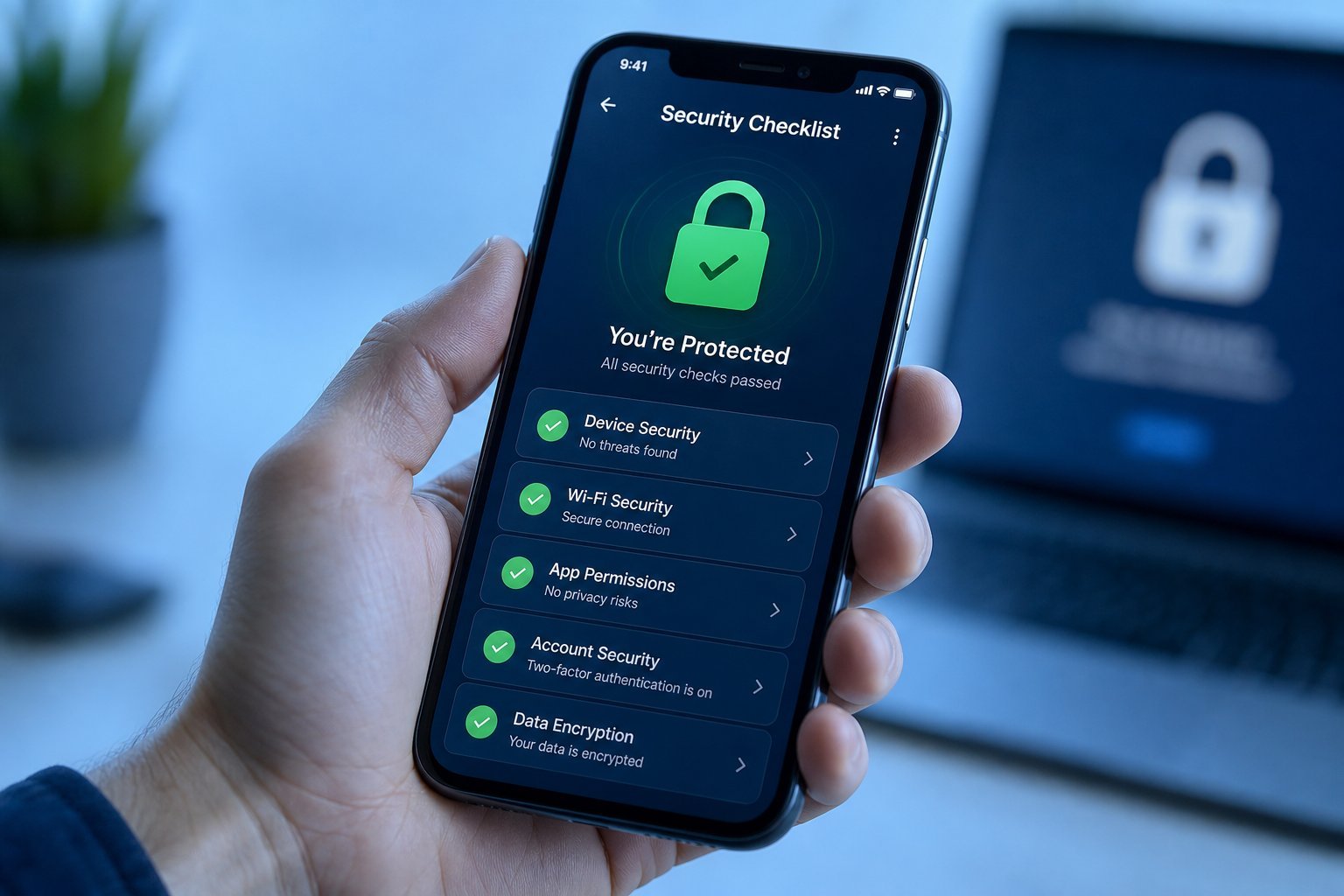
- Turn on two-factor authentication. This is the single most important step; it keeps hackers out even if they get your password.
- Check what you share. Links can accidentally expose files. Review sharing settings and revoke links you no longer use.
- Don't store ultra-sensitive files in the cloud unless you trust the service's security. Things like a list of passwords are better kept in a dedicated password manager, not a cloud drive.
- Review privacy settings. Know what the service scans or uses. Most don't read your personal files, but understand the terms.
⚠️ A shared account is a shared risk
If family members use the same cloud account, everyone's files are accessible with one login. That's convenient but means one weak password exposes everything. Consider separate accounts or at least strong security on the shared one.
Also remember the "3-2-1" backup idea from our safety checklist: cloud is a great "off-site" copy, but for your most precious files (family photos, important documents), consider also keeping a copy on an external drive or another service. Redundancy protects you even from the rare cloud-account problem.
📌 Bottom line
Cloud storage is just your files living on a company's servers so you can access them anywhere and never lose them. It's great for automatic backup, sharing and collaboration. Start with the service that matches your devices, use the free tier first, and — above all — protect your account with a strong password and two-factor authentication. Used well, the cloud makes your files safer and more convenient than they ever were on a single device.