We all have the same 24 hours, and most of us feel like we're losing the battle against to-do lists, emails and endless notifications. Here's a liberating secret: the right tool can do more than save you ten minutes here and there — it can genuinely change how you work, eliminating whole categories of busywork.
But here's the catch that nobody tells you: app overload is itself a productivity killer. Installing ten apps to be more productive just gives you ten apps to manage. So this guide isn't a pile of options — it's a carefully chosen set of tools that together cover the essentials, each one earning its place on your device.
The toolkit
Notes & capture: your second brain Tasks & to-dos that don't nag Calendar & scheduling Cloud storage & sync Focus & distraction blocking Passwords & security The "one of each" ruleNotes & capture: your second brain
Your memory is not a reliable filing system. If you try to hold everything in your head — ideas, tasks, commitments, links — you'll lose things and add stress. The fix is a dependable place to capture anything the moment it occurs.
A good notes app lets you jot something down in seconds and find it later. The most popular options include:
- Notion — a powerful all-in-one workspace for notes, databases and projects. Great if you like structure and flexibility, though it can feel overwhelming at first.
- Evernote — a classic notes app, strong for web clipping and search.
- Apple Notes / Google Keep — free, built into your device, and perfect for quick capture. Don't underestimate them; for many people, a simple notes app is all they need.
The key isn't which app — it's the habit of capturing everything in one trusted place. Pick one, and use it for everything. That "one trusted inbox" is the foundation of a second brain.
✨ The 2-minute capture rule
When something comes to mind — an idea, a task, a worry — write it down immediately. If it takes less than two minutes to capture, do it now. Don't rely on "I'll remember it later." You won't, and the forgetting costs you more than the two seconds of writing.
Tasks & to-dos that don't nag
To-do lists fail when they're either ignored or become a source of guilt. The best task apps make lists actionable — turning vague "do admin" into specific, manageable steps.
Good task managers to consider:
- Todoist — clean, cross-platform, with natural-language input (type "tomorrow 3pm call bank" and it schedules it).
- Microsoft To Do — simple, free, and integrates with Outlook.
- Google Tasks — minimal, works with Gmail and Google Calendar.
Whichever you choose, follow two principles that make lists work:
Calendar & scheduling
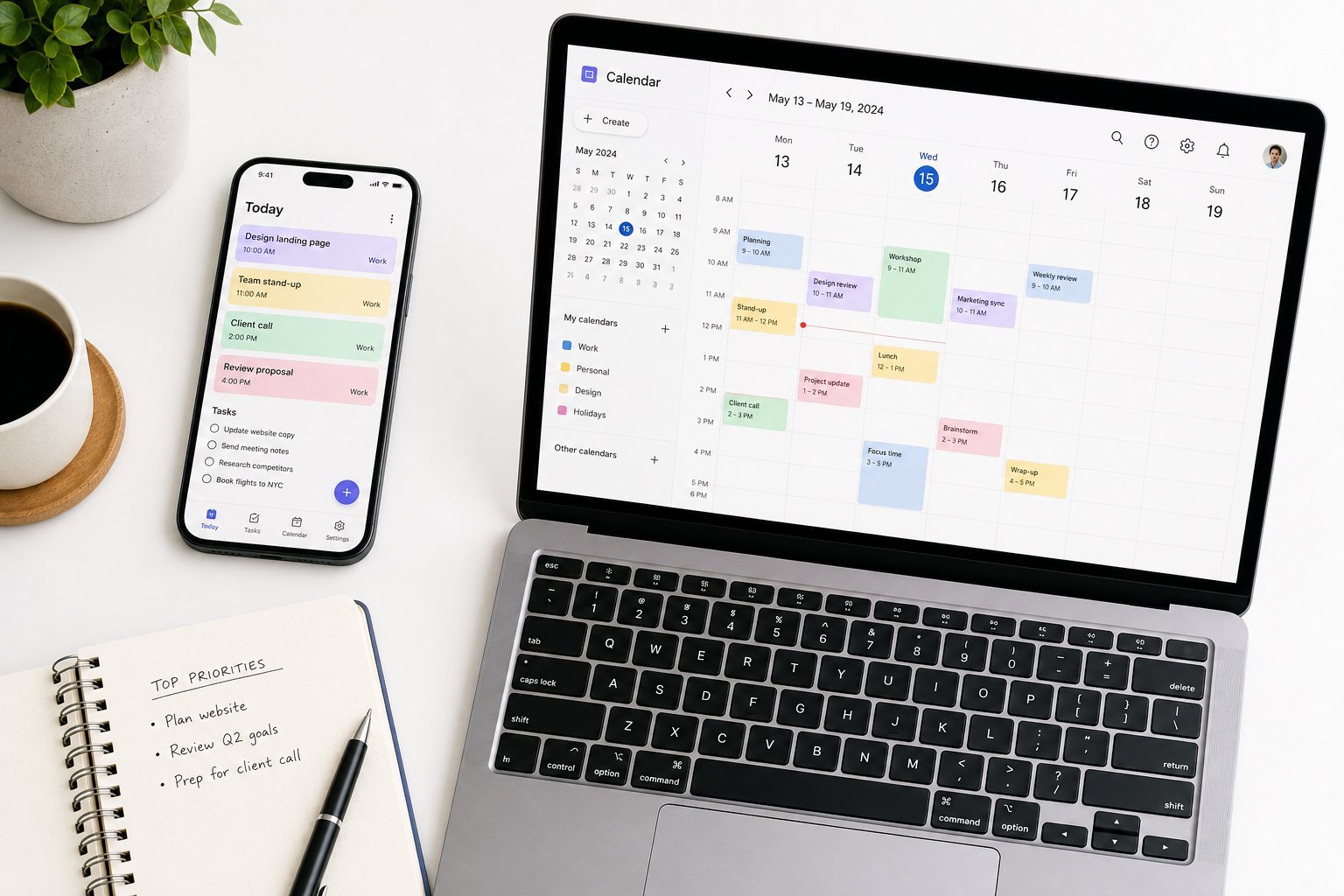
Your calendar is more than a place for meetings — it's the map of your time. The best calendars don't just track appointments; they help you protect time for the work that matters.
Modern calendar features worth using:
- Time-blocking: reserve blocks for deep work, not just meetings. If it's not on the calendar, it's not scheduled.
- Scheduling links: tools like Calendly or Google's appointment scheduling let people book time with you without the back-and-forth email dance.
- Shared calendars: keep family or team schedules in sync.
Google Calendar and Apple Calendar both handle the basics beautifully and are free. Add a scheduling-link tool if you find yourself emailing back and forth about meeting times.
Cloud storage & sync
Nothing derails productivity like "I can't find the file," or worse, "I saved it on my old computer." Cloud storage solves this by keeping your files accessible everywhere and always backed up.
- Google Drive — generous free tier and excellent collaboration.
- Microsoft OneDrive — deeply integrated with Windows and Office.
- Dropbox — simple, reliable, great syncing.
- iCloud — the natural choice if you're on Apple devices.
Whichever you pick, the important habit is using one location as your primary home for files so you always know where things are. Avoid the trap of files scattered across email, USB sticks and half a dozen folders.
Focus & distraction blocking
The modern phone is a slot machine designed to pull your attention away. If distraction is your biggest productivity problem (it is for most of us), a focus tool is a game-changer.
Two types of tools help:
- Focus timers: apps based on the Pomodoro technique — 25 minutes of focused work, then a short break. They create structure that makes it easier to start. Try Forest, or use your phone's built-in timer.
- Website/app blockers: tools like Freedom or built-in "Focus" modes on iPhone and Android that block distracting apps during set times. Sometimes willpower isn't enough; a blocker removes the temptation entirely.
💡 The distraction fix that works
Turn off notifications for all but the essentials. Every notification is an interruption, and every interruption costs your brain 20+ minutes to refocus. The single highest-impact productivity change is silencing your phone — not installing another app.
Passwords & security
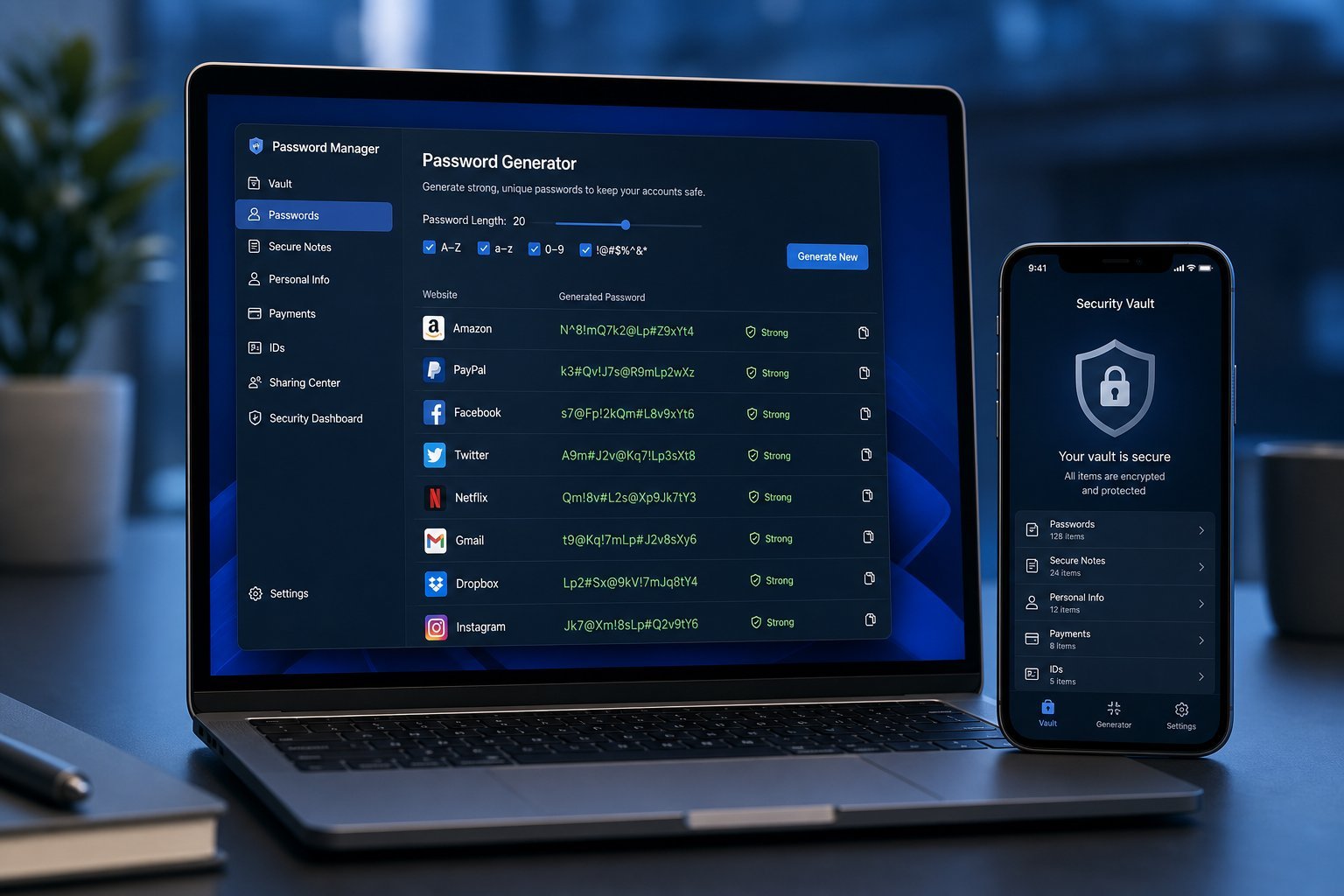
This one deserves a spot in a productivity list because "I forgot my password again" is a huge time-waster — and a security risk. A password manager solves both.
I cover this topic in depth in our password manager guide, but the short version: a password manager stores all your passwords securely, fills them in automatically, and generates strong unique ones. No more "I'll just use the same password again" or "what was my password for this site?"
Setting one up once saves you time and frustration forever. This is one of those rare tools that improves both security and productivity simultaneously.
The "one of each" rule
Here's the takeaway that matters most. The most productive people don't have ten tools for every task — they have one solid tool for each category, and they use it well.
Your core toolkit looks like this:
📌 Bottom line
Pick one notes app, one task manager, one calendar, one cloud storage, and one focus tool. Master those five, and you'll cover the vast majority of your productivity needs — without the overhead of a dozen half-used apps. The tool matters less than the consistent habit of using it. Start with the free, built-in options and upgrade only when you hit a real limit.