You want a new phone, laptop or tablet — but the full price makes you wince. There's a smarter way that saves a lot of money: buying refurbished. "Refurbished" devices are used products that have been tested, repaired and restored to good working order — and they cost far less than brand new.
But refurbished comes with caveats. Not all "refurbished" products are equal, and a bad purchase is a waste of money. This guide explains what refurbished actually means, how to buy safely, and how to avoid the traps.
What we'll cover
What "refurbished" really means The types: from manufacturers to random sellers How to buy refurbished safely Red flags to avoidWhat "refurbished" really means
A refurbished device is a used product that's been inspected, repaired (if needed) and restored before being resold. It's not the same as "used" — a refurb has usually been professionally checked and cleaned.
There are a few related terms to know:
- Refurbished: Used, then inspected/repaired by a professional. Generally the best value.
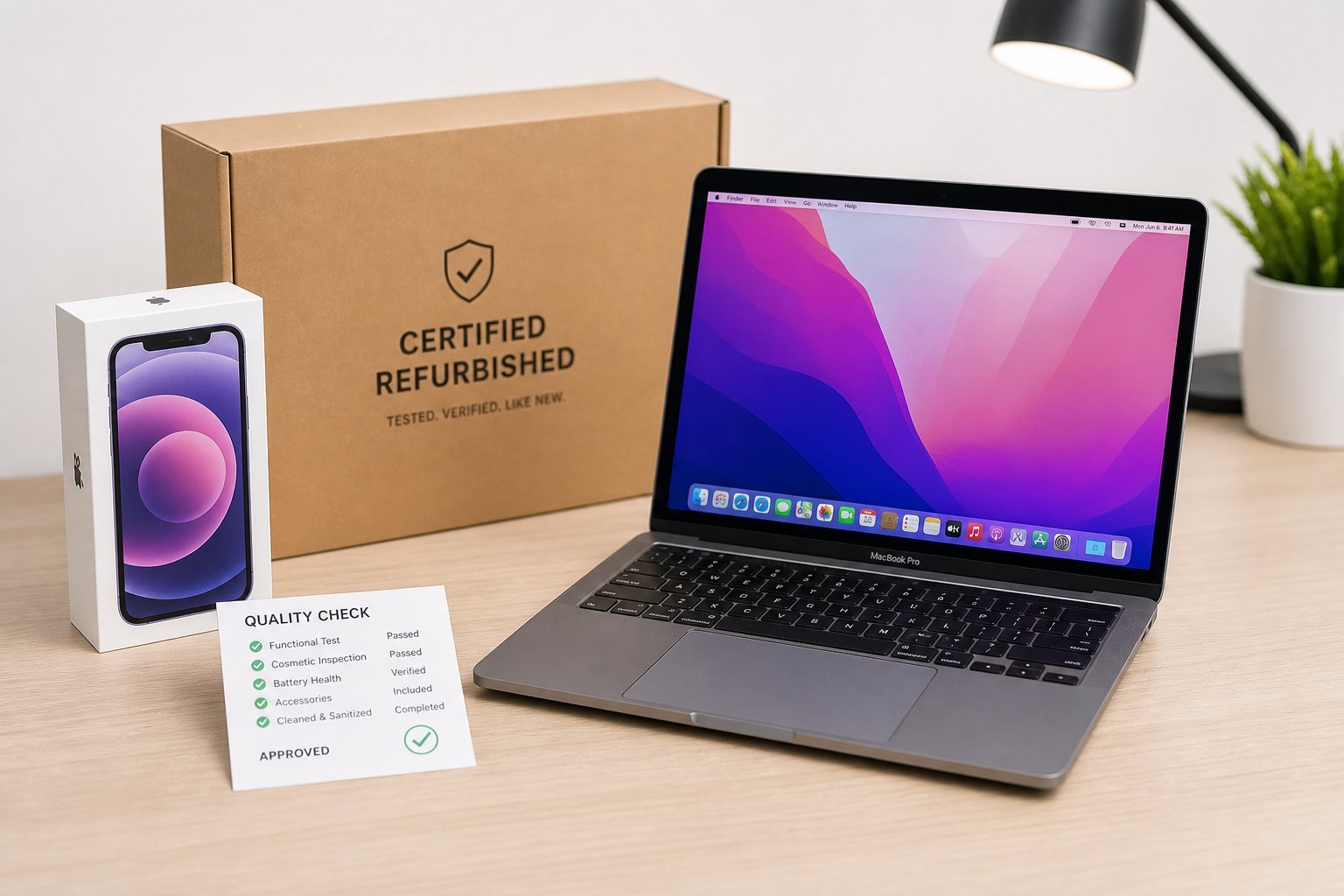
- Certified refurbished: Refurbished by the original manufacturer (or an authorized partner), usually with a warranty. The safest kind.
- Used/pre-owned: Simply second-hand, no professional refurbishment. Buyer beware.
- Renewed: A term often used by marketplaces (like Amazon) for refurbished products.
The key: a refurbished device is meant to work "like new" at a lower price. The quality depends on who did the refurbishing and how.
The types: from manufacturers to random sellers
Refurbished devices come from different sources, and the source matters a lot:
- Manufacturer-certified (best). Apple, Samsung and others sell certified refurbished devices directly. They're thoroughly tested, come with a warranty, and are nearly indistinguishable from new — for a lower price.
- Authorized retailers. Stores that refurbish and sell with their own warranty. Generally reliable, but check the terms.
- Marketplace sellers. Third-party sellers on Amazon, eBay, etc. Quality varies widely — this is where you need to be careful and check reviews and ratings.
- Random/unbranded sellers. The riskiest. Little accountability, unclear condition, questionable warranties.
💡 The safest choice
For the best combination of savings and safety, buy manufacturer-certified refurbished (direct from the brand or an authorized retailer). It's tested, carries a warranty, and is a fraction of the risk of buying from an unknown third-party seller.
How to buy refurbished safely
Here's how to get a great refurbished deal without getting burned:
Doing this checklist before buying protects you from the worst outcomes. A good refurb deal is worth finding — a bad one is money wasted.
Red flags to avoid
Steer clear of these warning signs:
- No warranty. A device sold "as-is" with no warranty is a gamble.
- Vague condition. Sellers who won't describe the condition or cosmetic state clearly.
- Prices too good to be true. A "refurbished" flagship priced at a tiny fraction of retail is probably not a legitimate refurb.
- No photos or details. Especially on marketplaces — if the listing is thin, be suspicious.
- Unknown sellers with poor ratings. Check reviews before trusting an unfamiliar seller.
⚠️ "Too good to be true" is a warning
If a refurbished device is priced far below every other listing, something's likely wrong — it may be stolen, broken, counterfeit, or a scam. If the deal looks too good to be true, it probably is. Trust your instinct and buy from a reputable source.
📌 Bottom line
Refurbished tech is a great way to save money — a certified refurbished device often works like new for a fraction of the price. For the safest deal, buy manufacturer-certified refurbished with a warranty from a reputable source. Check the condition, return policy and battery, and compare the price to new. Avoid no-warranty, vague or too-good-to-be-true listings. Buy smart, and you can get excellent tech at a real discount.