We've covered what a CPU is and how to choose a computer. But if you want to understand why your computer feels fast or slow — and how to interpret processor comparisons — it helps to go a little deeper on CPU performance. This guide explains processor performance in plain terms.
Here's how to understand CPU performance — cores, threads, clock speed, and what actually makes a computer feel fast.
Cores & threads
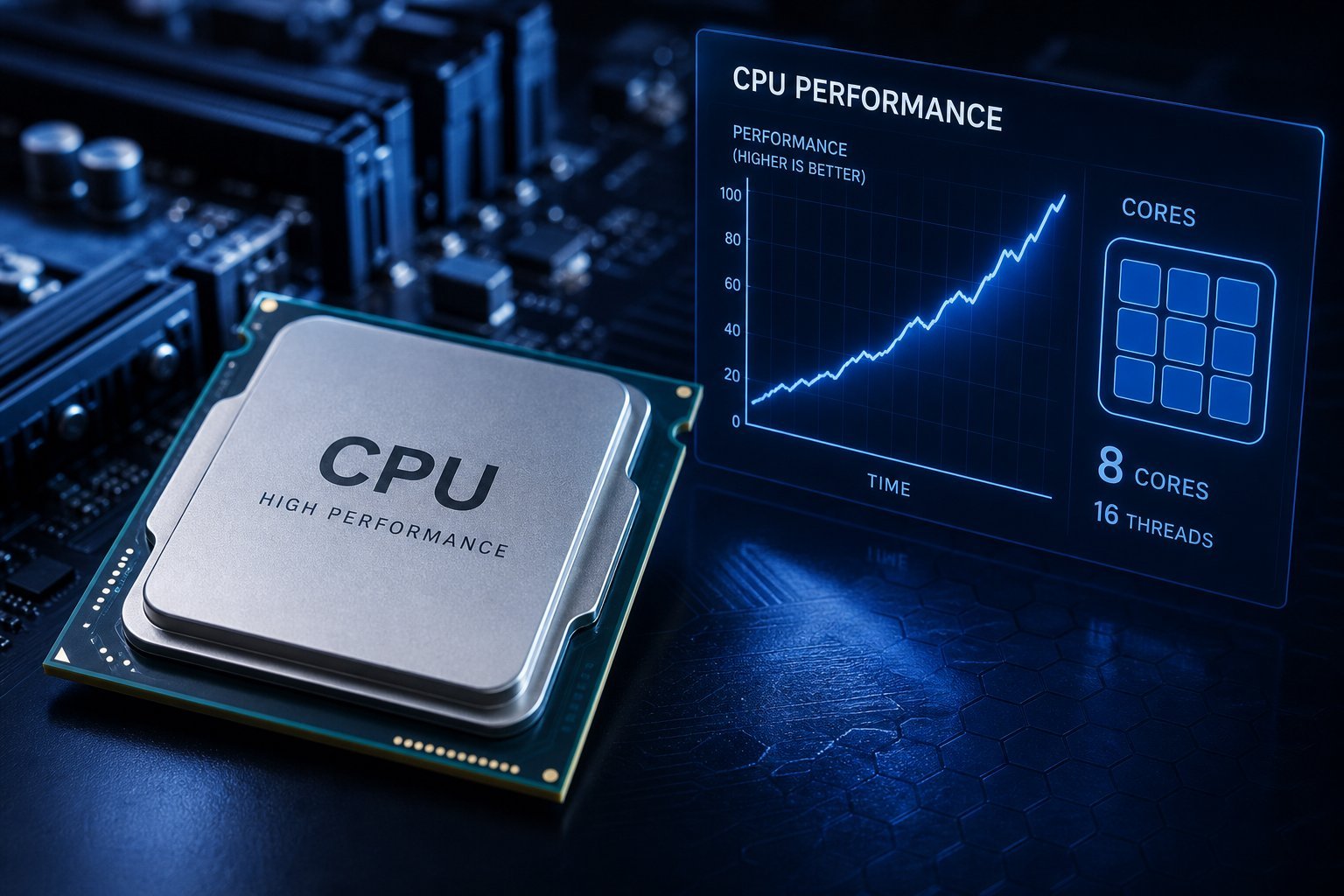
Cores and threads determine how much a processor can do at once:
More cores help with multitasking and demanding parallel work. Single-core speed matters for tasks that run on one core. Both matter, in different situations.
Clock speed
Clock speed is how fast a processor works, but it's easily misread:
Clock speed matters, but only within the same CPU generation. Don't compare clock numbers across different generations — the newer design does more work per cycle.
Cache & architecture
Two things that affect performance beyond cores and clock:
Cache and architecture are why newer processor generations outperform older ones at the same clock speed. Newer is usually faster and more efficient.
What makes a PC feel fast
Here's an important insight: the processor isn't the only thing that makes a computer feel fast. In everyday use, these matter a lot:
💡 The "feels fast" reality
A computer feels fast because of several things together — not just the CPU. An SSD and enough RAM make everyday use feel snappy, often more than a slightly faster processor. The CPU matters most for heavy, sustained tasks. So when choosing or upgrading, don't fixate on the processor alone — the SSD and RAM matter a lot too.
✨ Upgrade storage & RAM first
If your computer feels slow, the best upgrades are often an SSD and more RAM — they make everyday use feel dramatically faster (see our SSD guide and RAM guide). The processor matters for heavy tasks, but for most people, fast storage and enough memory do more for perceived speed than a CPU upgrade.
📌 Bottom line
CPU performance comes from cores (more = better multitasking), clock speed (faster within a generation), and cache/architecture (why newer is better). But a computer feels fast because of several things together. An SSD and enough RAM make everyday use feel snappy, often more than a faster processor. The CPU matters for heavy, sustained tasks. So when choosing or upgrading, don't fixate on the CPU alone — prioritize fast storage and enough memory too.