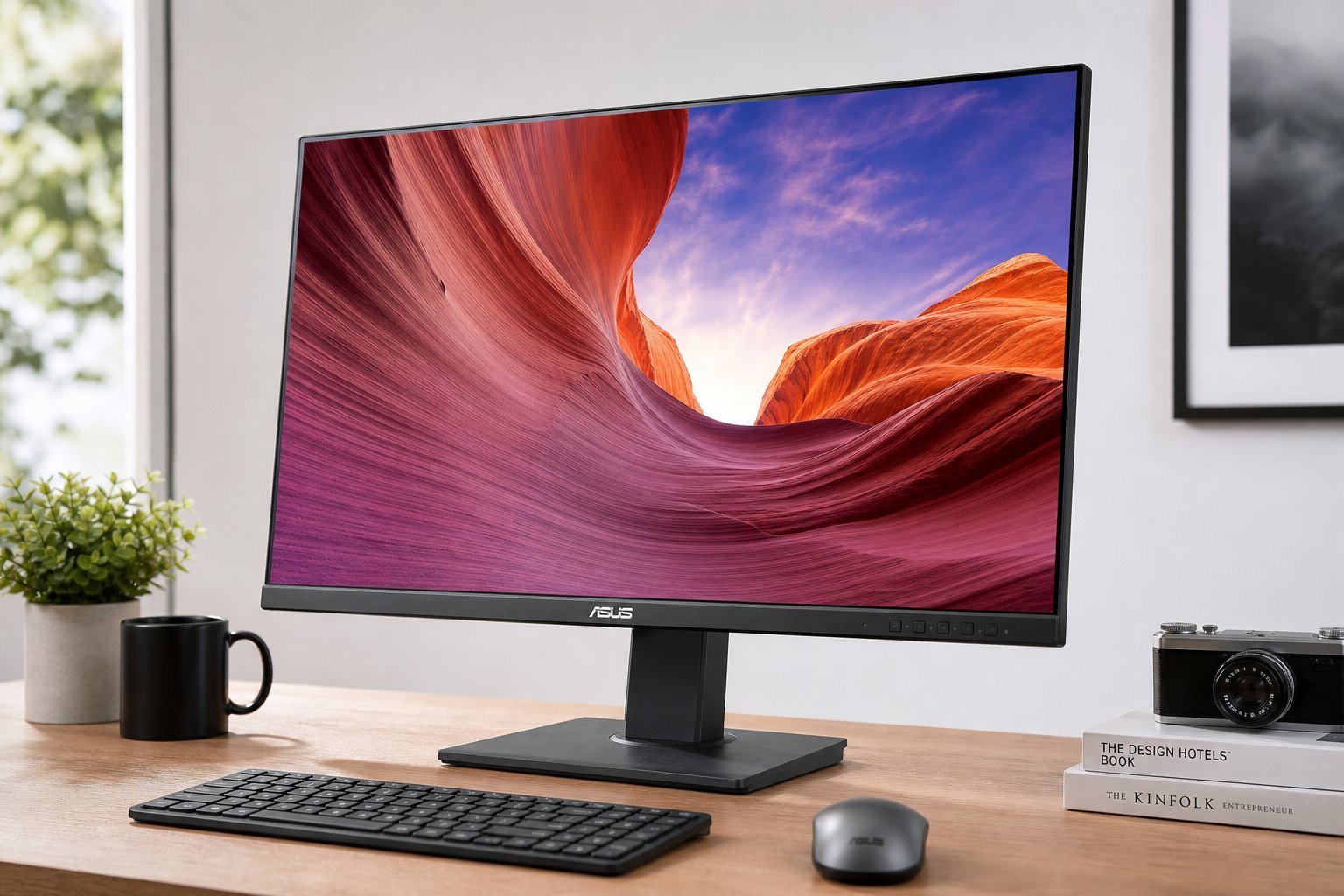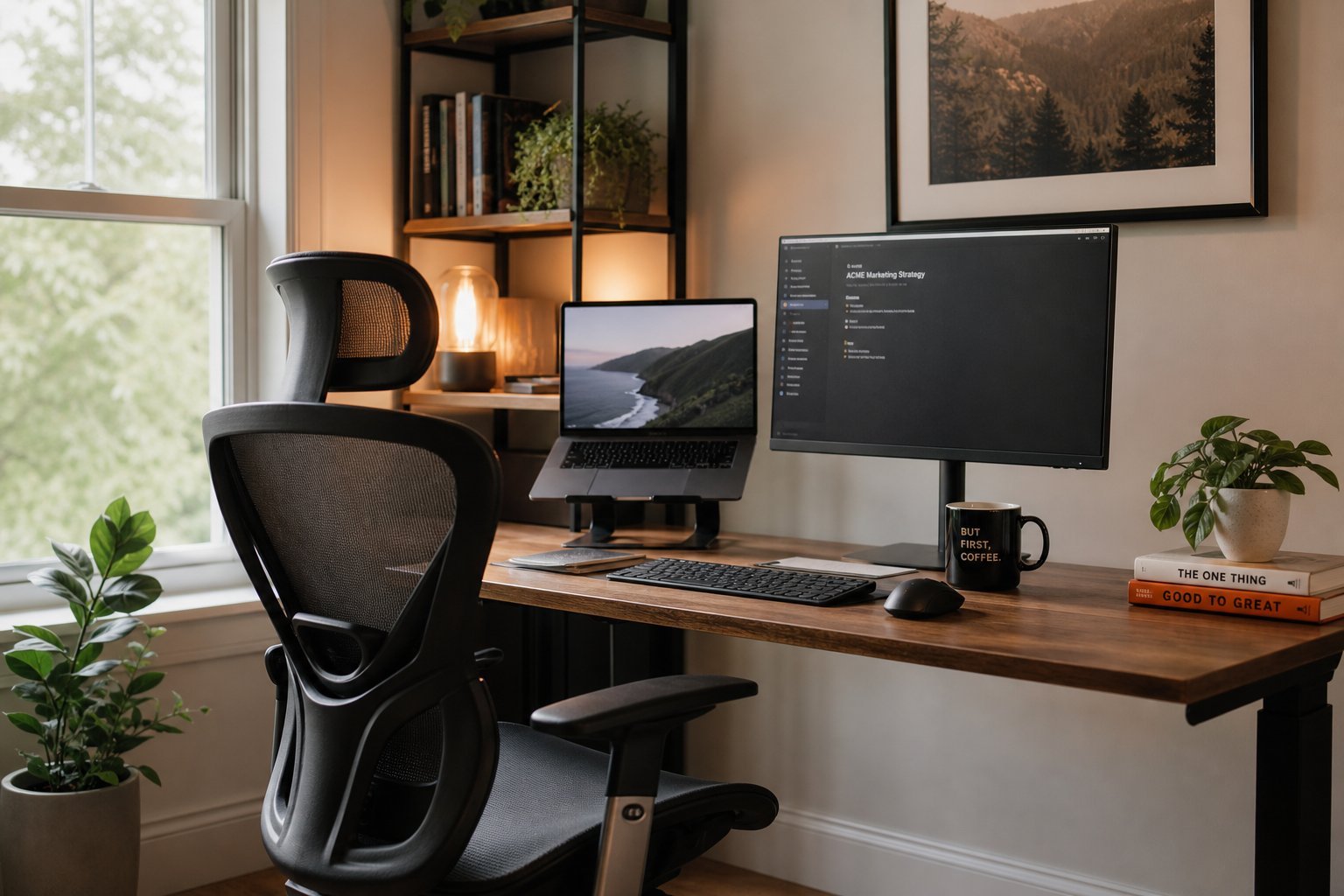
If you work on a computer all day, your monitor is what you look at — and it affects your comfort, productivity and eye strain more than almost anything else. But a "good work monitor" isn't the same as a "good gaming monitor." For work, the priorities are different: readability, comfort and enough screen space.
This guide explains what to look for in a monitor for work — and how to choose one that's easy on your eyes and boosts your productivity.
Size & resolution for work
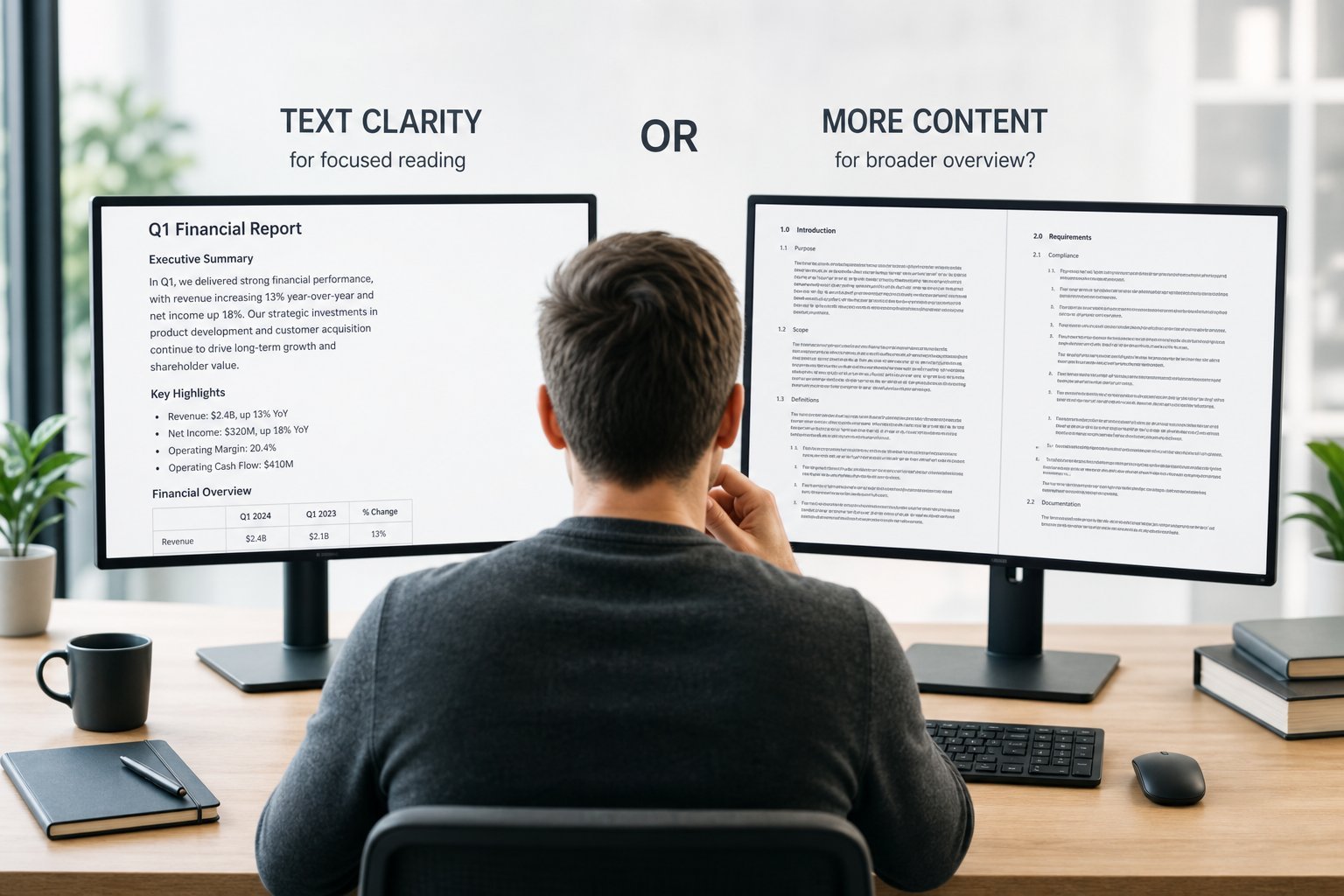
For work, screen space and readability matter most:
A 27" 1440p IPS monitor is the sweet spot for many workers — sharp text, comfortable size and good viewing angles. You don't need a high refresh rate for work.
Reduce eye strain
Eye strain is the biggest concern for people who stare at screens all day. Here's how to reduce it:
✨ The 20-20-20 rule
To reduce eye strain, every 20 minutes look at something about 20 feet away for 20 seconds. It rests your eyes and breaks up long screen sessions. Pair it with a brightness match and a good monitor position, and your eyes will thank you.
Multiple monitors
Many workers find a second monitor boosts productivity significantly:
Whether to use one large monitor or two depends on preference. Both boost productivity by giving you more screen space for multitasking.
How to choose
Here's how to choose a work monitor:
💡 The work monitor sweet spot
For most workers, a 27" 1440p IPS monitor with an adjustable stand is the sweet spot — sharp, readable text, good viewing angles, and comfortable. You don't need gaming features like high refresh rates. Add a second monitor if you multitask heavily. Prioritize readability and comfort over specs, and you'll be comfortable all day.
📌 Bottom line
For work, choose a monitor that's easy on your eyes and gives you enough screen space. A 27" 1440p IPS monitor is the sweet spot for sharp text and good viewing angles. Reduce eye strain by matching brightness, using night mode, reducing glare and taking 20-20-20 breaks. Consider a second monitor for multitasking. Skip gaming features like high refresh rates. Prioritize readability, an adjustable stand and comfort, and you'll be productive and comfortable all day.