Your laptop's battery is one of the most important parts — and one of the most misunderstood. It's also the part most likely to wear out first. Everyone has a tip: "Don't leave it plugged in," "Don't let it drain to zero," "Only charge to 80%." Which advice is actually true?
This guide separates the myths from the facts about laptop battery care. It'll help you make your battery last longer — both in daily life and over the years.
What we'll cover
How lithium batteries actually age Common battery myths, busted Habits that genuinely help Check your battery healthHow lithium batteries actually age
Modern laptop batteries are lithium-ion (or lithium-polymer). Understanding how they age is the key to caring for them. Here's the honest science, in plain terms:
- Batteries have a limited number of charge cycles. A "cycle" is roughly a full charge and discharge. Every battery has a rated lifespan in cycles, and they slowly lose capacity as cycles are used.
- Heat is the big enemy. High temperatures accelerate battery aging significantly. This matters more than most "tricks."
- Extreme charge levels strain the battery. Both keeping it at 100% constantly and letting it hit 0% regularly put stress on the chemistry.
The bottom line: batteries are a consumable part. They slowly wear out no matter what you do — but you can slow that wear significantly with good habits.
Common battery myths, busted
Let's clear up the myths you've probably heard:
- Myth: You must let it drain to 0% before charging. This was true for old nickel batteries, not modern lithium ones. In fact, letting it hit 0% regularly is bad for lithium batteries.
- Myth: Keep it plugged in 24/7 is fine. Keeping it at 100% constantly for long periods adds stress. It's better not to keep it pegged at 100% for weeks on end.
- Myth: Charging overnight ruins the battery. Modern laptops stop charging at 100% and manage the power — an occasional overnight charge is fine. The concern is only sustained months at 100%.
- Myth: Any charger works. No — use the correct charger. Wrong chargers can damage the battery and laptop.
Knowing these myths prevents you from following harmful "advice" that actually shortens battery life.
Habits that genuinely help
Here are the habits that actually make a difference:
✨ The 80% cap for desk users
If your laptop stays plugged in most of the time (at a desk, docked, or as a desktop replacement), enable the battery-saver/charge-limit setting that stops at 80%. Keeping a lithium battery at 100% for months adds wear; the 80% cap is the single best habit for a mostly-plugged-in laptop.
Check your battery health
It's worth knowing your battery's actual health so you can plan:
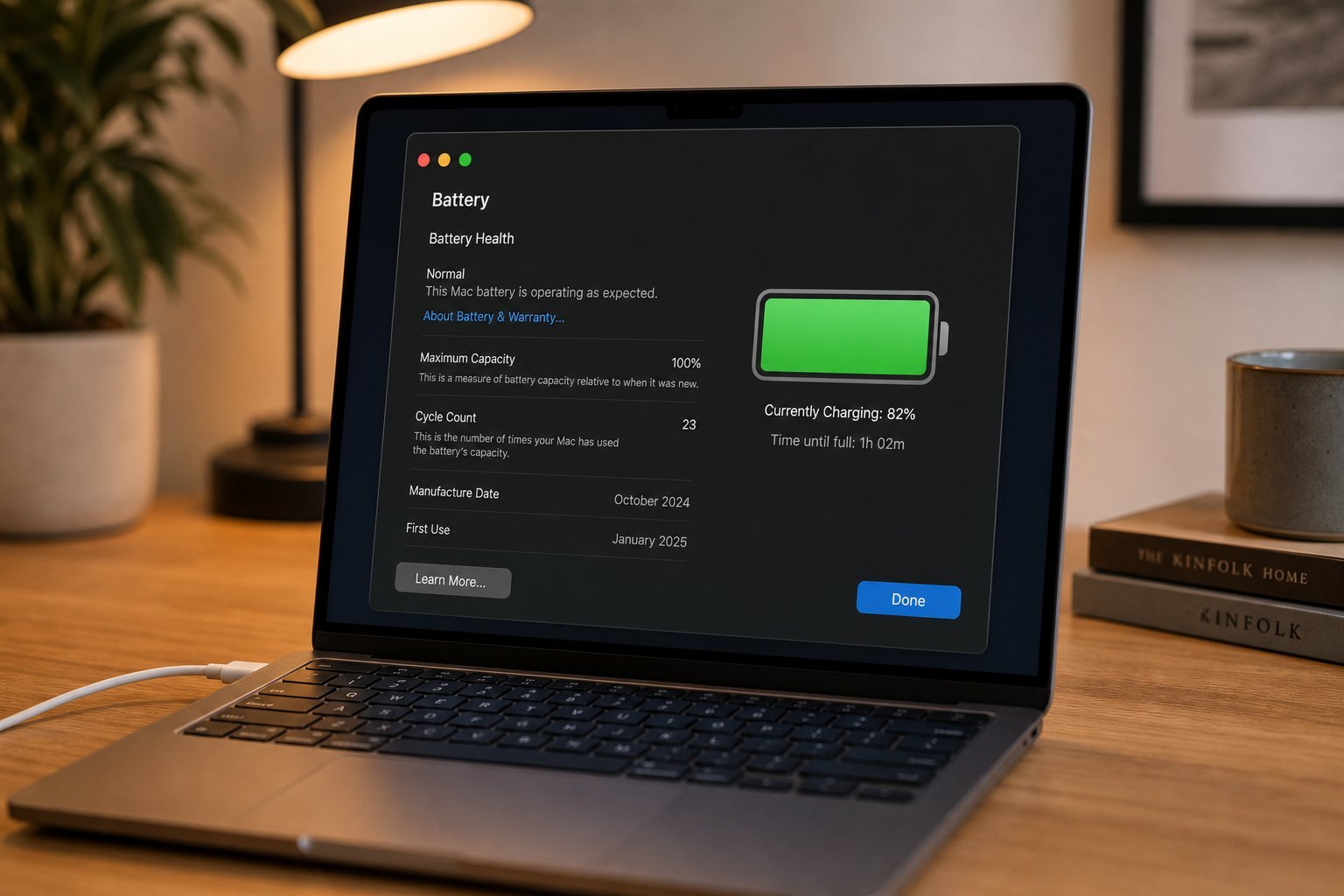
powercfg /batteryreport, then open the generated report to see your battery's capacity and cycles.Batteries are replaceable — if yours is aging, replacing it (or planning to) is better than struggling with terrible battery life. And a healthy battery even keeps your laptop fast (see our note on battery throttling for phones — laptops are similar).
📌 Bottom line
Lithium laptop batteries age through charge cycles, and heat is their biggest enemy. Ignore the old myths — don't drain to 0%, don't fear occasional overnight charging, and use the right charger. The habits that genuinely help: avoid heat, avoid extreme drains, and use the 80% charge cap if you keep it plugged in most of the time. Check your battery health periodically and plan a replacement when capacity drops below ~80%. A little care makes your battery last much longer.