You've probably heard about ChatGPT, Google Gemini, Claude and others — but with so many AI chatbots now, it's easy to feel overwhelmed. Which one should you use? Are they all the same? Is one clearly better?
Here's the honest answer: the major chatbots are all capable, and they're more similar than different for everyday tasks. But there are real differences in strengths, features and free access. This guide compares the main ones so you can pick the right tool for you.
The main chatbots
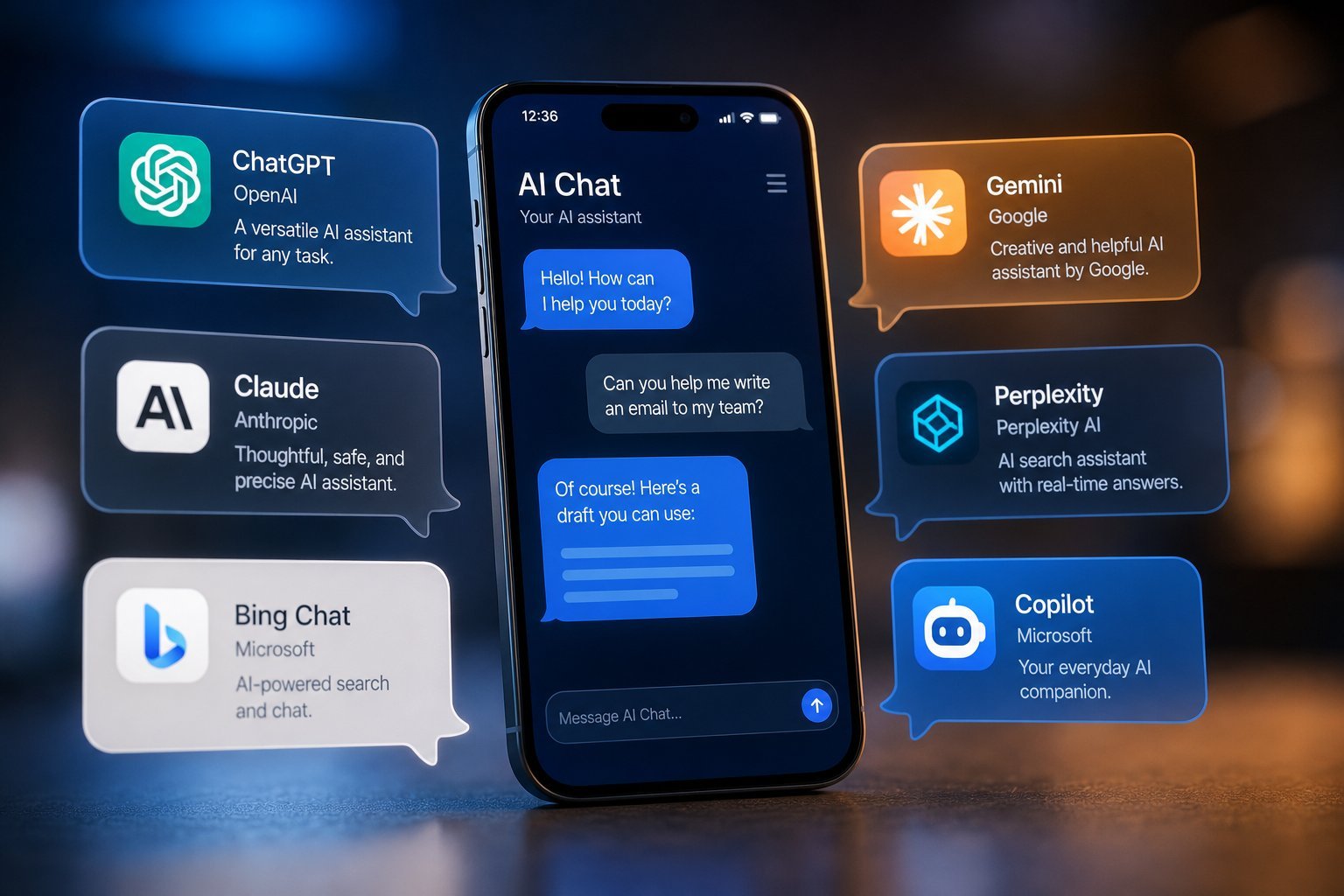
These are the chatbots you'll hear about most in 2026:
| Chatbot | Made by | Known for |
|---|---|---|
| ChatGPT | OpenAI | The most popular, very versatile |
| Google Gemini | Integrates with Google services | |
| Claude | Anthropic | Natural, detailed, careful writing |
| Microsoft Copilot | Microsoft | Built into Windows & Office |
| Meta AI | Meta | Available in social apps |
| Grok | xAI | Integrated with X (Twitter) |
All of these are free to try, and each has strengths. For most people, the choice comes down to which fits your ecosystem and which you find most helpful.
How they compare
Here's what differs between them, in practical terms:
- Writing quality. Claude is often praised for natural, nuanced, careful writing. ChatGPT is very strong and versatile. Gemini is also excellent. Differences are subtle for most users.
- Integration. Gemini shines if you use Google (Gmail, Docs, Drive) — it can access them. Copilot is great if you live in Microsoft/Windows. This is often the deciding factor.
- Multimodal. Most now handle text and images. ChatGPT and Gemini can also analyze uploaded images; Gemini can do more (like searching your photos with permission).
- Speed and availability. Free tiers and features change. Check what's currently free and what needs a subscription.
The differences matter most if you rely on a specific ecosystem or have a particular writing need. For casual use, any of them works well.
Free vs paid access
A common question is whether you need to pay. Here's the practical breakdown:
- Free tiers are genuinely useful. All the major chatbots have free versions that handle everyday tasks — explaining, writing, brainstorming, answering questions — very well.
- Paid tiers add power. Subscriptions typically offer the newest, most capable models, longer responses, higher limits, and advanced features like more image generation.
- Start free. For most people, the free tier is plenty. Upgrade only if you hit a limit or need a specific feature.
💡 The recommendation
Start with the free tier of one chatbot. If it's not enough, try the free tier of another before paying anything. Most people find the free versions more than adequate for everyday use.
How to choose yours
Here's a simple way to pick a chatbot:
✨ You can use more than one
There's no rule saying you must pick one chatbot. Many people use different ones for different things — one for writing, another that integrates with their email. Use whichever helps most for each task.
📌 Bottom line
ChatGPT, Gemini, Claude and the others are all capable AI chatbots, more similar than different for everyday use. The main practical differences are ecosystem integration (Gemini with Google, Copilot with Microsoft) and subtle writing-style preferences. Start with a free tier that fits your ecosystem, try a couple, and don't pay until you hit a real limit. For most tasks, any of them will serve you well.