We've explained what cloud gaming is and compared it to consoles. If you've decided to try it, the next question is: which cloud gaming service? There are several, each with different libraries, pricing and strengths. Choosing the right one depends on what games you want and what devices you have.
This guide compares the main cloud gaming services to help you choose.
The main services
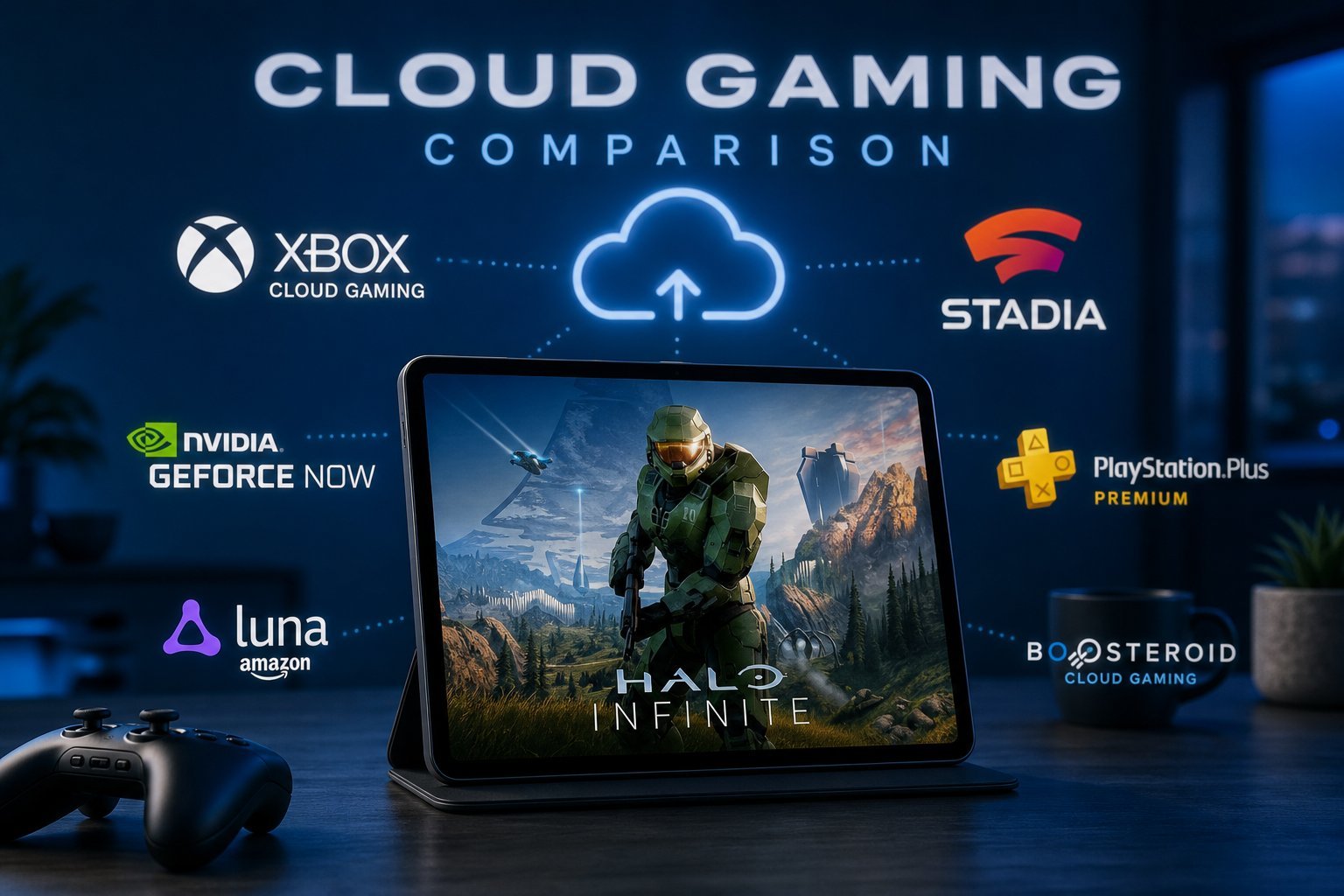
These are the cloud gaming services you'll hear about most:
| Service | Known for |
|---|---|
| GeForce NOW | Streams games you already own (Steam, Epic, etc.) |
| Xbox Cloud Gaming | Part of Game Pass, Xbox games |
| PlayStation Now / Plus | Sony's cloud streaming, PlayStation games |
| Amazon Luna | Amazon's service, channel-based |
Each service works differently. GeForce NOW streams games you own; Xbox and PlayStation stream games from their libraries; Luna uses a channel model.
How they compare
Here are the key differences:
The biggest differences are the game library and pricing. Choose the service that has the games you want to play.
How to choose
Here's a practical way to choose a cloud gaming service:
💡 The deciding factor
The service you choose should match the games you want and the devices you have. If you own a PC game library, GeForce NOW lets you stream it. If you want a subscription library, Xbox Cloud Gaming or PlayStation is the fit. Match the service to the games you want to play.
✨ Try before you subscribe
Cloud gaming quality depends heavily on your internet connection. Take advantage of free trials to test a service on your connection before committing to a subscription. If it feels good (low lag, good quality), subscribe; if not, try another or skip cloud gaming.
📌 Bottom line
Cloud gaming services differ mainly in game library and pricing. GeForce NOW streams games you own from PC stores; Xbox Cloud Gaming offers a Game Pass library; PlayStation streams PlayStation titles; Luna uses channels. Choose based on the games you want and the devices you have. Compare pricing, try a free trial to test quality on your connection, and start with one service. Match the service to your games and setup, and cloud gaming can be a great way to play.