Your internet plan tells you a speed — "100 Mbps," "500 Mbps," "1 Gig." But what does that actually mean for you? Is faster always better? And are you paying for more than you need? Understanding internet speeds helps you pick the right plan and know whether you're getting what you pay for.
This guide explains internet speeds in plain terms, how much you really need, and how to check you're getting it.
What we'll cover
What internet speed means Download speed: how much you need Upload speed matters too Are you getting what you pay for?What internet speed means
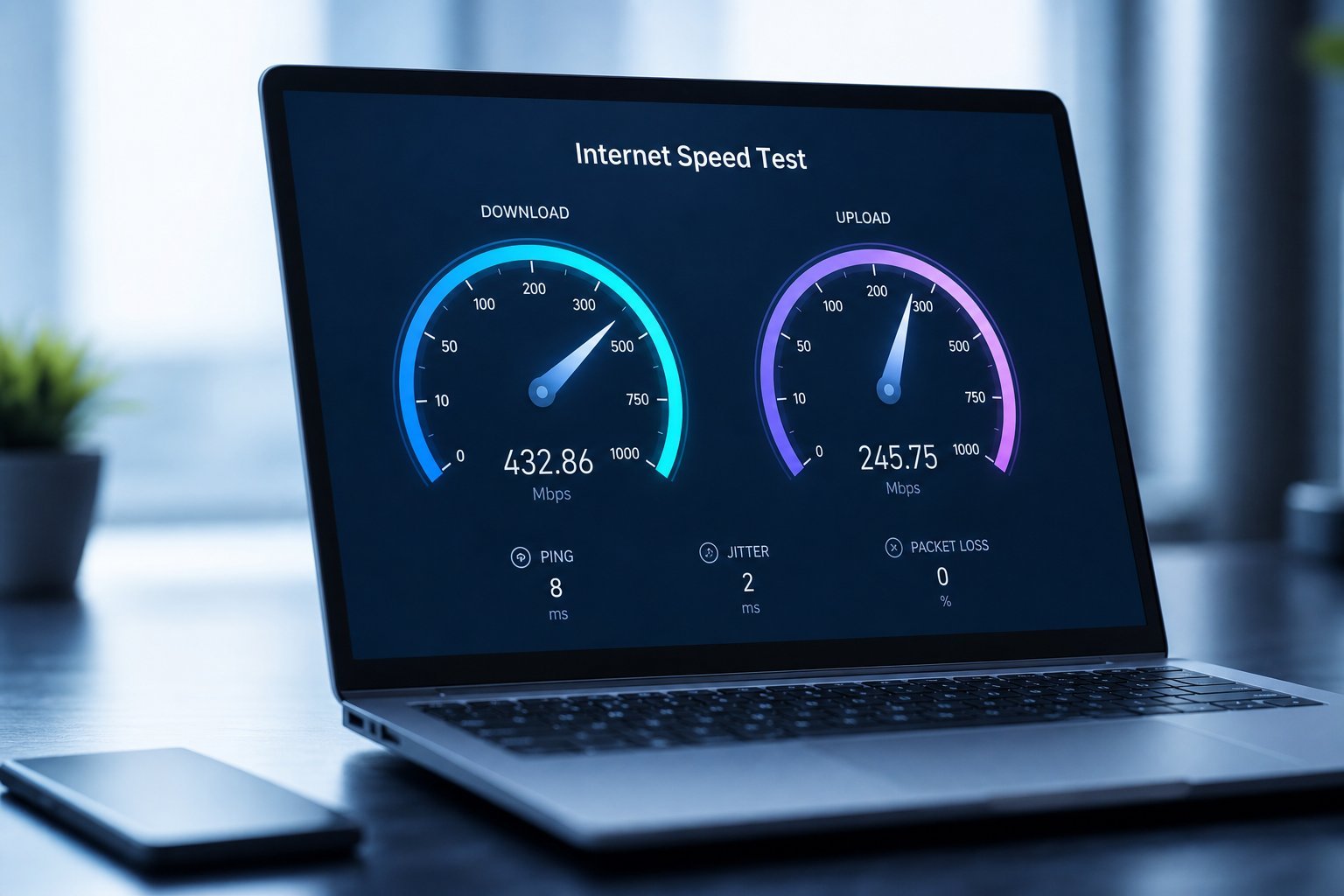
Internet speed is measured in megabits per second (Mbps) — how much data your connection can move per second. It splits into two directions:
- Download speed — how fast you receive data (streaming, browsing, downloading).
- Upload speed — how fast you send data (video calls, uploading, gaming).
A common mistake is only paying attention to download speed. But upload matters too — especially for video calls and gaming.
Download speed: how much you need
Here's the practical reality of how much download speed different activities need:
| Activity | Approx. speed needed |
|---|---|
| Browsing & email | 1–5 Mbps |
| HD video streaming | 5–10 Mbps |
| 4K video streaming | 25+ Mbps |
| Online gaming | ~10 Mbps (but low latency matters more) |
| Multiple devices/people | More — add it up |
💡 The simple rule
For a typical household, 100 Mbps is more than enough for comfortable streaming, browsing and working — even with a few devices. You only need higher speeds (300 Mbps+) for large households, heavy 4K streaming, or many people at once. Most people don't need a gig.
Don't assume you need the fastest plan. A good rule: add up your likely simultaneous usage, and choose a plan with comfortable headroom — not the maximum available.
Upload speed matters too
Upload speed is easy to overlook, but it's critical for:
- Video calls. A good upload speed keeps your video and audio smooth.
- Gaming. Your upload sends your inputs and game data (though latency matters more).
- Uploading files. Photos, videos and backups to the cloud.
- Streaming yourself. If you stream (see our streaming guide), upload speed is essential.
When comparing plans, don't just look at download. Check the upload speed too — especially if you work from home, game or stream. Some "budget" plans have very low upload speeds.
Are you getting what you pay for?
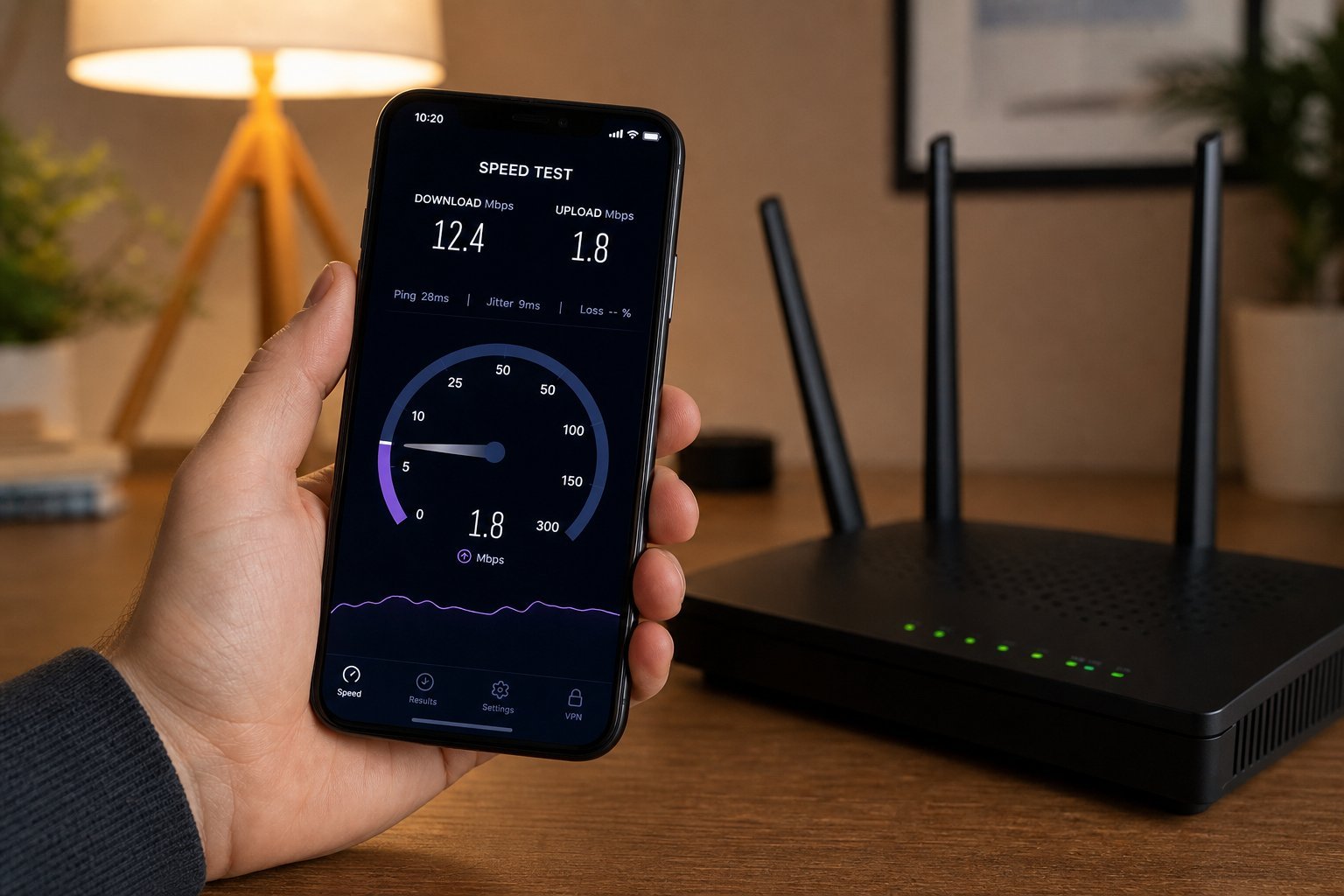
Here's how to check whether you're getting the speed you pay for:
✨ Use Wi-Fi well
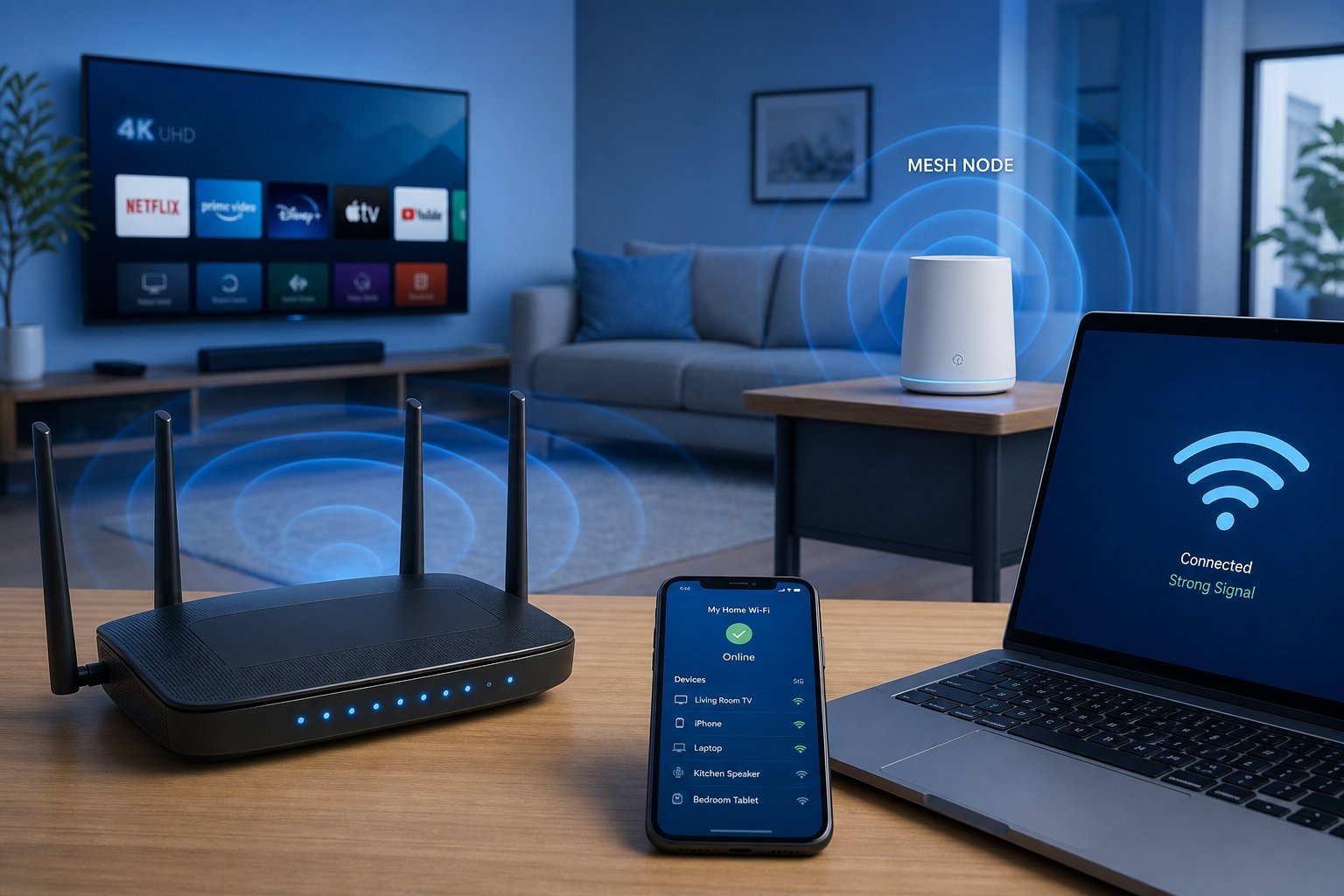
Your plan's speed only matters if your Wi-Fi delivers it. If your speed test is slow, check your Wi-Fi (see our network optimization guide) before blaming your plan. A fast plan on poor Wi-Fi is still slow.
📌 Bottom line
Internet speed is measured in Mbps, split into download and upload. For a typical household, 100 Mbps download is more than enough for comfortable use — you rarely need a gig. Don't ignore upload speed, which matters for video calls, gaming and streaming. To check you're getting what you pay for, run a speed test on a wired connection and compare to your plan, and make sure your Wi-Fi can deliver it. Pick a plan with comfortable headroom, not the maximum available.