Remember when "watching TV" meant flipping through channels on a schedule and being at the mercy of the remote? Those days are fading fast. Streaming — watching shows and movies over the internet on demand — has become how most of us consume entertainment. And for anyone considering cutting the cable bill, it's genuinely life-changing.
If you're new to streaming, the sheer number of services and jargon can be overwhelming. Netflix, Amazon, Disney+, YouTube, "subscriptions," "smart TVs," "casting"... what does it all mean, and what do you actually need? This beginner's guide untangles it all and helps you get set up without wasting money.
What we'll cover
What streaming is What you need to start streaming The main services (and how to choose) Watching on your TV Internet speed you need How to save moneyWhat streaming is
Streaming means watching video over the internet in real time, on demand, rather than waiting for a scheduled broadcast or downloading a file. Instead of "owning" a movie or waiting for it to air, you play it from a service whenever you want, as long as you have internet access.
The key benefits over traditional cable:
- Watch anything, anytime. No schedules — start a show whenever you like.
- Watch anywhere. On your phone, tablet, laptop or TV, at home or on the go.
- Pause and resume. Pick up where you left off across devices.
- Often cheaper than cable, especially if you subscribe selectively.
Streaming is now the default way people watch TV. Understanding it means getting the entertainment you want, at a price you control.
What you need to start streaming
The good news: you almost certainly already have everything you need. To stream, you need three things:
That's it. You don't need a satellite dish, a special cable, or any installation appointment. Sign up online, log in on your device, and start watching within minutes.
The main services (and how to choose)
There are many streaming services, and each has its own content. Here are the big ones to know:
| Service | Best known for | Notes |
|---|---|---|
| Netflix | A huge variety: shows, movies, docs | The most popular, many originals |
| Amazon Prime Video | Movies, some originals, extra content | Often bundled with Prime |
| Disney+ | Disney, Marvel, Star Wars, Pixar | Great for families |
| HBO Max / Max | Premium dramas and blockbusters | Strong for quality originals |
| YouTube | Free content, creators, live | Free (with ads) or premium |
| Apple TV+ | High-quality originals | Smaller catalog, premium quality |
| Regional/local services | Local channels & content | Vary by country |
Here's the honest advice about choosing: you don't need them all. The biggest money-waster in streaming is subscribing to five services and only watching two. Instead:
- Start with one or two that have the content you actually watch.
- Rotate. Subscribe to one, binge what you want, cancel, and switch to another. Many people do this and pay for only one service at a time.
- Use free tiers. YouTube, and ad-supported free tiers of some services, let you watch without paying.
Watching on your TV
Streaming on a phone or laptop is easy, but most people want to watch on the big screen. Here are your options:
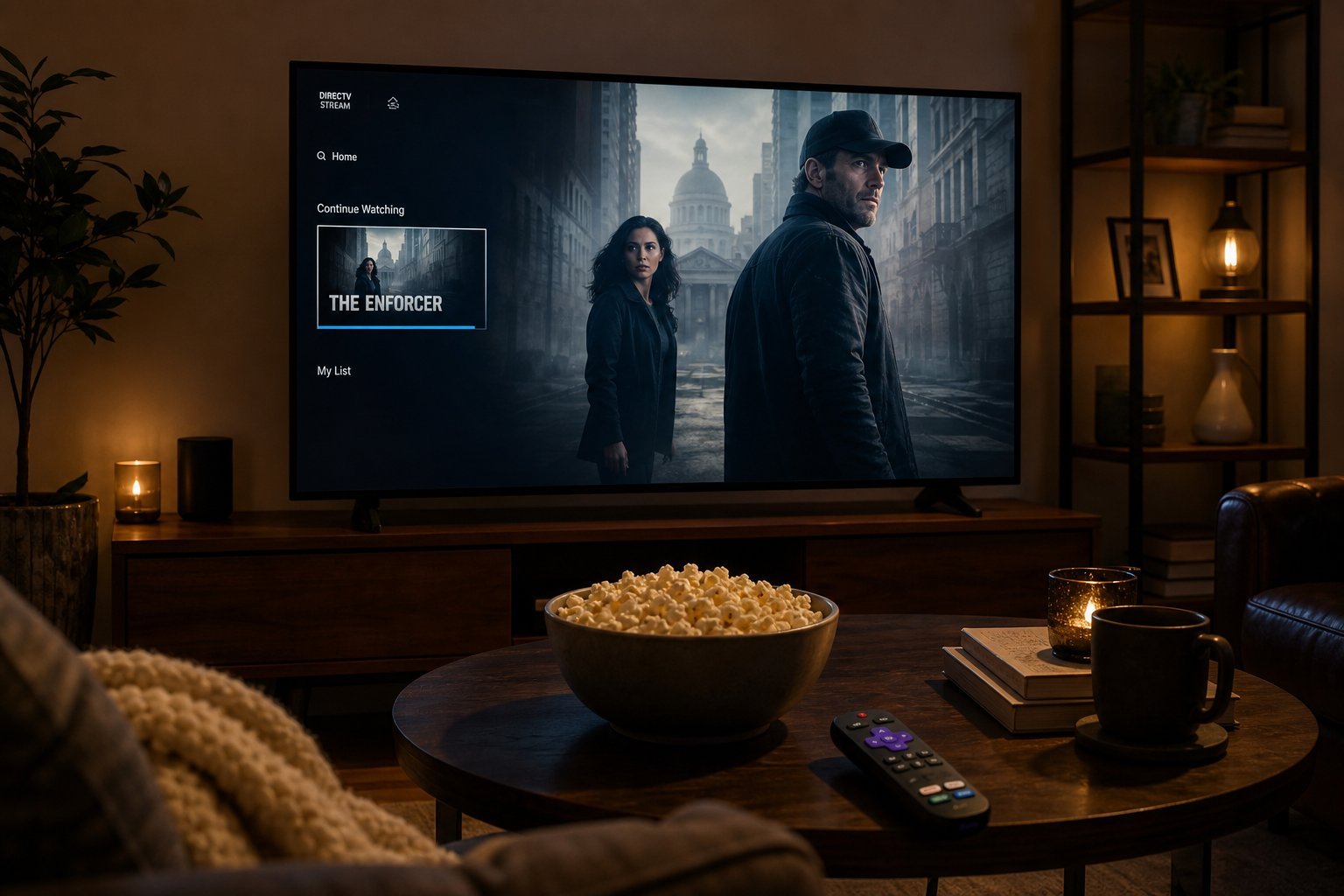
- Smart TV: Most modern TVs are "smart" — they have streaming apps built in. Just connect to Wi-Fi, install the apps, and log in.
- Streaming device: If your TV isn't smart (or its apps are slow), a small device like a Roku, Amazon Fire Stick, or Apple TV plugs into your TV's HDMI port and adds streaming. These are affordable and often faster than built-in TV apps.
- Cast from your phone: With technologies like Google Cast (Chromecast) or AirPlay, you can send content from your phone to a compatible TV.
✨ The streaming device sweet spot
If your TV's built-in apps are slow or limited, a cheap streaming stick (Fire Stick or Roku) is the best upgrade you can make — often under $40 and dramatically snappier than a budget TV's built-in apps.
Internet speed you need
Streaming quality depends on your internet speed. The good news: you probably have enough. Here's a rough guide:
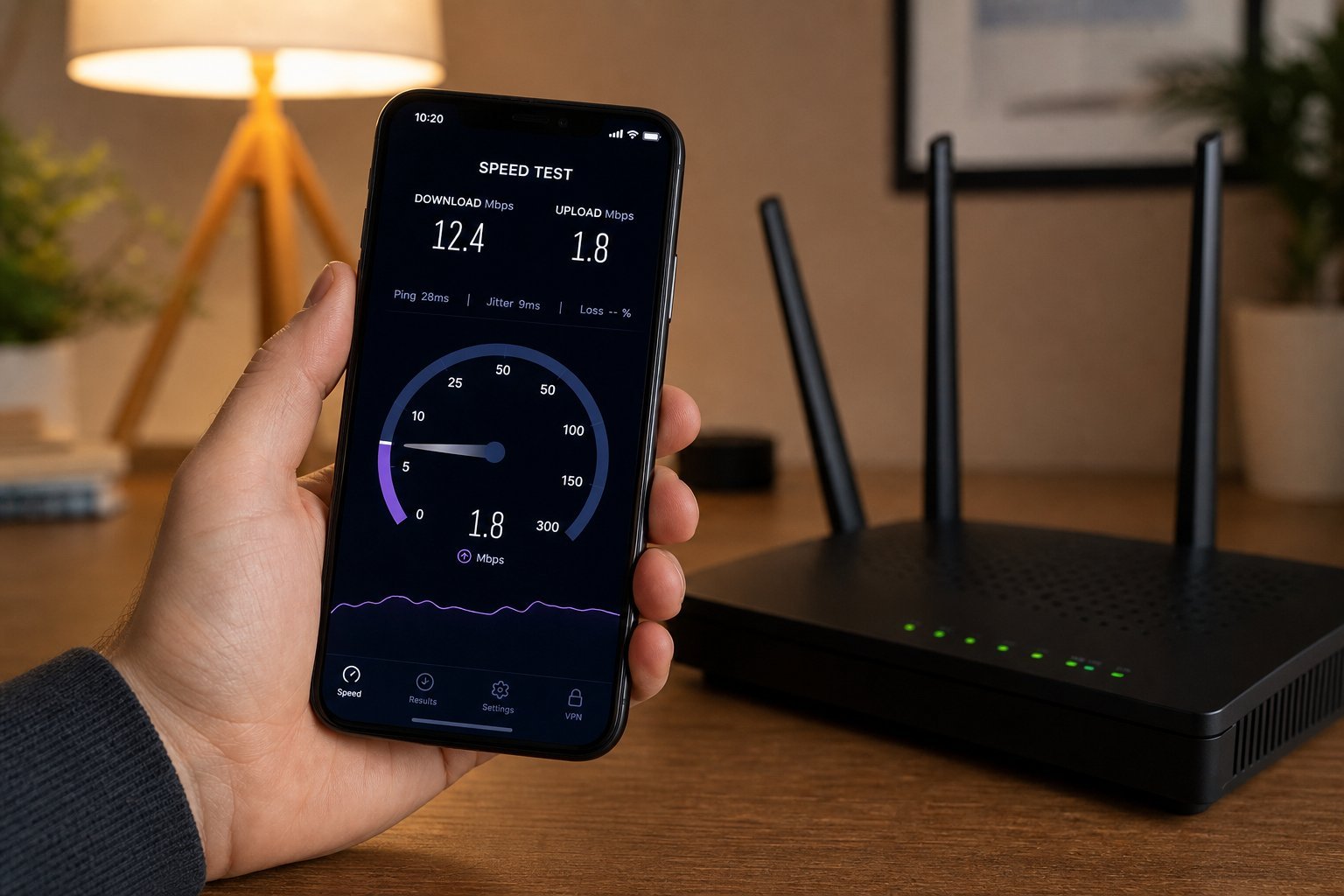
Most broadband connections handle streaming easily. If you have multiple people streaming at once (or streaming plus gaming), you'll want more speed — see our slow internet guide if streaming buffers or lags.
⚠️ Watch your data
Streaming uses data — a lot of it in 4K. If your internet plan has a data cap, streaming can eat through it quickly. Check your plan, and consider lowering streaming quality to SD/HD in the app settings if data is a concern.
How to save money
Streaming can cost less than cable — or more, if you let subscriptions pile up. Here's how to keep it affordable:
- Subscribe to one service at a time and rotate. Binge, cancel, move on. This is the single best money-saving strategy.
- Use free and ad-supported tiers. YouTube and several services offer free, ad-supported options.
- Share plans where allowed. Many services let family members share a plan legitimately.
- Look for bundles. Some providers bundle streaming services, or include them with phone/internet plans.
- Review your subscriptions regularly. A surprising number of people pay monthly for services they haven't touched in months. Do a quarterly audit and cancel what you don't use.
📌 Bottom line
Streaming is watching shows and movies on demand over the internet — you need a connection, a device, and a subscription. Choose services based on the content you actually watch (and rotate rather than stacking them all). Watch on a smart TV, a cheap streaming stick, or your phone. Ensure your internet speed matches what you're watching, mind your data cap, and audit subscriptions regularly. Done right, streaming gives you total control over your TV watching — at a price you choose.