Podcasts have exploded in popularity — and for good reason. They turn dead time into learning or entertainment: commuting, working out, cooking, doing chores. And audiobooks offer a similar way to "read" while doing other things. If you've never gotten into podcasts or audiobooks, or you're not sure where to start, this guide is for you.
Here's how to start listening to podcasts and audiobooks, choose what to listen to, and get the best audio experience.
Podcasts vs audiobooks
They're both spoken audio, but they differ:
- Podcasts. Episodic shows — like radio programs you subscribe to. Free, published regularly, on every topic. Great for ongoing content and current topics.
- Audiobooks. Full books narrated as audio. You buy or borrow them. Great for "reading" books while doing other things.
Many people enjoy both. Podcasts are free and endless (great for daily listening); audiobooks let you get through specific books.
How to listen
Here's how to get started listening:
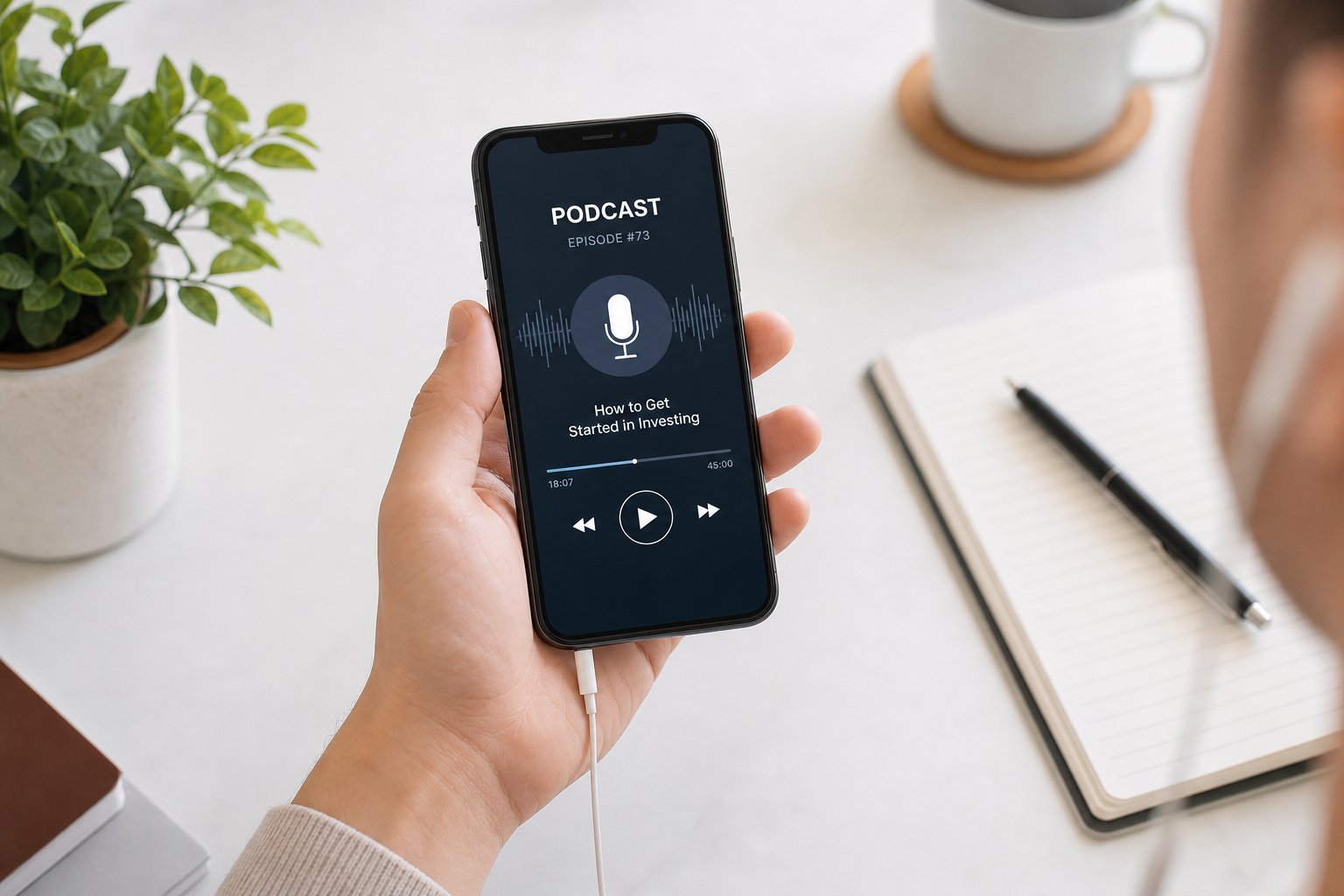
Starting is easy: install an app, subscribe to a few shows (or get an audiobook), and hit play. Most apps remember where you left off.
Finding what to listen to
Here's how to find content you'll enjoy:
Start with your interests and sample before committing. The right podcast or audiobook makes the time fly by.
Get the best audio
Good audio makes listening more enjoyable. Here's how to optimize it:
✨ The playback speed trick
Try listening at 1.25× or 1.5× speed. Most people adjust quickly and find they can consume much more content without losing comprehension. It's a small setting that makes a big difference for regular podcast listeners.
📌 Bottom line
Podcasts (free, episodic) and audiobooks (paid, full books) turn spare time into learning and entertainment. Start by installing a podcast app (Spotify, Apple Podcasts) and an audiobook service, and subscribe to a few shows or get a book. Find content by searching your interests and sampling episodes. Optimize your listening with good earbuds, playback speed and offline downloads. Once you start, you'll wonder how you ever "wasted" your commute.