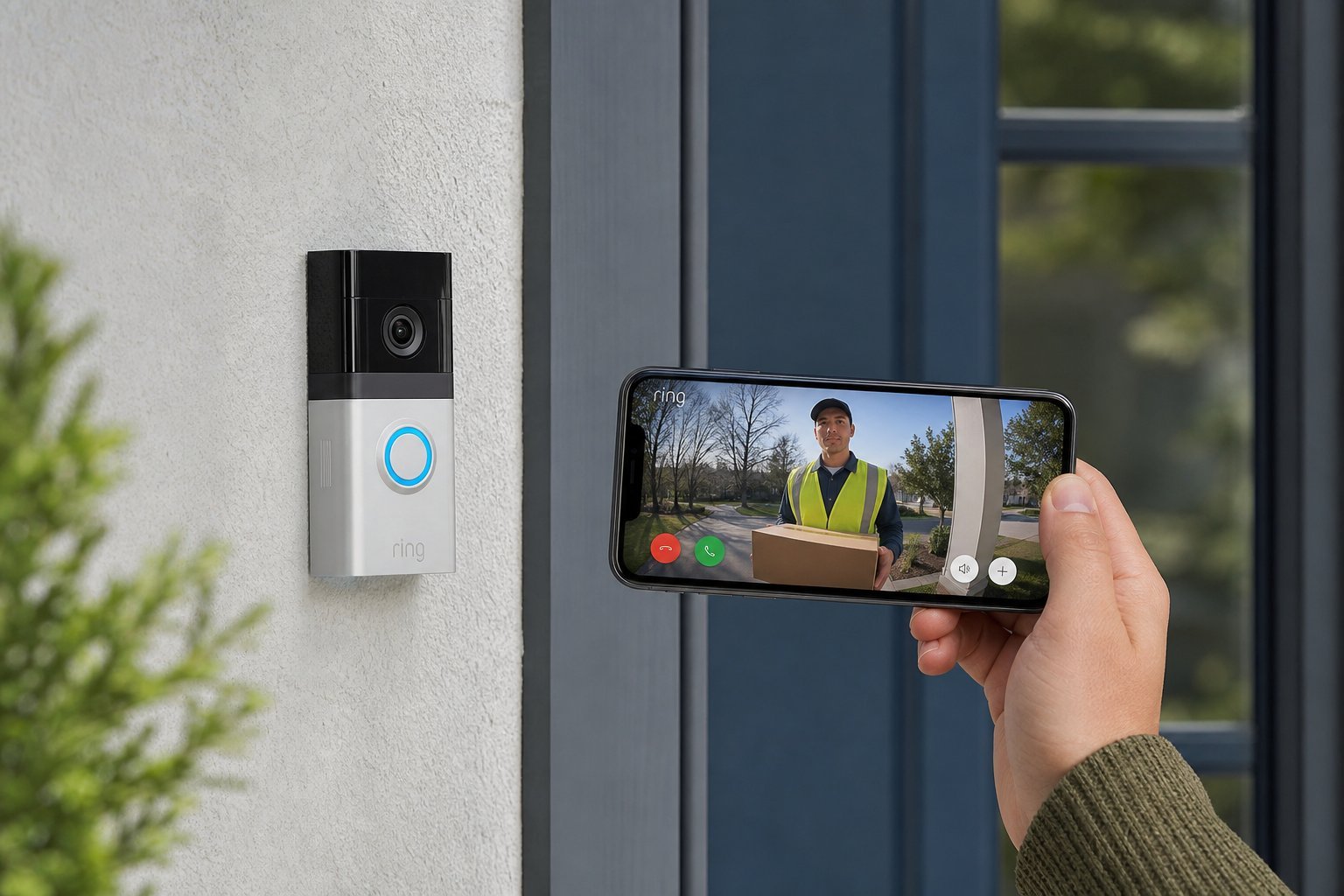
There's a knock at the door — but you're upstairs, or in a meeting, or not even home. With a smart doorbell, you can see who's there from your phone, talk to them, and even record what happens at your front door. It's one of the most genuinely useful smart home devices, and it's become a favorite for both security and convenience.
If you're thinking about getting one, this guide covers everything you need to know: what smart doorbells do, the key differences between models, what to check before you buy, and how to set one up properly — including the privacy considerations that matter.
What we'll cover
What a smart doorbell does The key differences between models What to check before you buy Installing & setting it up Privacy & securityWhat a smart doorbell does
A smart doorbell is a normal doorbell with a built-in camera, microphone and speaker, connected to your Wi-Fi. When someone presses the bell (or in many models, when they approach or motion is detected), you get an alert on your phone.
Then you can:
- See who's there with a live video feed from your phone.
- Talk to them using the two-way audio — say "leave the package at the door" without opening it.
- Answer from anywhere — even when you're not home.
- Record activity — many models record video clips of visitors, motion events and deliveries.
- Deter crime — visible cameras and motion alerts can discourage would-be intruders and porch pirates.
At its heart, a smart doorbell turns your front door into something you can see, hear and control from anywhere. It's security and convenience in one.
The key differences between models
Smart doorbells vary in ways that matter a lot. Here are the main differences to understand:
- Wired vs battery-powered. Wired doorbells use your existing doorbell wiring for constant power — no recharging, but requires wiring. Battery models are easy to install anywhere but need recharging every few months. Choose based on your wiring and DIY comfort.
- Video quality. HD (1080p) is standard and fine. Higher resolution and wider field of view capture more detail. Some have color night vision.
- Package detection. Some models specifically detect and alert you when a package is dropped off — handy if porch theft worries you.
- Storage. Video clips need storing. Some models use local storage (a microSD card or hub), others require a cloud subscription for recording history.
- Ecosystem. Most work with Alexa, Google or HomeKit (see our smart home guide). Match it to your setup.
Don't get lost in every spec. Focus on wired vs battery, video quality, and whether the recording features require a subscription you're willing to pay.
What to check before you buy
Before you hit buy, check these practical things:
Getting these basics right before buying saves a lot of frustration. The two biggest mistakes are a weak Wi-Fi signal at the door and an unexpected subscription for the features you wanted.
Installing & setting it up
Setting up a smart doorbell is straightforward, especially for battery models:
For wired models, if you're not comfortable with electrical wiring, it's worth having a professional install it — many local handymen and electricians handle doorbell installation quickly and affordably.
Privacy & security
A camera at your front door records people — including neighbors and passersby — so privacy deserves serious thought. Here's how to use a smart doorbell responsibly:
- Point it at your property, not your neighbor's. Position it to capture your doorway and walkway, not directly into a neighbor's home or private space.
- Check local laws. Rules about recording in public spaces and around your home vary by region. Know what's allowed where you live.
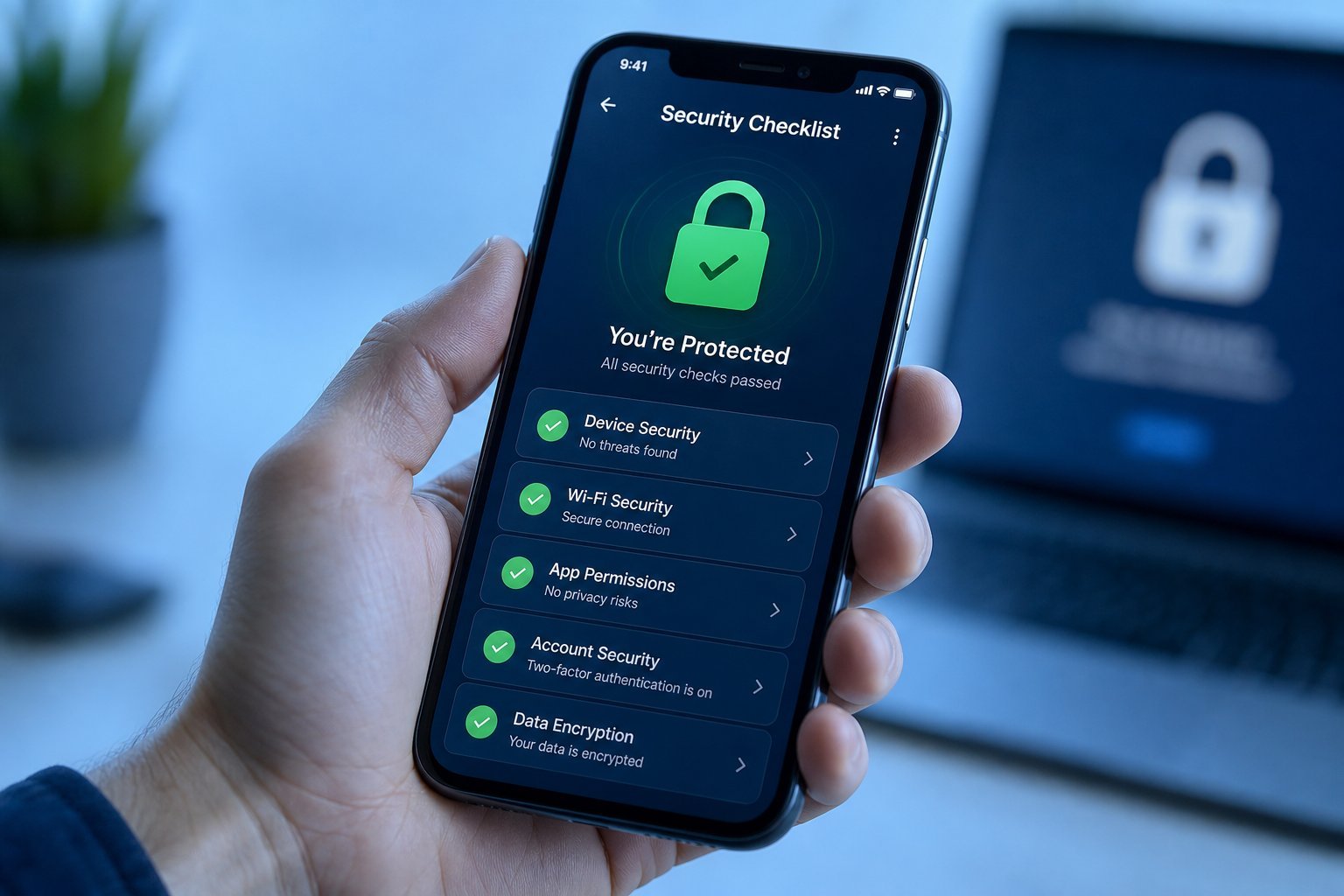
- Secure the account. Use a strong, unique password and two-factor authentication (see our safety checklist).
- Review what's recorded. Know what video is stored, where, and how long. Most apps let you review and delete clips.
- Be mindful of subscriptions. Understand what features require your video to be uploaded to the cloud.
⚠️ Consider the neighbors
Place the doorbell to cover your own entrance and walkway, not your neighbors' homes or windows. A camera that points into someone else's private space is invasive and can create legal trouble.
📌 Bottom line
A smart doorbell turns your front door into a camera you can watch and talk to from anywhere — great for security, packages and convenience. Choose wired vs battery, check your Wi-Fi signal and wiring first, understand subscription costs, and match it to your smart home ecosystem. Install it at a good angle, secure your account, and point it at your own property, not your neighbors'. Done right, it's one of the most genuinely useful smart home upgrades you can make.