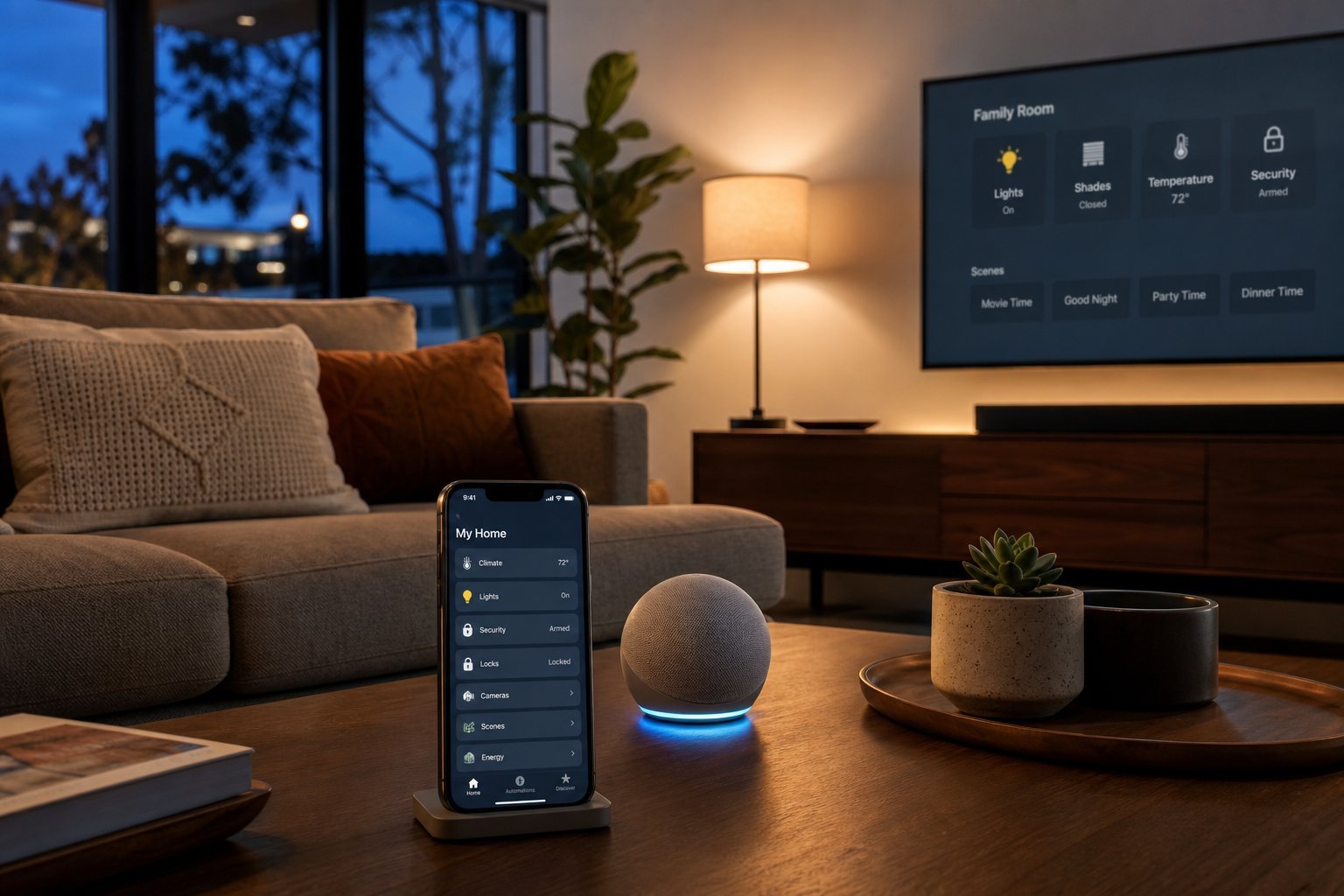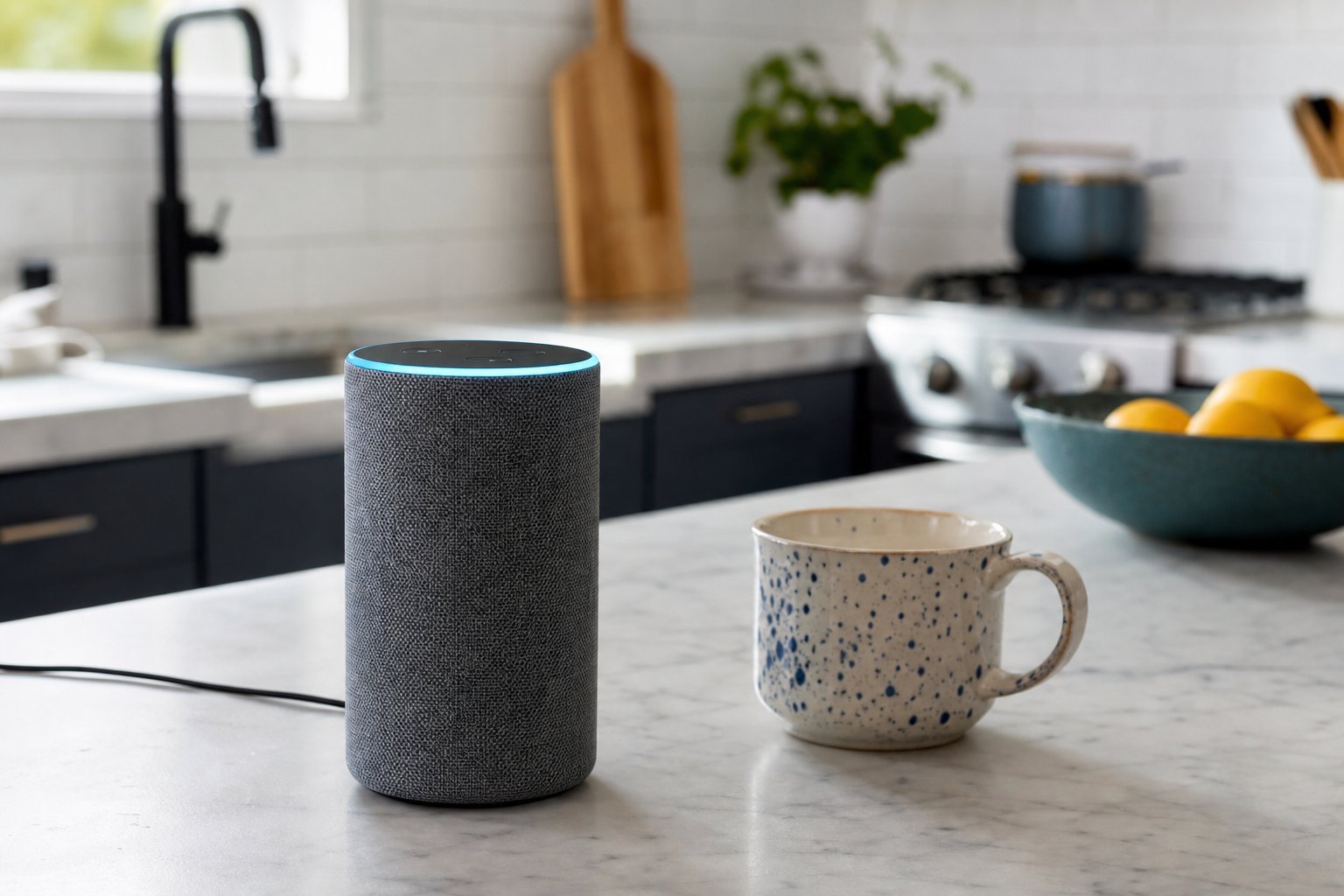
There's a small speaker sitting on millions of kitchen counters, waiting for two magic words. "Hey Google." "Alexa." "Hey Siri." Say them, and suddenly it's playing your favorite playlist, setting a timer, reading the news, or dimming the living room lights.
Smart speakers have quietly become one of the most useful gadgets in the modern home. But if you've never set one up — or you just got one as a gift — the first few minutes can be a little confusing. This guide walks you through getting your smart speaker up and running, the best things to do with it, and how to keep your privacy intact.
What we'll cover
Choosing & knowing your speaker Step-by-step setup The best everyday uses Mastering voice commands Music & entertainment Privacy settings you should adjustChoosing & knowing your speaker
The three main smart speaker families are the Amazon Echo (Alexa), Google Nest (Google Assistant), and Apple HomePod (Siri). If you already own one, great — you just need the right app. If you're choosing, remember the simple rule from our smart home guide: pick the ecosystem that fits your other devices.
- Amazon Echo / Alexa — huge device compatibility, affordable, great all-rounder.
- Google Nest / Assistant — excellent at answering questions and integrates well with Android.
- Apple HomePod / Siri — best for iPhone users and Apple ecosystem.
Before you start, you'll want your Wi-Fi password handy, the speaker plugged in and powered on, and your phone's Bluetooth available. That's all you need.
Step-by-step setup
Setting up a smart speaker takes about ten minutes. Here's the process, which is nearly identical across all three brands:
If the speaker doesn't connect, check that your phone is on the same Wi-Fi network (and ideally a 2.4 GHz network), and that you've entered the correct password. Restarting the setup by unplugging and re-plugging the speaker usually resolves most hiccups.
✨ Same network, same room
During setup, keep your phone close to the speaker and on the same Wi-Fi network. If you have a "guest network," make sure you're not connected to it — smart speakers usually need your main network.
The best everyday uses
Once it's running, here are the uses that genuinely make a smart speaker worth having:
- Timers and alarms — hands-free, perfect while cooking. "Set a timer for 10 minutes."
- Music and audio — the #1 use. "Play my workout playlist," "Play some relaxing jazz."
- Quick questions and info — weather, unit conversions, definitions, simple facts.
- Reminders and calendar — "Remind me to call the dentist at 3pm."
- News and podcasts — "Play the news" or resume your latest podcast.
- Controlling smart devices — "Turn off the living room lights," "Set the thermostat to 72."
- Hands-free convenience — shopping lists, phone calls, reading recipes.
Most people discover that the hands-free convenience — especially while cooking, doing chores, or holding a baby — is what makes the speaker indispensable.
Mastering voice commands
To get the most from your speaker, learn how to speak to it effectively. The basics are simple: use the wake word, then speak naturally.
💡 Command structure
"[Wake word], [command] [details]." Example: "Alexa, play my morning playlist." "Hey Google, set a timer for 15 minutes." "Hey Siri, what's the weather today?" Speak clearly and naturally — you don't need special phrasing.
Useful command patterns to try:
- Follow-ups without the wake word: "Alexa, set a timer." Then "…for 5 minutes." Most speakers keep listening for a moment after a command.
- Ask for clarification: "Hey Google, what did you say?" or "Repeat that."
- Volume and control: "Turn it up," "pause," "stop," "next track."
The more you use it, the more you'll learn what works. The speaker's suggestions (often shown in the app) can also teach you new capabilities.
Music & entertainment
For most owners, the smart speaker is primarily a music device. To get the most out of it:
A little setup in the app goes a long way. Choosing your default service and linking your accounts up front means voice control "just works" from day one.
Privacy settings you should adjust
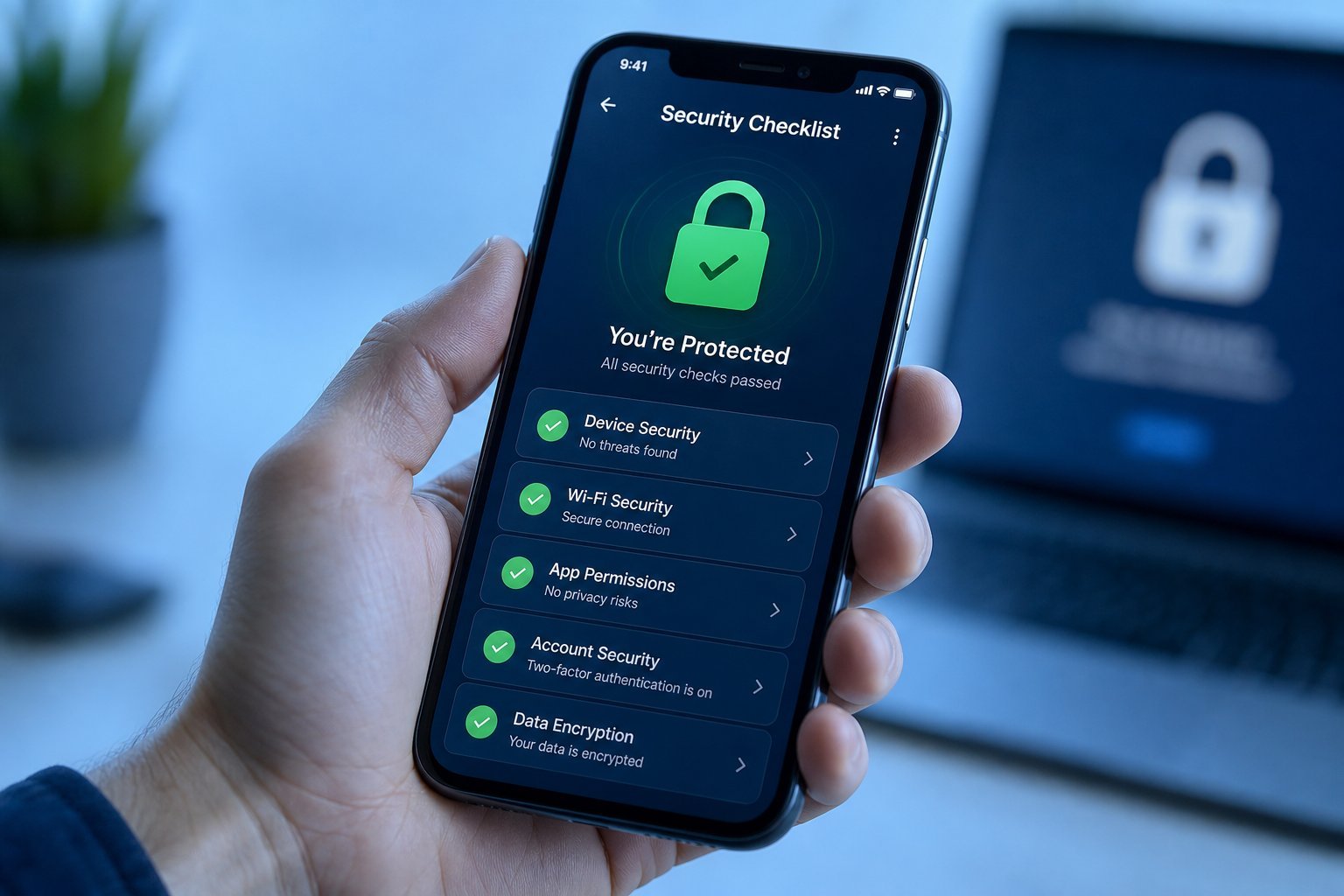
Because a smart speaker has a microphone in your home, privacy deserves attention. The good news: you have real control. Take a few minutes to configure these:
⚠️ Know what it records
Smart speakers generally only listen for the wake word, then record the command that follows. But those recordings are stored (in your account) until you delete them. Reviewing and cleaning up your voice history periodically is a good habit.
One more privacy note: while speakers are designed to activate only on the wake word, if you're ever uncomfortable, the physical mute switch is the simplest total solution.
📌 Bottom line
A smart speaker is easy to set up — plug in, install the app, connect to Wi-Fi, and start talking. It's most useful for timers, music, quick info, reminders and controlling other smart devices. To get the most, link your music service and set your defaults. And spend a few minutes on privacy settings — reviewing voice history, using the mute button, and disabling purchases you don't need. Done right, a smart speaker is one of the handiest gadgets in the home.