Every tech YouTube channel seems to be sponsored by a VPN. Every security article urges you to get one. But ask three people what a VPN actually does, and you'll get three vague answers. Is it a magic cloak of anonymity? A way to watch shows from other countries? Something to do with "encryption"?
Let's clear it up. A VPN is a genuinely useful tool, but it's also wildly oversold. This guide explains what a VPN really does, what it protects you from, what it doesn't, and how to choose one without getting taken in by marketing.
What we'll cover
What a VPN actually does Why people use VPNs What a VPN does NOT protect you from How to choose a VPN Are free VPNs safe?What a VPN actually does
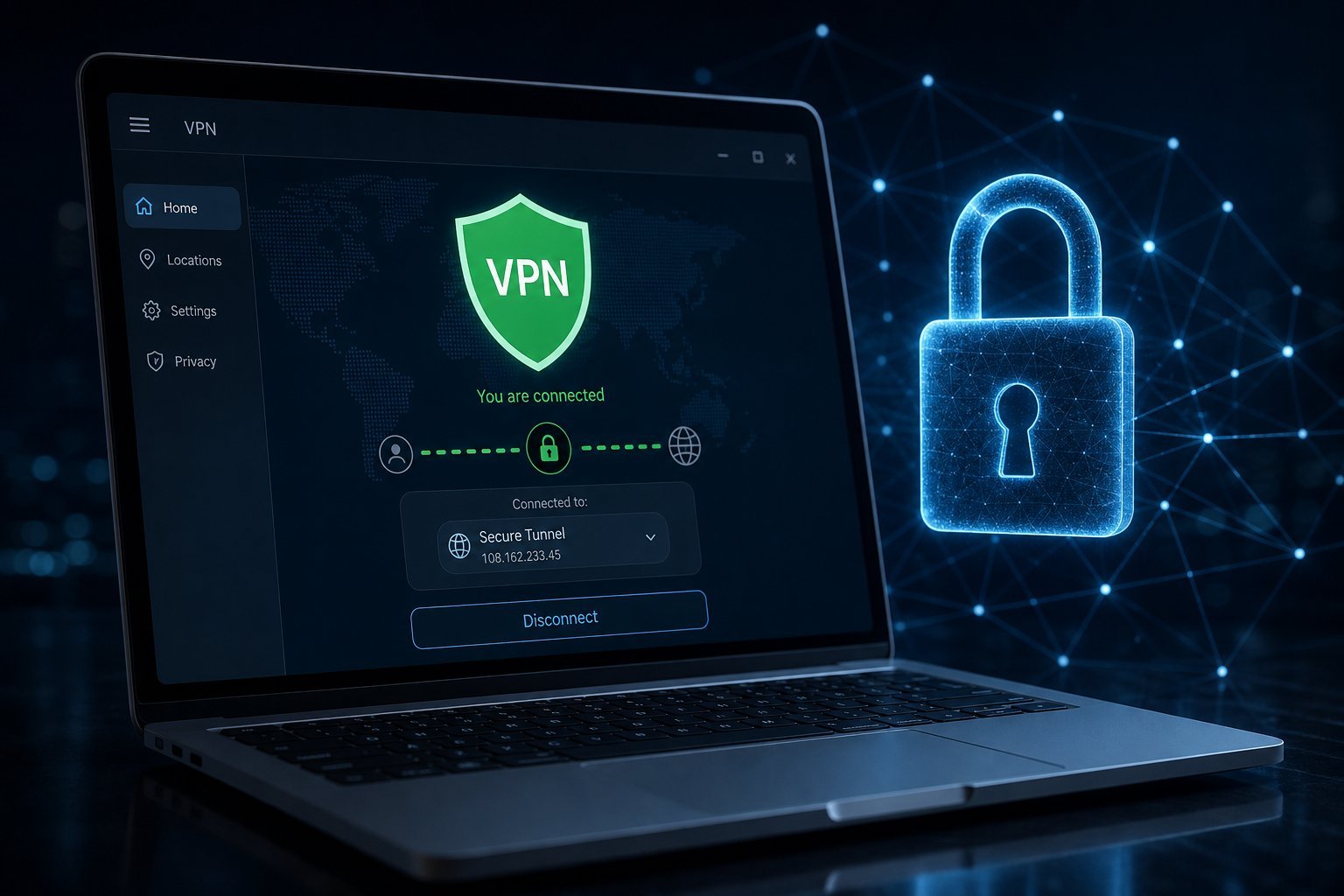
VPN stands for Virtual Private Network. In plain terms, it creates a secure, encrypted "tunnel" between your device and the internet, routing your connection through a server operated by the VPN company.
Two things happen when you connect to a VPN:
- Your data is encrypted. The traffic between your device and the VPN server is scrambled, so anyone snooping on the connection — like someone on the same public Wi-Fi — can't read it.
- Your IP address changes. Websites see the VPN server's address, not your real one, so your location and identity are hidden from those sites.
💡 The one-sentence summary
A VPN encrypts your internet traffic and hides your IP address by routing you through a private server. It's like sending your mail in a sealed envelope through a trusted intermediary instead of a postcard directly.
Why people use VPNs
Now that we know what it does, here's where it's genuinely useful:
- On public Wi-Fi. Coffee shops, airports and hotels have networks anyone can join. A VPN encrypts your traffic so others on that network can't intercept it. This is the most legitimate everyday use.
- Privacy from your ISP. Your internet provider can see which sites you visit. A VPN hides your browsing activity from them.
- Avoiding geo-restrictions. Some shows, websites and services are only available in certain countries. A VPN lets you appear to be in another location — though this often violates the service's terms, so use with awareness.
- Bypassing censorship. In countries that restrict the internet, a VPN can help people access blocked sites.
- Sketchy sites and torrents. Hiding your activity while visiting less-trustworthy sites adds a layer of cover.
These are all legitimate reasons — the strongest one being privacy on public Wi-Fi and from your own provider.
What a VPN does NOT protect you from
This is where VPN marketing gets you. A VPN is not a magic shield. It does not protect you from:
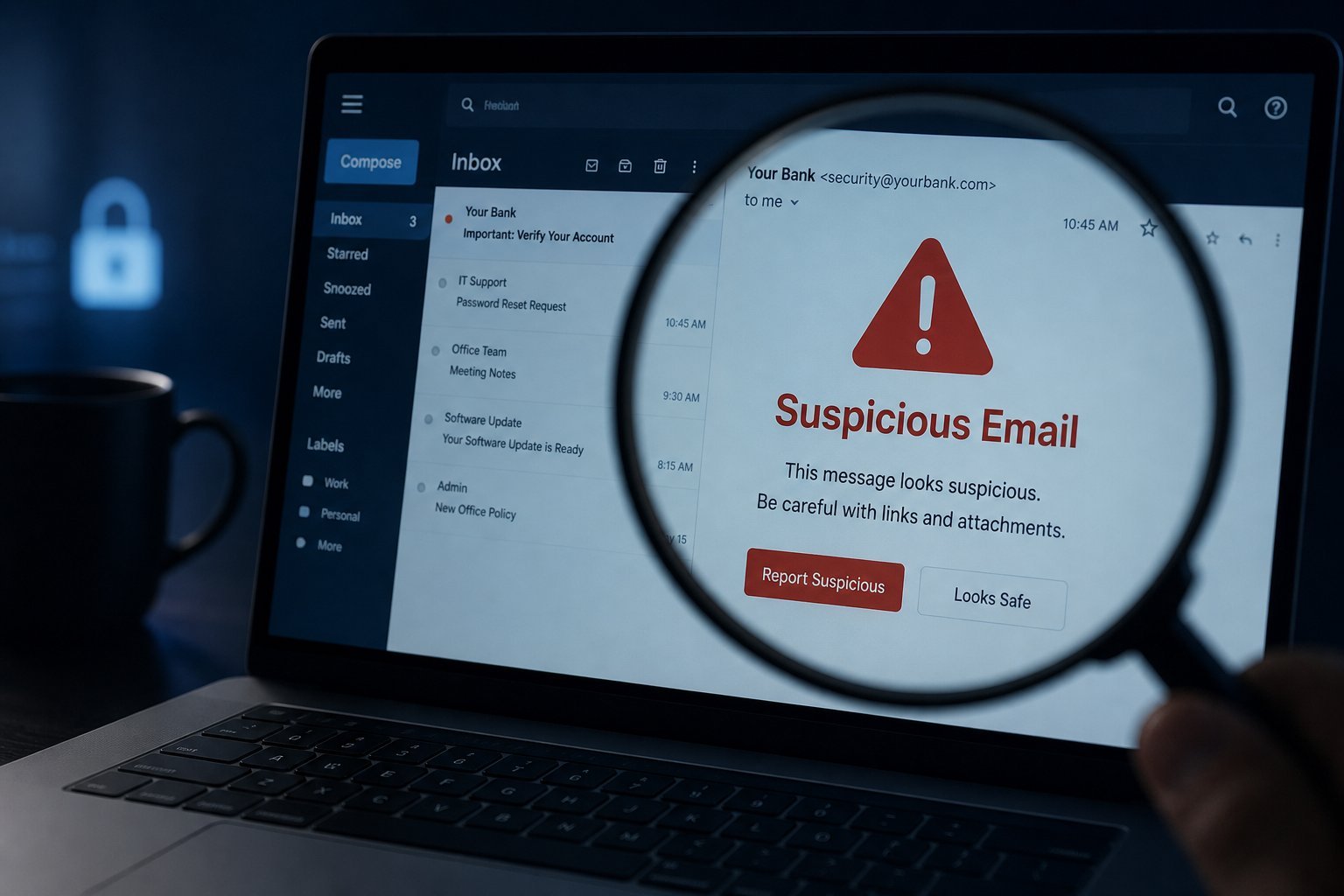
- Phishing scams. A VPN won't stop you clicking a malicious link or entering your password on a fake site. (See our phishing guide.)
- Malware and viruses. A VPN encrypts your traffic; it doesn't block malicious software.
- Being tracked by websites you visit. Once you log into a site, it still knows who you are. A VPN hides your IP, not your accounts.
- Bad security habits. If you reuse passwords or don't update software, a VPN doesn't fix that.
⚠️ A VPN is not an invisibility cloak
Think of a VPN as a privacy tool, not a security tool and not a "do anything without consequences" tool. You still need good habits: unique passwords, two-factor authentication, updates, and caution about what you click. A VPN is one layer, not a replacement for the others.
How to choose a VPN
If you decide a VPN is worth it, here's how to pick a good one — and the red flags to avoid:
Also be realistic about speed: routing through a VPN server adds some delay, so your connection may be slightly slower. That's normal.
Are free VPNs safe?
The short, blunt answer: be very careful with free VPNs.
Running a VPN costs money — servers, bandwidth, staff. A free VPN has to make money somehow. Some reputable providers (like Proton VPN) offer genuinely safe free tiers funded by their paid plans. But many free VPNs fund themselves in ways you won't like:
- Selling your data — which completely defeats the privacy purpose.
- Injecting ads or trackers.
- Slowing your connection to push you toward paying.
There's also the danger of fake VPN apps — malicious software disguised as VPNs. Only download from official app stores and known providers.
✨ The free VPN rule
If you want a free VPN, use one from a well-known provider that also has a paid service (like Proton VPN's free tier). If a random free VPN promises everything for nothing, it's probably the product, not the customer.
📌 Bottom line
A VPN encrypts your traffic and hides your IP address — genuinely useful on public Wi-Fi and for privacy from your provider. But it's not a security shield: it won't stop phishing, malware or bad habits. Choose a reputable provider with a no-logs policy, be cautious with free VPNs, and remember a VPN is one tool among several, not a substitute for them. Use it for what it's good at, and you'll get real value.