You've decided you want a great gaming setup — and you've probably seen photos of influencers' dream desks with RGB everywhere and monitors stacked to the ceiling. Here's the reassuring truth: you don't need that to have a great gaming experience. A smart, budget-conscious setup beats an expensive one you don't fully use.
This guide walks you through building a practical gaming setup step by step, from the core hardware to the finishing touches — in order of what matters most.
Start with the core
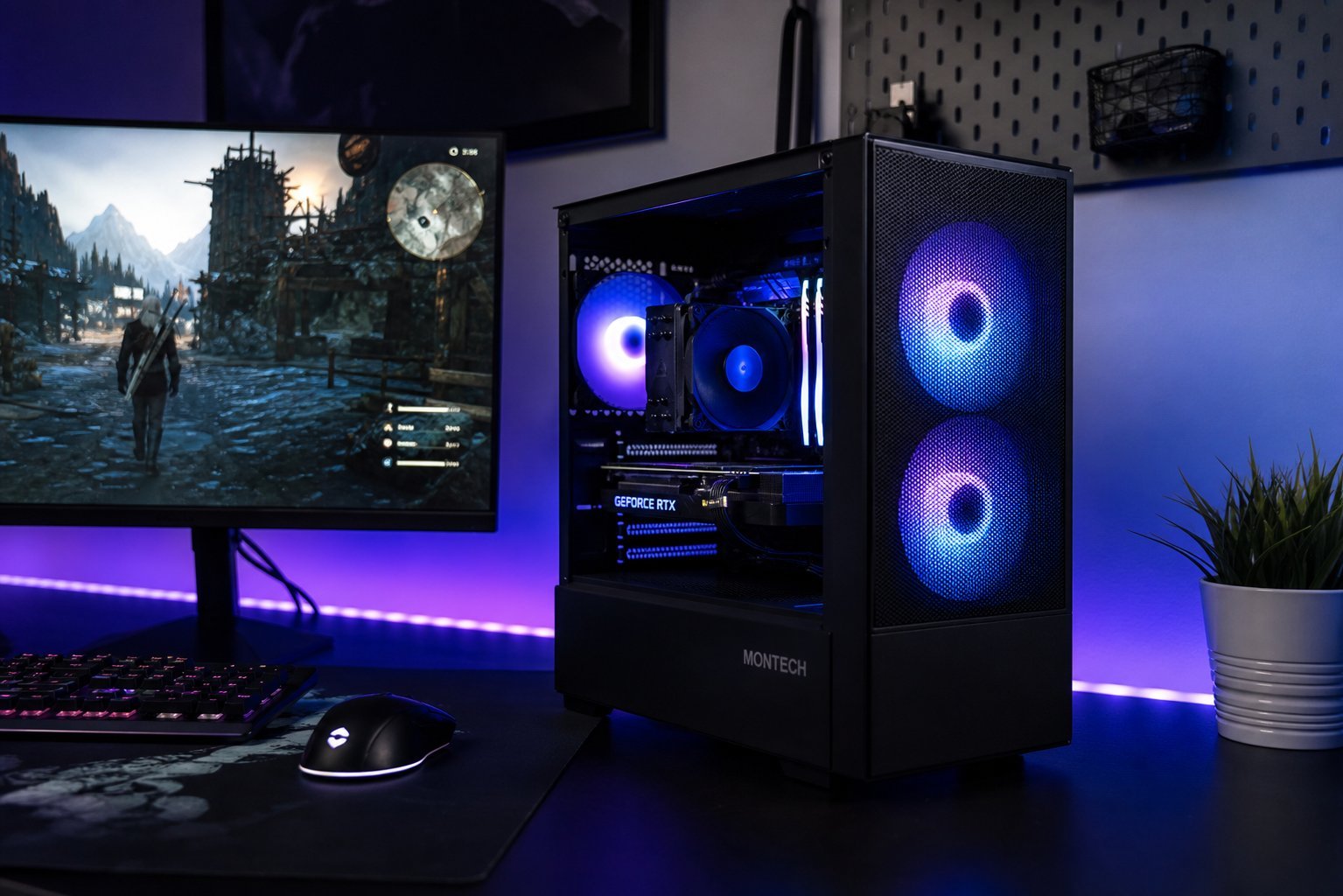
A gaming setup starts with the core hardware — the things that actually run your games. Don't worry about RGB and accessories first; get the foundation right:
Get these three right, and you have a solid gaming setup. Everything else is enhancement, not foundation.
Add the peripherals
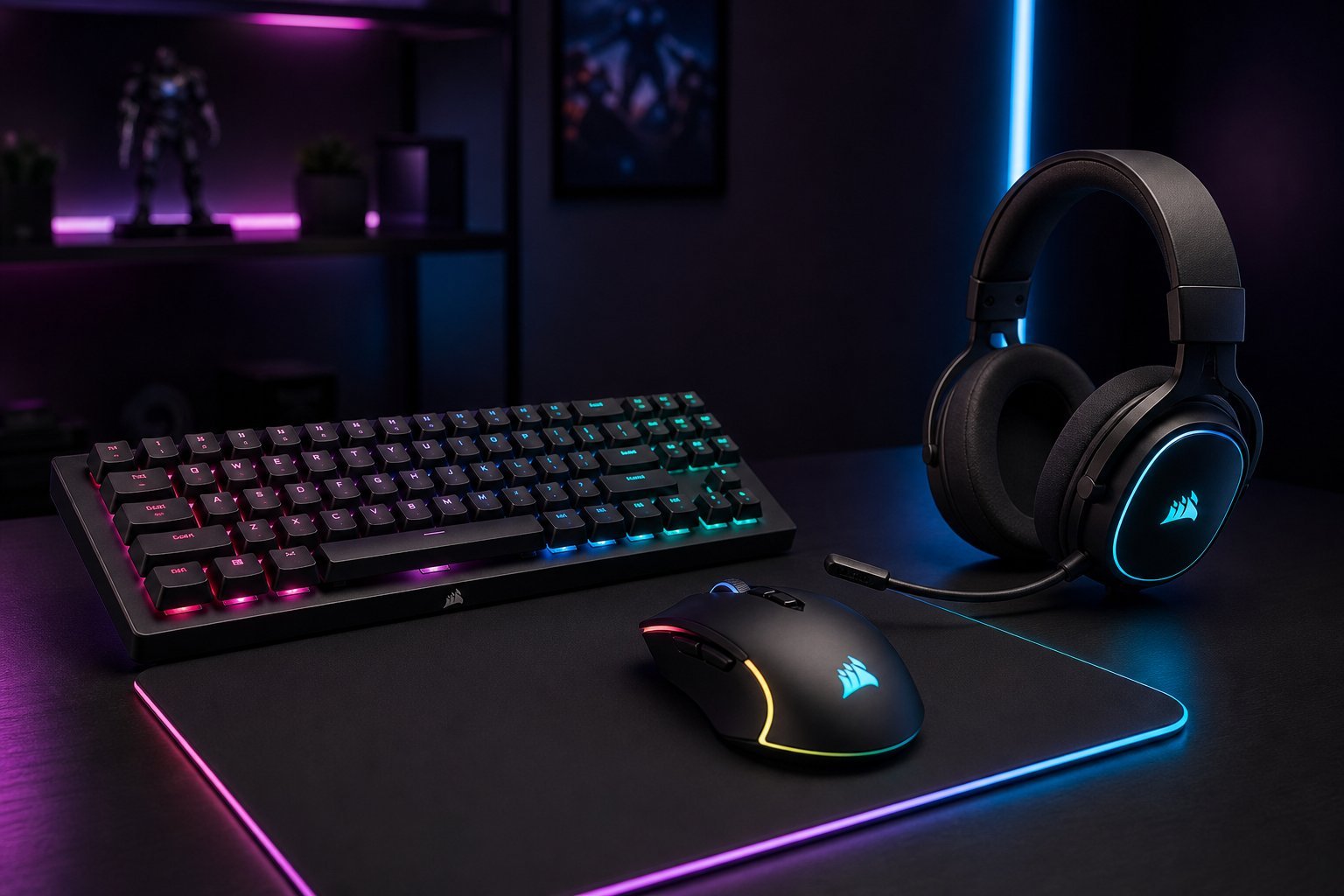
Once the core is solid, add the peripherals that shape the experience:
Prioritize comfort and quality over flashy features. A comfortable mouse and a headset with a clear mic beat an RGB-laden setup that's not comfortable.
Comfort & setup
Comfort and ergonomics are the most underrated parts of a gaming setup. A setup you can't sit in comfortably won't get used:
Take the time to set up comfortably. Good posture and lighting make long sessions far more enjoyable and prevent aches.
Upgrade gradually
Here's the smart way to build your setup over time:
✨ The "buy it once" mindset
Where you can, buy quality once rather than cheap replacements repeatedly. A good monitor, a comfortable chair and a reliable mouse last years and serve you better than replacing cheap gear every few months.
📌 Bottom line
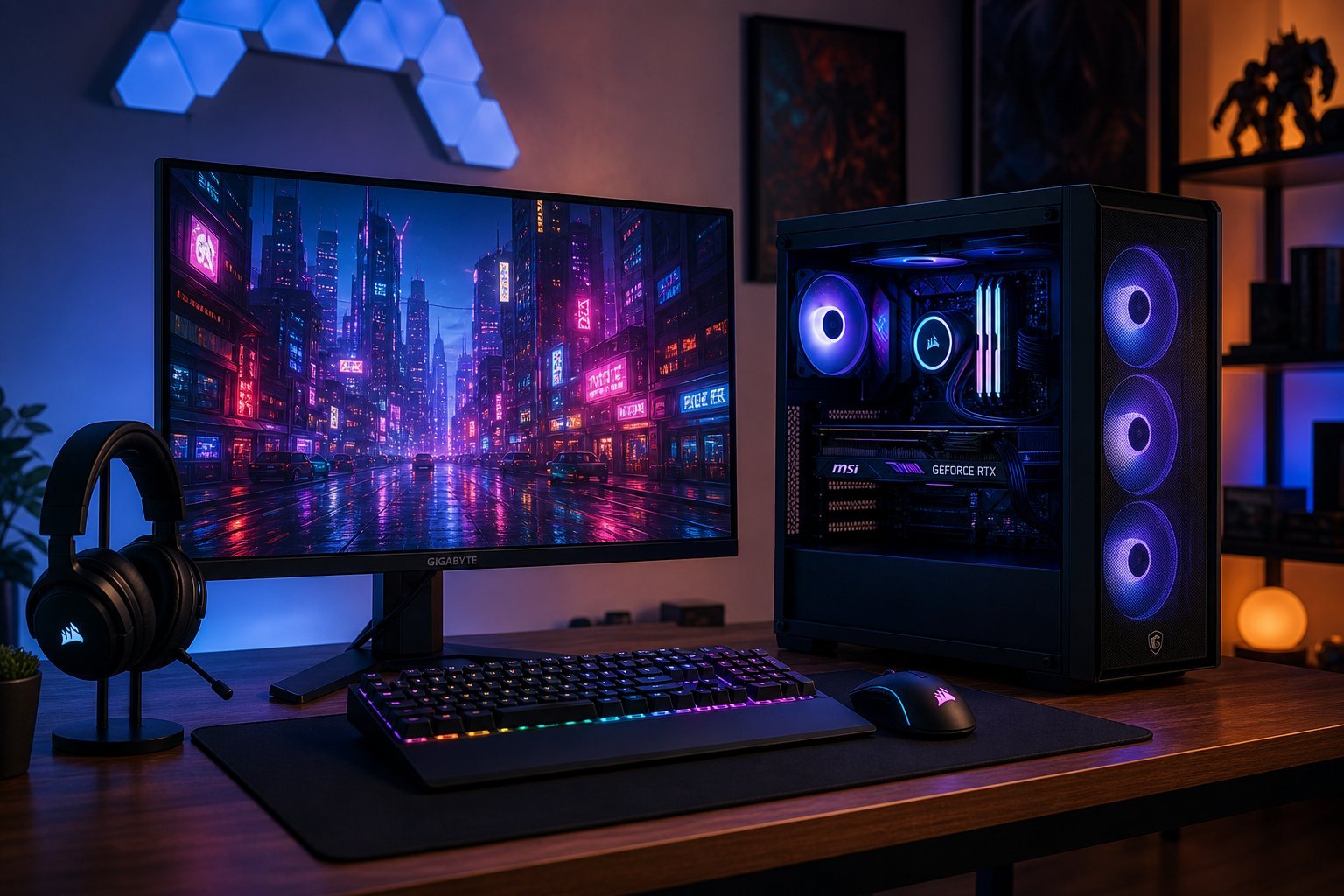
A great gaming setup doesn't need to be expensive or flashy. Start with the core — a capable PC, a good monitor and a comfortable chair. Add peripherals in order of importance: a good mouse, keyboard, headset and mousepad. Set up comfortably and ergonomically, with good lighting and tidy cables. And build gradually, upgrading by impact, not by looks. Prioritize comfort and function, and you'll have a gaming setup you love.