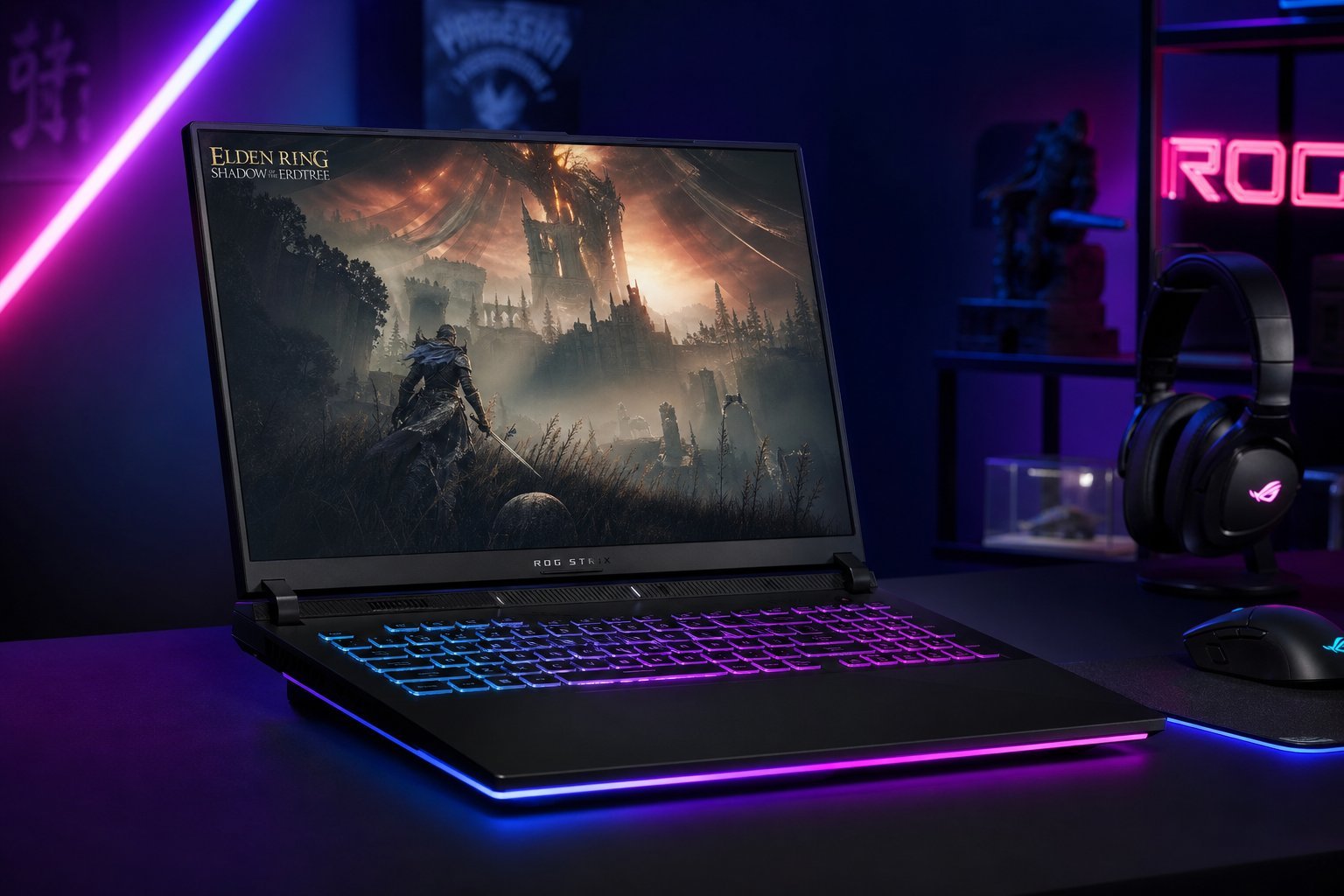
You want to game on a laptop, but you're on a budget. The good news: budget gaming laptops are better than ever — you can get a capable machine without spending a fortune. The challenge is knowing what to prioritize and what to skip so you don't waste money on the wrong specs.
This guide explains how to choose a budget gaming laptop that actually delivers — the specs that matter, what you can skip, and how to get the best value.
What to prioritize
For a budget gaming laptop, these specs matter most:
Prioritize the GPU, RAM and an SSD — these determine how well games run. A strong GPU is the foundation of a gaming laptop.
What you can skip
To save money, you can skip these:
Cutting these saves money without hurting gaming much. The GPU, RAM and SSD matter more than flashy extras.
The budget trade-offs
Budget gaming laptops involve real trade-offs. Know them:
- Thermals. Budget laptops may run hotter and noisier under load — cooling is less advanced.
- Battery life. Gaming laptops generally have shorter battery life, especially budget ones.
- Build quality. More plastic, heavier, less premium feel.
- Screens. Budget screens may be dimmer or less color-accurate.
- Upgradeability. Some budget laptops have limited upgrade options.
Be realistic about these trade-offs. A budget gaming laptop will game well but may compromise on heat, battery, build and screen.
How to choose
Here's a practical way to pick a budget gaming laptop:
💡 The budget gaming laptop formula
Prioritize the graphics card, get 16 GB RAM and an SSD, and skip the flashy extras. A mid-range GPU, 16 GB RAM and an SSD is the formula for a capable budget gaming laptop. Read reviews for real-world performance and thermals, and consider certified refurbished for better value.
✨ Consider a desktop if you don't need portability
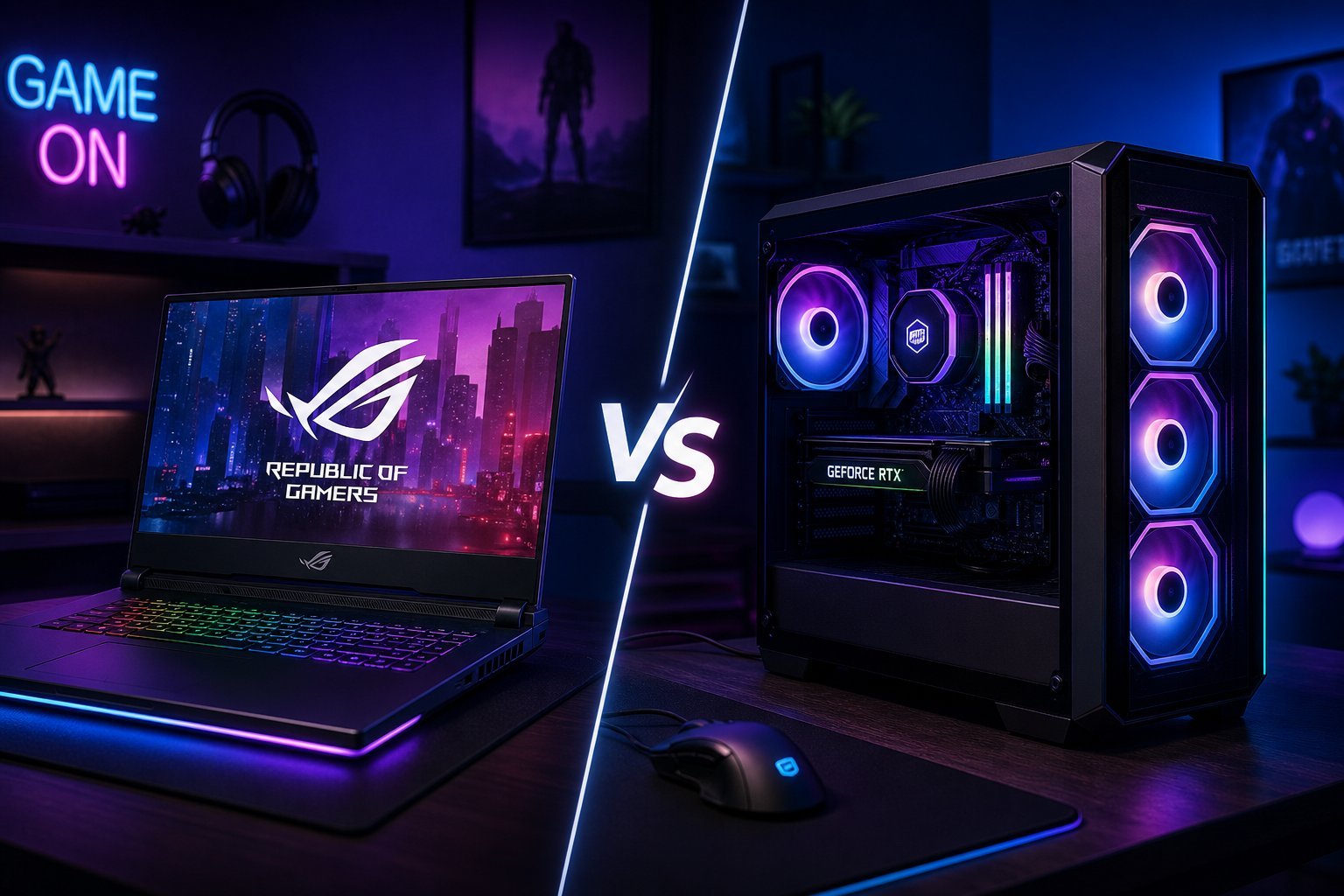
If you don't actually need to move your gaming machine, a budget gaming desktop (see our desktop guide) gives you more performance per dollar than a budget gaming laptop. Laptops are worth the premium only if you need portability.
📌 Bottom line
A capable budget gaming laptop is achievable. Prioritize the graphics card (it matters most), 16 GB RAM and an SSD, and skip flashy extras like ultra-high refresh screens and top-tier CPUs. Be realistic about trade-offs — budget laptops compromise on heat, battery, build and screen. Read reviews, compare specific models, and consider certified refurbished for better value. And if you don't need portability, a desktop gives more performance per dollar. Get the GPU, RAM and SSD right, and you'll have a great budget gaming laptop.