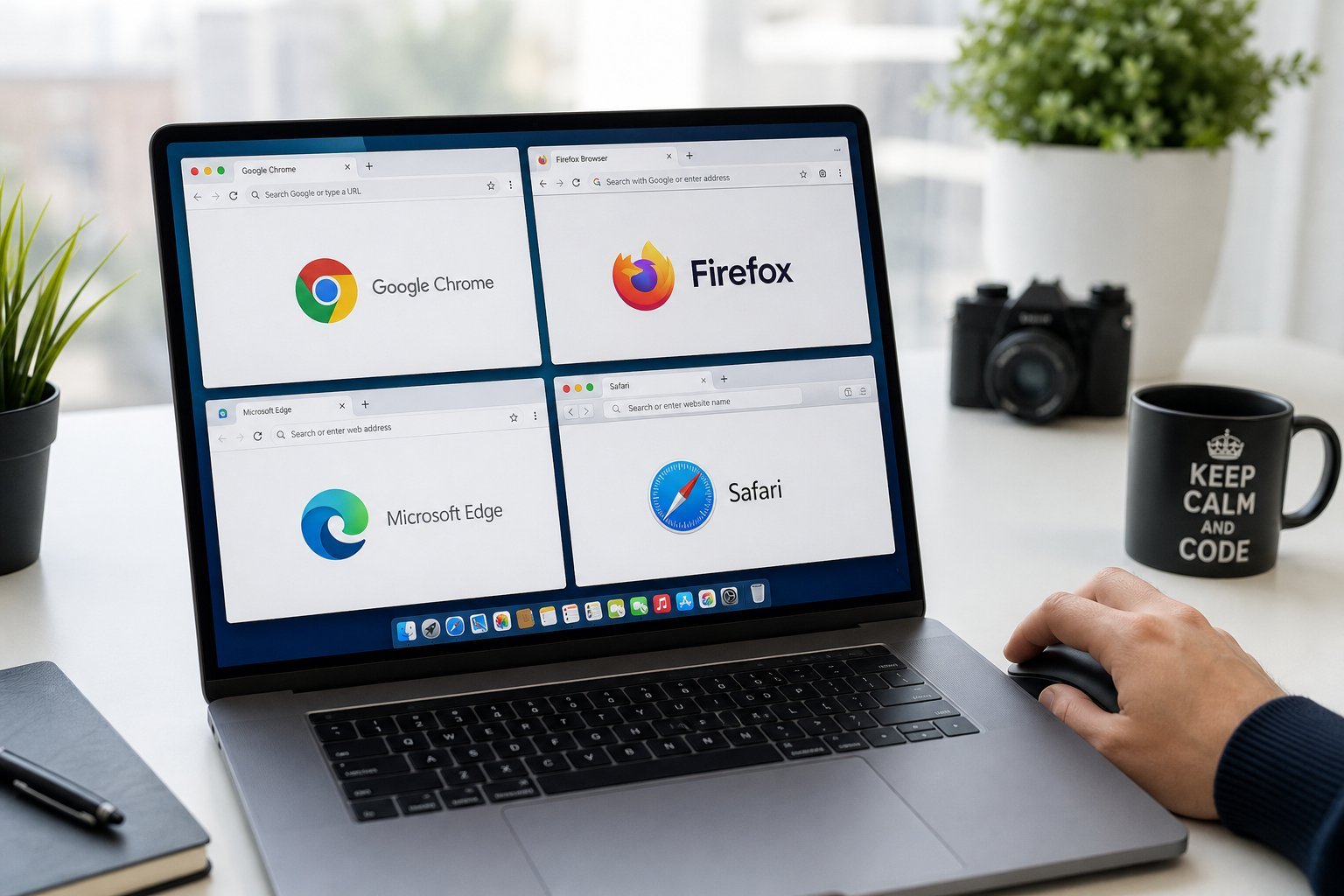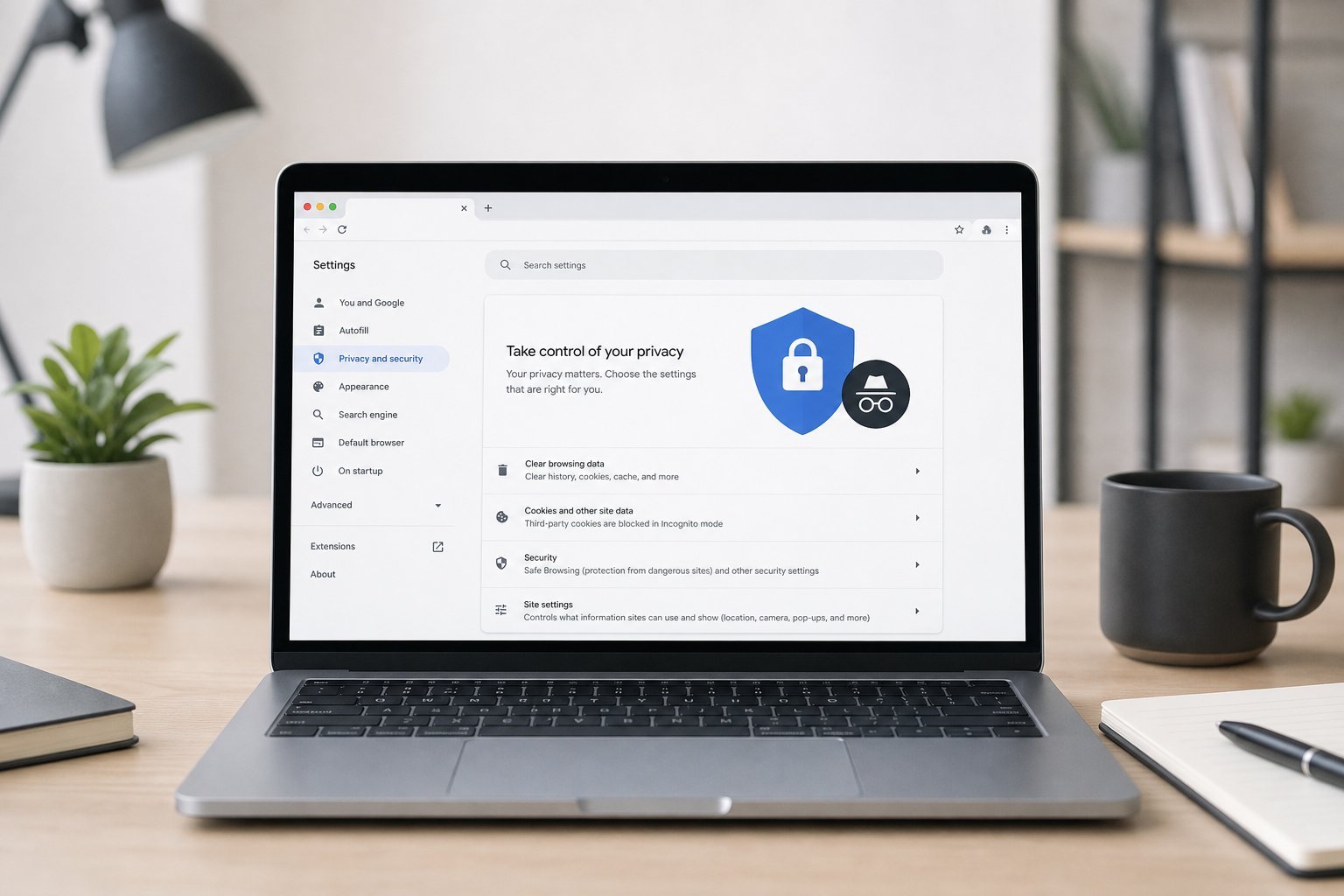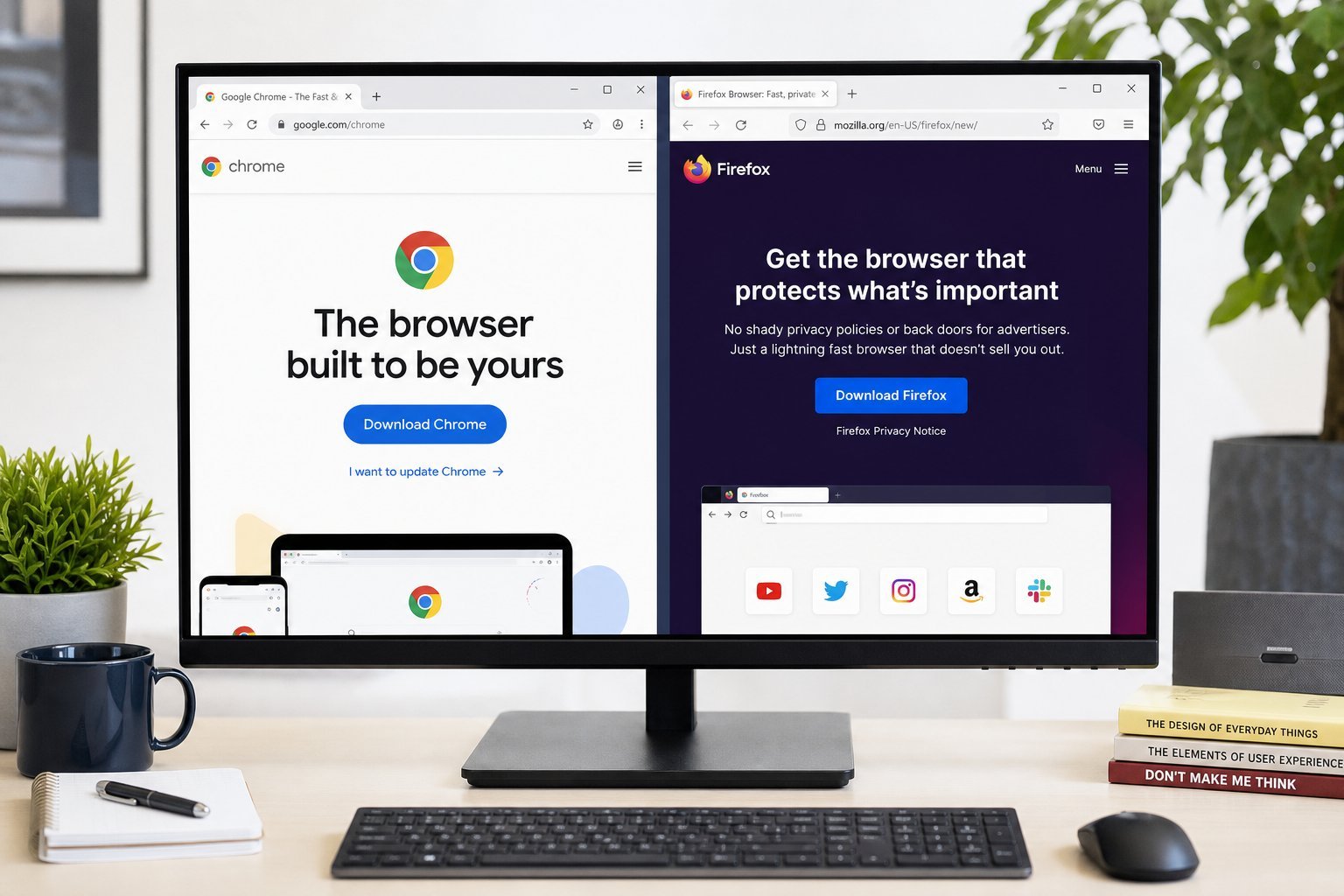
We've covered web browsers and browser privacy, but choosing the right browser deserves its own focus — because it's the app you use more than almost any other, and it shapes your whole online experience. The right browser is fast, secure and fits your ecosystem.
This guide helps you choose the best browser for your needs and devices.
What matters in a browser
Here's what to consider when choosing a browser:
Speed, security, privacy, ecosystem and features determine which browser suits you. Match these to your priorities.
The main browsers
Here are the main browsers and their strengths:
| Browser | Best for |
|---|---|
| Google Chrome | Extensions, Google ecosystem |
| Microsoft Edge | Windows users, efficiency |
| Mozilla Firefox | Privacy & independence |
| Safari | Apple users, battery life |
| Brave | Built-in ad/tracker blocking |
Each has strengths. Chrome for extensions and Google, Edge for Windows, Firefox and Brave for privacy, Safari for Apple users.
How to choose
Here's a practical way to choose a browser:
💡 The browser sweet spot
Match your browser to your devices and priorities. Safari for Apple, Edge for Windows, Chrome for Google users, Firefox or Brave for privacy. If your computer is low on memory, choose a lighter browser. Try one for a week before committing, and remember you can use more than one. The right browser makes browsing faster, safer and more comfortable.
✨ Try before you switch
Use a new browser for a week of real browsing before deciding to switch fully. Install it, make it your default for a while, and see if it feels fast, works with your sites and fits your habits. Most browsers are free to switch between, so don't feel locked in.
📌 Bottom line
Choose a browser based on what matters to you: speed, security, privacy, ecosystem and features. Match it to your devices — Safari for Apple, Edge for Windows, Chrome for Google users, Firefox or Brave for privacy. If your computer is low on memory, pick a lighter browser. Try one for a week before committing, and know you can use more than one for different purposes. The right browser shapes your entire online experience, so it's worth choosing well.