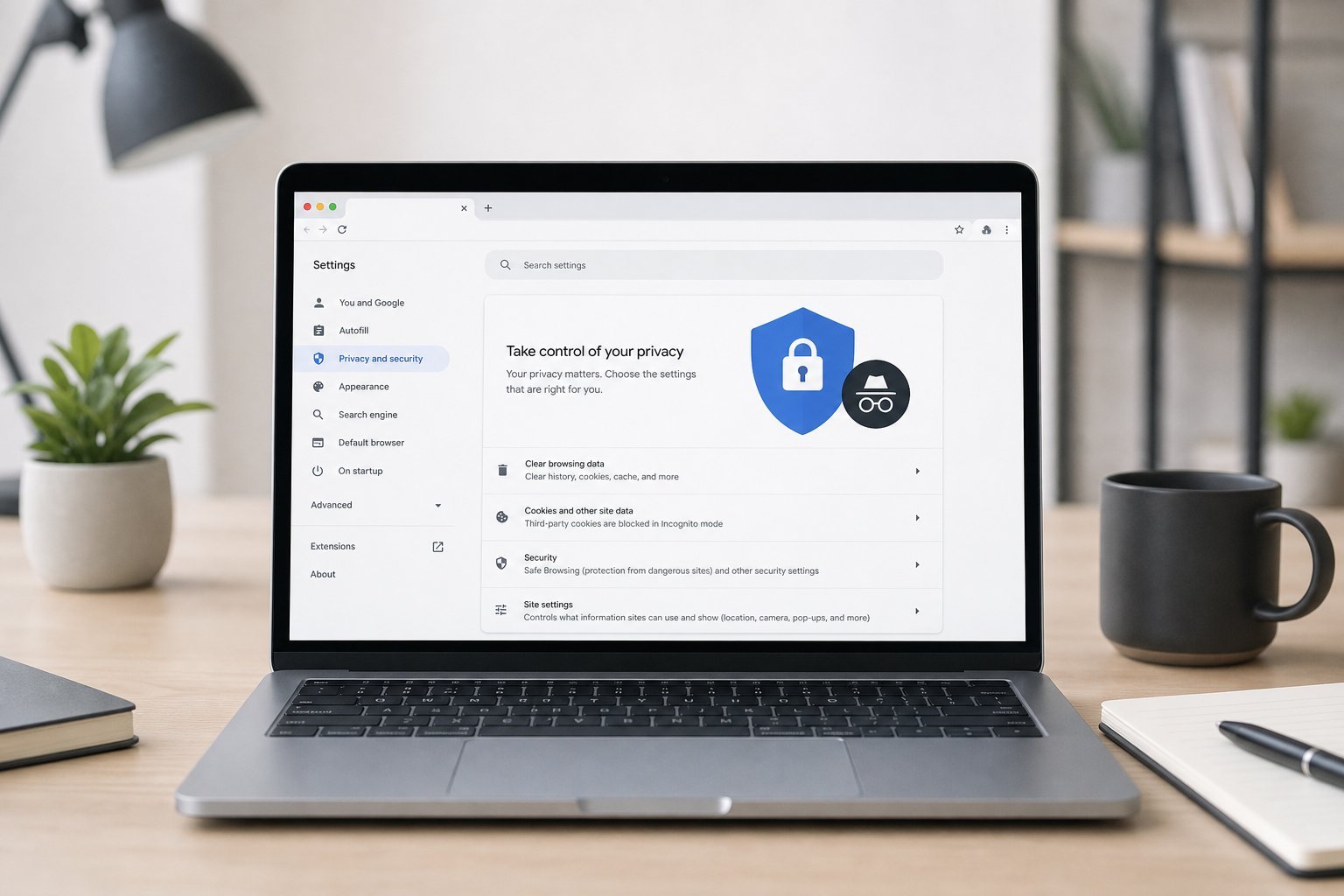
Your browser knows a lot about you — your searches, the sites you visit, your saved passwords, your location. It's the most-used app on your device, and it's a major collector of your data. The good news: a few privacy settings dramatically reduce what your browser collects and shares.
This guide walks you through the browser privacy settings worth changing — in about 10 minutes.
What we'll cover
Block tracking & ads Manage what the browser saves Review permissions Extra privacy stepsBlock tracking & ads
Trackers follow you across the web, building a profile of your interests. Blocking them is one of the most impactful privacy improvements:
Blocking trackers reduces data collection and often makes pages load faster. It's the highest-impact browser privacy change.
Manage what the browser saves
Browsers save a lot by default. Here's what to review:
Managing what the browser saves gives you control over your data. A regular cleanup (see our cleanup guide) helps here too.
Review permissions
Browsers ask for permissions that reveal your data. Review them:
Reviewing permissions stops sites from accessing your location, camera, mic and attention without a clear reason. Less access, less exposure.
Extra privacy steps
For stronger privacy, consider these extras:
- Use private/incognito mode for sensitive sessions — it doesn't save history or cookies locally (but your provider can still see your traffic; a VPN helps with that — see our VPN guide).
- Change your default search engine to a privacy-focused one (like DuckDuckGo) if you prefer.
- Be mindful of signed-in browsing. When you're logged into Google or another service, it associates your browsing with your account.
- Review "ad personalization" settings in the services you use — you can often turn off personalized ads.
✨ Privacy is a spectrum
You don't need to be anonymous everywhere — just deliberate. Block trackers, review permissions, manage what's saved, and use private mode for sensitive sessions. Each step reduces your exposure. Perfect privacy isn't the goal; informed control is.
📌 Bottom line
Your browser collects a lot about you, but a few settings reduce it. Block trackers with your browser's built-in protection, manage what it saves (cookies, autofill, passwords), review permissions (location, camera, mic, notifications), and use private mode for sensitive sessions. Consider a privacy-focused browser if it matters to you. You don't need to be anonymous — just deliberate. A 10-minute privacy review of your browser makes a real difference.