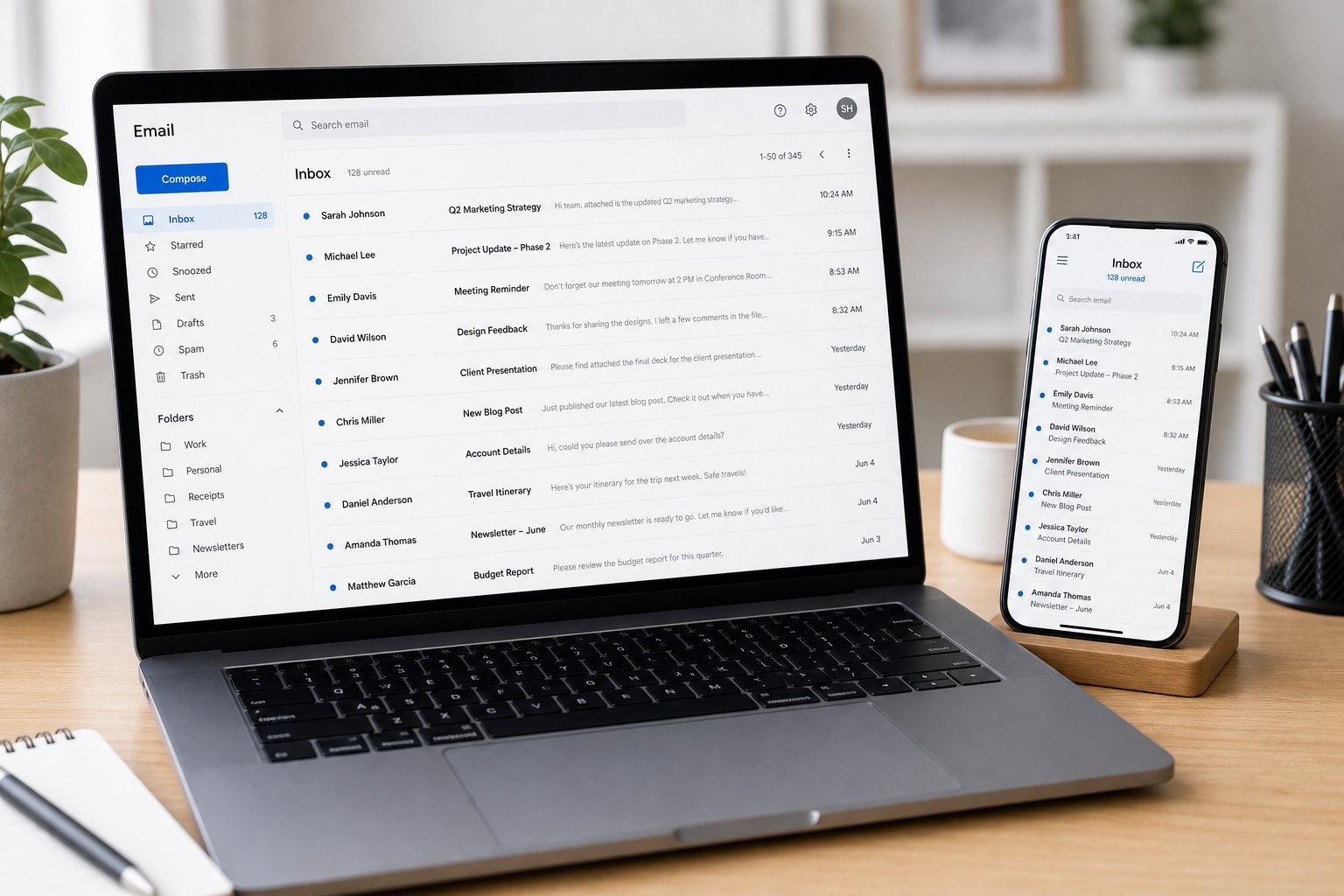
Open your inbox and what do you see? A mountain of unread messages, newsletters you never signed up for, and that one important email buried somewhere you can't find. Email has become both essential and overwhelming — a source of constant distraction and stress.
Here's the good news: you can take control of your inbox in a couple of hours, and then keep it under control with a few simple habits. This guide gives you a practical system that works for any email app.
What we'll cover
The big inbox cleanup Unsubscribe ruthlessly A simple organizing system Daily habits to stay on topThe big inbox cleanup
First, tackle the backlog. Set aside an hour and work through it systematically:
The goal of the cleanup is to get to a point where your inbox shows only things that need your attention. Everything else gets filed or deleted.
Unsubscribe ruthlessly
The #1 reason inboxes spiral out of control is too many subscription emails. Newsletters, promotional emails, and "we haven't seen you in a while" messages pile up constantly.
Here's how to reclaim your inbox:
✨ The unsubscribing session
Every few months, do a 20-minute "unsubscribe session." Go through your inbox, unsubscribe from everything you don't read, and use the promotions tab for the rest. This single habit does more to tame email than anything else.
A simple organizing system
You don't need a complex folder system. A simple, consistent approach works best:
The simplest systems work best because you'll actually stick with them. A few clear categories plus good search is all most people need.
Daily habits to stay on top
To keep email from piling up again, build these habits:
💡 The two-session rule
Try checking email just twice a day — once mid-morning and once in the late afternoon. Most emails can wait. You'll be amazed how much less stressful and distracting email becomes when you're not reacting to every ping in real time.
📌 Bottom line
Email overwhelms most people, but it's tamer than it seems. Do a one-time cleanup (act, archive, or delete), unsubscribe ruthlessly from what you don't read, and use a simple organizing system of a few clear labels plus search. Then build daily habits: check at set times, turn off notifications, and process to a clean inbox each time. A couple of hours now plus small habits keeps email a useful tool instead of a constant source of stress.