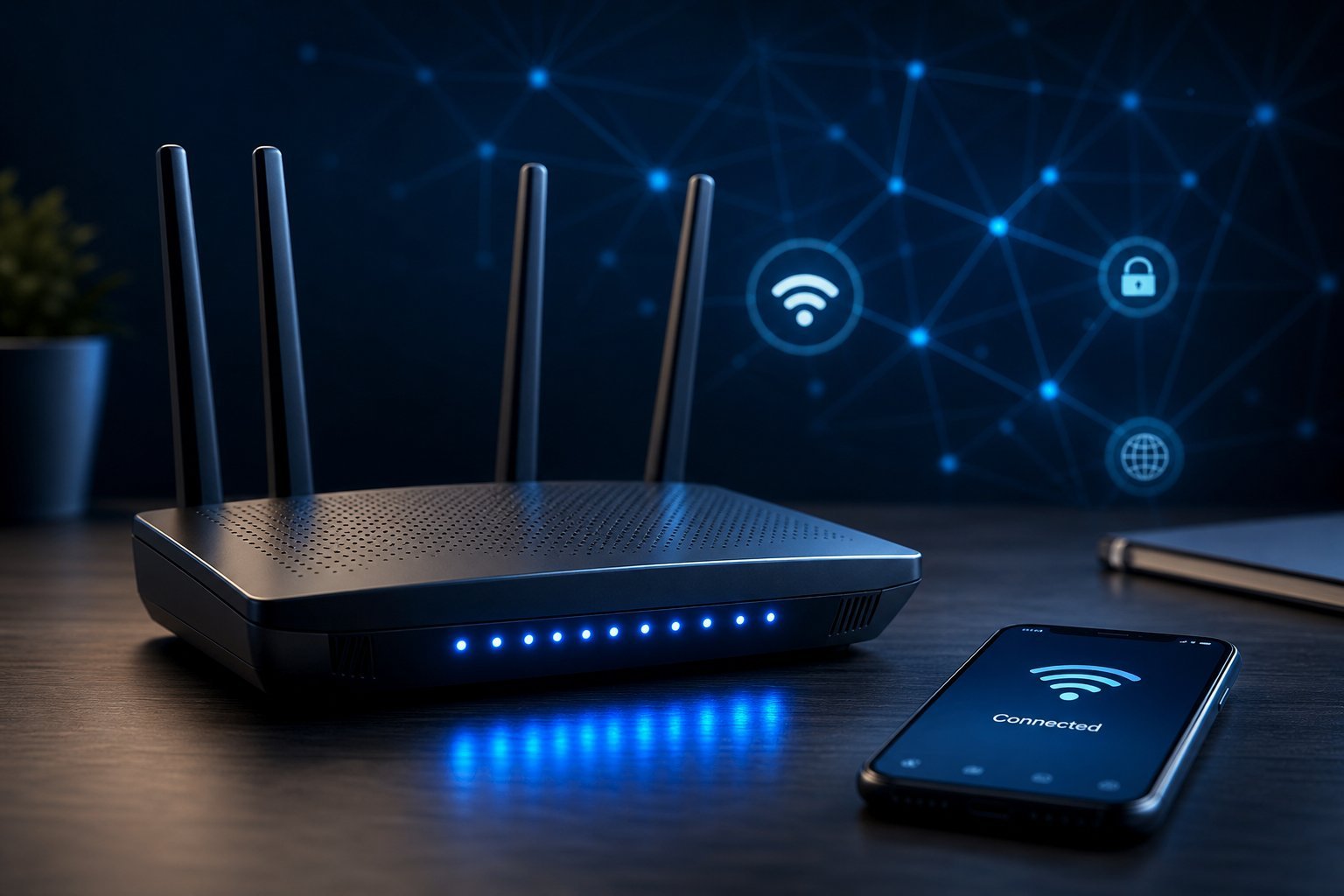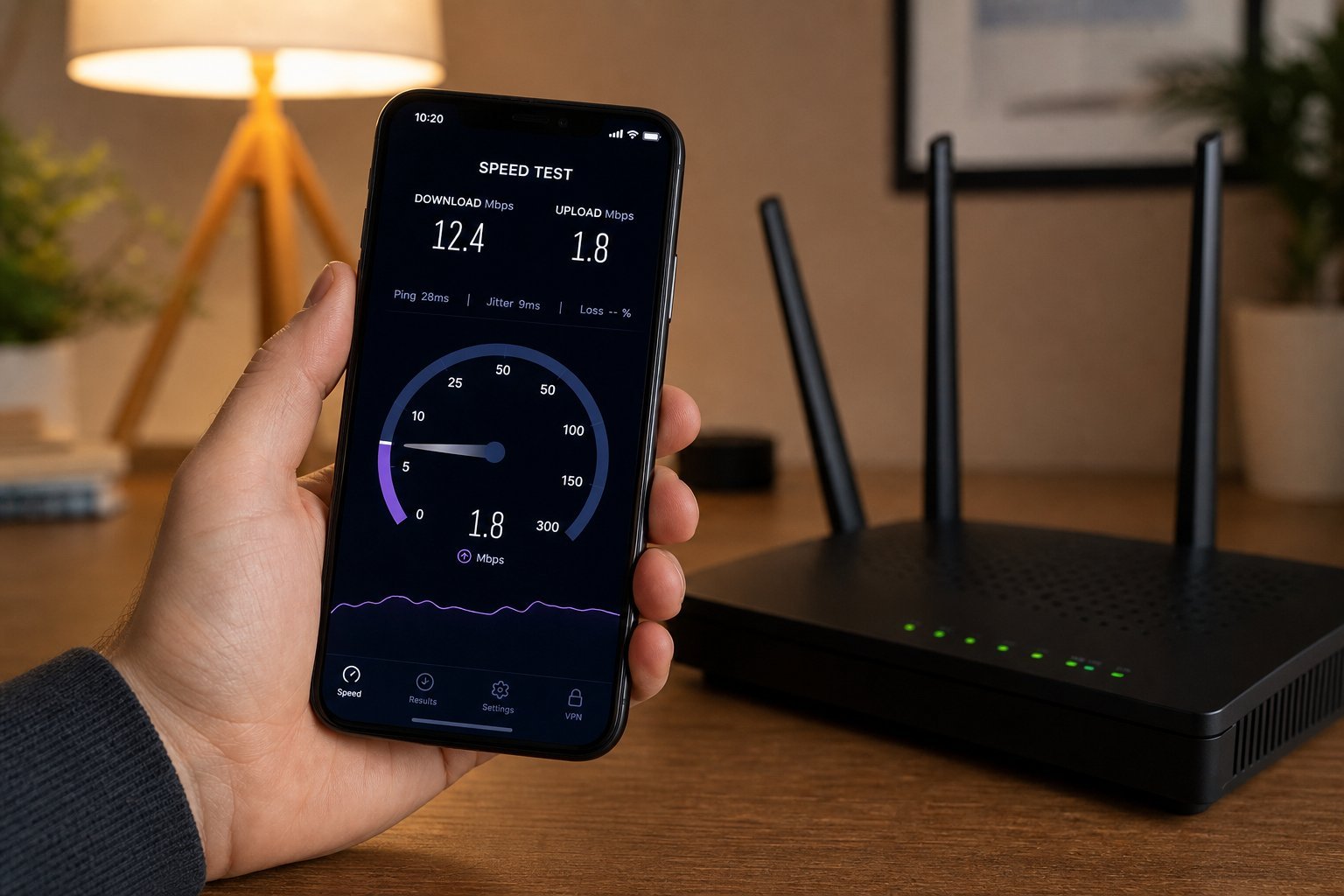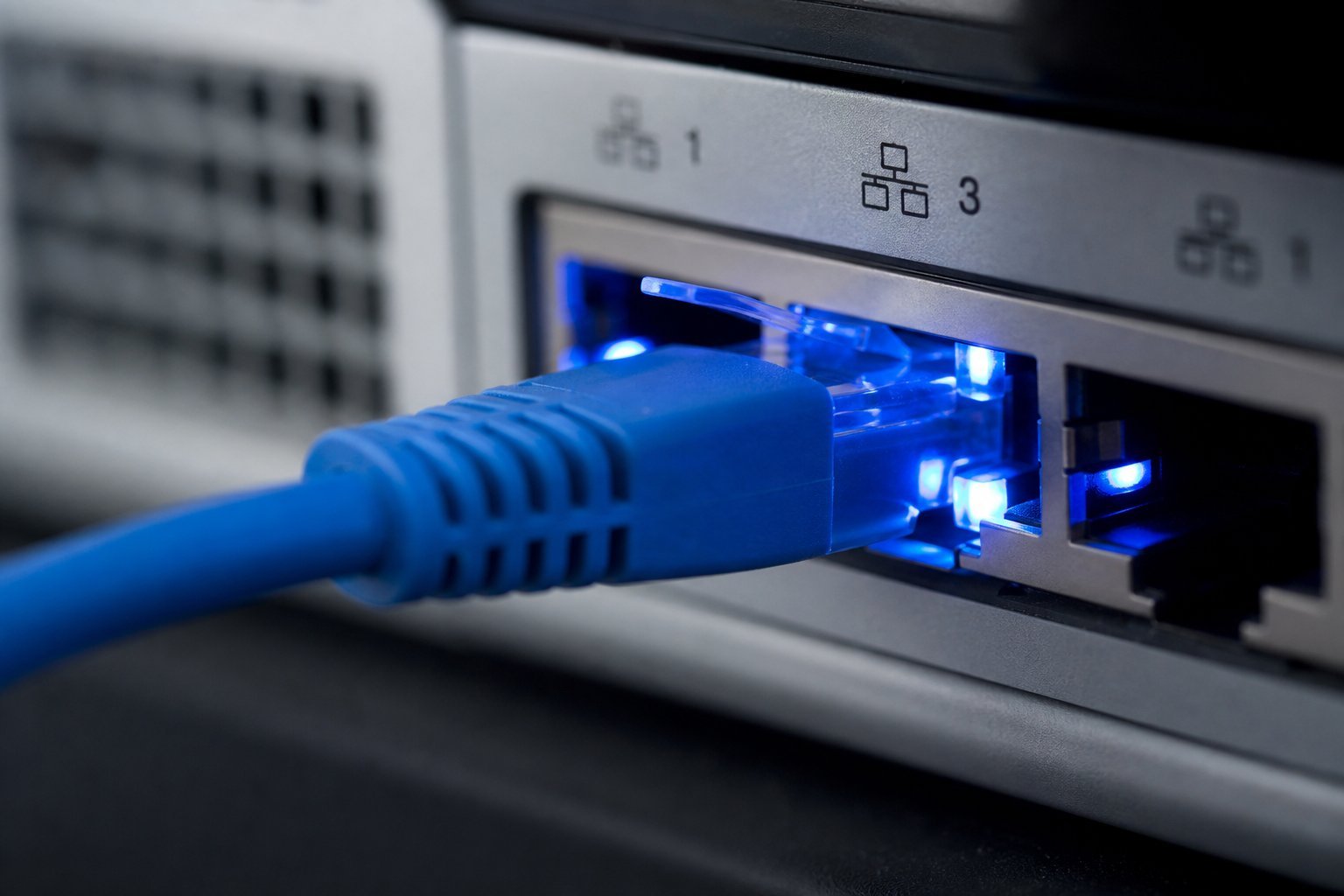
Wi-Fi is everywhere and wonderfully convenient. But there's a quieter, older, more reliable way to connect your devices: a wired connection called ethernet. If you've ever wondered why your gaming PC feels laggier on Wi-Fi, or why video calls occasionally drop, the answer might be that you're on the wrong type of connection.
This guide explains the difference between ethernet and Wi-Fi, when each makes sense, and why mixing them is the smartest approach for most homes.
What we'll cover
Ethernet vs Wi-Fi: the difference When ethernet wins When Wi-Fi makes sense The smart approach: mix themEthernet vs Wi-Fi: the difference
The short version: ethernet is a physical wired connection; Wi-Fi is wireless.
- Ethernet connects a device to your router using a cable. It's faster, more stable, and not affected by walls or interference.
- Wi-Fi connects wirelessly using radio waves. It's convenient and cable-free, but it's subject to range limits, walls and interference from other devices.
The trade-off is simple: ethernet is better for performance; Wi-Fi is better for convenience. Neither is "always better" — they're tools for different situations.
When ethernet wins
A wired connection is the better choice for any device where stability and speed matter most:
- Gaming. Wired connections have lower latency (lag) and are more stable — important for competitive games (see our optimization guide).
- Video calls. Wired connections don't drop or stutter like Wi-Fi can, keeping calls smooth.
- Large downloads/uploads. Wired gives you the full speed of your plan, without wireless interference.
- Desktop computers and streaming devices that stay in one place — no reason to rely on Wi-Fi if you can wire them.
If a device never moves and you care about its performance, plug it in. It's the most underrated speed upgrade in a home network.
When Wi-Fi makes sense
Wi-Fi is clearly the right choice in many situations:
- Phones, tablets and laptops. These move around the house — you can't (or don't want to) cable them.
- Devices in hard-to-reach places. Running cables to every room isn't practical.
- Smart home gadgets. Most are designed for Wi-Fi.
- Guests. You're not running a cable for every visitor.
For portable devices and anything where a cable is impractical, Wi-Fi is the natural choice. Modern Wi-Fi (see our Wi-Fi 6 guide) is excellent — for many everyday tasks, you won't notice the difference from wired.
The smart approach: mix them
The best home networks use both. Here's the smart strategy:
✨ Wire what's stationary and important
If you want a fast, stable network, wire the devices that never move and that you care about most — your gaming PC, work computer, streaming box. Leave Wi-Fi for the portable stuff. This simple mix gives you the best of both worlds.
For most homes, that's the winning combination: wired for performance-critical stationary devices, Wi-Fi for everything mobile. It costs nothing to plug in a cable, and it frees up your Wi-Fi for the devices that need it.
📌 Bottom line
Ethernet is a wired connection — faster, more stable and free of wireless interference. Wi-Fi is wireless and convenient but subject to range and interference. Wire your important, stationary devices (gaming PC, desktop, streaming box) for the best performance, and use Wi-Fi for portable devices. Mixing both is the smart approach for most homes. A single ethernet cable can be one of the simplest speed and stability upgrades you can make.