Home security cameras are one of the most popular smart home purchases — and for good reason. Being able to see what's happening at your front door, in your driveway or around your home, from anywhere, is genuinely reassuring. But the market is crowded, and the differences between cameras matter more than you'd think.
This guide explains what to look for in a home security camera, the different types, how to choose for your situation, and — importantly — the privacy considerations that come with putting cameras around your home.
What we'll cover
The types of security cameras Features that matter Indoor vs outdoor Privacy & legal considerations How to chooseThe types of security cameras
Home security cameras come in a few main types, each for a different purpose:
- Indoor cameras. Small cameras for inside your home — to watch pets, check on kids, or keep an eye on rooms. Privacy is a bigger consideration here.
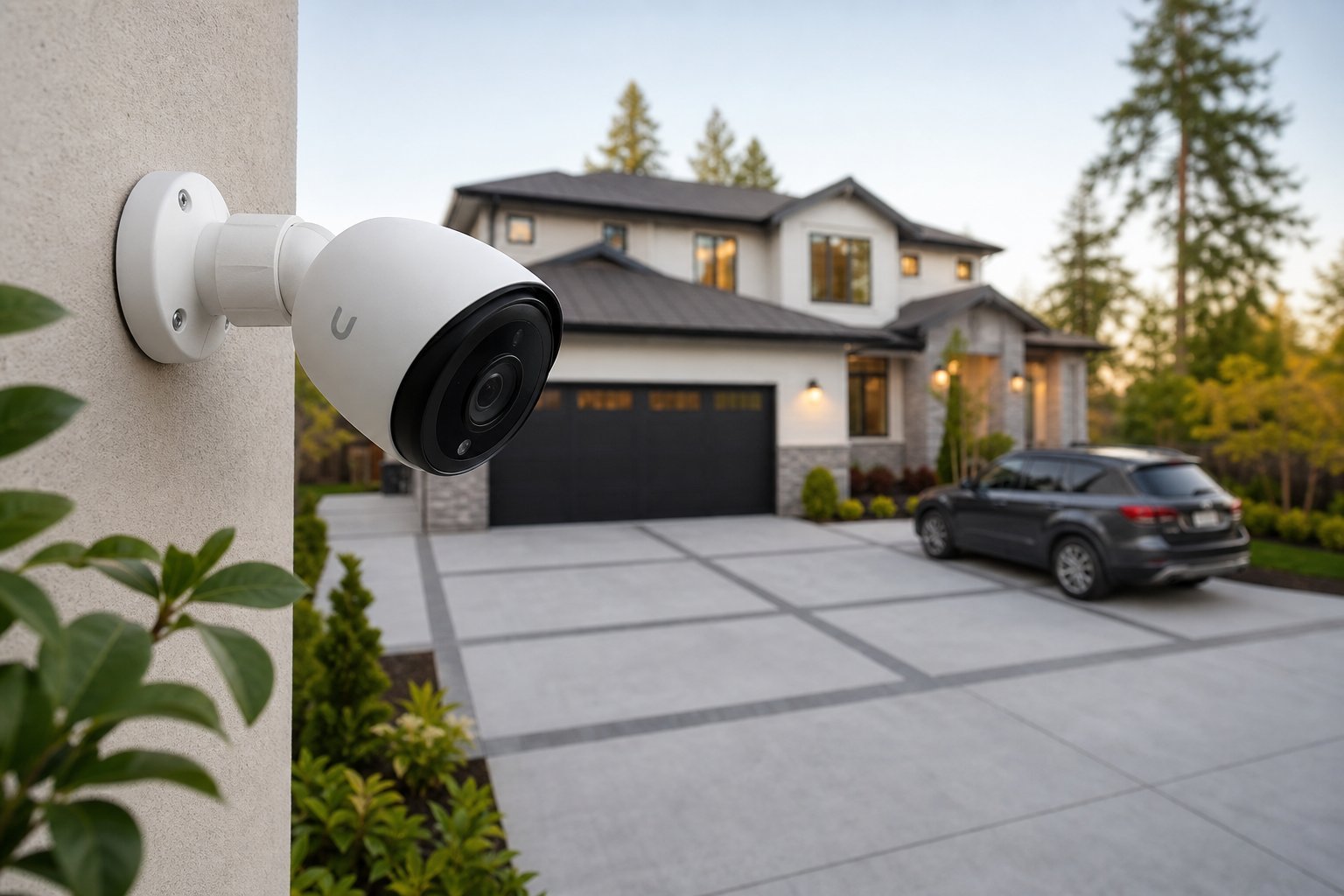
- Outdoor cameras. Weatherproof cameras mounted outside — at entrances, driveways or backyards. Built for the elements.
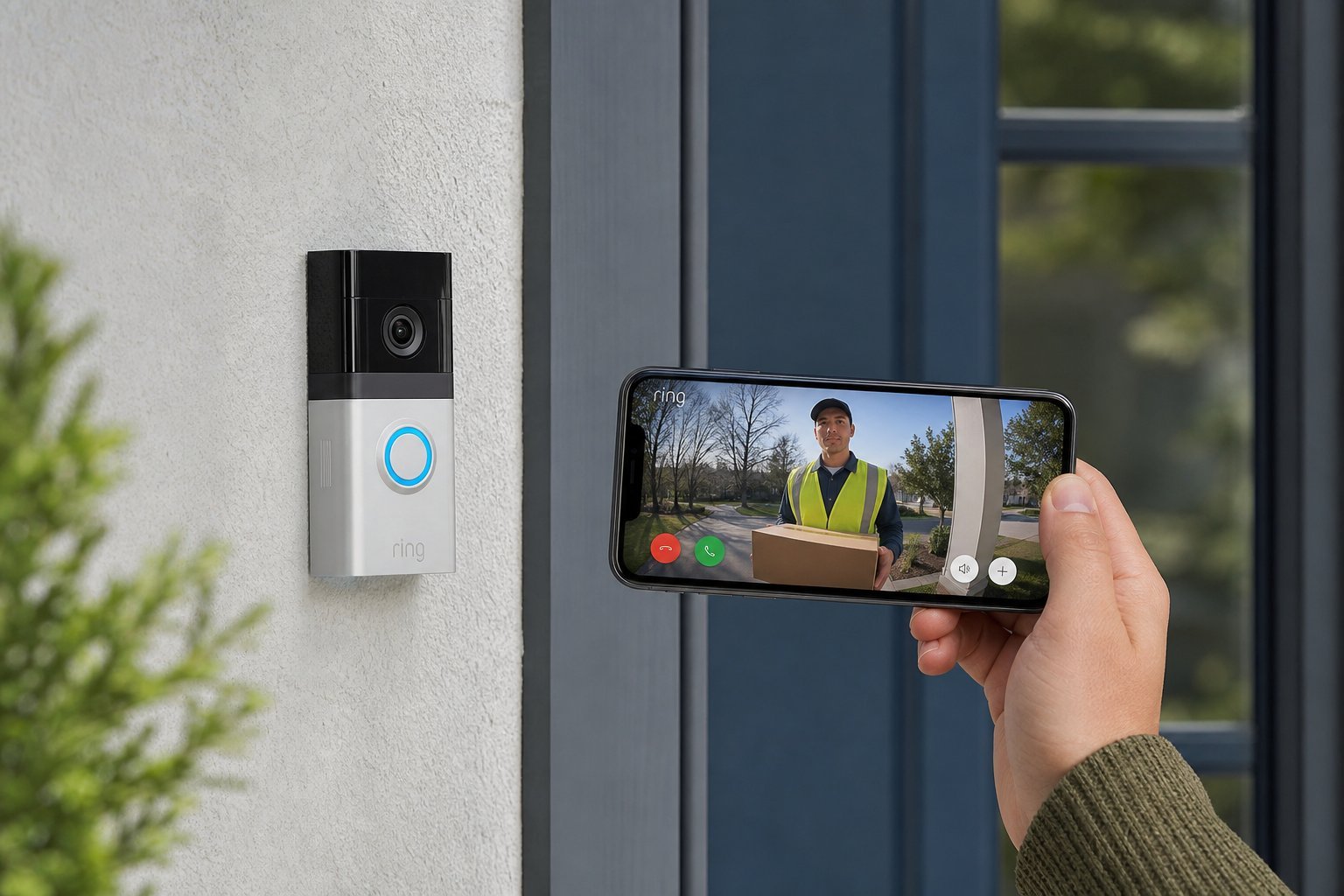
- Doorbell cameras. The smart doorbell we covered in its own guide — a camera in your doorbell to see visitors.
- Pan-tilt cameras. Cameras that can rotate to scan a room, so one camera can cover more area.
Most people benefit from a mix: a doorbell camera at the front, maybe an outdoor camera at a vulnerable entrance, and possibly an indoor camera for a specific need.
Features that matter
When comparing security cameras, focus on these features:
Also check smart home compatibility — many work with Alexa, Google or HomeKit (see our smart home guide). Match it to your setup.
Indoor vs outdoor
Choosing where your cameras go shapes your buying decision:
- Outdoor cameras need weather resistance (look for an IP rating) and good night vision. They're for catching activity around your property.
- Indoor cameras are for reassurance and convenience, but they raise bigger privacy questions — they see your private living space.
Start with the camera that addresses your biggest concern. For most people, that's a doorbell camera or an outdoor camera at the main entrance — they cover the most important entry point to your home.
Privacy & legal considerations
Security cameras capture people, so privacy is a real issue. Here's how to use them responsibly:
- Point them at your property, not your neighbor's. Don't aim cameras into neighbors' homes, yards or private windows.
- Know the local laws. Rules about recording, especially in public-facing areas and around neighbors, vary by region. Check what's allowed where you live.
- Be thoughtful about indoor cameras. A camera in a bedroom or bathroom is invasive, even in your own home — and if a camera is compromised, that's a serious privacy breach.
- Secure the camera's account with a strong password and two-factor authentication (see our safety checklist). A camera you can't secure is a risk.
- Know what's recorded and stored. Review what video is kept, where, and for how long.
⚠️ Cameras are a responsibility
A security camera that records neighbors or private spaces can cause legal trouble and damage relationships. Point cameras at your own property, respect others' privacy, and secure the accounts. A camera is a tool for safety — used carelessly, it becomes a privacy risk.
How to choose
Here's a practical way to choose your cameras:
✨ Start with one
Buy a single camera for your most important spot first. Live with it, learn the app, and see if it meets your needs before building out a full camera system. It's cheaper to start small and expand than to buy a bundle you don't fully use.
📌 Bottom line
Home security cameras give you peace of mind by letting you see your home from anywhere. Choose based on where you need coverage — doorbell and outdoor cameras for entrances, indoor cameras for specific needs. Look for 1080p+, night vision, motion detection and clear storage costs. Most importantly, respect privacy: point cameras at your own property, know the laws, secure the accounts, and be thoughtful about indoor placement. Buy for your biggest concern first, and expand as needed.