Most people's first "smart home" purchase isn't a speaker or a camera — it's a smart light bulb. And that makes sense: light bulbs are cheap, the payoff is immediate, and there's no wiring involved. Screw it in, connect it, and suddenly you can dim the lights with your voice or set them to turn on automatically.
But standing in front of the bulb aisle (or scrolling the options online) is overwhelming. Dozens of brands, confusing terms like "compatible with Alexa," color vs. white, hubs vs. no hubs. This guide sorts it all out so you can buy the right smart bulbs the first time.
What we'll cover
What a smart bulb is (and what it can do) Types: white, color, and everything between Compatibility: the thing to check first Do you need a hub? How to choose & what to buy Setting them upWhat a smart bulb is (and what it can do)
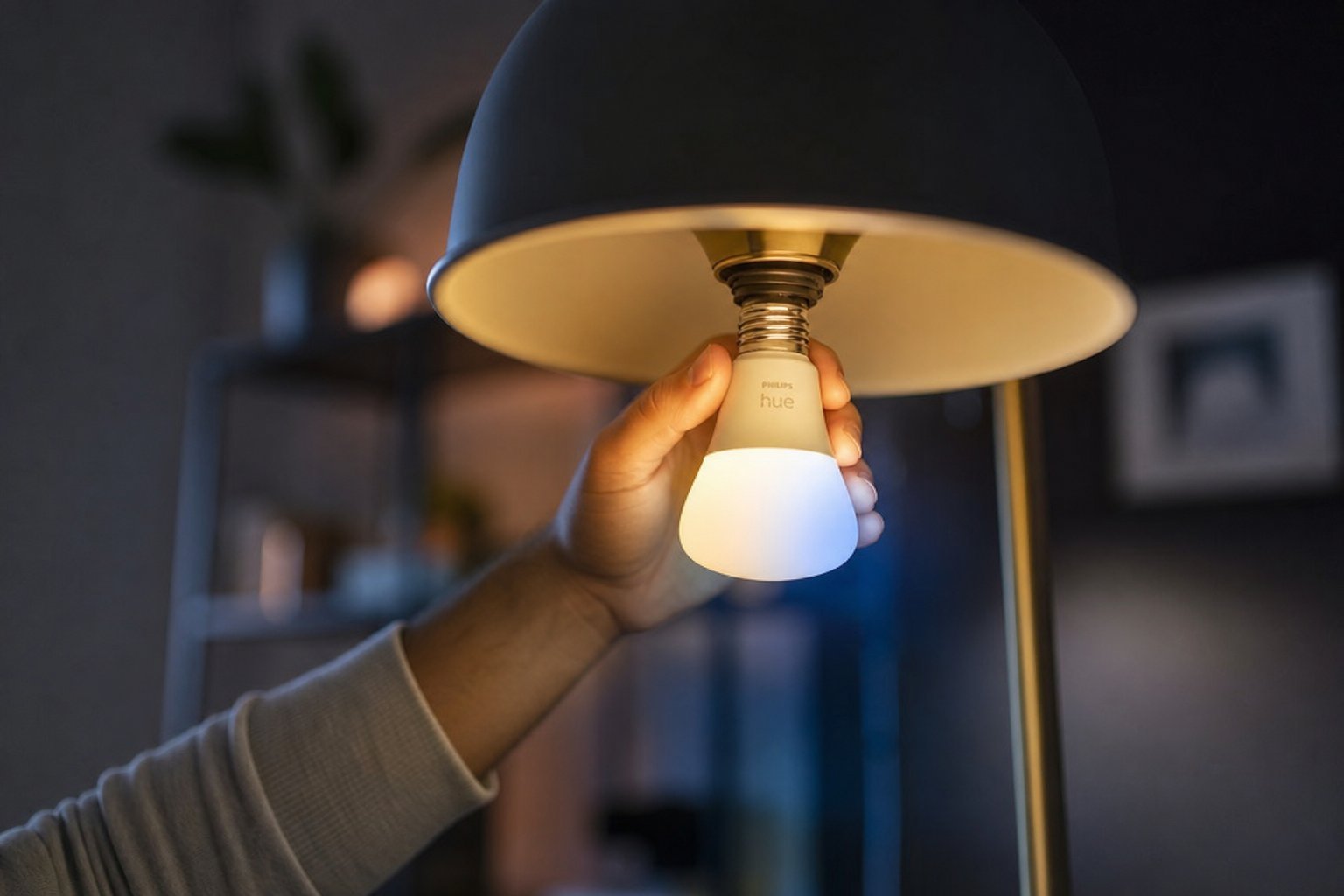
A smart light bulb is a normal LED bulb that connects to your Wi-Fi (or a hub) and can be controlled from your phone, your voice, or automatically. The magic is that it does a lot more than just turn on and off:
- Dim without a dimmer switch. Control brightness from your phone or by voice.
- Change color. Color bulbs can glow any shade — great for mood lighting, parties or gaming rooms.
- Set schedules. Lights turn on before you get home and off when you sleep.
- Control by voice. "Turn off the bedroom lights" works if you have a smart speaker.
- Control from anywhere. Forgot to turn a light off when you left? Do it from your phone.
The big appeal is convenience and comfort — you stop getting up to flip switches, and you get lighting that adapts to your day.
Types: white, color, and everything between
Smart bulbs come in a few varieties, and choosing the right one saves you money:
| Type | What it does | Best for |
|---|---|---|
| White only | On/off, brightness, warm or cool white | Everyday rooms, cheapest |
| White + tunable | Adjusts warmth (warm to cool) | Reading, workspaces |
| Full color | Millions of colors | Mood, parties, gaming, fun |
| Color temperature smart | Automatically changes tone by time of day | Sleep & wake routines |
If you just want smart lighting in everyday rooms, white or tunable white bulbs are the sensible choice — they cost less than full color and you won't miss the colors. Save full-color bulbs for entertainment rooms, kids' rooms, or anywhere you'll actually use the colors.
Compatibility: the thing to check first
This is the most important thing to check before buying, and the easiest to get wrong: does the bulb work with your setup? The key question is whether it works with the voice assistant or smart home platform you have (or plan to have).
Before buying, check the bulb's compatibility:
If you don't have a smart speaker yet, don't worry — most smart bulbs still work through their phone app. But if you want voice control, compatibility with your assistant is essential. Buying a bulb that doesn't match your assistant is the most common regret.
Do you need a hub?
Smart bulbs generally fall into two groups, and the difference matters:
- Wi-Fi bulbs: connect directly to your home Wi-Fi and work through their app (and your assistant). Simple to set up, no extra hardware. Best for most beginners.
- Hub-based bulbs: connect to a small hub device (like a Zigbee bridge) instead of directly to Wi-Fi. The hub is sold separately or comes in a starter kit. These are often more reliable and faster to respond, and can work even if your Wi-Fi is congested, but they add a step to setup.
For most people starting out, Wi-Fi bulbs are the easiest — no extra hardware, plug in and go. If you're building a bigger smart home and want rock-solid reliability, a hub-based system (like Philips Hue) is a premium, proven choice, but it costs more and adds setup.
How to choose & what to buy
Here's a simple framework for picking the right bulbs:
- Match your assistant. Get bulbs compatible with Alexa, Google or HomeKit — whichever you use.
- Decide on color. White/tunable for everyday rooms; full color where you want it.
- Start with the bulbs you'll actually use most. Living room and bedroom lamps beat a whole house of gadgets.
- Check the bulb type and base. Most homes use standard screw (E26/E27) or bayonet bulbs — confirm yours matches.
- Consider quality brands. Well-known, reliable options include Philips Hue, Wyze, Govee and TP-Link Kasa. Budget brands can be fine, but check compatibility and reviews.
✨ Buy one to test first
Before buying a whole set, buy a single bulb, set it up, and live with it for a week. Does it connect easily? Do you actually use the features? If yes, buy more. If no, you've spent very little to find out.
Setting them up
Once you have your bulbs, setup is usually quick:
If a bulb won't connect, restart it (turn off, wait, turn on) and make sure your phone is on the right Wi-Fi. Most connection hiccups are solved by a simple restart.
📌 Bottom line
Smart bulbs are the perfect smart-home starting point. Choose the type that fits — white/tunable for everyday, full color for fun — and above all check compatibility with your voice assistant. Wi-Fi bulbs are easiest for beginners; hub systems (like Hue) are more premium and reliable. Buy one to test, then expand. Set up, name your bulbs, link your assistant, and enjoy lighting you control by voice, schedule and anywhere in the world.