Your thermostat controls your heating and cooling — and it might be quietly wasting money every month. Traditional thermostats run your system on a simple schedule (or worse, run it constantly), regardless of whether you're home or asleep.
A smart thermostat changes that. It learns your routine, adjusts itself automatically, and lets you control your heating and cooling from your phone — which can save energy and money. This guide explains what smart thermostats do, whether they're worth it, and how to choose and install one.
What we'll cover
What a smart thermostat does Is it worth the cost? How to choose one Installation & setup Tips to actually save energyWhat a smart thermostat does
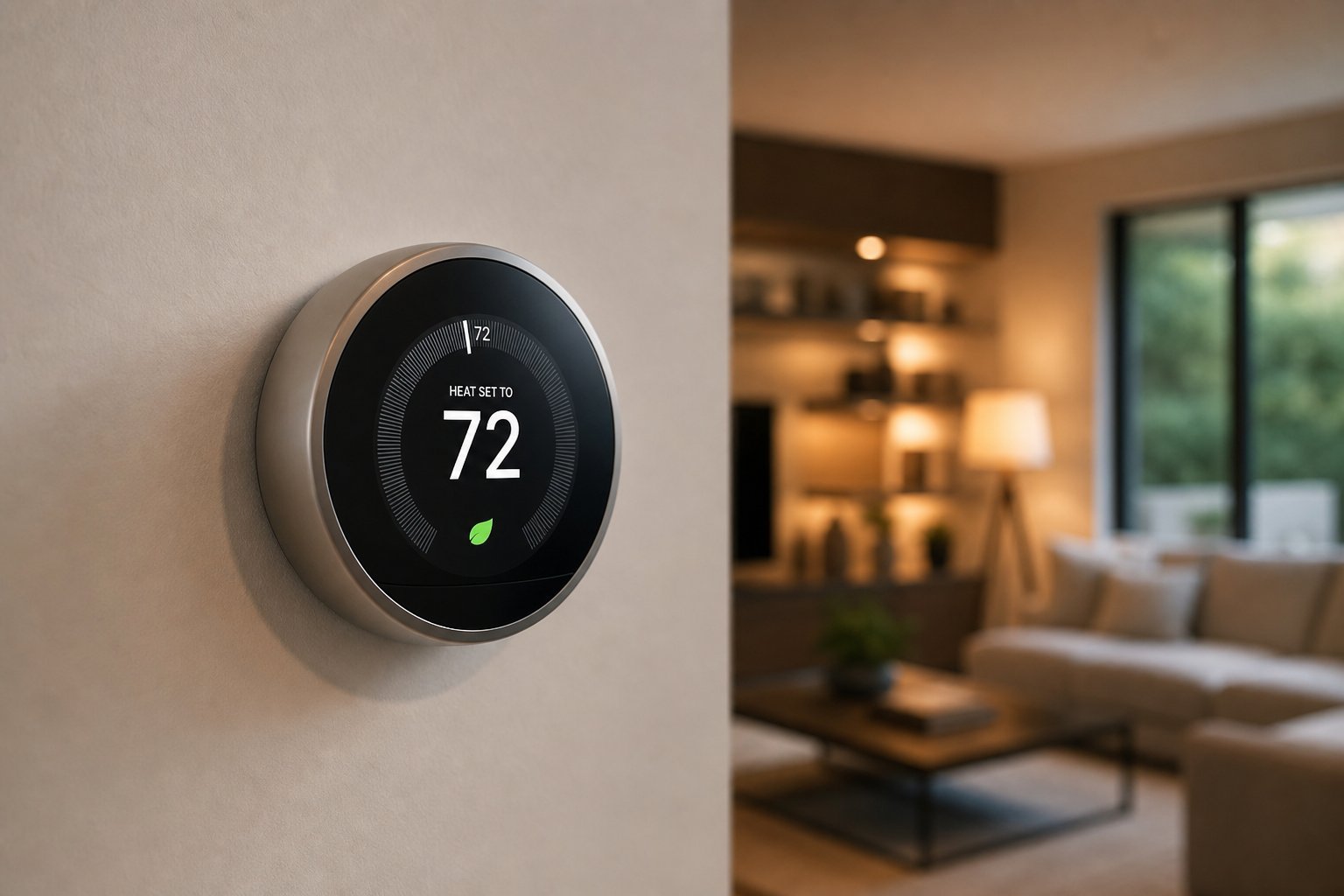
A smart thermostat replaces your traditional thermostat and connects to your Wi-Fi. Beyond just setting a temperature, it can:
- Learn your schedule. It notices when you're home and when you're away, and adjusts automatically.
- Control from your phone. Adjust the temperature from anywhere — warm up the house before you arrive home.
- Use occupancy sensors. Many models detect when you're actually in the room and stop heating/cooling empty rooms.
- Report energy usage. See how much you're using and get tips to save.
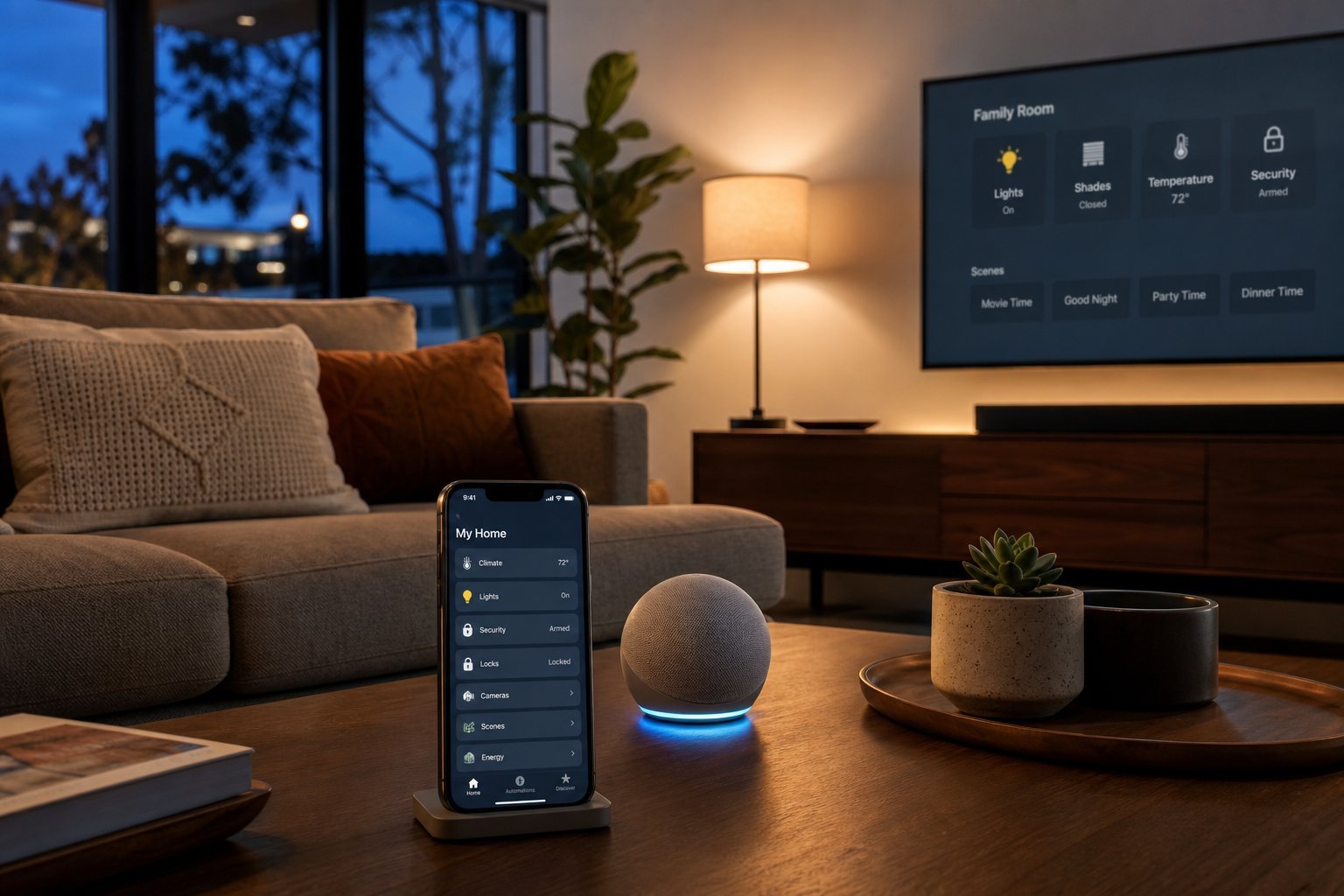
- Work with voice assistants. "Alexa, set the thermostat to 72."
- Geofence. Using your phone's location, it knows when you're leaving and arriving, and adjusts automatically.
In short, a smart thermostat takes the thinking out of home temperature control — running your system only when it's needed.
Is it worth the cost?
Smart thermostats cost more than traditional ones, so it's fair to ask if they pay off. Here's the honest picture:
- Energy savings: Most manufacturers and studies suggest potential savings of roughly 10–15% on heating and cooling costs, mainly from not running the system when you're away or asleep.
- Payback: Depending on your energy use, savings can pay back the thermostat's cost over 1–3 years — faster in extreme climates.
- Convenience: The ability to adjust from your phone is a genuine daily benefit, even beyond the money.
- Not a magic fix: Savings depend on your habits. If you already turn the thermostat down when you leave, the savings are smaller.
The value varies by household. If you heat or cool a home and often leave it running while away, a smart thermostat can pay for itself. If you already manage temperatures carefully, you may get less benefit.
How to choose one
When choosing a smart thermostat, check these factors:
The biggest mistakes are buying an incompatible model and not checking the wiring. Confirm both before purchasing.
Installation & setup
Installing a smart thermostat ranges from easy to moderate, depending on your setup:
If you're not comfortable working with wiring, a professional installation is often affordable and removes the risk. Many people successfully install smart thermostats themselves, but there's no shame in hiring help.
✨ Photo before you disconnect
Before removing your old thermostat, take a clear photo of the wiring. If you get confused during installation, you can reference exactly how it was connected.
Tips to actually save energy
To get the most from your smart thermostat, use these habits:
📌 Bottom line
A smart thermostat learns your schedule, adjusts from your phone, and avoids heating or cooling empty homes — potentially saving 10–15% on energy costs. It's worth it if you heat or cool a home and often leave it running when away. Choose a model compatible with your system and ecosystem, confirm the wiring, and install it (or hire someone). Let it learn, use the away feature, and set reasonable temperatures to maximize savings.