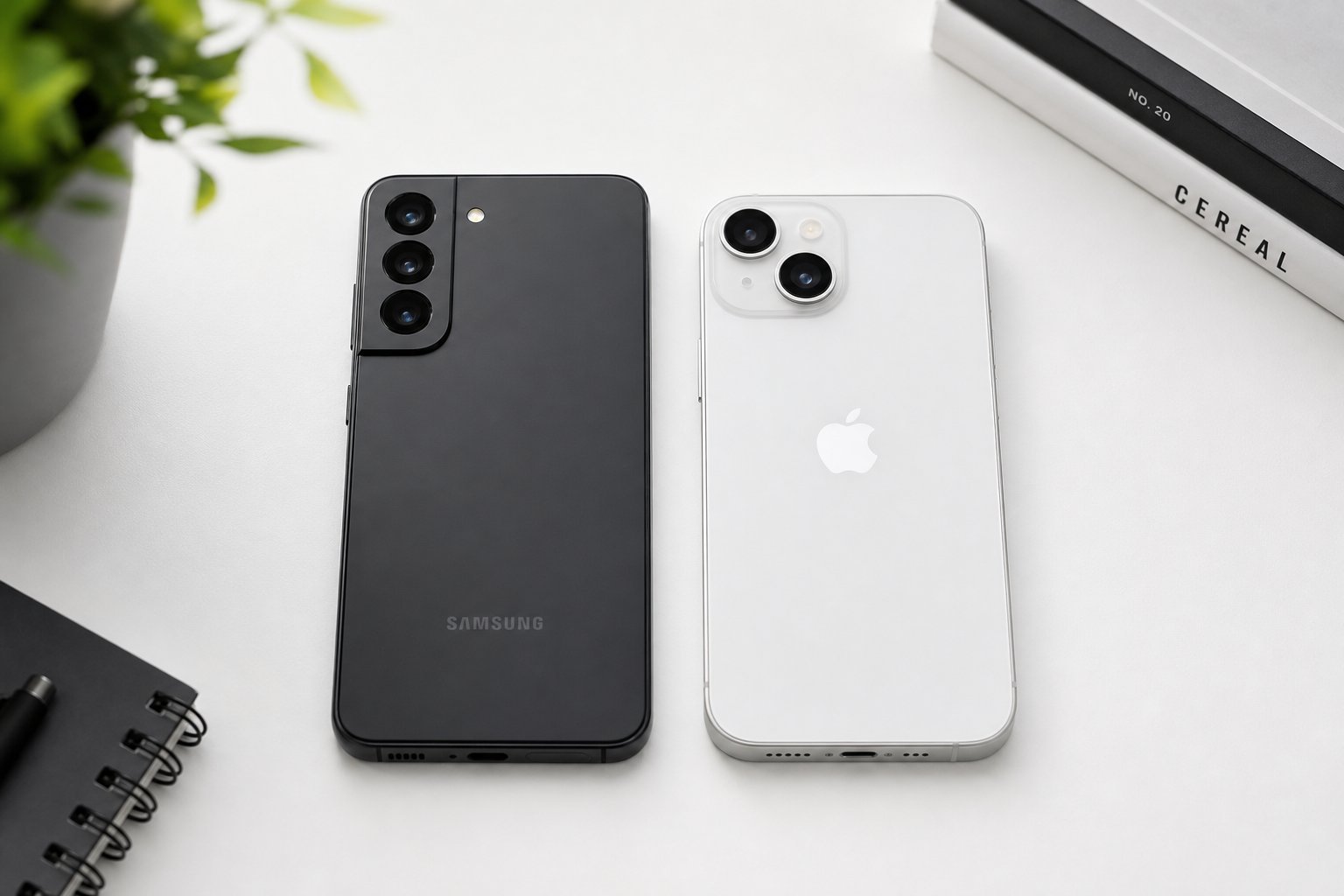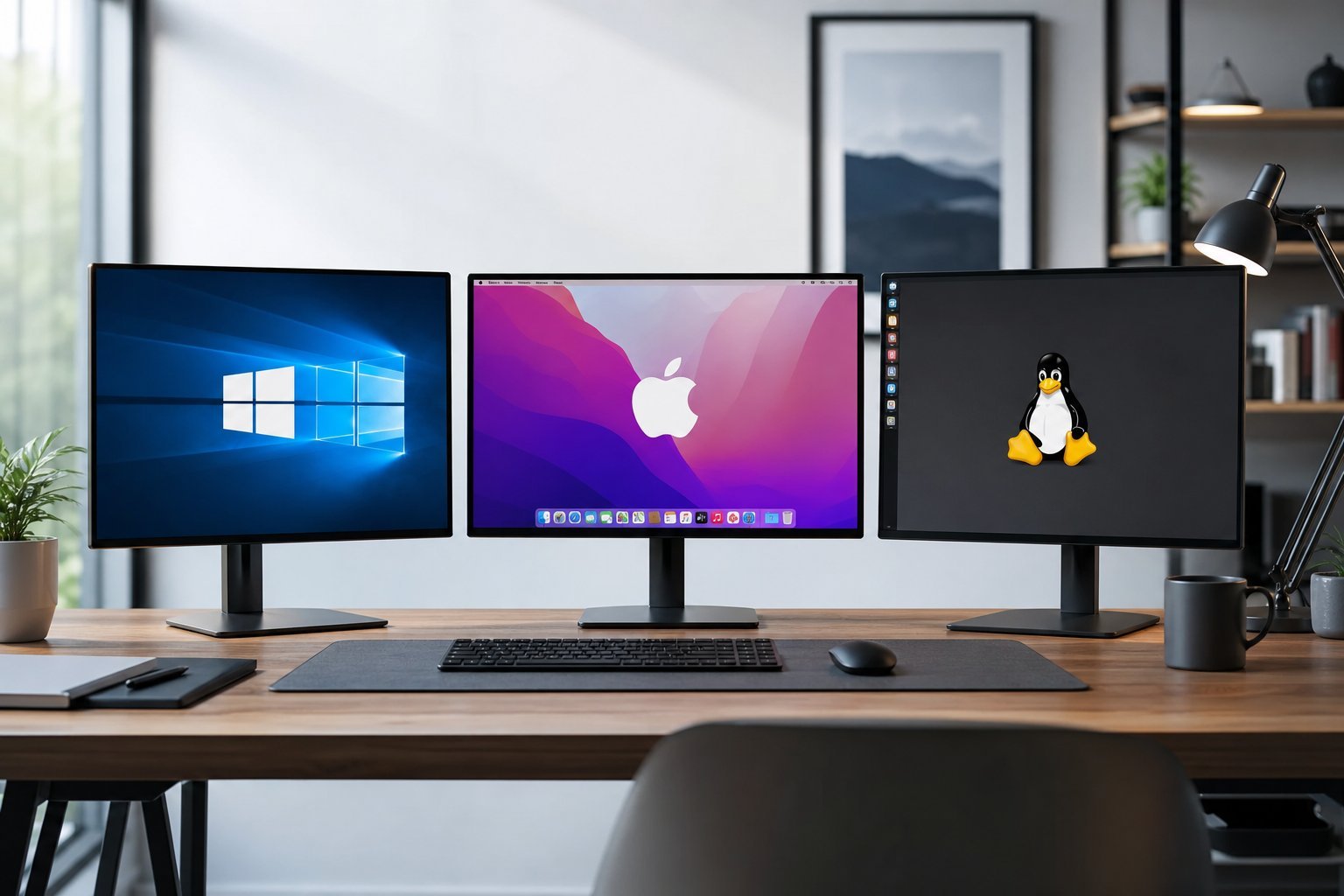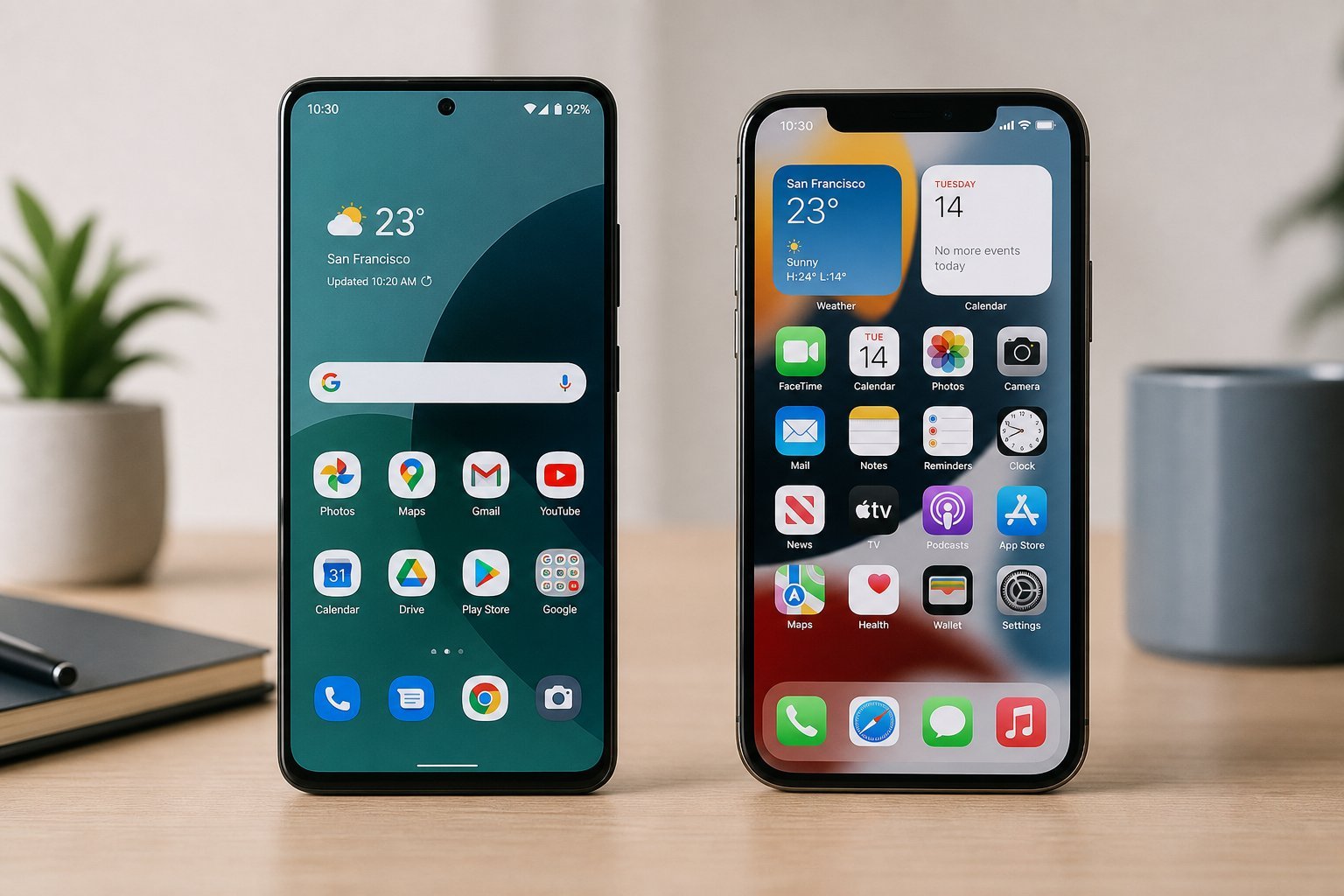
Your phone runs on an operating system — Android or iOS — and it shapes everything about how you use the device. We've compared Android and iPhone, but understanding the operating systems themselves helps you choose a phone and use it well. This guide explains mobile operating systems in plain terms.
Here's how mobile operating systems work and why they matter.
What a mobile OS is
A mobile operating system (OS) is the software that runs your phone — it manages the hardware, runs apps and provides the interface you interact with.
- It's the foundation. Everything on your phone runs on top of it.
- It controls the interface. How your home screen, settings and apps look and work.
- It manages hardware. Battery, cameras, sensors, connectivity.
- It defines the app ecosystem. Which apps you can install and how they work.
The mobile OS is the foundation of your phone — it controls the interface, manages the hardware and defines the app ecosystem.
The main ones
The two main mobile operating systems:
| OS | Made by | Known for |
|---|---|---|
| Android | Flexibility, choice, runs on many phones | |
| iOS | Apple | Consistency, polish, runs only on iPhones |
Android runs on phones from many manufacturers (Samsung, Google, OnePlus, etc.), offering flexibility and choice. iOS runs only on iPhones, offering consistency and polish. We compare them in depth in our Android vs iPhone guide.
How it affects your choice
The OS affects your phone choice in several ways:
💡 The OS choice
Your mobile OS shapes your phone experience. Android offers flexibility and choice across many devices; iOS offers consistency and polish on iPhones. Match it to your ecosystem, budget and preference for customization vs simplicity. We explore this fully in our Android vs iPhone guide.
✨ Keep your OS updated
Whichever OS you use, keep it updated — updates bring security patches and performance fixes (see our updates guide). An updated OS keeps your phone secure and running well, and extends its useful life.
📌 Bottom line
A mobile operating system is the software that runs your phone — controlling the interface, managing hardware and defining the app ecosystem. The two main ones are Android (flexible, runs on many phones) and iOS (consistent, runs on iPhones). Your OS choice affects customization, ecosystem, price and longevity. Match it to your needs and see our Android vs iPhone guide for the full comparison. And keep your OS updated for security and performance.