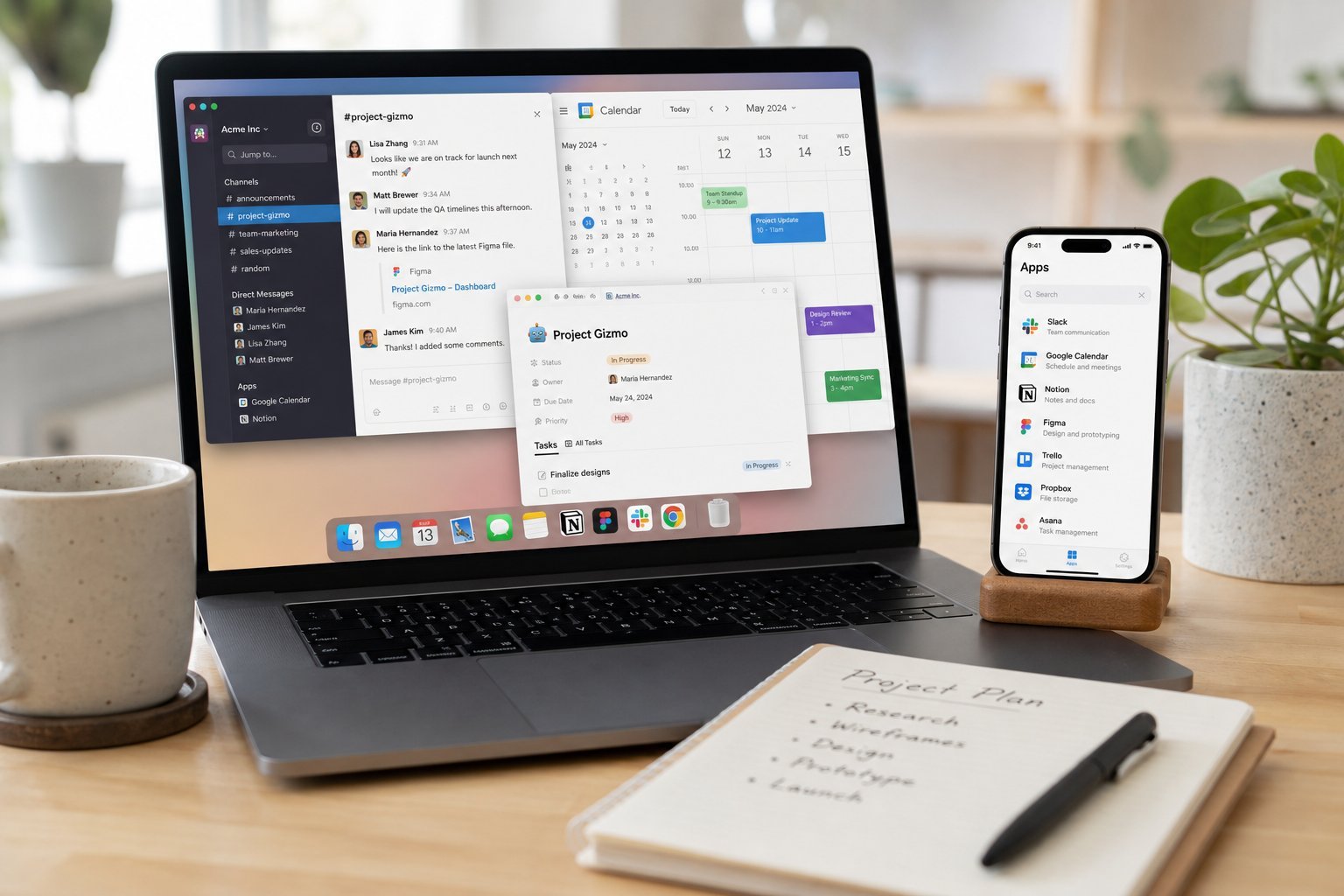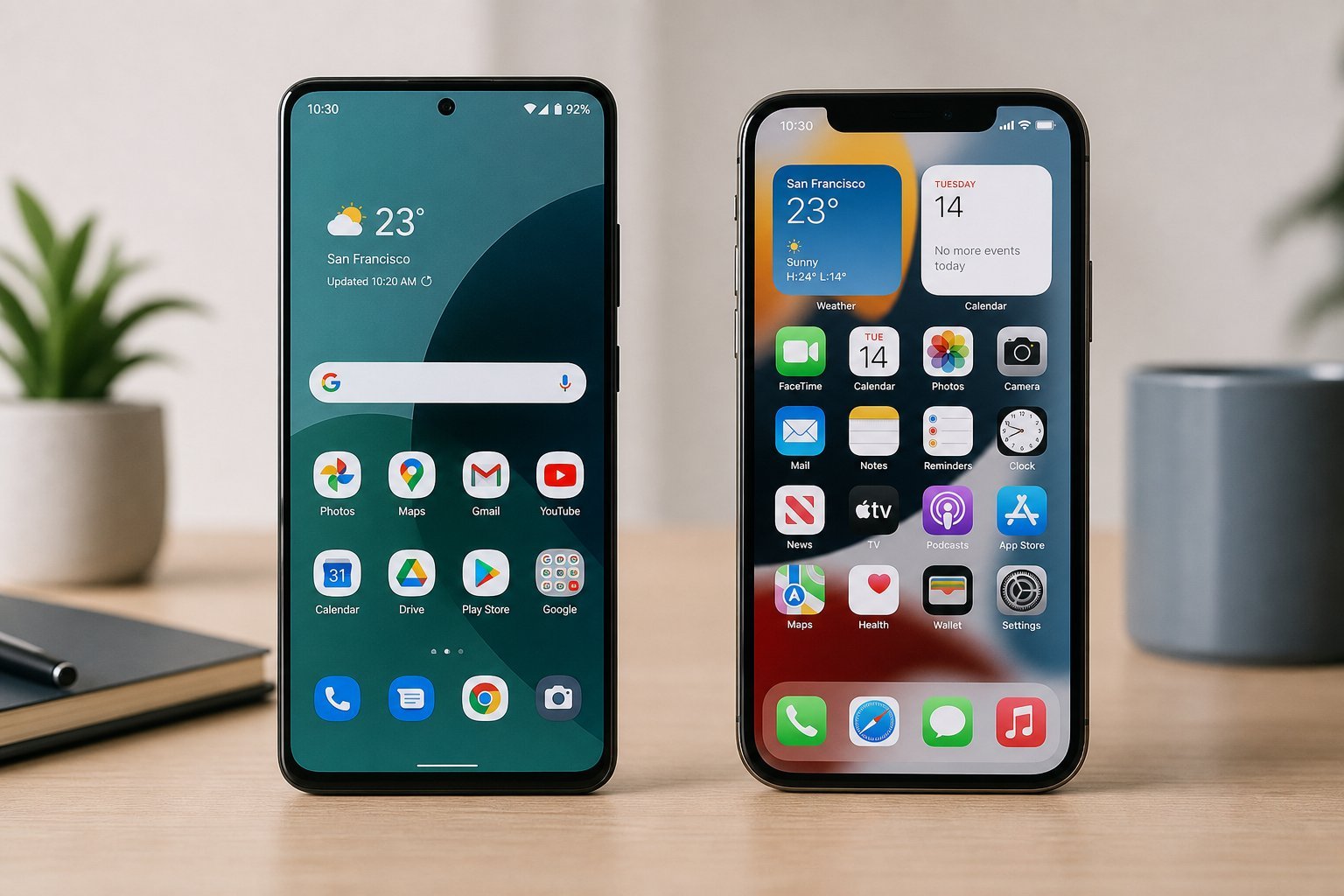
Software and apps are the programs that make your devices useful — but the terminology can be confusing. What's the difference between an operating system, an app, a program and a service? Understanding the basics helps you use your devices better and choose software wisely.
This guide explains software and apps in plain terms — the concepts behind the programs you use.
What software is
Software is the set of instructions that tells hardware what to do. It's the programs, apps and systems that make your devices functional:
Software is the instructions that make hardware useful. Without it, your devices couldn't do anything. It's the programs and systems you interact with.
The types of software
Software comes in a few main types:
Software includes the operating system, applications, system utilities and cloud services. Each plays a role in making your device useful.
Apps vs software
"App" and "software" are often used interchangeably, but there's a nuance:
💡 The simple take
"App" and "software" basically mean the same thing — programs that run on your device. "App" is usually used for phone/tablet programs and smaller applications; "software" is the broader term that includes everything. You don't need to stress about the distinction — they're the programs you use.
✨ Choose software that fits
Since software is everything you use, choosing well matters (see our guide). Use apps and software that fit your needs, from reputable sources, and keep them updated (see our updates guide). Good software choices make your devices more useful and secure.
📌 Bottom line
Software is the instructions that make hardware useful — the programs, apps and systems you use. It includes the operating system, applications, system utilities and cloud services. "App" and "software" basically mean the same thing — programs — with "app" usually used for phone programs and smaller applications. Choose software that fits your needs from reputable sources, and keep it updated. Understanding software demystifies the programs you use every day.