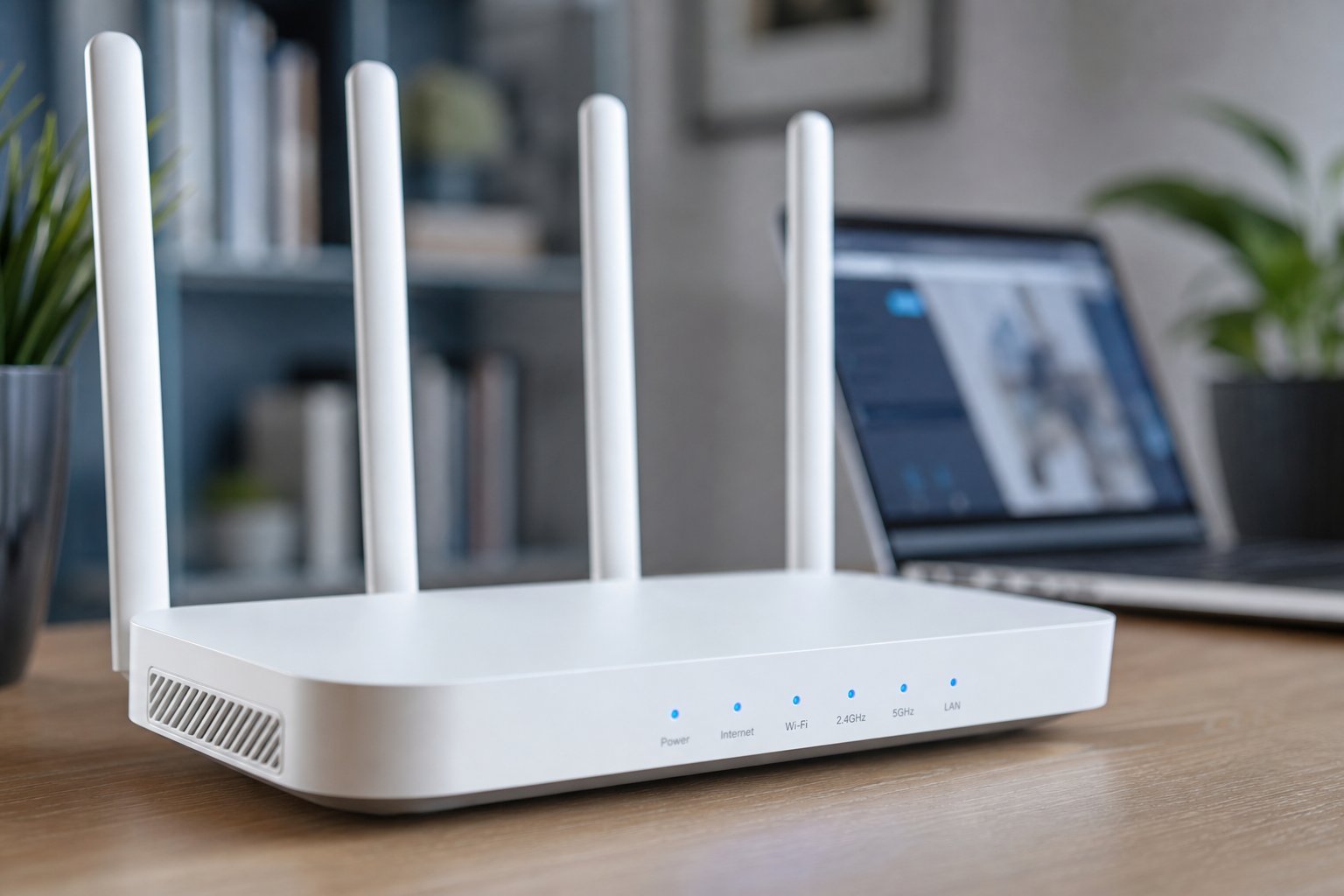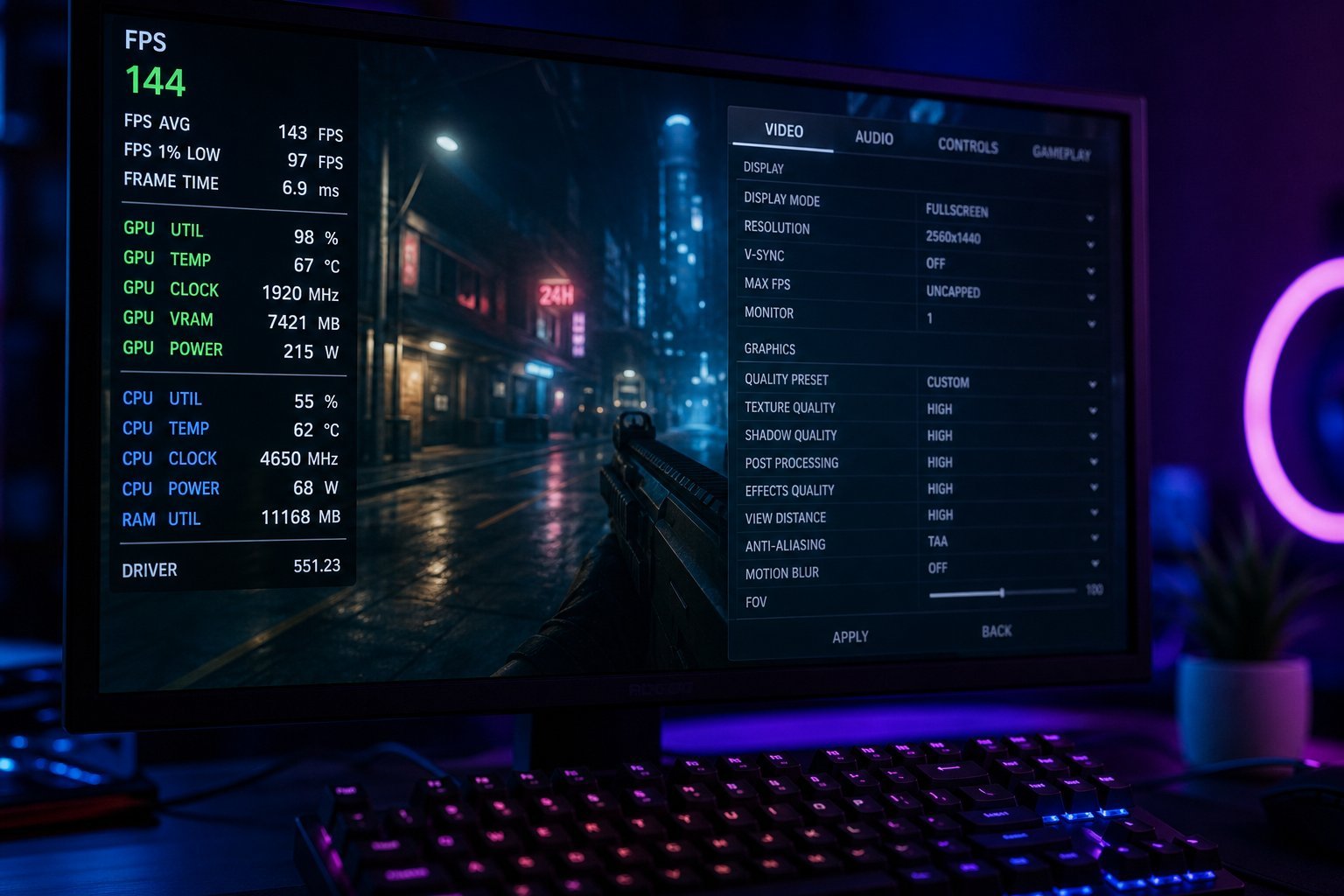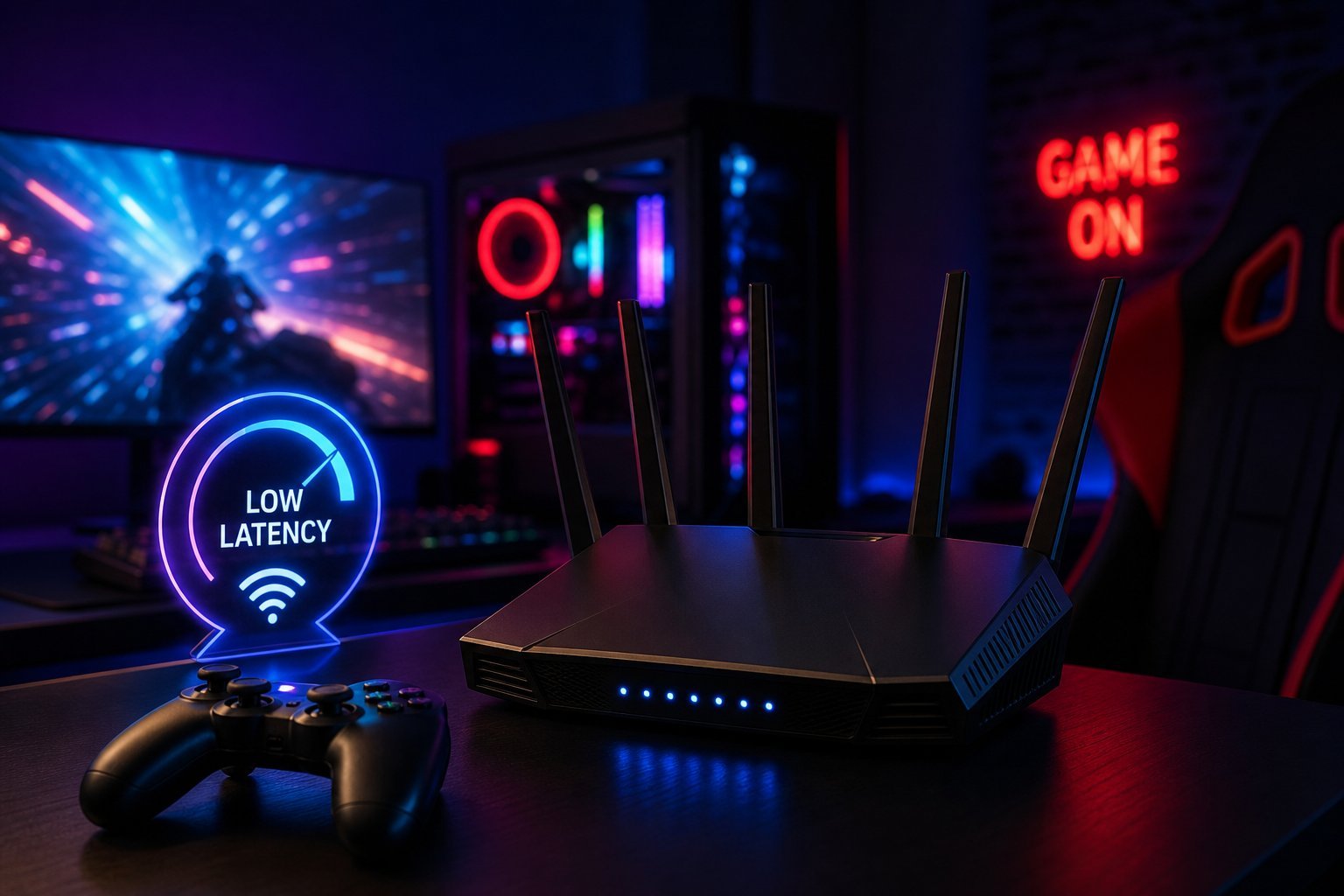
If you game online, you know the pain of lag — that moment your character freezes, your shot misses, or you get booted mid-match. While some lag is your internet provider, a lot of it comes down to your home network and router. The right router can make online gaming noticeably smoother.
This guide explains what to look for in a router for gaming, and how to optimize your network for low lag.
What makes a router good for gaming
Online gaming cares about a few specific things:
For gaming, low latency and stability beat raw speed. A router that prioritizes gaming traffic and handles many devices smoothly is what you want.
The specs to look for
When choosing a router for gaming, look for:
💡 The gaming router priority
For gaming, prioritize a Wi-Fi 6 router with QoS that can prioritize gaming traffic and handle many devices. And remember: for the lowest latency, wire your console or PC — a wired connection beats Wi-Fi for gaming every time (see our ethernet guide).
Optimize your network
Beyond the router itself, optimize your network for gaming:
✨ Wire for the lowest lag
If you want the smoothest online gaming, connect your console or PC to the router with an ethernet cable. It eliminates Wi-Fi lag and interference entirely. Even with a great router, wired is better for gaming. Save Wi-Fi for devices that move around.
📌 Bottom line
For smoother online gaming, focus on low latency and stability. Choose a Wi-Fi 6 router with QoS that can prioritize gaming traffic and handle many devices. Wire your gaming device with ethernet for the lowest latency — it's better than any Wi-Fi. Optimize by prioritizing gaming traffic, reducing network load during matches, placing the router well, and keeping it updated. A good router and smart network habits make online gaming dramatically smoother.