You don't need to pay for Photoshop to make your photos look great. In fact, some of the best photo editing tools in the world are completely free — and many run right in your browser, no download required.
Whether you want to fix the lighting on a family photo, remove an unwanted object, add text, or create social media graphics, there's a free tool that does it well. This guide walks through the best free options, what each is best at, and a few quick editing techniques to get you started.
What we'll cover
The best free photo editors Great browser-based tools (no install) Free editing apps for your phone Quick editing techniques for beginners Free AI photo toolsThe best free photo editors
If you want a full-featured editor for your computer, these are the top free options:
- GIMP — the most powerful free editor, often called the free alternative to Photoshop. It has a learning curve, but it can do nearly everything a paid editor can. Best for people who want serious editing power at no cost.
- Photopea — a brilliant free editor that runs in your browser and looks and works a lot like Photoshop. It opens Photoshop files and handles layers, making it a favorite for both beginners and those used to Photoshop.
- Paint.NET (Windows) — a friendly, easy editor that's more powerful than the basic Paint app but much simpler than GIMP. Great for beginners on Windows.
💡 Best for most people
If you're not sure where to start, Photopea is the sweet spot — it's free, runs in your browser, and feels familiar to anyone who's seen Photoshop, with far less intimidation.
Great browser-based tools (no install)
For quick edits and design work, browser tools are unbeatable because there's nothing to install:
- Canva — the easiest way to make social posts, flyers, invitations and more. It's design software with thousands of free templates, plus basic photo editing. The free tier is generous.
- Photopea — already mentioned, but it deserves a spot here too: full editing power in your browser.
- Fotor — an easy online editor with one-tap fixes, filters and collage tools.
- Pixlr — a clean browser editor with a mix of simple and advanced tools.
These are perfect when you want to quickly fix a photo or make a graphic without installing anything.
Free editing apps for your phone
Most of your photos live on your phone, so good mobile editing apps are essential:
- Snapseed (free, iOS & Android) — one of the best free mobile editors. Powerful yet easy, with professional tools like selective adjustments and healing.
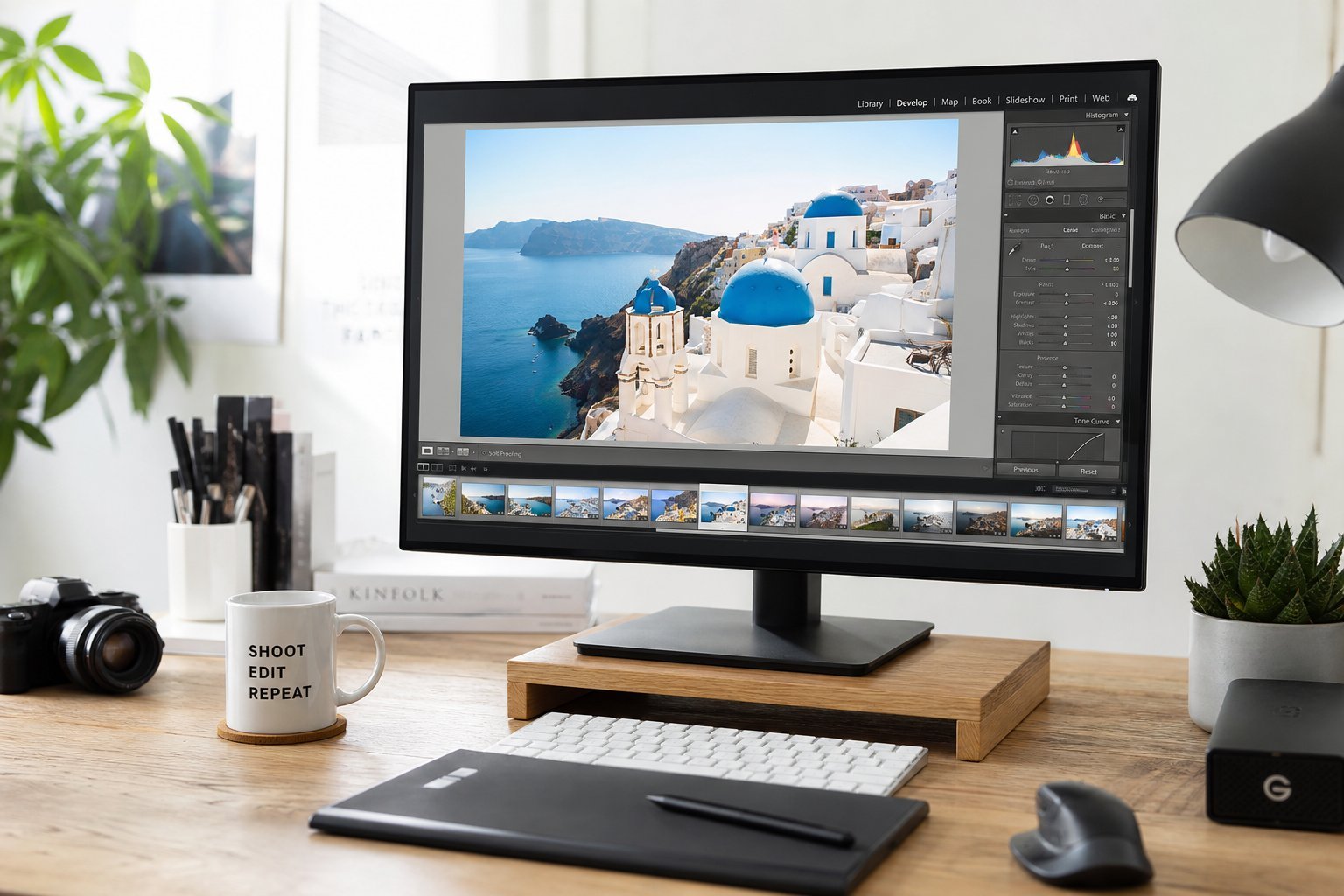
- Lightroom Mobile (free tier) — great for adjusting exposure, color and applying professional presets.
- CapCut — primarily a video editor, but also handy for quick image tweaks if you're already using it for video.
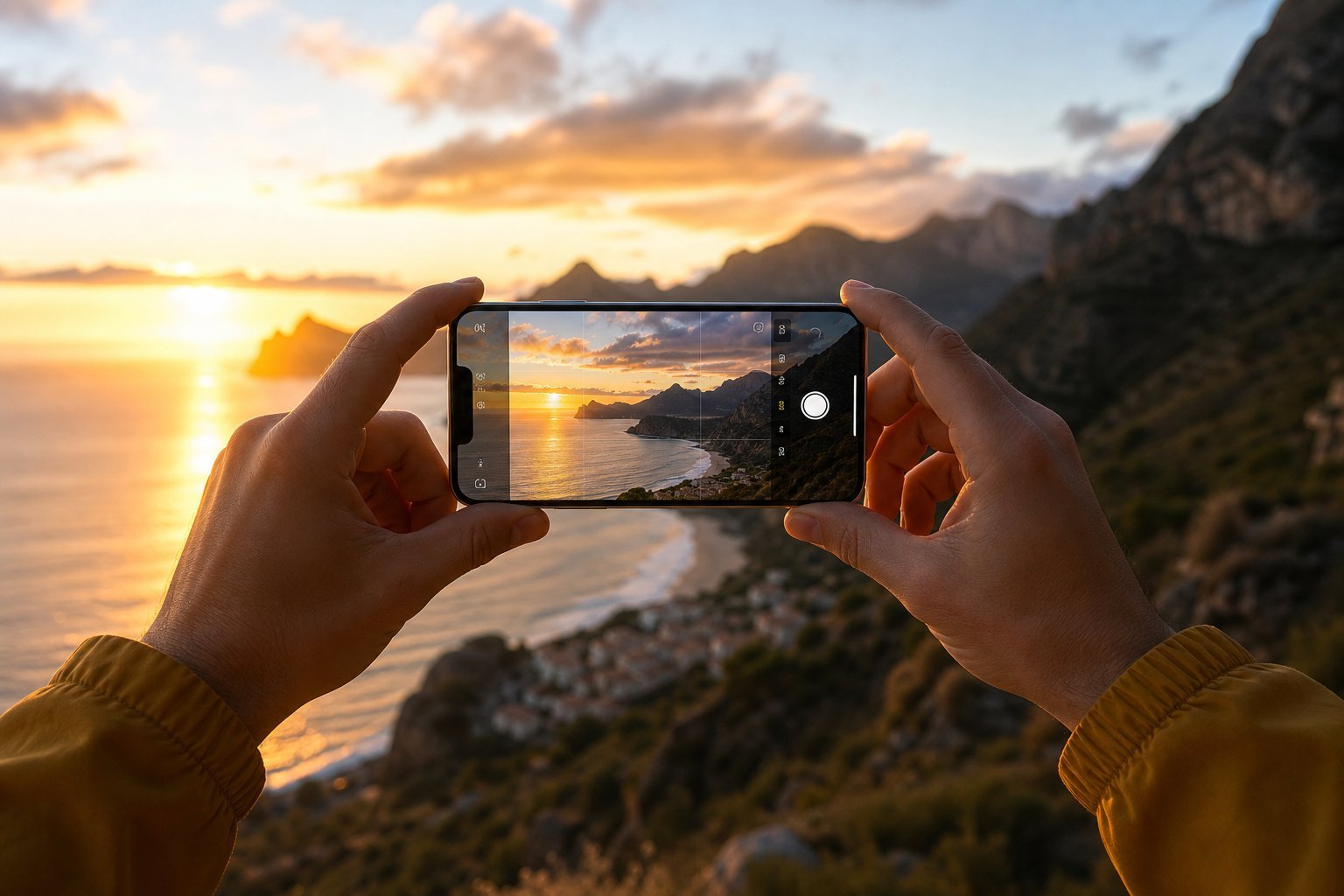
- Your phone's built-in editor — don't overlook it. Modern phones have surprisingly capable built-in editing, including auto-enhance, cropping and filters.
Start with your phone's built-in editor and Snapseed. Together they cover almost everything you'd want on the go.
Quick editing techniques for beginners
You don't need to learn every tool to make a big difference. These four basic edits improve almost any photo:
Stick to small, natural adjustments. The goal is to make the photo look like the best version of the real scene, not a heavily filtered version of it.
Free AI photo tools
Artificial intelligence has made photo editing dramatically easier. Several free AI tools can do impressive things:
- Object removal: tools that let you circle an unwanted object and magically remove it, filling in the background. Some editors (like Photopea's AI fill, or built-in phone tools) include this.
- Background removal: instantly remove or replace a photo's background — great for profile pictures and product shots. Several free web tools do this.
- Face enhancement and restoration: AI can sharpen old or blurry photos and even restore damaged ones.
- Upscaling: free tools can make small, low-resolution images larger without them looking pixelated.
These AI tools make what used to be advanced, time-consuming edits into one-click fixes. (And for creating brand-new images from scratch, see our guide to AI art generators.)
⚠️ A quick note on AI edits
AI-powered edits are remarkable, but they're not always perfect — check the result closely, especially around faces and edges. And avoid using AI to create deceptive images of real people without consent.
📌 Bottom line
Professional-quality photo editing doesn't have to cost anything. For a full editor, use GIMP or Photopea. For quick browser edits and designs, use Canva. On your phone, start with Snapseed and your built-in editor. Master the four basics — crop, lighting, color and object removal — and add free AI tools for one-click magic. You have everything you need to edit photos beautifully, for free.