Your banking app is one of the most important apps on your phone — and one of the most targeted. Scammers constantly try to break into banking accounts, and the methods are getting more convincing. But here's the reassuring truth: mobile banking is safe when you follow a few key habits.
This guide covers how to bank securely on your phone, the scams to watch for, and what to do if something goes wrong. It's practical, realistic advice — not fear-mongering.
What we'll cover
Secure your phone & banking app Common banking scams to watch for Daily habits that keep you safe What to do if something goes wrongSecure your phone & banking app
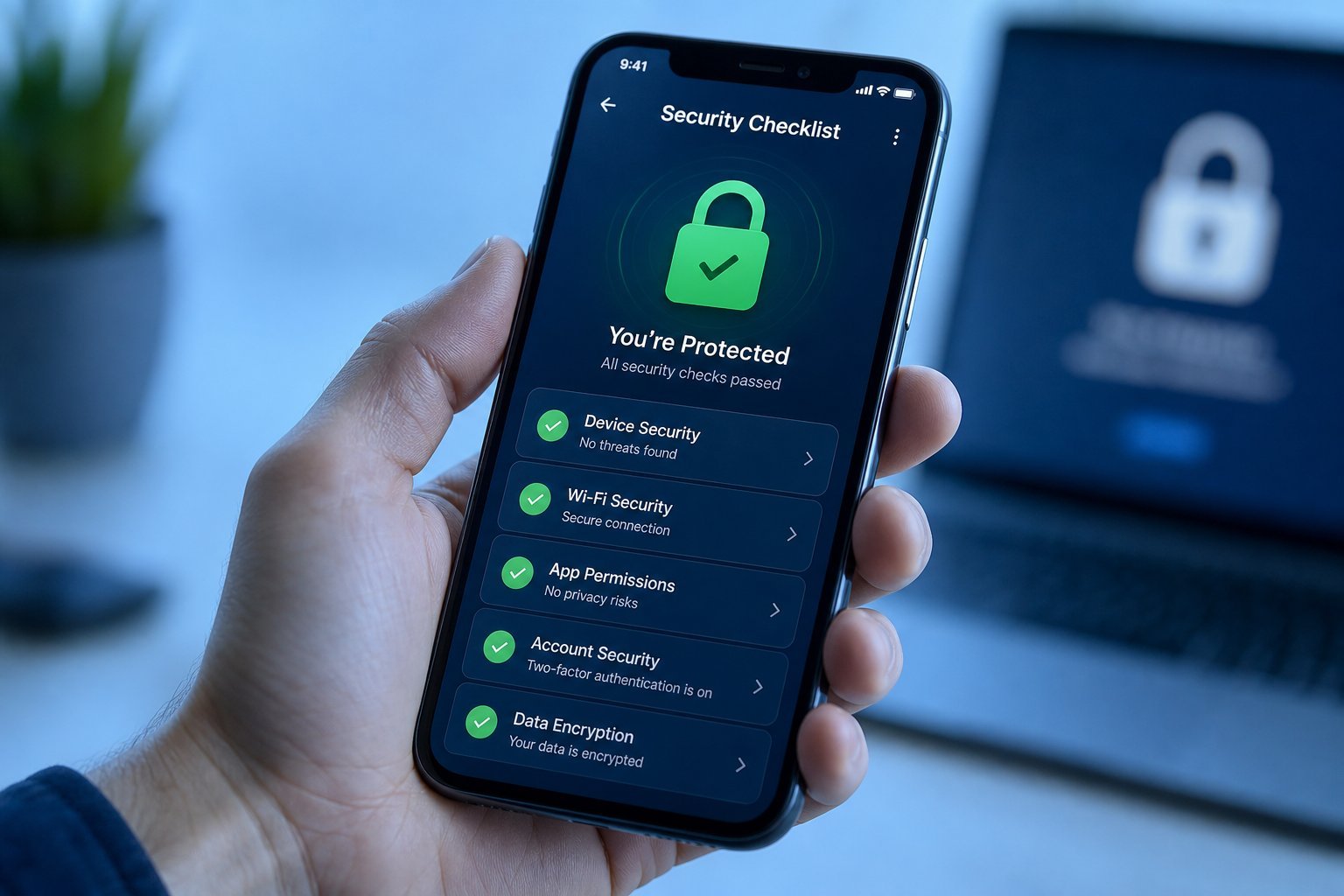
Your banking app is only as secure as your phone. Start with these fundamentals:
These basics make it dramatically harder for anyone to access your banking app, even if they get your phone or your password.
Common banking scams to watch for
Scammers target banking in a few recurring ways. Learn these and you'll spot them easily:
- Fake bank calls/texts. Someone claims to be "your bank's fraud department" and asks you to verify your account or move money to a "safe account." Real banks never ask you to move money to a "safe" account.
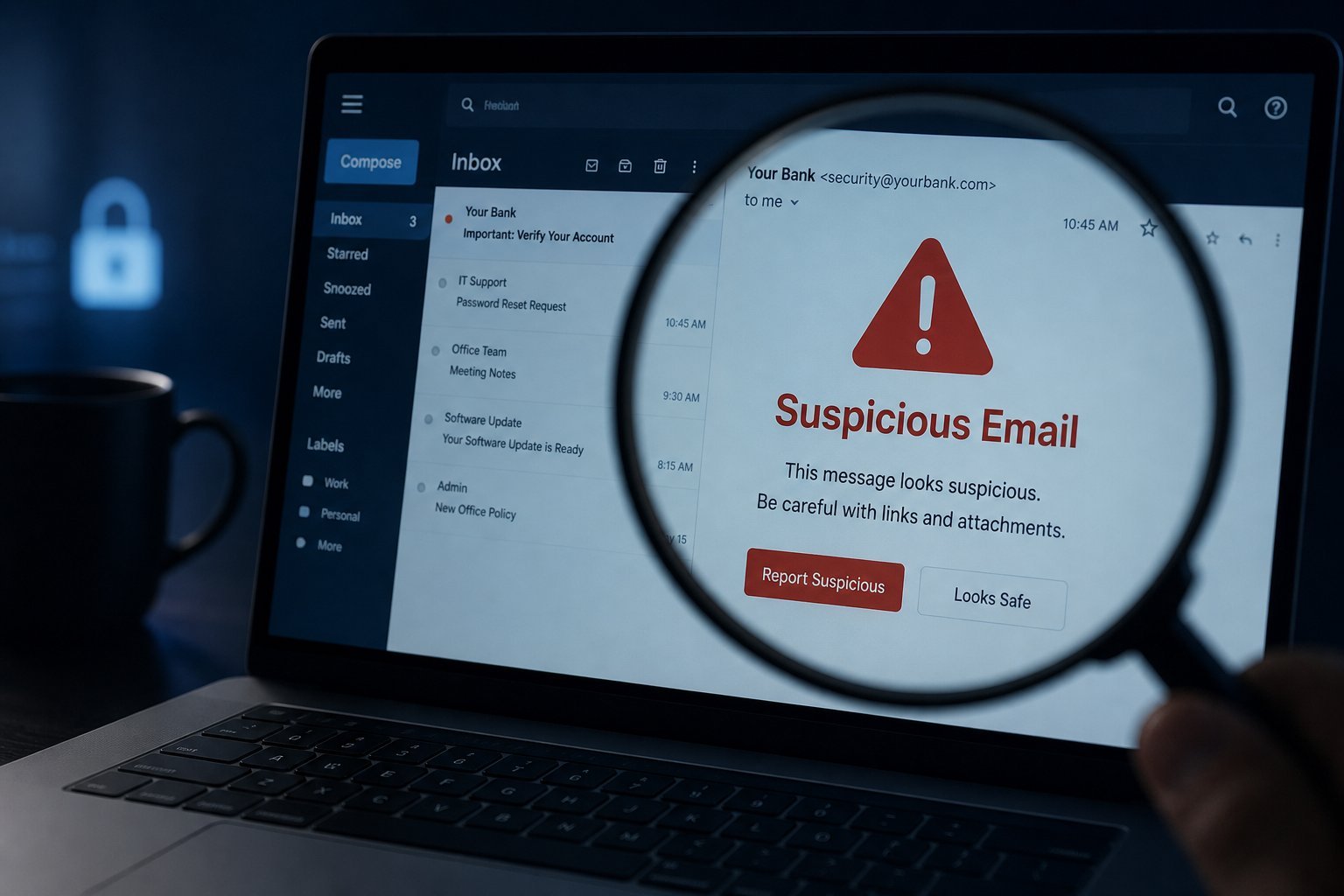
- Phishing messages. Fake emails or texts with a link to a look-alike banking site designed to steal your login. (See our phishing guide.)
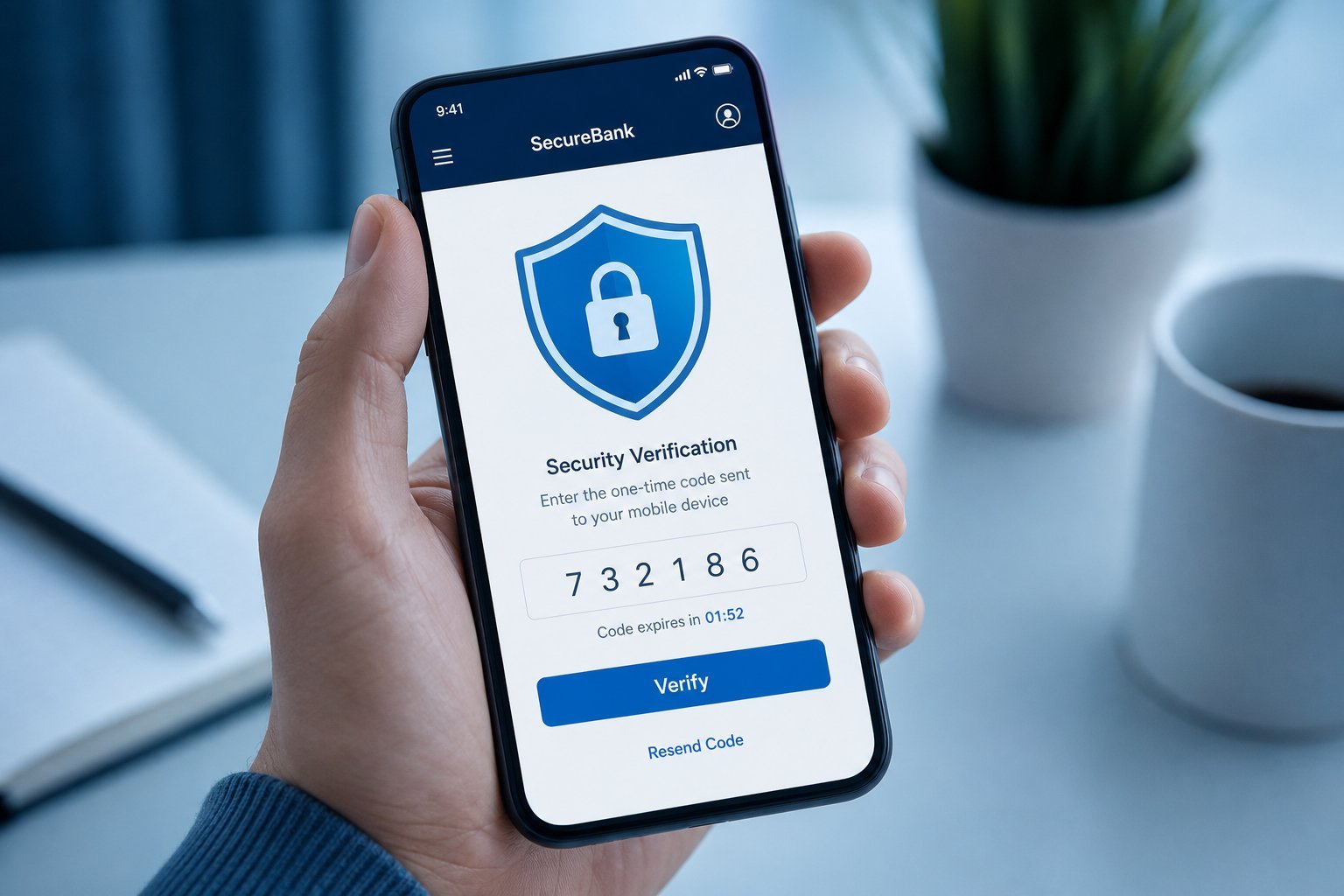
- OTP scams. The scammer asks you to share the one-time code sent to your phone, claiming it's to "verify" something. That code is the key to your account — never share it.
- Remote access scams. A "tech support" person asks to remotely access your computer or phone. Never allow this from someone you don't fully trust.
- Too-good-to-be-true offers. Investment or prize offers that ask for an upfront payment or your banking details.
⚠️ The golden banking rule
Your bank will never ask you for your password, your full card number, or a one-time code over the phone, text or email. If someone asks for any of these, it's a scam. Hang up and call your bank using the number on your card or official app — not a number they gave you.
Daily habits that keep you safe
A few everyday habits keep your banking secure without much effort:
- Check your balance and transactions regularly. Early detection of suspicious activity limits damage.
- Use your bank's official app rather than mobile browsers for banking, when possible — apps are designed with security in mind.
- Turn on transaction alerts so you're notified of activity.
- Don't use public Wi-Fi for banking unless you use a VPN. Public networks can be insecure (see our VPN guide).
- Don't save your banking password in the browser. Let your password manager handle it (see our guide).
- Use a unique, strong password for your bank — never reuse one from another site.
These aren't hard — they're just good habits that make unauthorized access much harder.
What to do if something goes wrong
If you suspect fraud or think your banking info has been compromised, act quickly:
✨ The "call the real number" rule
If you're ever unsure about a message claiming to be your bank, don't call the number in the message. Call the number on the back of your card or in your official app. That's the only way to guarantee you're reaching your real bank.
📌 Bottom line
Mobile banking is safe with the right habits. Secure your phone, enable the app's biometrics and 2FA, keep software updated, and only use official apps. Learn the scams — fake "safe account" calls, phishing, and OTP scams — and remember your bank never asks for your password, card number or codes. Use a unique password, check transactions, avoid public Wi-Fi for banking, and act quickly if something goes wrong. A few habits keep your money and identity protected.