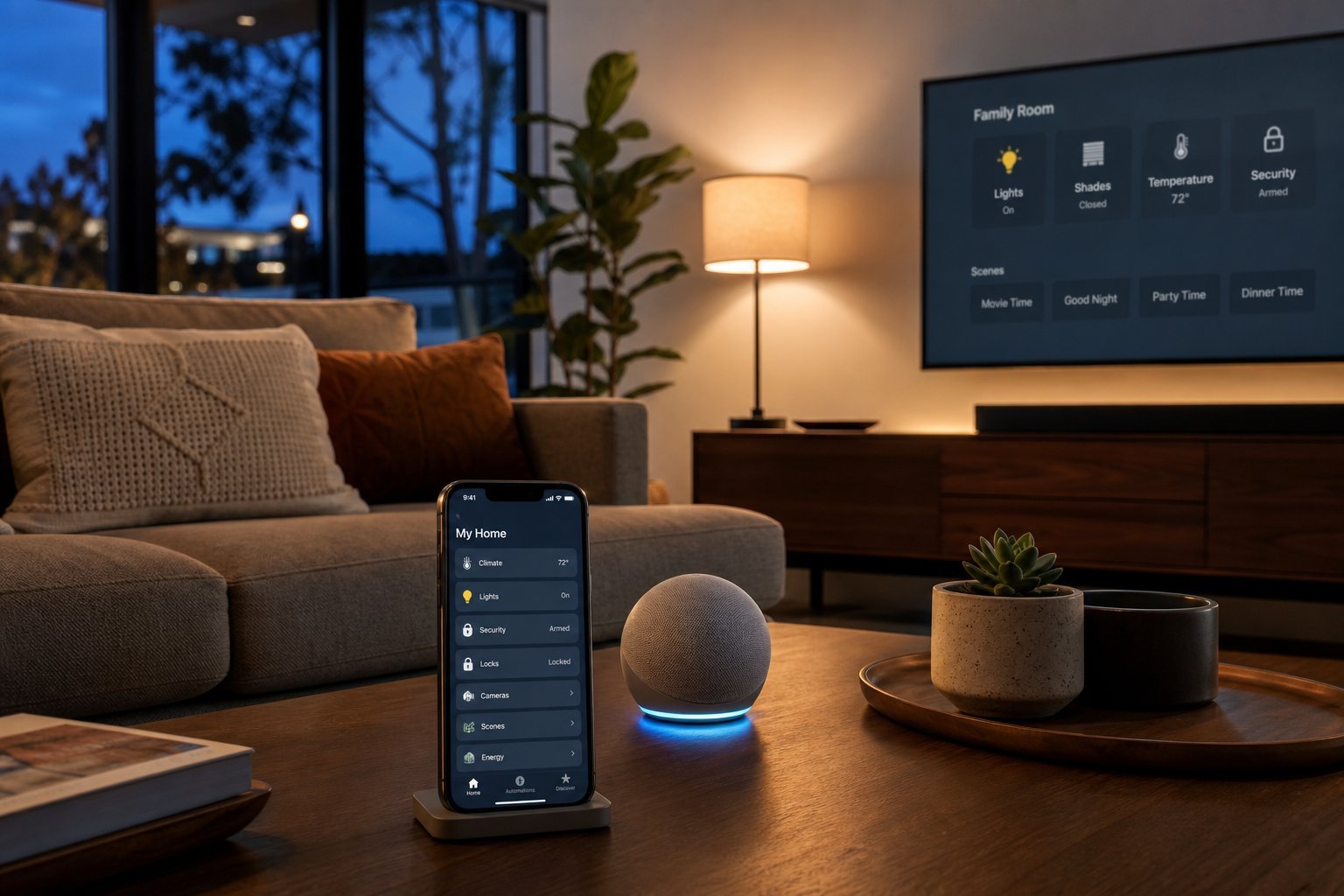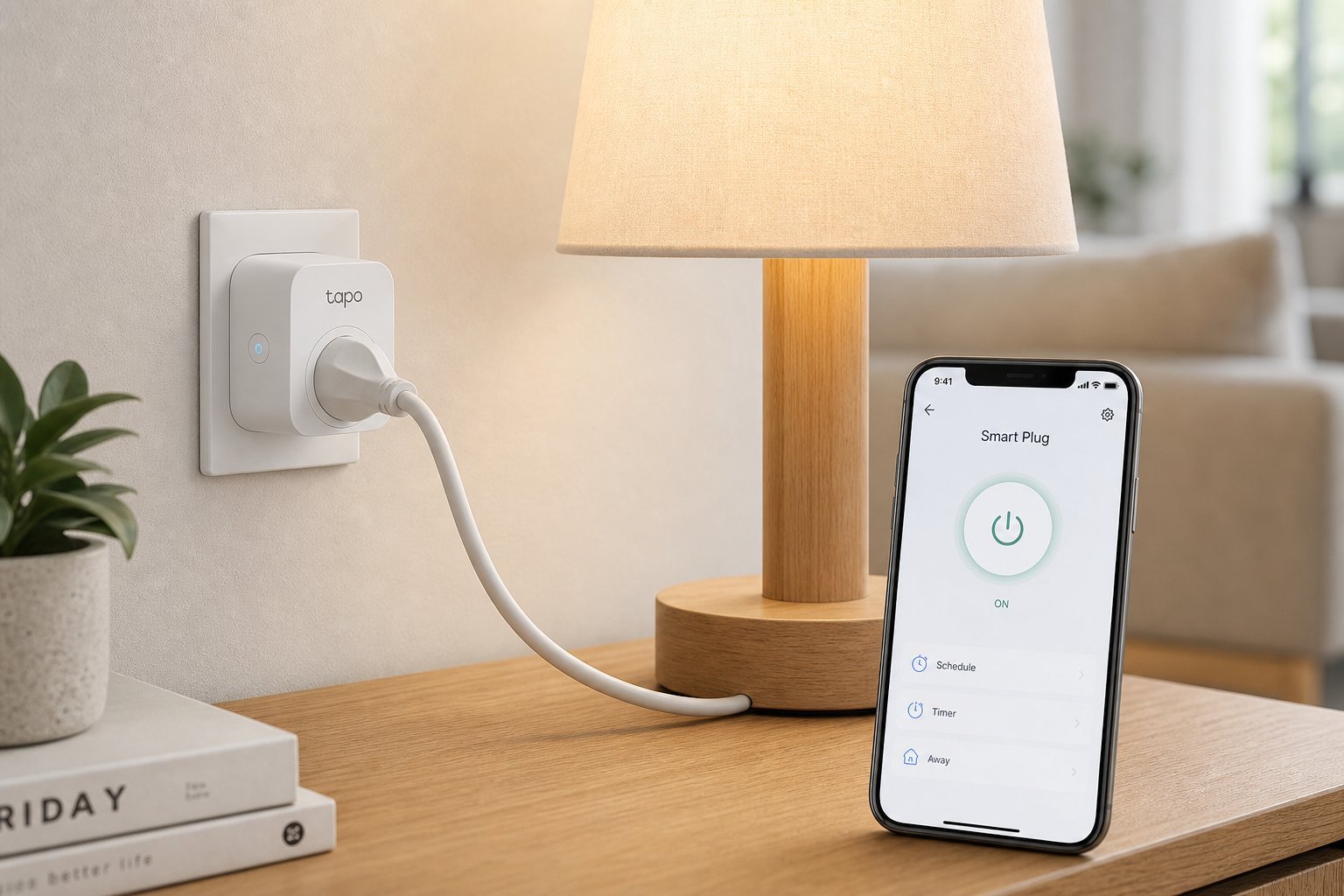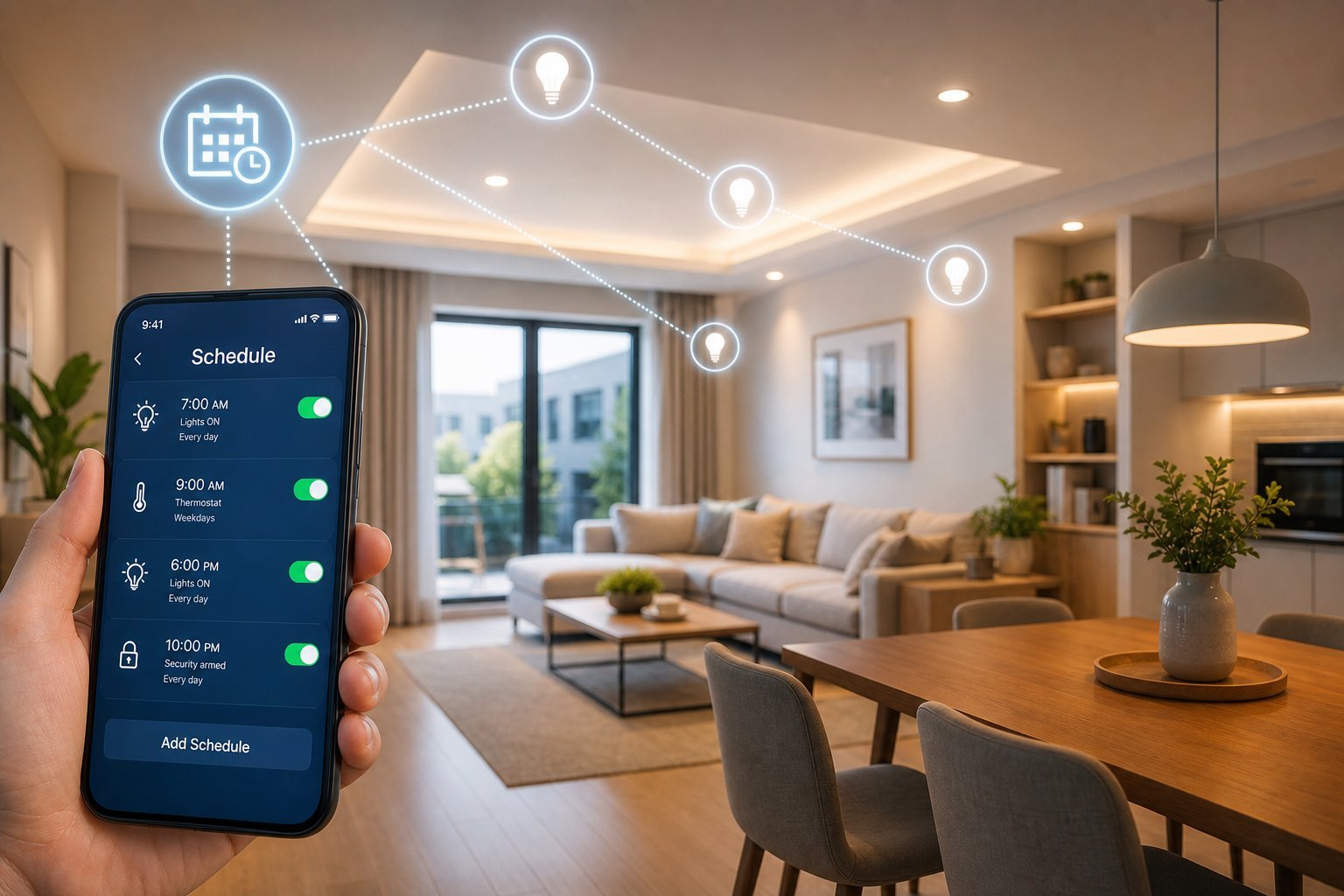
Once you have a few smart home devices, the real magic comes from automation — setting things to happen automatically instead of asking every time. We've covered starting a smart home and smart plugs; this guide gives you practical automation ideas that make a smart home genuinely useful.
Here are smart home automation ideas that save time and add convenience.
The basics of automation
Before diving in, understand how automation works:
Automation is about setting "if-then" rules. Triggers (time, sensors, location) cause actions (lights, thermostat). Group related actions into routines.
Practical automation ideas
Here are genuinely useful automations:
These automations — lights on sunset, bedtime routines, arrival/wake-up scenes, vacation mode and energy saving — add real convenience with little effort.
Build routines
Here's how to build routines in your smart home:
✨ Start with one automation
Don't try to automate everything at once. Pick one genuinely useful automation — lights on at sunset, or a bedtime routine — and set it up. Once it works reliably, add another. Starting small avoids frustration and helps you build routines that genuinely help, not ones that get in the way.
💡 The automation sweet spot
The best smart home automations are the ones that save you a step or add comfort without getting in the way — lights on at sunset, a wake-up routine, arrival scenes, vacation mode and energy saving. Start with one, test it, and build gradually. Automation is the real payoff of a smart home — it makes things happen without you asking.
📌 Bottom line
Smart home automation turns devices from "ask every time" to "happens automatically." Understand the if-then basics — triggers (time, sensors, location) cause actions. Try useful automations: lights on at sunset, bedtime routines, wake-up scenes, arrive-home, vacation mode and energy saving. Build routines in your assistant's app, starting with one and adding gradually. Automation is the real payoff of a smart home — start small and let it work for you.