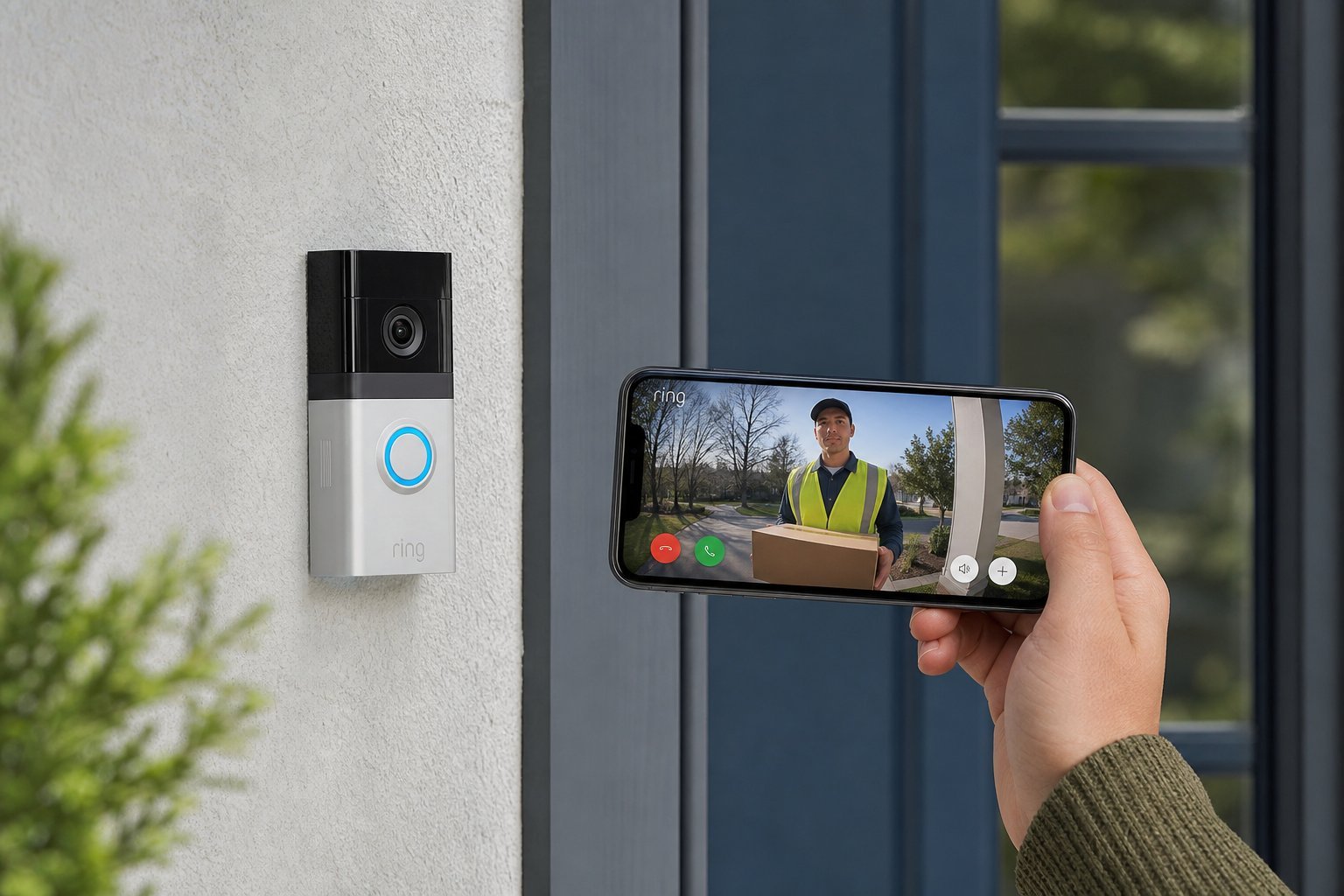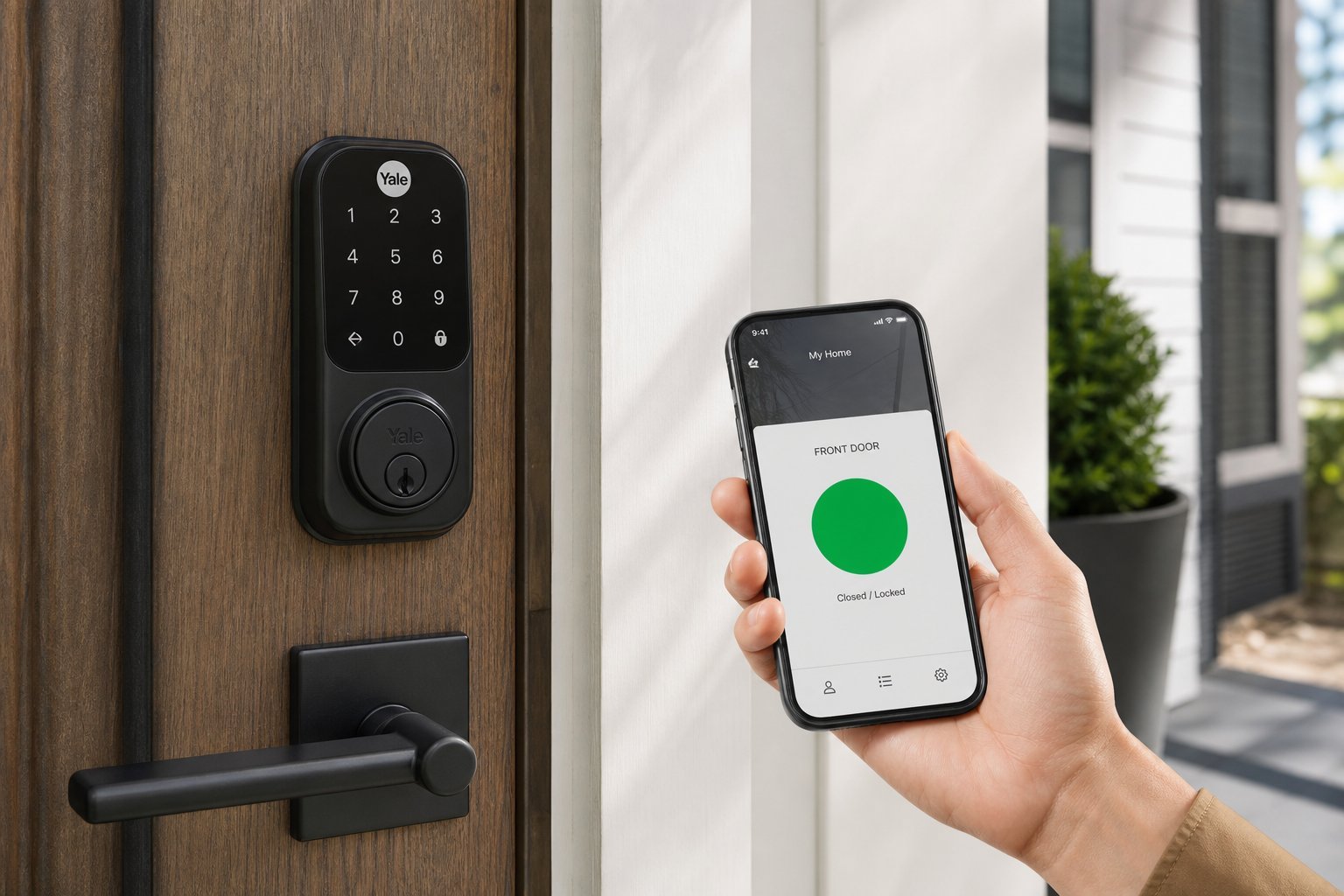
Losing your keys, or worrying whether you locked the door, is a small but real stress. A smart lock removes that worry — locking and unlocking your door with your phone, a code, or even your fingerprint, and letting you check from anywhere whether the door is secure.
Smart locks are one of the most genuinely useful smart home devices. But because they involve your home's security, they deserve careful consideration. This guide covers what smart locks do, the types, and how to choose and use one safely.
What we'll cover
What a smart lock does The types of smart locks How to choose one Security & privacy considerationsWhat a smart lock does
A smart lock replaces or augments your door lock, connecting to your Wi-Fi (or a hub) so you can control it from your phone. Instead of needing a physical key, you can:
- Lock and unlock with your phone — from the app, or automatically as you approach (via geofencing).
- Use a code — give family, guests or delivery people a temporary or permanent code.
- Use your fingerprint or face (on models with biometrics).
- Check from anywhere whether the door is locked, and lock it remotely.
- Get notifications when someone locks/unlocks the door.
The appeal: never worry about keys or whether you locked the door, and easily let people in without giving out a key.
The types of smart locks
Smart locks come in a few main types, with different trade-offs:
- Smart deadbolt (replaces the lock). Replaces your entire deadbolt. The most secure and common type, but requires more involved installation.
- Smart lock retrofit/add-on. Fits over your existing deadbolt, adding smart control without replacing the mechanism. Easier to install, but the physical key still works.
- Smart latch/handle. Replaces a door handle or latch. Less common, often for specific doors.
- Keypad lock. A lock with a keypad — smart or not — that lets you unlock with a code instead of a key.
💡 For most homes
A smart deadbolt is the most common and secure choice for a front door. A smart retrofit add-on is a good option if you want an easier install and want to keep your existing lock.
How to choose one
When choosing a smart lock, consider these factors:
The most important practical point: make sure it physically fits your door. Read the compatibility details carefully before buying.
Security & privacy considerations
Because a smart lock guards your home, security deserves extra attention:
- Use a strong password and two-factor authentication on the smart lock's account (see our safety checklist). A compromised account is a security risk.
- Use unique codes for different people, so you can revoke access individually.
- Keep the firmware updated — updates patch security holes.
- Choose a physical key backup for emergencies and dead batteries.
- Check the manufacturer's reputation. Buy a reputable smart lock, not a no-name one, for better security.
- Understand what's recorded. Some locks log who unlocked the door and when — know what's stored.
⚠️ Don't ignore the basics
A smart lock doesn't replace good security habits. Use a strong, unique password and two-factor authentication on its account, keep it updated, and choose a model from a reputable brand with a key backup. A smart lock is convenient — but it must still be secured properly.
📌 Bottom line
A smart lock lets you lock and unlock your door with your phone, codes or biometrics — ending key worries and letting you check your door from anywhere. For most homes, a smart deadbolt is the best choice, though an easy-install retrofit add-on works too. Check it fits your door, choose the features you'll actually use, and match it to your smart home ecosystem. Most importantly, secure it properly — strong password, 2FA, updates, a key backup, and a reputable brand. Done right, a smart lock is convenient and safe.