๐Ÿ HighTechBee โ€” practical tech help, in plain English.
โœ๏ธ Write for us ๐Ÿ“ฉ Contact โ˜€๏ธ โ— Updated daily

Stay Organized With Digital Tools: A Simple System That Works

NP
Nina PatelProductivity & apps writer ยท HighTechBee Editorial
Stay Organized With Digital Tools: A Simple System That Works

Life is busy, and staying organized is hard โ€” appointments, to-dos, deadlines, shopping lists, bills, project notes. It's a lot to hold in your head, and trying to remember it all adds stress. The good news: digital tools can organize your life so you don't have to carry it all in your memory.

This guide pulls together the practical digital tools and systems for staying organized โ€” and how to make them work as a simple, sustainable routine.

Calendar: the backbone

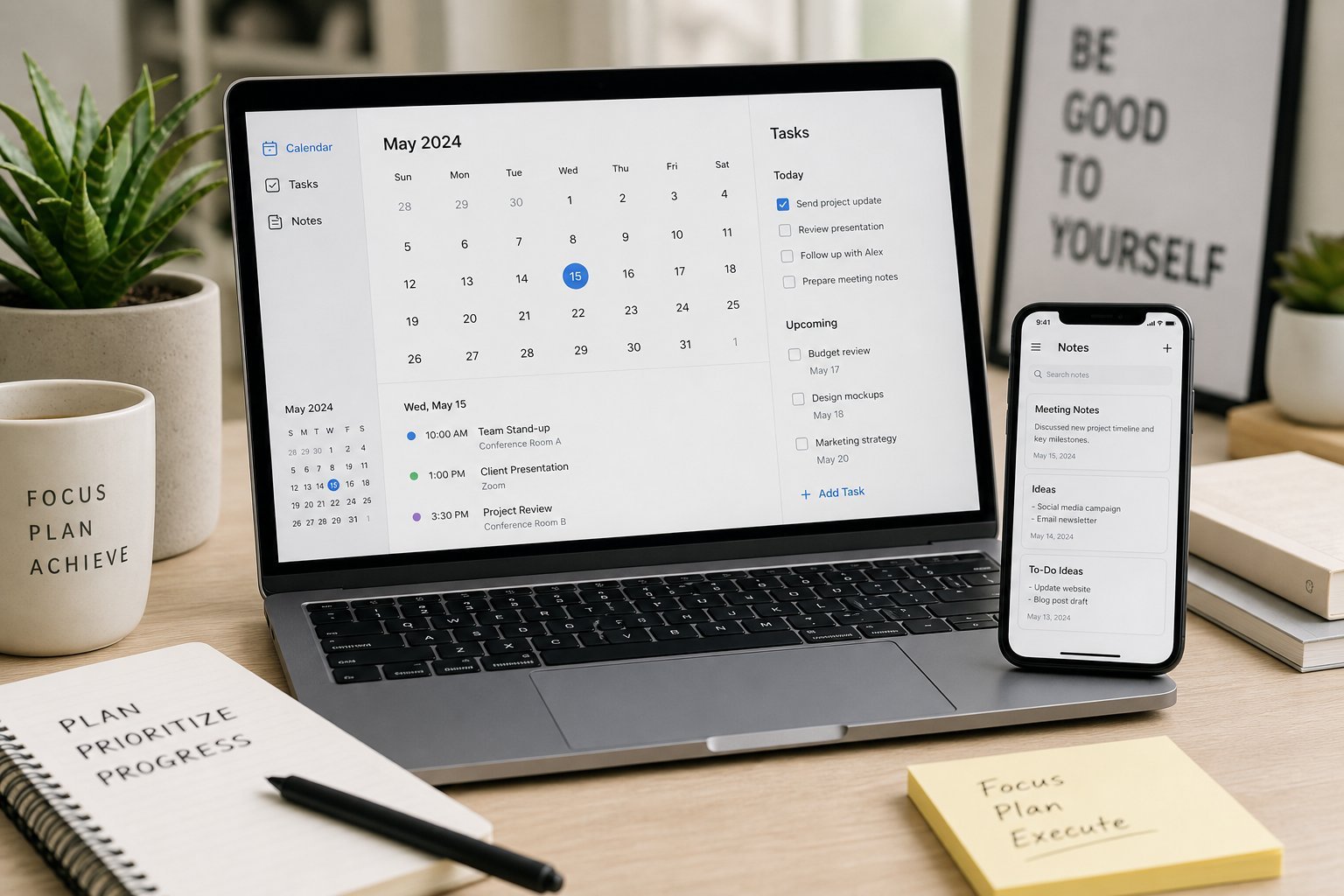
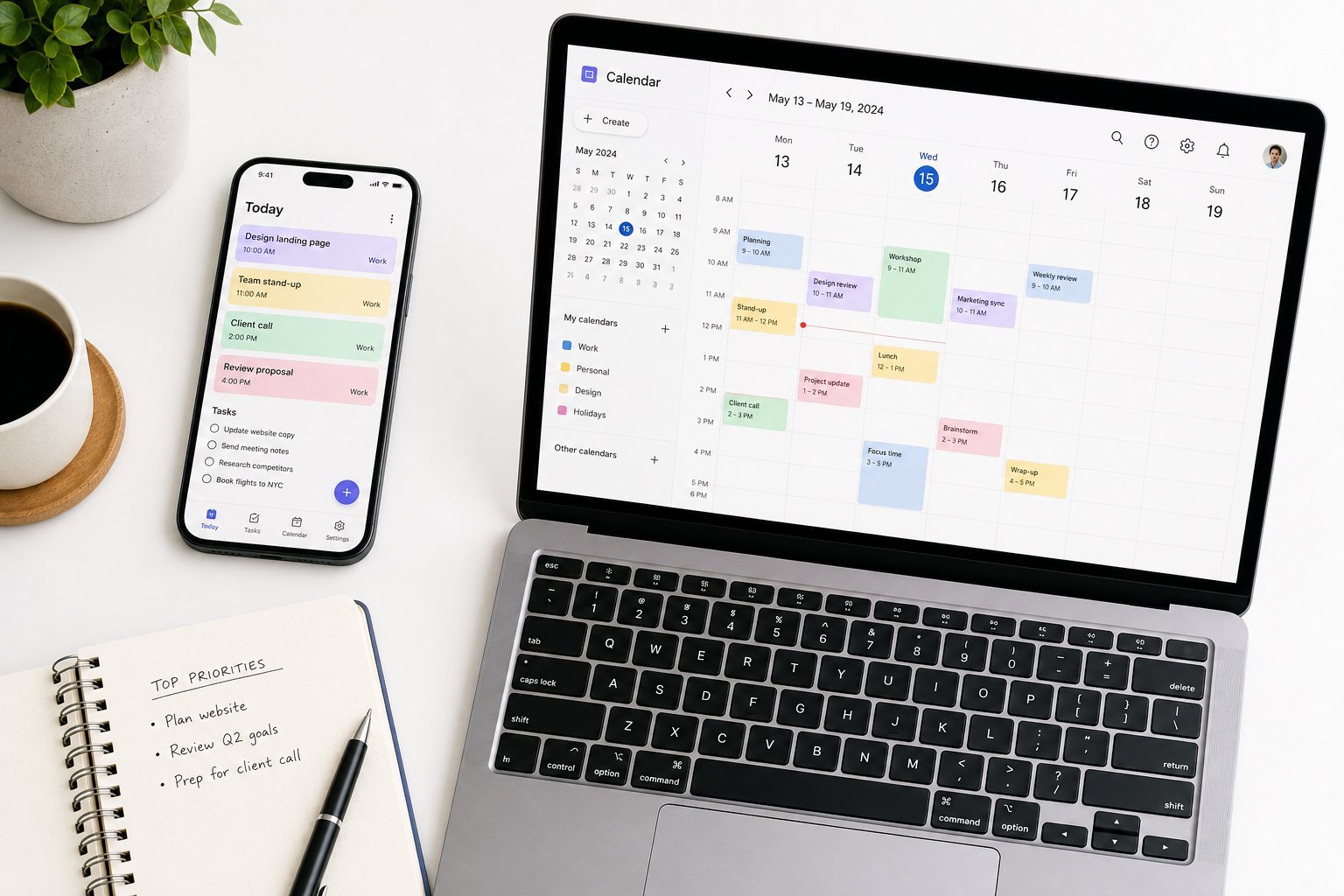
A calendar is the backbone of organization โ€” it's where your time lives:

  • Put everything time-related on a calendar โ€” appointments, deadlines, reminders, even personal time blocks.
  • Use one calendar for everything, or clearly-labeled separate ones (personal, work) that sync together.
  • Set reminders so you're not relying on memory.
  • Sync across devices so your calendar is always with you (see our productivity guide).
  • A well-maintained calendar is the foundation of organization. If it's not on the calendar, it's not scheduled โ€” and it can slip your mind.

    Tasks & to-dos

    A to-do list turns intentions into action:

  • Use a task app (or a simple to-do list) to track what needs doing (see our productivity guide).
  • Break big tasks down. "Write report" becomes "open doc," "draft outline," "write intro."
  • Set due dates. Give tasks deadlines so they don't linger.
  • Review daily. A quick morning (or evening) review of your tasks keeps you on track.
  • A reliable task list with due dates prevents things falling through the cracks. Review it daily to stay on top.

    Notes & capture

    Your memory is not a filing system โ€” capture things so you don't forget:

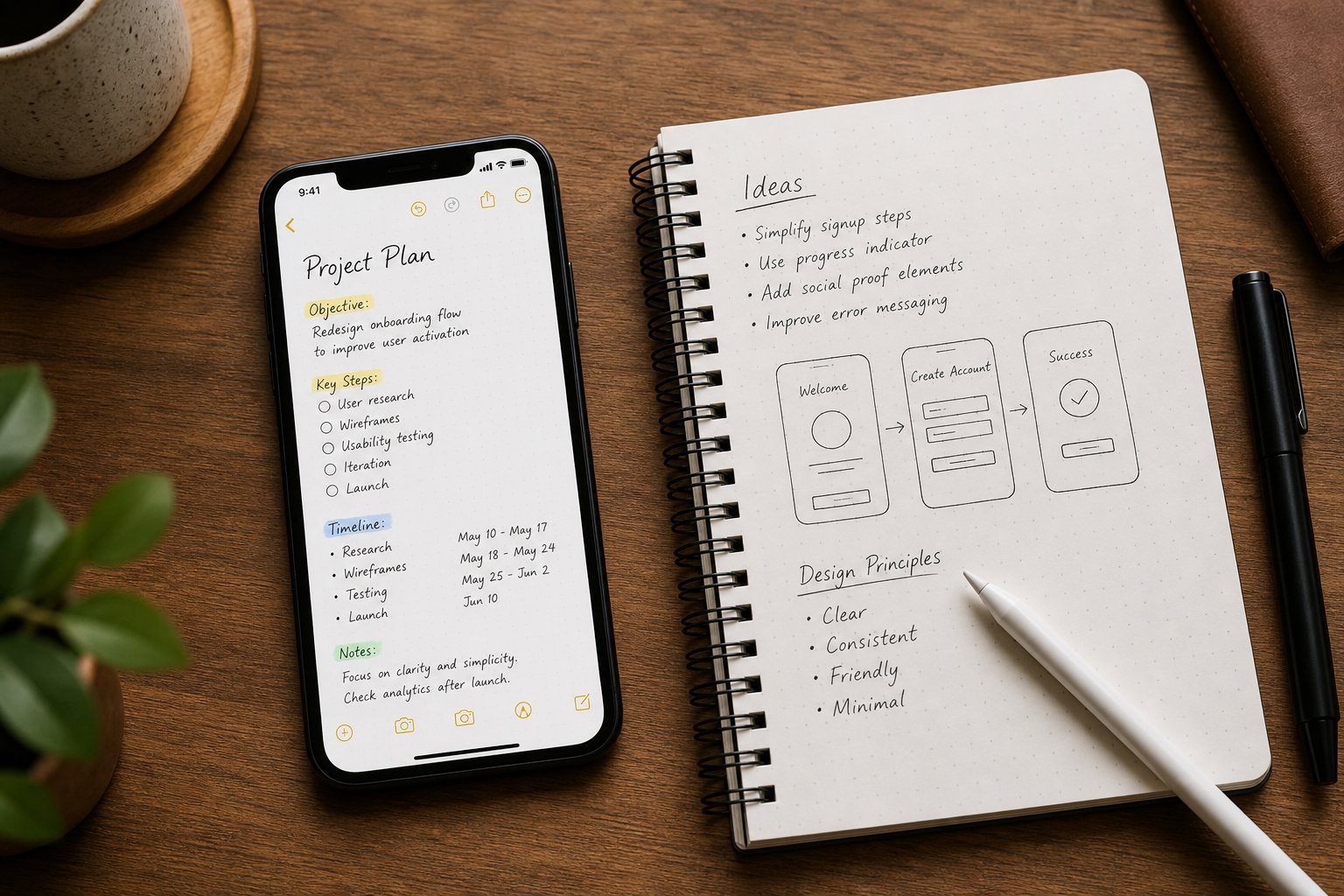
  • Use a notes app to capture ideas, information and lists (see our notes guide).
  • Capture immediately. When something comes up, write it down right away (see our capture habit).
  • Use one trusted place. Don't scatter notes across apps.
  • Keep it simple. A few clear categories beat a complex system.
  • Capturing ideas and information in one trusted notes app unloads your memory and makes sure nothing important is forgotten.

    Files & everything else

    Beyond time and tasks, organize the rest:

  • Organize your digital files. A simple folder system keeps documents findable (see our file organizing guide).
  • Use cloud storage so files are accessible everywhere (see our cloud guide).
  • Back up your data so you never lose it (see our backup guide).
  • Declutter regularly. A monthly tidy keeps everything manageable.
  • Organized files, accessible storage and reliable backup round out a well-organized digital life.

    Build your routine

    Tools only work if you use them. Here's a simple routine to stay organized:

  • Morning: review your calendar and tasks. See what's ahead and plan your day.
  • During the day: capture as you go. Add tasks, notes and appointments immediately.
  • Evening: review and prep. Check off what's done, update tomorrow's list.
  • Weekly: review. Plan the week, clear clutter, and reflect.
  • โœจ The daily 10-minute review

    Spend 5โ€“10 minutes each morning reviewing your calendar and tasks, and a few minutes each evening updating them. This simple daily habit keeps everything organized without much effort. It's the difference between tools that help and tools you forget.

    ๐Ÿ“Œ Bottom line

    Staying organized with digital tools is about a few simple systems. Use a calendar for your time, a task app for your to-dos, a notes app to capture ideas, and organized cloud storage for files and backups. Then build a routine โ€” review your calendar and tasks each morning, capture as you go, and update each evening. A daily 10-minute review turns these tools into a sustainable system that keeps your life organized and stress-free.
    #organization#productivity#calendar#tasks#routine
    NP

    Nina Patel

    Productivity & apps writer

    Part of the HighTechBee editorial team. Nina Patel writes practical, beginner-friendly tech guides that solve real everyday problems.