
๐Ÿ HighTechBee โ€” practical tech help, in plain English.
โœ๏ธ Write for us ๐Ÿ“ฉ Contact โ˜€๏ธ โ— Updated daily

Stay Safe on Public Wi-Fi: Risks, Habits & the VPN Advantage

PS
Priya SharmaSecurity researcher ยท HighTechBee Editorial
Stay Safe on Public Wi-Fi: Risks, Habits & the VPN Advantage

Free Wi-Fi is everywhere โ€” coffee shops, airports, hotels, libraries. It's convenient, and it's a lifesaver when you're out and your data is low. But public Wi-Fi is also a risk: it's shared, often unencrypted, and it's a target for attackers looking to intercept data or set up fake networks. Understanding the risk and how to mitigate it keeps you safe.

This guide covers the risks of public Wi-Fi and how to use it safely.

The risks of public Wi-Fi

Public Wi-Fi is risky for a few reasons:

  • Shared and unencrypted. Public networks are often open (no password) or use shared passwords โ€” so anyone on the network can potentially see traffic.
  • Eavesdropping. Without encryption, attackers on the same network can intercept data you send โ€” including logins and messages.
  • Fake networks. Attackers set up fake Wi-Fi networks (with names like "Free Airport Wi-Fi") that mimic real ones to capture your data.
  • "Evil twin" attacks. Connecting to the wrong, malicious network is a real risk.
  • The core risk is that public networks are shared and often unencrypted โ€” making your data visible to others on the same network. But there are simple ways to protect yourself.

    How to use it safely

    Here's how to use public Wi-Fi safely:

  • Verify you're on the official network. Ask staff for the correct network name โ€” avoid lookalike networks.
  • Avoid sensitive activity. Don't do online banking, shopping or enter passwords on public Wi-Fi unless it's encrypted (HTTPS) or you use a VPN.
  • Check for HTTPS. Look for the padlock โ€” sites with HTTPS encrypt your data even on public Wi-Fi.
  • Use your mobile data for sensitive tasks. For banking or important logins, it's safer to use your phone's data than public Wi-Fi (see our data guide).
  • Turn off file sharing. Disable file sharing when on a public network.
  • Use a VPN for an extra layer (see below).
  • ๐Ÿ’ก The rule for public Wi-Fi

    Avoid sensitive activity on public Wi-Fi unless it's HTTPS-encrypted or you use a VPN. For banking and important logins, use your mobile data instead. Verify you're on the official network, and turn off file sharing. HTTPS and a VPN are your best protections on public networks.

    The role of a VPN

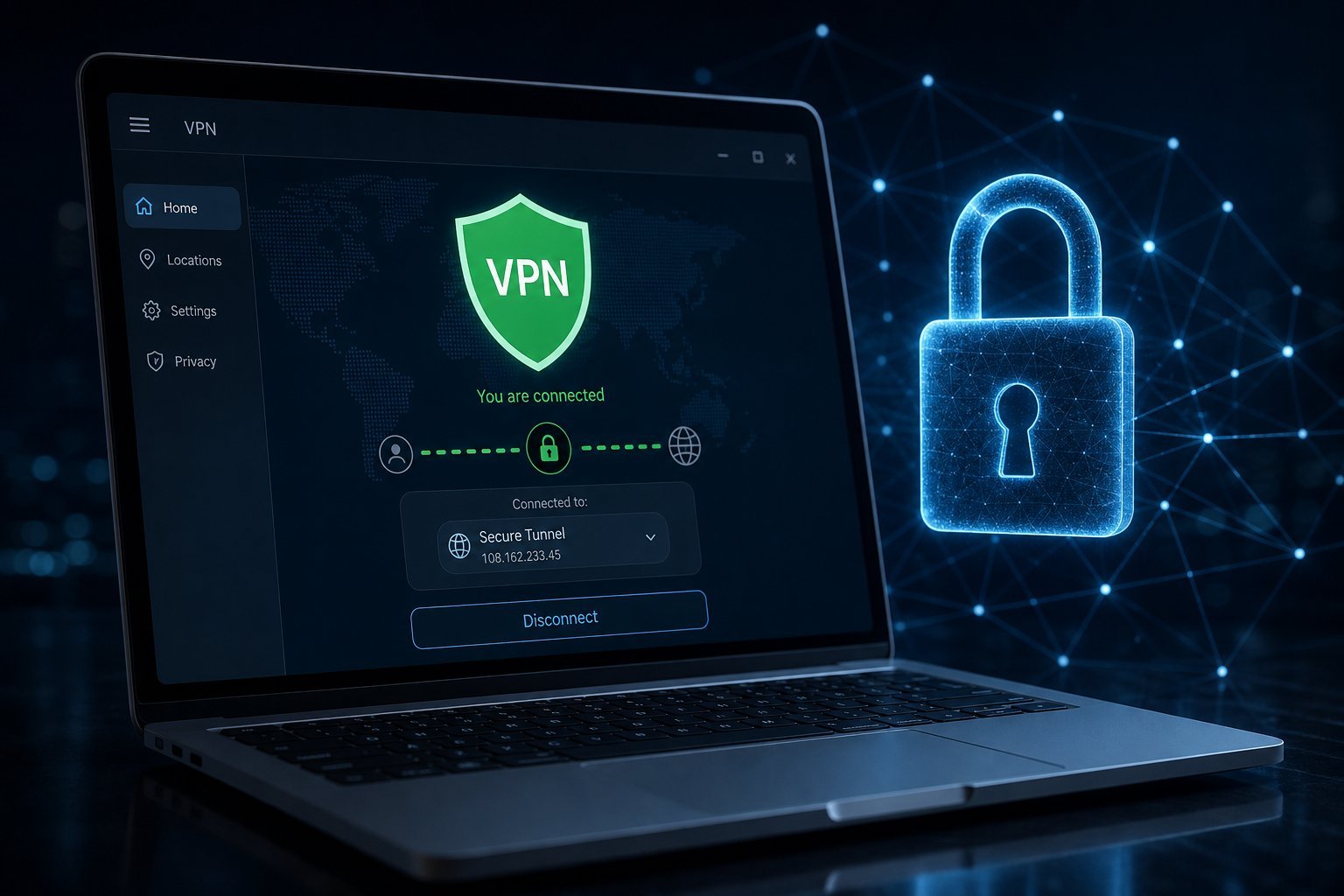
    A VPN is the most effective tool for public Wi-Fi safety (see our VPN guide):

  • A VPN encrypts your connection. It creates a secure tunnel, so even on an unencrypted public network, your data is scrambled.
  • It protects against eavesdropping. Others on the network can't read your encrypted traffic.
  • Use a reputable VPN โ€” not a random free one (see our VPN guide).
  • Turn it on before connecting. Use the VPN before you join the public network for full protection.
  • โœจ Use a VPN for sensitive tasks on public Wi-Fi

    If you must do something sensitive (banking, work, important logins) on public Wi-Fi, use a VPN. It encrypts your connection so others on the network can't read it. Combined with HTTPS sites, a VPN makes public Wi-Fi much safer. Just use a reputable VPN service.

    A VPN is the single best protection for public Wi-Fi. It encrypts your connection, shielding your data from others on the network. For anything sensitive, a VPN (or mobile data) is the way to go.

    ๐Ÿ“Œ Bottom line

    Public Wi-Fi is convenient but risky โ€” it's shared, often unencrypted, and a target for fake networks and eavesdropping. Use it safely by verifying you're on the official network, avoiding sensitive activity (or using HTTPS), turning off file sharing, and using mobile data for banking and important logins. A reputable VPN is the most effective protection โ€” it encrypts your connection so others can't read your data. Use a VPN on public Wi-Fi, especially for anything sensitive.
    #public-wifi#security#vpn#https#privacy
    PS

    Priya Sharma

    Security researcher

    Part of the HighTechBee editorial team. Priya Sharma writes practical, beginner-friendly tech guides that solve real everyday problems.