Your Wi-Fi drops, is slow in one room, or won't connect to your devices at all. Wi-Fi problems are among the most frustrating tech issues — and among the most fixable. Most Wi-Fi problems come from a few common causes that you can address yourself.
This guide covers the most common Wi-Fi issues and how to fix them — a practical troubleshooting playbook.
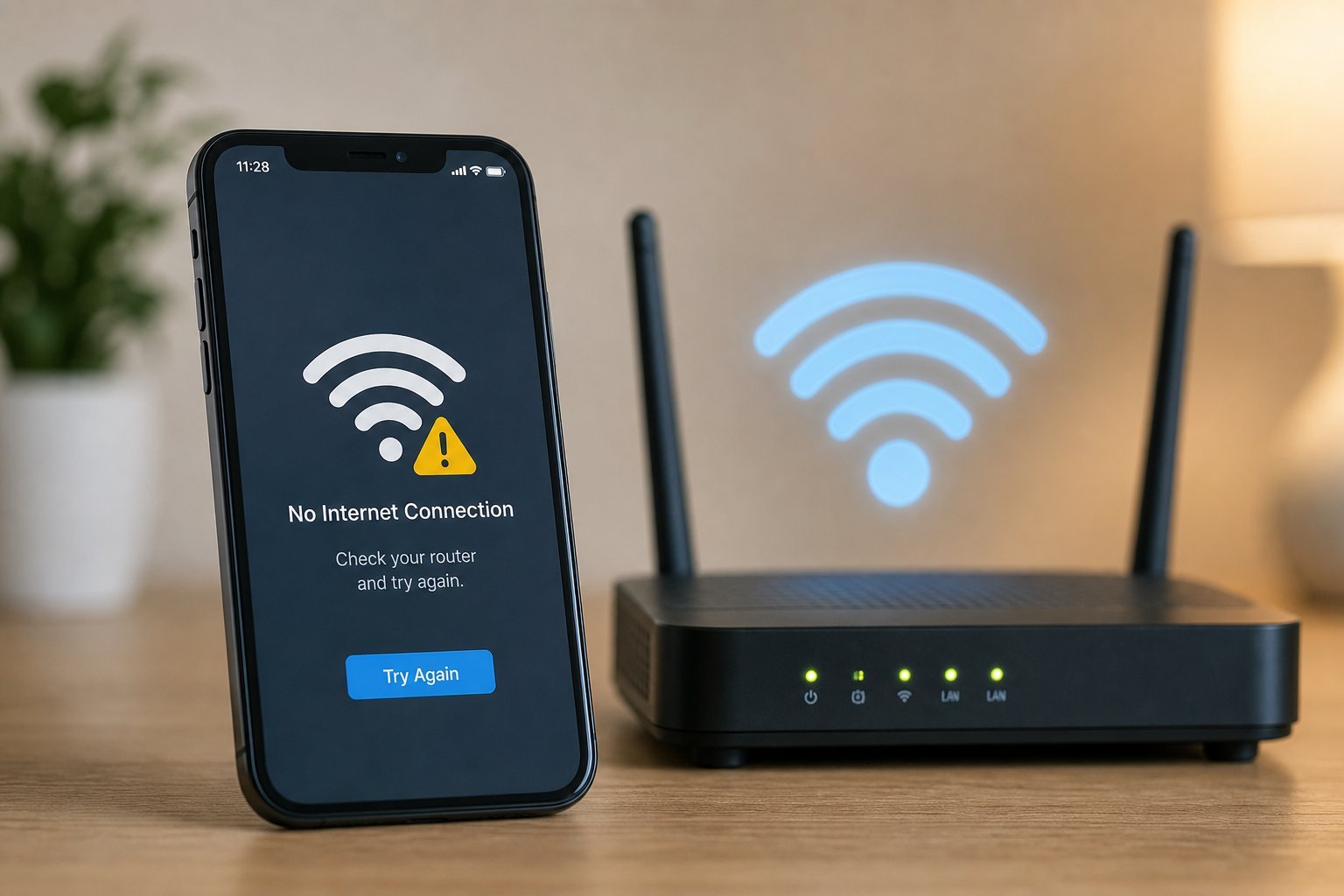
Wi-Fi won't connect
If a device won't connect to Wi-Fi, try these in order:
These cover the most common "won't connect" causes. Usually a device restart or forget-and-reconnect fixes it.
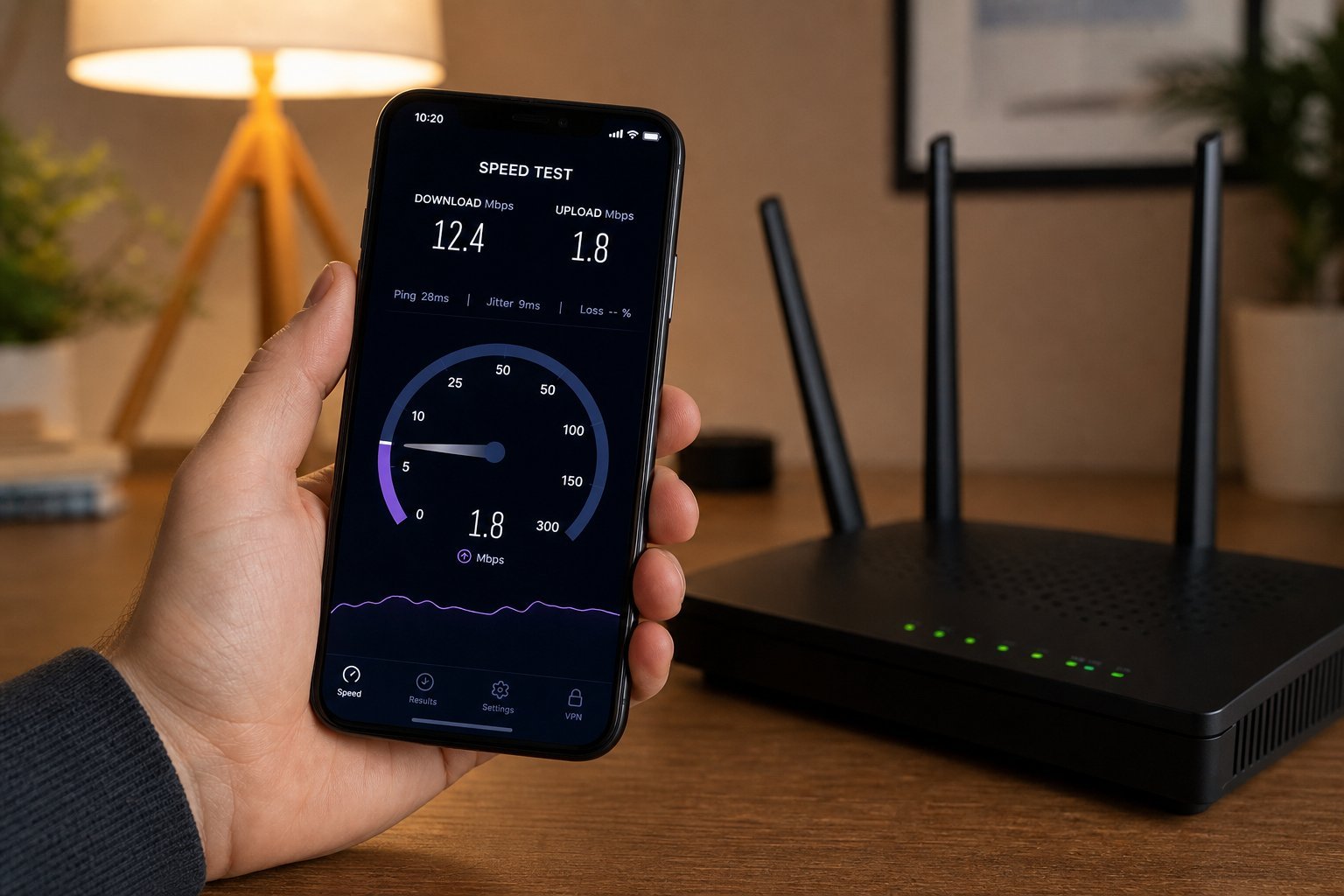
Wi-Fi is slow
Slow Wi-Fi usually comes from congestion or placement. Here's what to do:
Slow Wi-Fi is usually placement, congestion or an old router. The steps above address the most common causes.
Wi-Fi keeps dropping
Frequent disconnections are frustrating. Common causes and fixes:
Dropping Wi-Fi is usually signal strength, interference or an overloaded/old router. Address those and the drops usually stop.
Dead zones
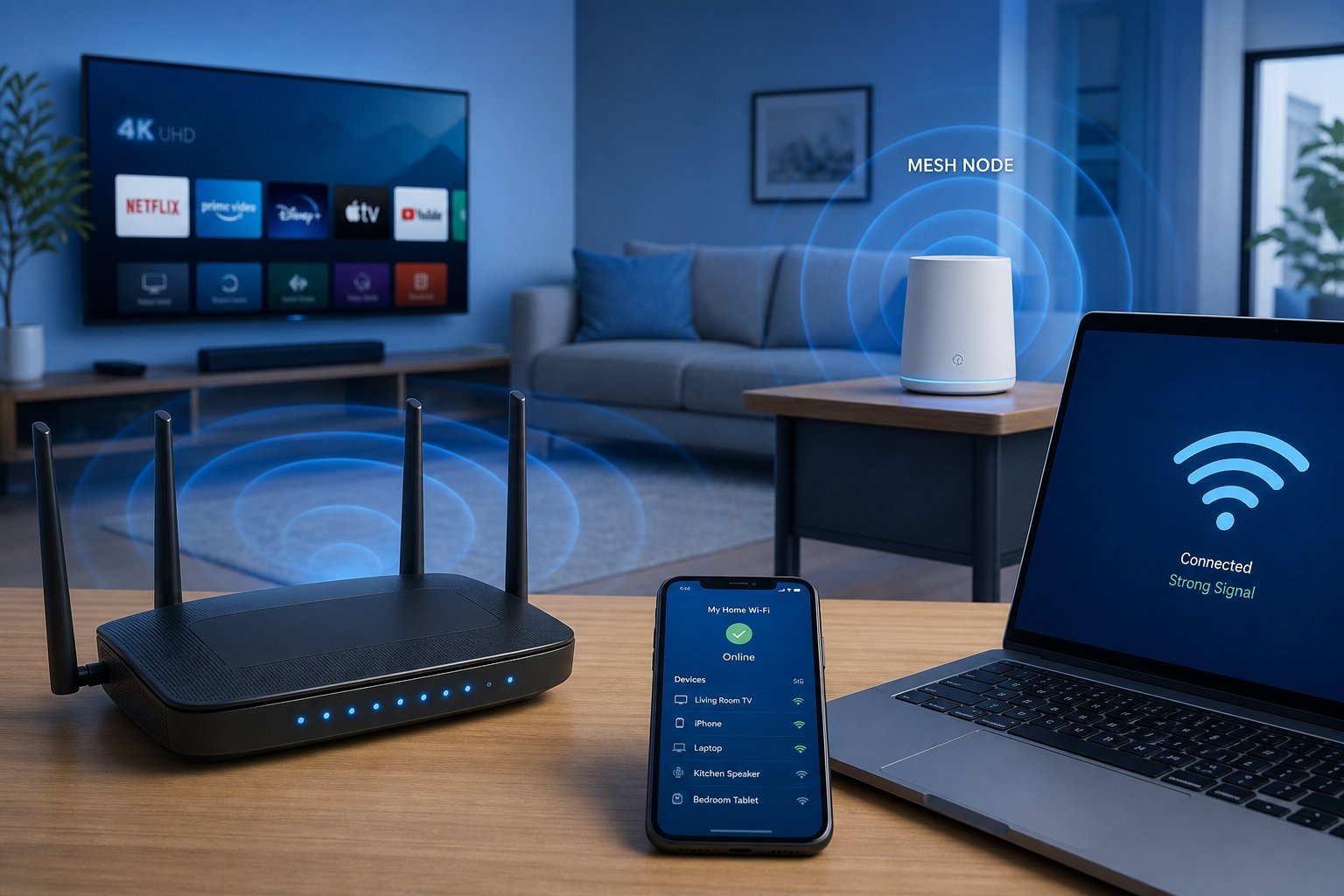
Areas with no or weak Wi-Fi signal are called dead zones. Here's how to fix them:
💡 Mesh vs extender
For dead zones, a mesh system is the modern, reliable solution — it creates one seamless network across your home. A range extender is cheaper but can halve your speed and create a separate network. For large homes, mesh is worth it; for one weak spot, an extender or wired option may suffice.
✨ Test after each fix
Troubleshoot one change at a time and test after each. Change the router's position, test; switch channels, test; restart, test. This tells you what actually solved the problem, so you don't undo a working fix.
📌 Bottom line
Most Wi-Fi problems are fixable. For "won't connect," restart the device, forget-and-reconnect, and restart the router. For slow Wi-Fi, improve placement, use 5 GHz, and reduce congestion. For dropping Wi-Fi, address weak signal, interference and an old/overloaded router. For dead zones, reposition the router, add a mesh system, or use an extender/wired option. Test after each fix. With these steps, most Wi-Fi problems resolve without calling support.