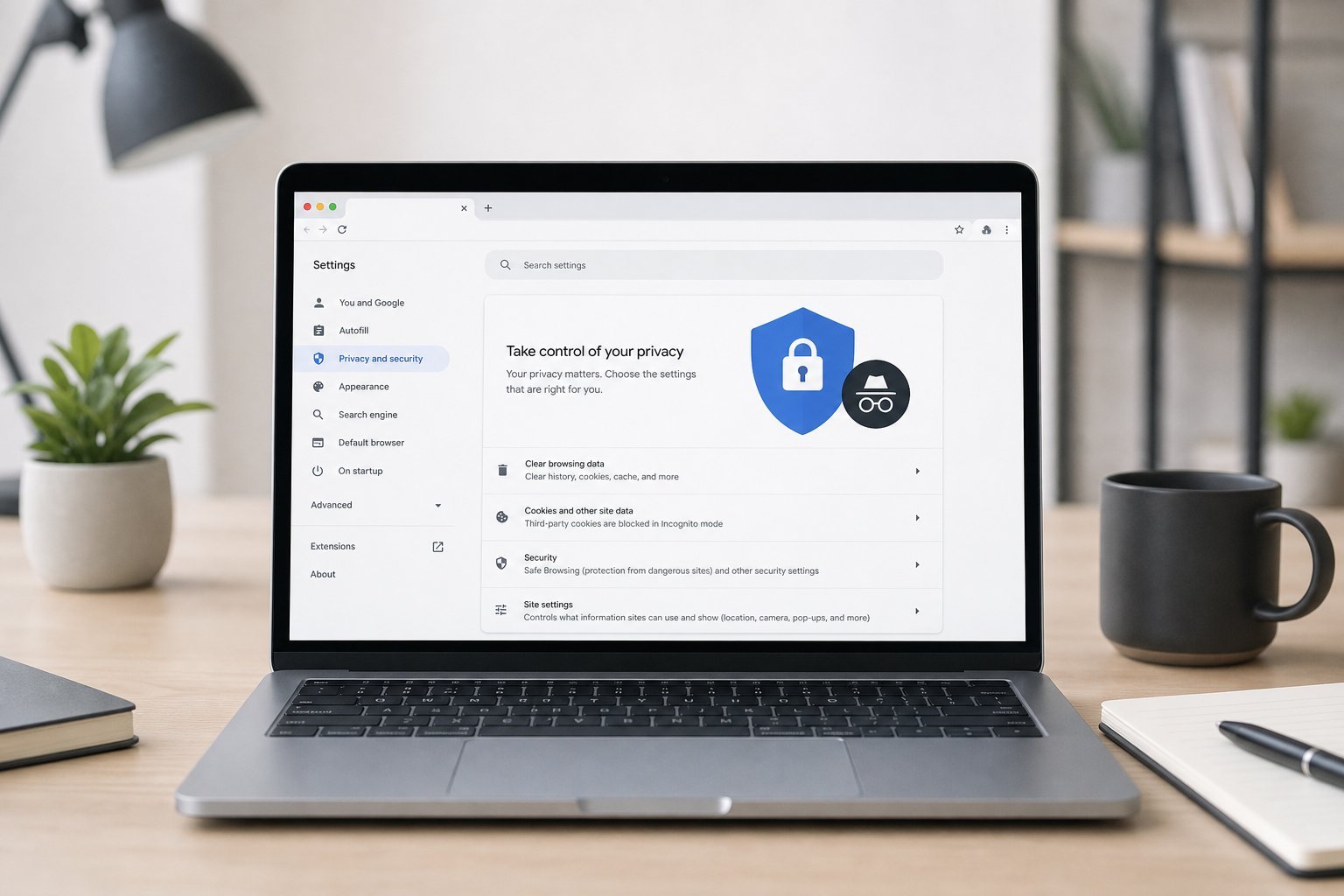
Everything you do online generates data — your searches, your purchases, your location, your likes. Companies collect and use this data, and it's natural to wonder: who has my data, and what are they doing with it? Understanding data and privacy helps you make informed choices about what you share.
This guide explains data collection in plain terms — what's collected, why, and what you can do about it.
What data is collected
Here's the data companies commonly collect:
Data collection is widespread — account, activity, device and behavioral data are the common categories. Understanding what's collected is the first step to managing it.
Why it's collected
Why do companies collect all this data?
Data is collected for service, improvement, personalization and advertising. Advertising is the biggest driver — which is why much of it is collected.
What you can control
You have more control than you might think:
💡 The control reality
You can't stop all data collection, but you can reduce it significantly. Review privacy settings, turn off ad personalization, limit what you share and grant access, use privacy tools, and review/delete your data. Perfect privacy isn't the goal — informed control is. You decide how much to share.
✨ Start with ad personalization
One of the easiest wins is turning off ad personalization on the platforms you use. It reduces the most commercially-driven data collection and often takes a minute in settings. Combine it with blocking trackers and reviewing app permissions, and you'll meaningfully reduce your data exposure.
📌 Bottom line
Companies collect account, activity, device and behavioral data — for service, improvement, personalization and, above all, advertising. You can't stop all of it, but you can control much of it: review privacy settings, turn off ad personalization, limit what you share and grant access, use privacy tools like tracker blocking, and review or delete your data. You don't need perfect privacy — just informed control over what you share.