Your photos are some of your most personal data — they capture your face, your home, your family and your life. So it's no surprise that photo privacy matters. But most people don't think about where their photos go, who can see them, or what metadata they contain.
This guide covers how to keep your photos private and safe — both the ones on your device and the ones you share.
What we'll cover
Protect photos on your device Share photos safely The hidden data in your photos Photo cloud privacyProtect photos on your device
Your phone's camera roll is private by default — until it's not. Here's how to keep it protected:
Keeping your phone locked and using a hidden album for sensitive photos covers the basics of on-device photo privacy.
Share photos safely
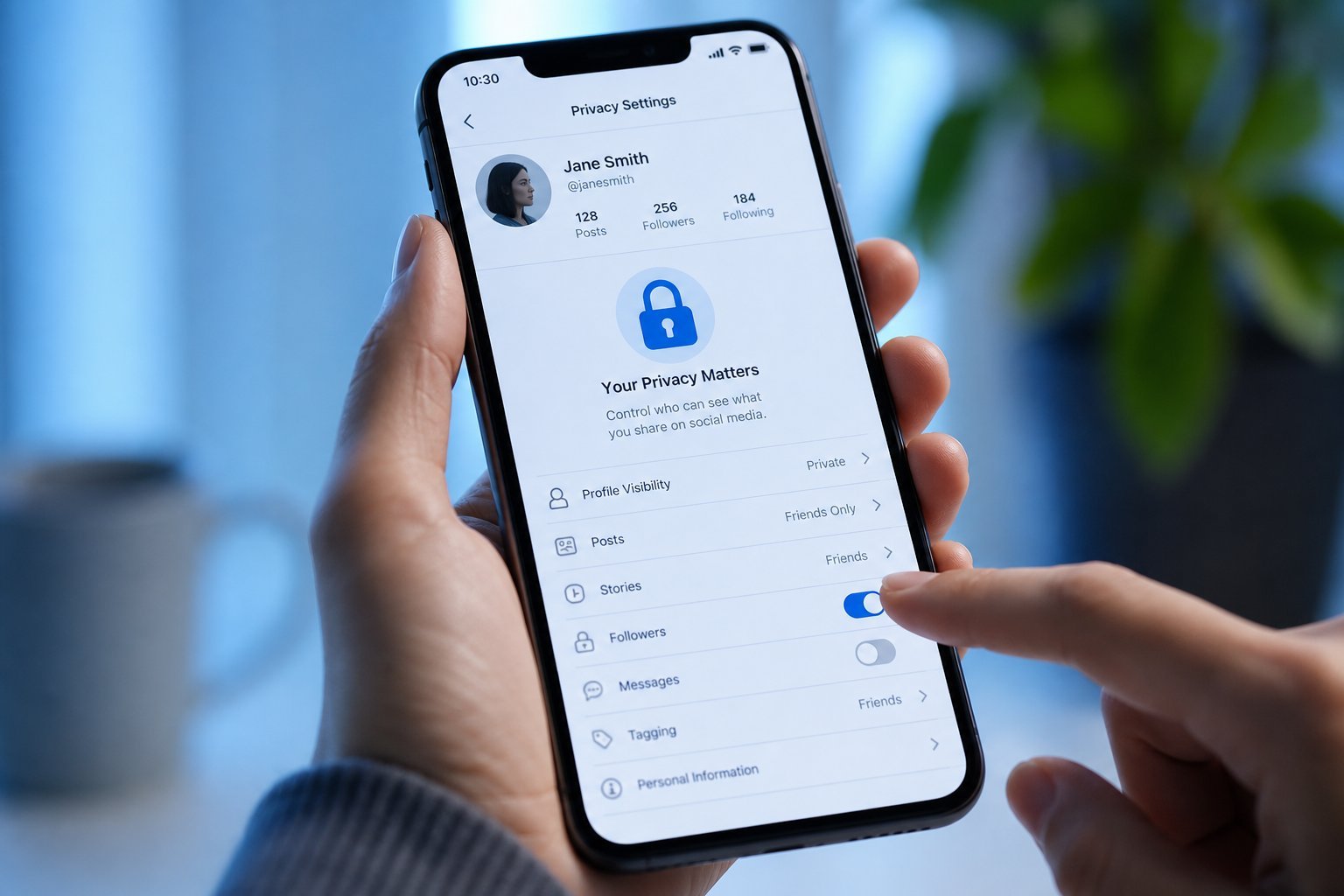
Sharing photos is fun, but it's worth being intentional about it:
Intentional sharing — to the right people, in the right way — keeps your photos from reaching unintended audiences.
The hidden data in your photos
Here's something most people don't know: your photos contain hidden "metadata" — details like the location and time they were taken. When you share a photo, you can unintentionally share this too.
- Location data. Many photos embed GPS coordinates showing where they were taken.
- Device and time info. Photos can reveal when and what device took them.
- Why it matters. Sharing a photo taken at your home can reveal your address. A "current" photo reveals where you are right now.
✨ Remove location before sharing
Before sharing a sensitive photo, consider removing its location data. Most photo apps let you strip location, and many social platforms strip it automatically when you post. If you're sharing a photo taken at home, it's worth checking whether the location is embedded.
Awareness of photo metadata lets you decide what to reveal when you share.
Photo cloud privacy
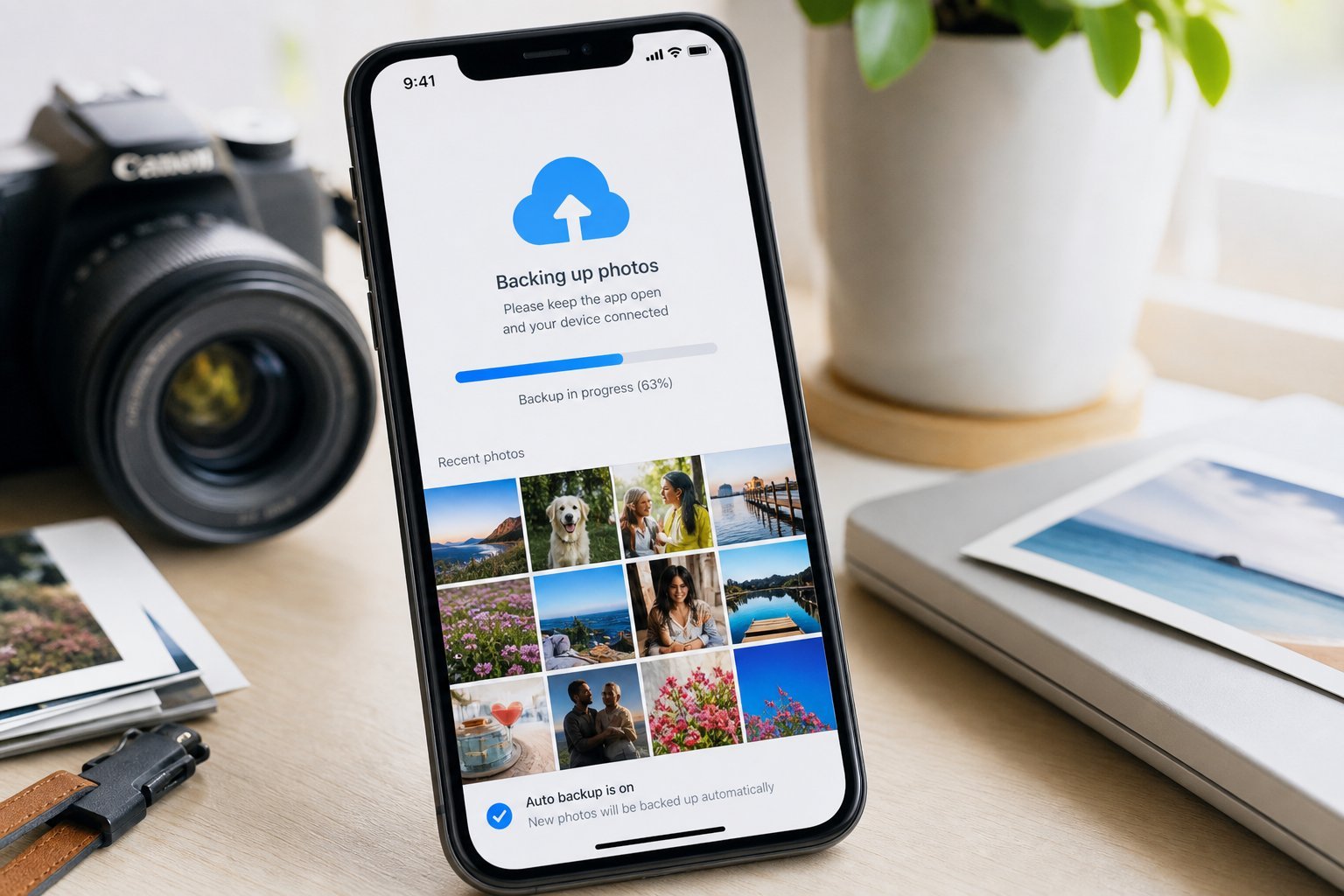
When you back up photos to the cloud, they live with a company. Here's how to manage that responsibly:
Backing up to the cloud is wise for protecting against device loss (see our backup guide) — just secure your account and understand the service's privacy.
📌 Bottom line
Your photos are personal, so protect their privacy. Lock your phone and use a hidden album for sensitive shots. Share photos intentionally — with specific people, restricted links, and without posting sensitive images publicly. Be aware of hidden metadata (especially location) that can leak details when you share. And secure your photo cloud account with a strong password and two-factor authentication. A little awareness and a few habits keep your photos private and safe.