Running out of storage is a familiar frustration — on your phone, your laptop, your tablet. And it's even trickier when you have multiple devices with different amounts of space. But there's a smart way to manage storage across all your devices: knowing what goes where, using cloud wisely, and keeping things decluttered.
This guide explains how to manage storage across your devices so you never get caught short.
Know what's taking space
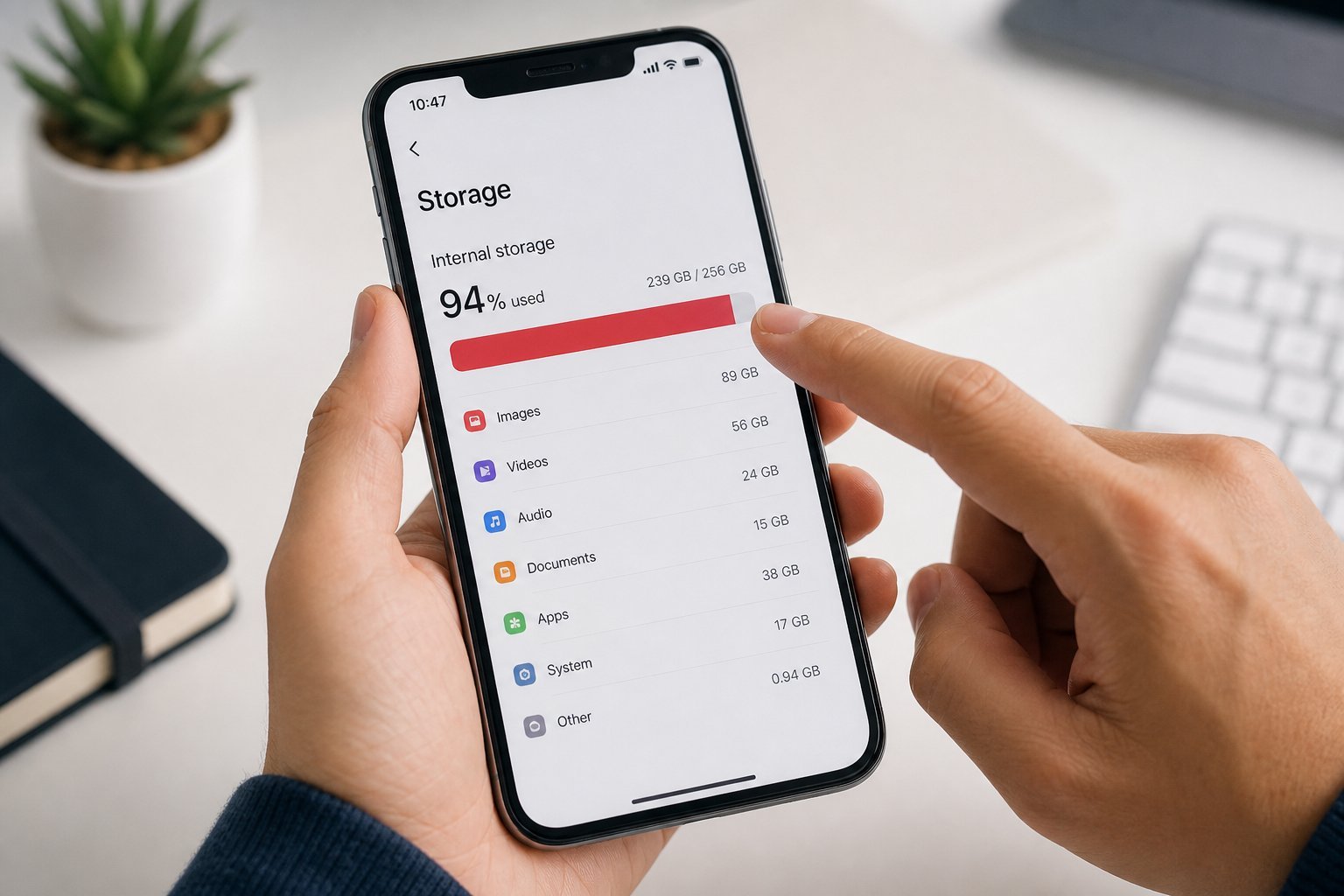
The first step is understanding what uses your storage:
Knowing what's taking space on each device is the foundation of storage management. Check the breakdowns on your phone, laptop and tablet.
Use the cloud wisely
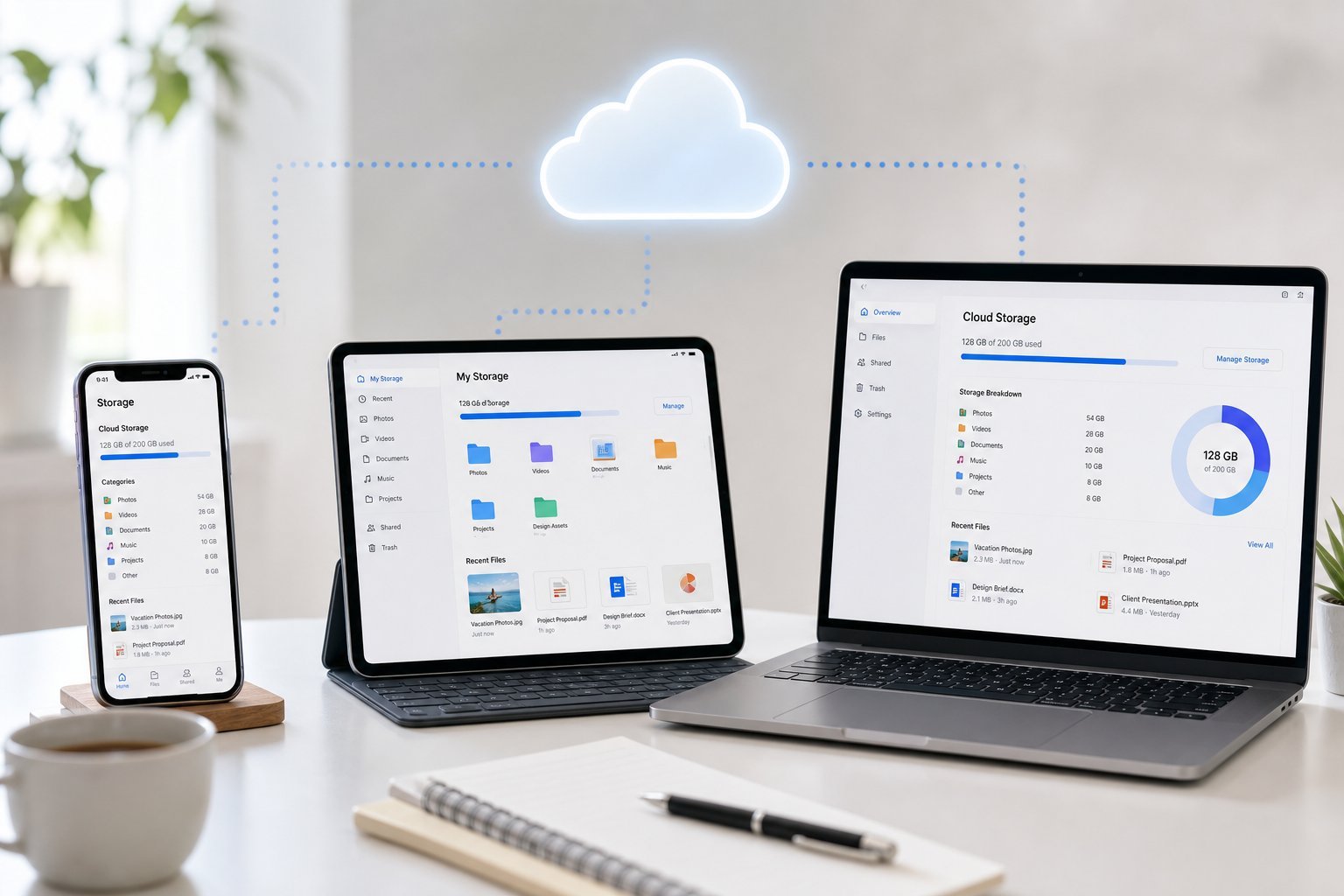
The cloud is the key to managing storage across devices:
💡 The cloud strategy
Use the cloud as your central storage: back up photos, store large files, and keep files you need everywhere in cloud storage. Then free space on individual devices. This way, you don't need huge storage on every device — the cloud holds what you don't need locally. Just be aware of cloud limits.
Declutter across devices
Regular decluttering keeps storage manageable:
✨ The monthly storage tidy
Once a month, spend a few minutes on each device: clear caches and downloads, delete unused apps and files, and move anything you don't need locally to the cloud. This simple habit keeps storage manageable across all your devices and prevents "storage full" surprises.
📌 Bottom line
Manage storage across devices by knowing what's taking space on each, using the cloud wisely (back up photos, store large files, keep shared files in the cloud), and decluttering regularly. Back up photos to the cloud so you can free device space; store big files in the cloud rather than on every device. Do a monthly storage tidy across your devices. With the cloud as your central storage and a decluttering habit, you'll never get caught short.