๐Ÿ HighTechBee โ€” practical tech help, in plain English.
โœ๏ธ Write for us ๐Ÿ“ฉ Contact โ˜€๏ธ โ— Updated daily

Should You Use a VPN at Home? The Honest Pros & Cons

PS
Priya SharmaSecurity researcher ยท HighTechBee Editorial
Should You Use a VPN at Home? The Honest Pros & Cons

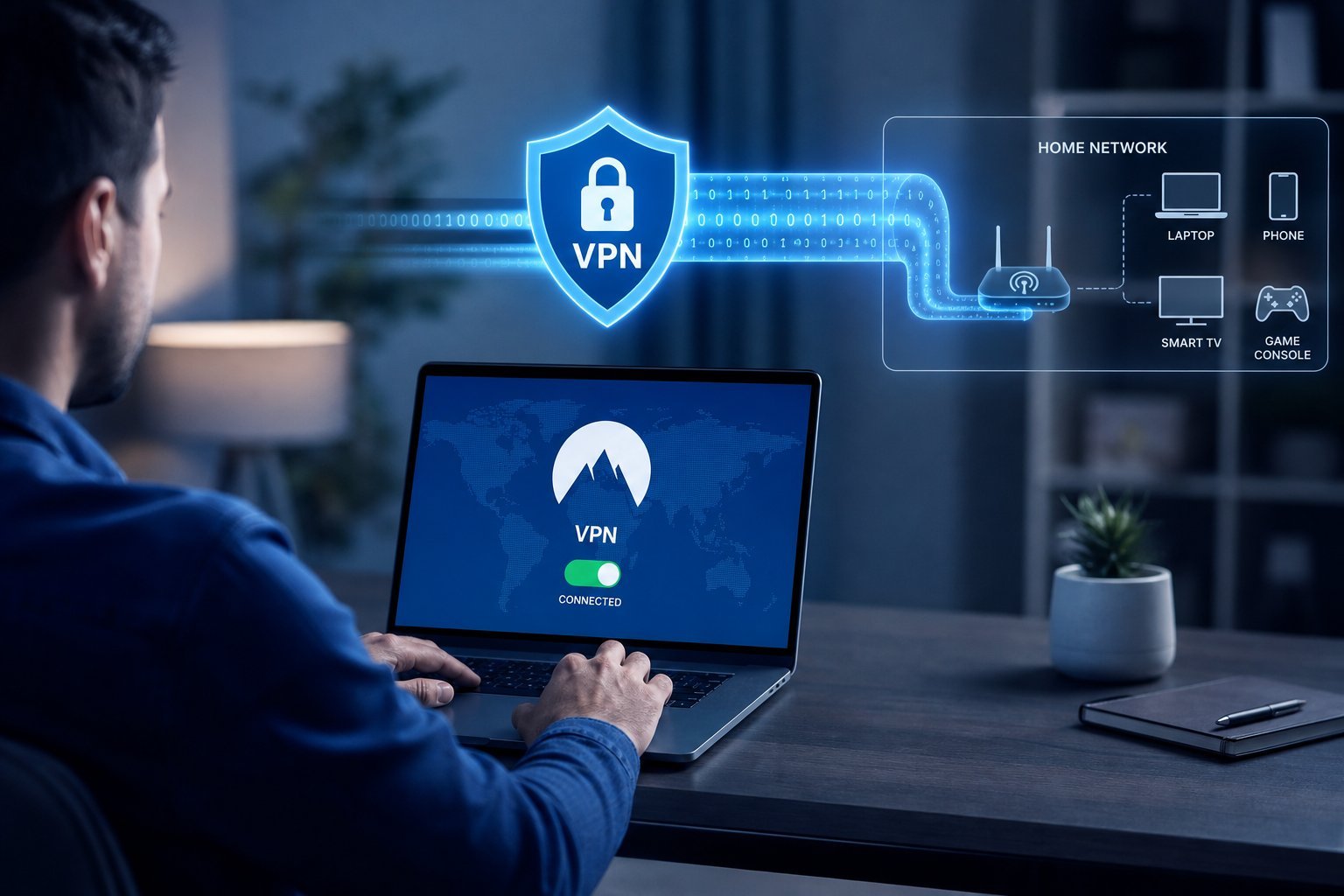
We've explained what a VPN does and how it helps on public Wi-Fi. But many people wonder: should I use a VPN at home too? The answer isn't a simple yes or no โ€” it depends on your privacy priorities and internet habits.

This guide covers whether a VPN is worth it at home, the benefits and trade-offs, and how to decide.

The benefits at home

Using a VPN at home has real benefits:

  • Privacy from your internet provider. A VPN hides your browsing activity from your ISP (see our VPN guide).
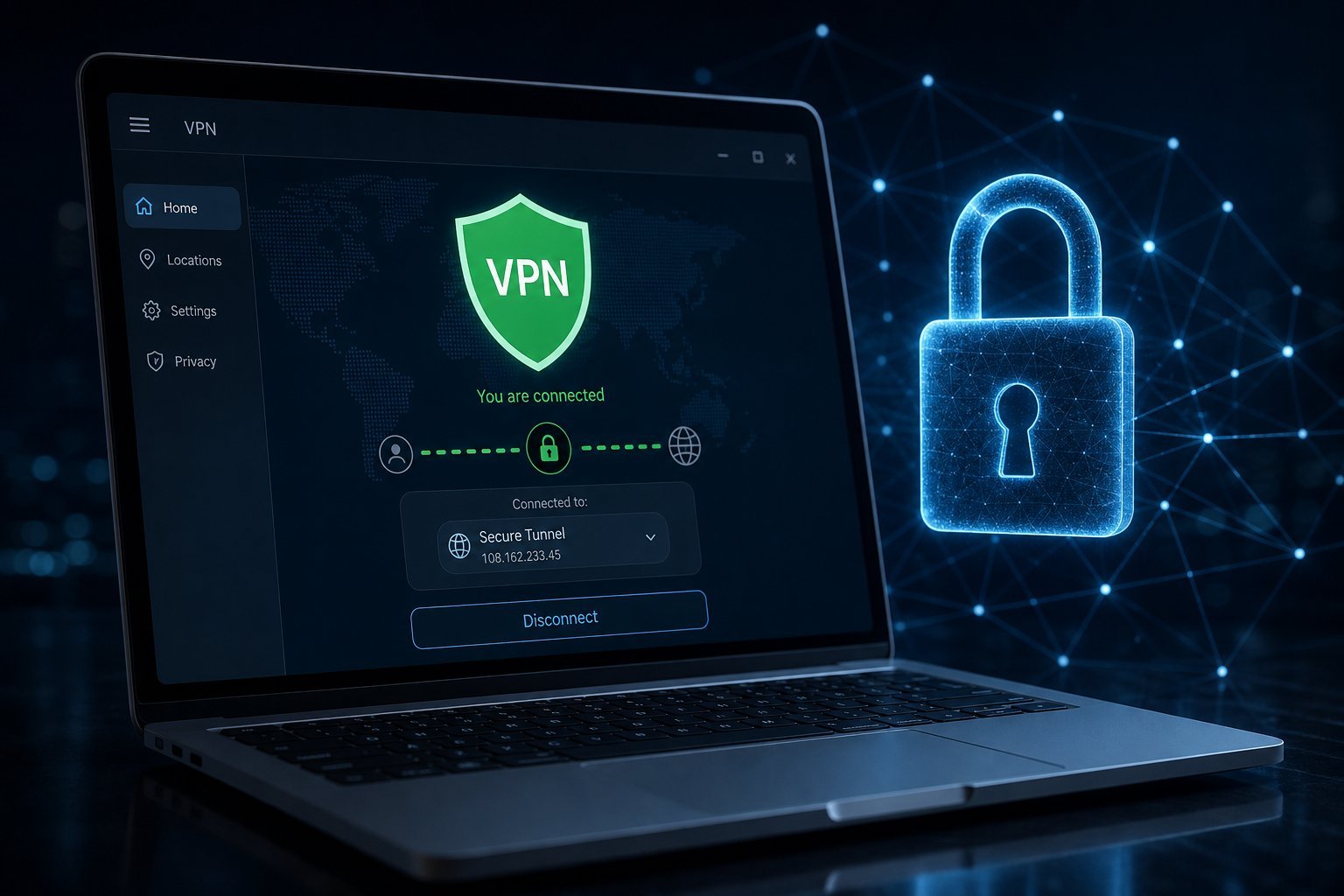
  • Encryption on your network. Even at home, a VPN encrypts your connection, adding a layer of security.
  • Bypassing geo-restrictions. A VPN lets you access content available in other regions (with awareness of terms).
  • Protection on shared networks. If you have guests or many devices, a VPN adds privacy.
  • The main benefit at home is privacy from your internet provider and an extra layer of encryption. If that matters to you, a home VPN is worthwhile.

    The trade-offs

    There are downsides to consider:

  • Speed. A VPN routes your traffic through a server, which can slow your connection slightly (see our VPN guide).
  • Convenience. You have to remember to connect it, though many VPNs can run always-on.
  • Compatibility. Some services (streaming, banking) may block or flag VPN traffic.
  • Cost. A reputable VPN is a subscription.
  • The trade-offs โ€” speed, convenience, compatibility and cost โ€” are worth weighing. For many people at home, the privacy benefit isn't worth these costs for everyday use.

    How to decide

    Here's how to decide whether a home VPN is right for you:

  • Consider your privacy priorities. If you value hiding your browsing from your ISP, a VPN helps.
  • Consider what you do online. For sensitive browsing, a VPN adds privacy. For everyday streaming and shopping, the benefits are smaller.
  • Consider your threat model. At home, your network is (hopefully) secure already (see our Wi-Fi guide). The VPN adds privacy from your provider, not security from an attack.
  • Start with the free tiers or a trial. Try a reputable VPN and see if the speed/benefit balance works for you.
  • Remember the honest view. For most people, a VPN at home is optional โ€” a privacy tool, not a necessity.
  • ๐Ÿ’ก The honest take

    At home, a VPN is a privacy tool, not a security necessity โ€” your home network is already secured by WPA2/WPA3 (see our Wi-Fi guide). The main benefit is hiding your browsing from your internet provider. If that matters to you, it's worth it; if not, you don't need it for everyday use. Weigh the speed and convenience trade-offs before subscribing.

    โœจ The "do I need it?" test

    Ask: "Do I care that my internet provider can see which sites I visit?" If yes, a home VPN is worth it. If not, you can skip it for everyday use and just use a VPN on public Wi-Fi. It's a privacy preference, not a requirement.

    ๐Ÿ“Œ Bottom line

    Using a VPN at home is about privacy, not security โ€” your home network is already secured. The main benefit is hiding your browsing from your internet provider and adding an encryption layer. Consider the trade-offs: some speed loss, convenience, possible compatibility issues with streaming/banking, and subscription cost. If hiding your activity from your provider matters to you, a home VPN is worth it; otherwise, it's optional for everyday use. Weigh your priorities and try a reputable VPN before committing.
    #vpn#home#privacy#security#decision
    PS

    Priya Sharma

    Security researcher

    Part of the HighTechBee editorial team. Priya Sharma writes practical, beginner-friendly tech guides that solve real everyday problems.