๐Ÿ HighTechBee โ€” practical tech help, in plain English.
โœ๏ธ Write for us ๐Ÿ“ฉ Contact โ˜€๏ธ โ— Updated daily

Smart Home Security: Keep Your Connected Home Safe

EN
Emily NovakSmart home reviewer ยท HighTechBee Editorial
Smart Home Security: Keep Your Connected Home Safe

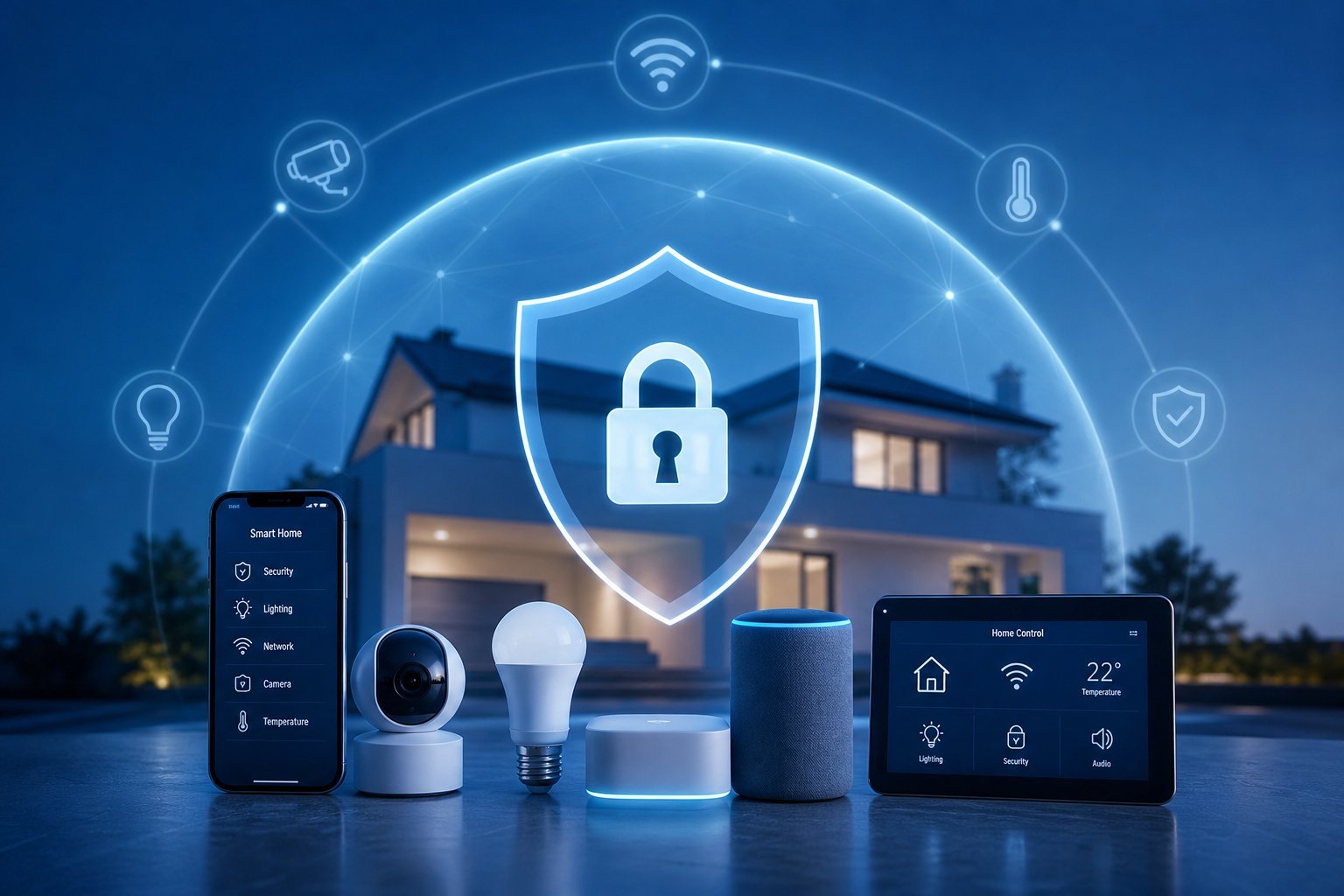
Smart home devices โ€” speakers, cameras, locks, lights โ€” make life more convenient, but they also add new security considerations. Every connected device is a potential entry point into your network, and a compromised smart home is a real privacy and security risk. The good news: securing your smart home is straightforward with a few habits.

This guide covers how to keep your smart home secure โ€” from securing your network to managing devices safely.

Secure the foundation

Your smart home devices all connect to your network, so securing the network is the foundation:

  • Secure your Wi-Fi. Strong password and WPA2/WPA3 encryption (see our Wi-Fi guide).
  • Use a separate guest network for smart devices and guests, keeping them off your main devices (see our guide).
  • Update your router firmware regularly (see our updates guide).
  • Change default admin passwords on your router.
  • A secure network is the foundation of a secure smart home. If the network is compromised, every device on it is at risk.

    Secure your devices

    Each smart device should be secured individually:

  • Change default passwords on every smart device โ€” many ship with default or weak credentials.
  • Enable two-factor authentication on your smart home accounts (see our 2FA guide).
  • Keep devices updated. Smart device updates patch security holes (see our updates guide).
  • Disable features you don't use. Turn off remote access or sharing you don't need.
  • Buy reputable brands. Well-known smart home brands generally have better security than no-name ones.
  • ๐Ÿ’ก The device rule

    Treat every smart device as a potential entry point. Change default passwords, enable 2FA on accounts, keep devices updated, and disable unused features. Reputable brands and regular care make your smart home far more secure.

    Manage privacy

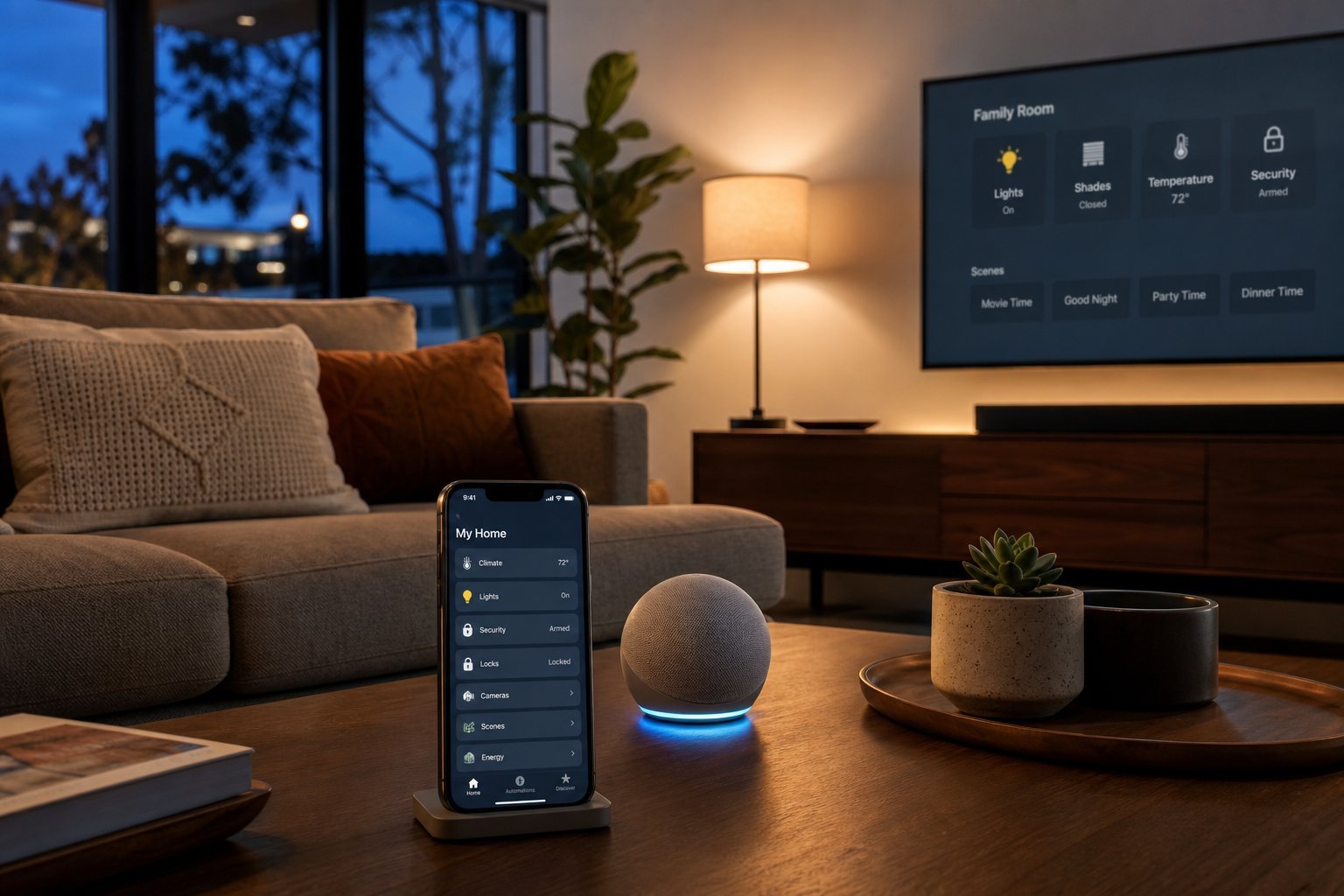
    Smart home devices often have microphones and cameras, so privacy needs attention:

  • Review what devices record. Cameras and speakers may record audio/video โ€” know what's captured and stored (see our privacy guide).
  • Use mute buttons. Smart speakers have physical mic-off buttons โ€” use them when you want privacy (see our speaker guide).
  • Point cameras at your property, not your neighbors' or private spaces (see our camera guide).
  • Review permissions and data. Know what each device collects and shares.
  • Privacy is about being deliberate with devices that record. Use mute buttons, point cameras responsibly, and understand what's recorded.

    Review regularly

    Smart home security isn't a one-time task โ€” it needs occasional review:

  • Audit your connected devices. List what's on your network and remove what you don't use.
  • Check for unknown devices and revoke access to anything you don't recognize.
  • Review app permissions and revoke what's unnecessary.
  • Update everything periodically.
  • Revisit settings after adding new devices.
  • โœจ The periodic smart-home audit

    Every few months, review your smart home: check which devices are connected, update their software, review privacy settings, and remove anything you don't use. This keeps your smart home secure as it grows. It takes 15 minutes and prevents small issues from becoming risks.

    ๐Ÿ“Œ Bottom line

    Securing your smart home is about securing the foundation and each device. Start with a secure Wi-Fi network, use a guest network for smart devices, and keep the router updated. Secure each device โ€” change default passwords, enable 2FA, keep them updated, and buy reputable brands. Manage privacy by reviewing what devices record, using mute buttons and placing cameras responsibly. Review your smart home regularly to keep it secure as it grows.
    #smart-home#security#privacy#devices#network
    EN

    Emily Novak

    Smart home reviewer

    Part of the HighTechBee editorial team. Emily Novak writes practical, beginner-friendly tech guides that solve real everyday problems.